Lightroom and ACR Tutorials

NEW features in Lightroom Classic 9.3 June 2020 HUGE update! Learn how to use all the new Lightroom Classic features.

Why Panoramas? Panoramas, or panos are a great way to do a couple of things. First of all, they make it possible to photograph a subject that is too big to fit in a single image. You shoot multiple images and then stitch them together into a seamless panorama. Panoramas can be either horizontal or […]
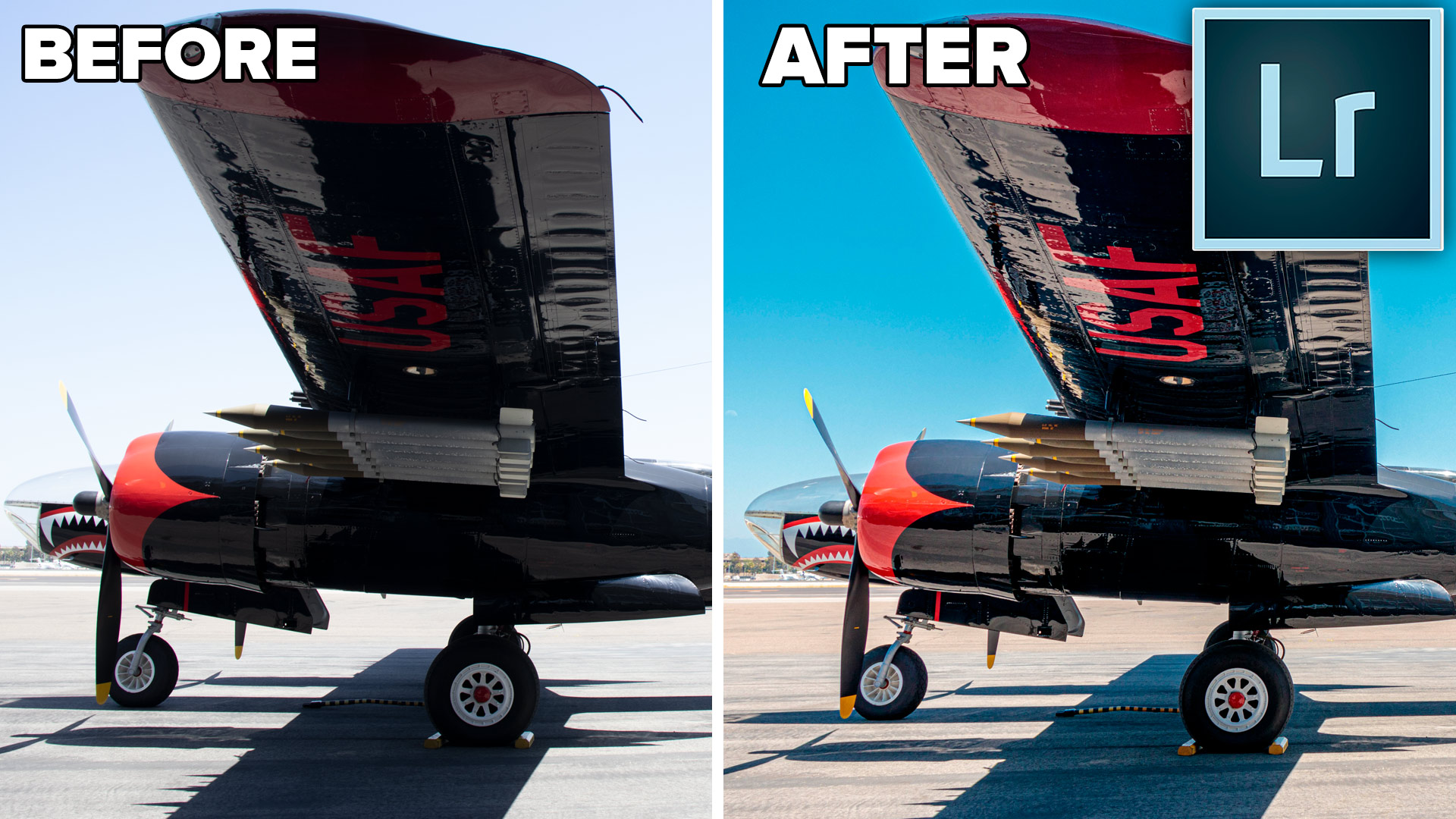
How to fix a photo shop in harsh sunlight in Lightroom or Photoshop

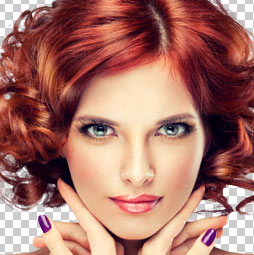
How to retouch a portrait photo in Lightroom or Camera RAW. This Lightroom tutorial shows how to smoothen skin, whiten teeth, enhance eyes, remove blemishes and make hair as smooth as silk.

NEW Lightroom features in Lightroom Classic 8.3 and Lightroom 2.2. Colin Smith explained the new texture slider in depth and shows you how to use it to smoothen out skin and hair as well as make details pop in landscape and drone photos. See how Texture works in Lightroom and Camera Raw and discover what makes it different than clarity.
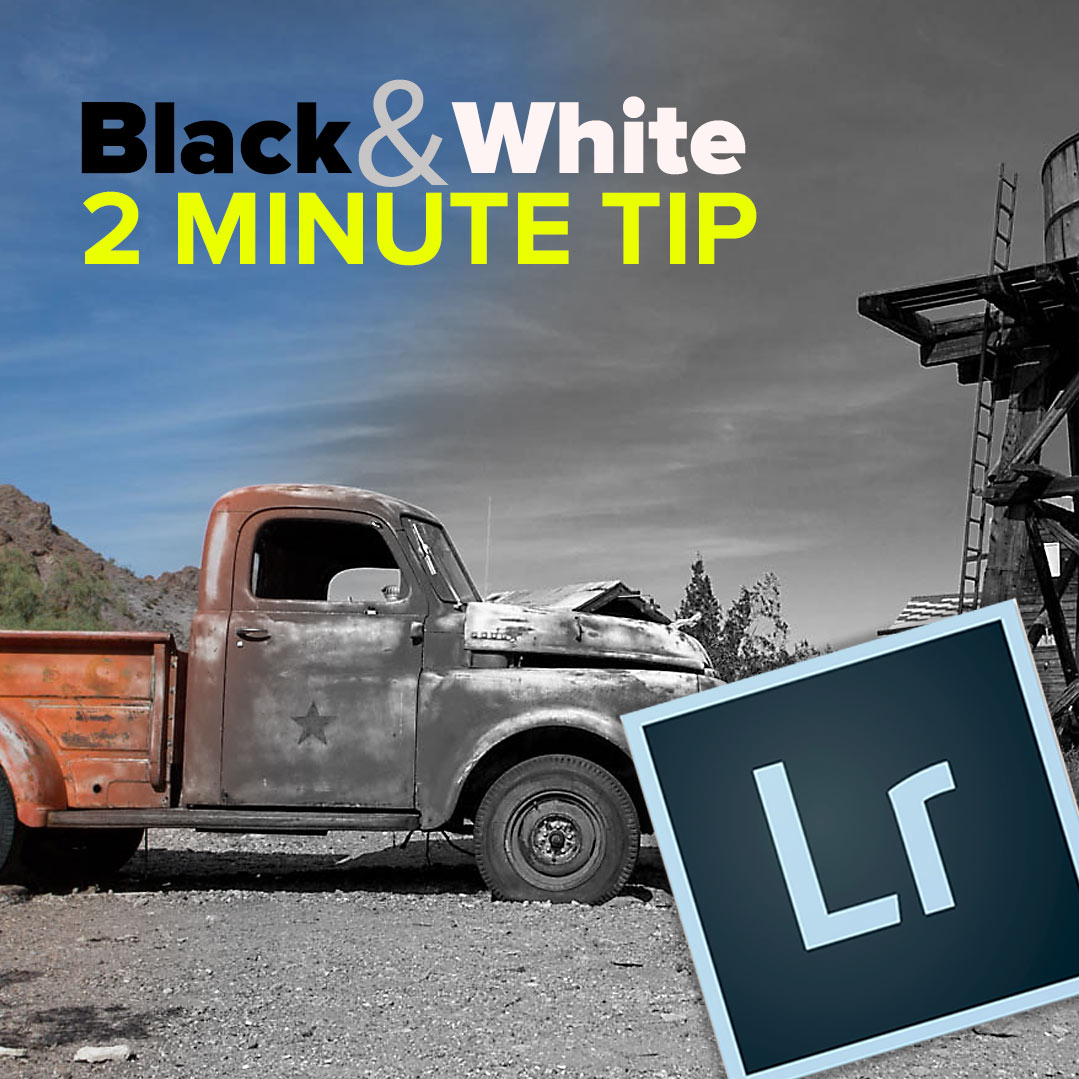
How to get the best Black and White conversion in Lightroom in 2 minutes Here is a quick tip for making black & White photos in Lightroom, including a slider that makes a bigger difference than any of the others. The weird thing is this slider isn’t a black and white slider. I hope you […]

New features in Lightroom Classic 8.2 and Lightroom CC 2.2 2019 Feb update. Here is a walkthrough and demo of all the new Lightroom features. If you are confused about the difference between Lightroom Classic and Lightroom CC see this Lightroom Classic 8.2 There are 2 new features in this release. Enhance details and […]
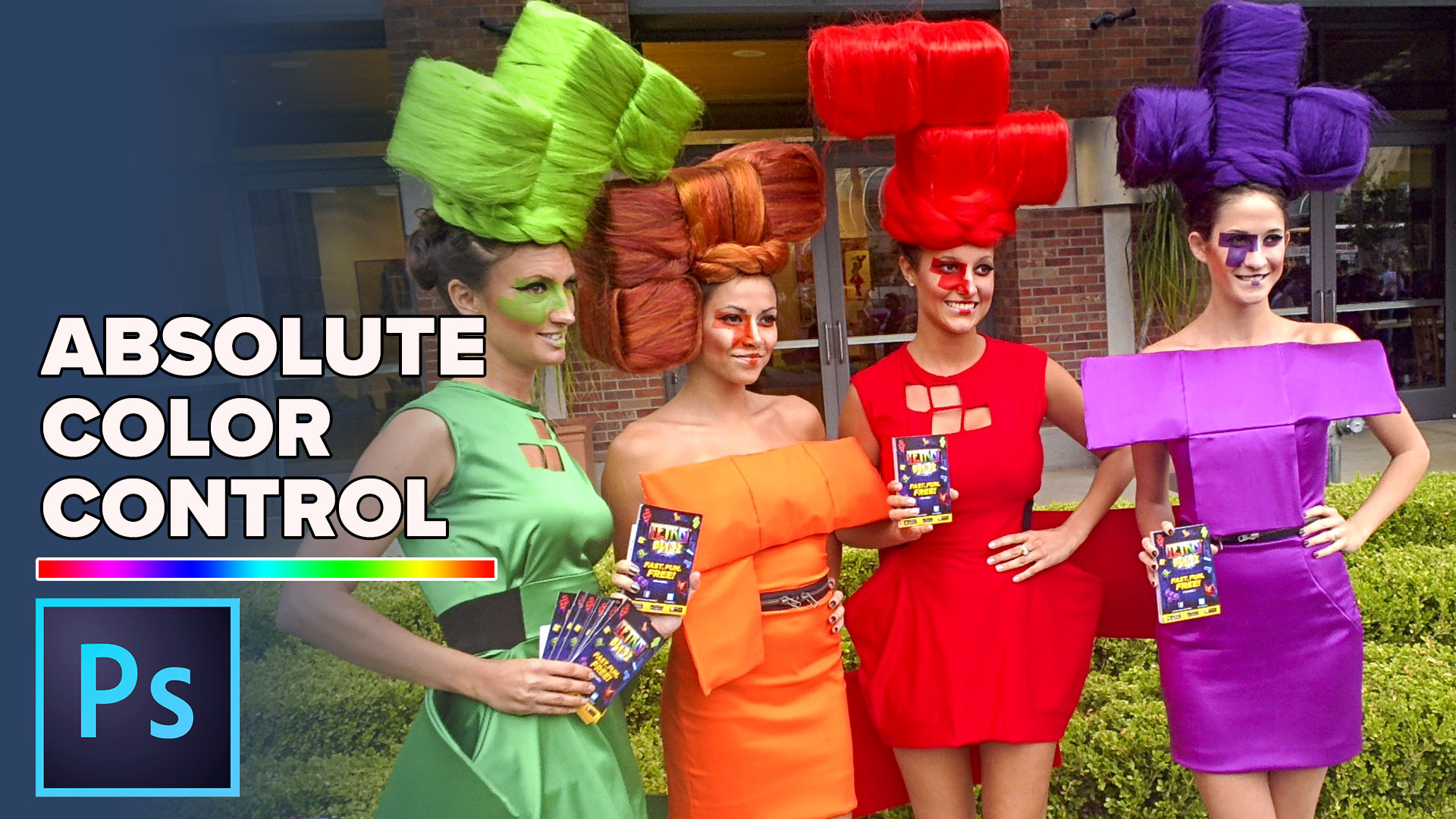
Few people Use or understand HSL. This Photoshop tutorial will help you understand and use these amazing color controls for your photographs.

Learn all the new features in the December 2019 update to Lightroom Classic

New Features in Lightroom 8 / Lightroom Classic CC 2019 This video goes through the new features in the latest 2019 update of Lightroom Classic. These changes also apply to Camera Raw. See HDR Panoramas, Depth Map Masking, heic support, better camera tethered support, Process engine 5 and more. Learn all the new features […]

Lightroom Classic how to load color profiles into Lightroom and Camera RAW. Get a free Lightroom Profile Pack.
New Lightroom CC, project Nimbus is now CC 2018. New feature tour and tutorial on synching and using Lightroom CC with mobile devices, desktop and web apps.
New features of Lightroom Classic CC, speed and range masking tutorial, See the range mask in action on the brush, gradient and radial tools in Lightroom.

What is the difference between Lightroom Classic, Lightroom CC and what do I do? All the new Lightroom changes, features and plans explained here.

5 editing secrets in Lightroom. 5 tips in 4 minutes to help you get the most out of your Lightroom photo editing.