
Absolute control of photo colors using HSL in Photoshop and Lightroom
How to get absolute control over your color and really make them pop in Photoshop and Lightroom using HSL. When I ask around, I’m surprised how few people Use HSL an even more surprised that even less understand how to use these extremely powerful sliders in Camera Raw and Lightroom. This Photoshop tutorial will help you understand and use these amazing color controls for your photographs.
I hope this tutorial helps you to understand and Use HSL in Photoshop and Lightroom.
- (H) Hue = The color itself
- (S) Saturation = The amount of the color
- (L) Luminance = The lightness of the color
Watch the video above to see these tools in action, I show you both Camera Raw (in Photoshop CC) and the HSL in Lightroom Classic. They essentially work the same, but the smart selector is a little different in each. These sliders can be used to target particular colors, such as sky or grass, HSL can be used to correct specific colors and even skin tones. It’s a great tool that should be firmly embedded in your workflow.
Thanks for checking it out! It’s great to see you here at the CAFE.
Don’t forget to Subscribe for more tutorials and drop a comment.
Colin
Recommended for this tutorial
Learn Masks in Lightroom and Camera RAW
Make precise local adjustments in Lightroom and Camera Raw with every type of mask.
$59.99 · one-time purchase · instant download

Free for you
The Photoshop Vault
Get my free Layer Blending Modes ebook along with dozens of exclusive Photoshop goodies: actions, brushes, presets and cheat sheets.
You're on the list, so your free goodies are waiting for you in the Vault.
Get Free Photoshop Goodies Open the Vault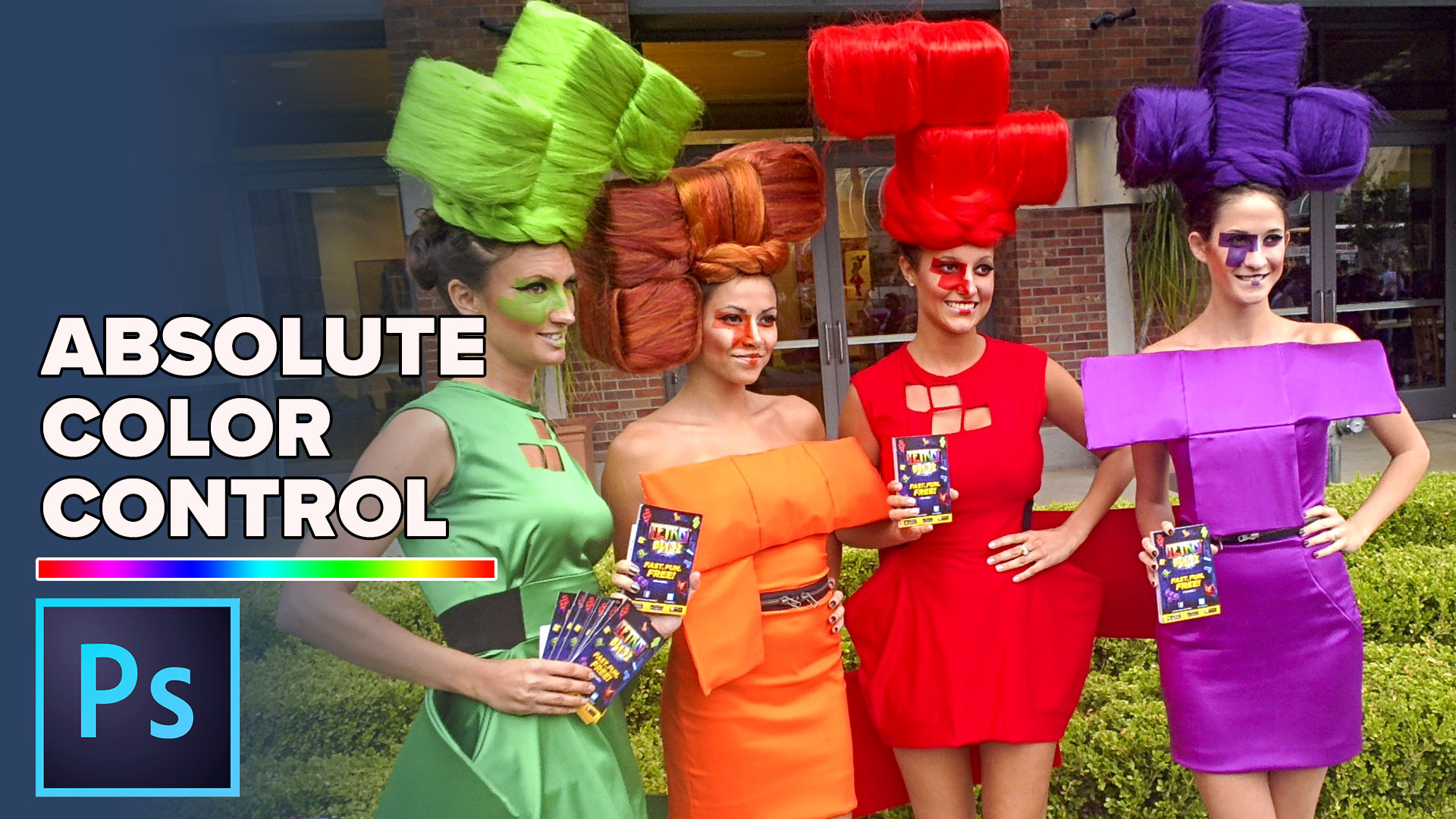
Ultimate Guide to ACR Lightroom Color Grading Tool
Complete guide to Color grading in Lightroom and Adobe Camera RAW, all settings explained and applied to different types of photos Read tutorial
How to create a split tone coloring effect in Lightroom
A popular coloring effect is the split tone. This can be used to create many vintage film looks that people love. Here... Read tutorial
Curves in Photoshop explained Photoshop Tutorial
Here is a beginner to intermediate tutorial on how to use curves in Photoshop. Curves are feared by many, but they don't... Read tutorial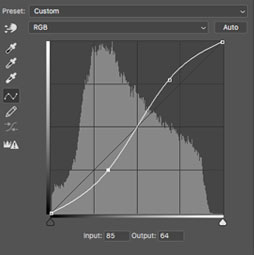
How to use Curves in Photoshop for tone and color tutorial
How to use Curves in Photoshop, How Photoshop curves work and how to adjust color and brightness on photographs. Using Photoshops most... Read tutorial
When Photoshop changes your colors, Color Spaces explained
When Photoshop changes your colors, Color Spaces explained Read tutorial









I use the Bridge then Camera Raw then PhotoShop. Don’t use LR, too complicated with that catalogue.
I do not use light room at all. I use Photoshop Elements with ACR and Topaz and other plugins. I sometimes use HSL in did not understand it we. I often use Levels in PSE. I have touble with color so using HSL would be very helpful.
Your videos help me to create amazing family photos, but I can’t get a satisfactory print from my printer. Can you suggest a printer for home use, or a method, that will help me get a printout of what I see on screen?
Check out the Epson P600, I should have a review up on the CAFE
I use both. Lightroom first basic processing and then over to Photoshop to use layers etc.
Hi Colin,
I use both LR and PS. I use HSL in both LR and ACR. I use the “All” Color setting, which you mentioned. Most of the time I use the TAT (Target Adjustment Tool) to find which colors are affected in the area I want to change. I also use it to change colors. Very useful for Autumn Photos.
Thanks,
Dennis
I use Lightroom and Photoshop. Great HSL tutorial. Thank you. I use it occasionally but I think I will now add it into my workflow more often.
Lightroom mostly for photo processing. Photoshop if any changes or modifications are required.
I’ve used the HSL tools extensively in Lightroom and the but was not aware that the slider “tool” was available in Photoshop for when you don’t know the color. Very helpful Tip. Thank you!
I am a user of Topaz Studio and ON1. I use the HSL settings in landscape shots, adjusting the sky, water and vegetation. Thank you for your experience.
That was great I use PS & LR until now hadn’t used HSL in PS but will try it ,thank-you .
Ditto Paul — Bridge, Camera Raw, finishing with PS. I have used HSL often — it’s great! Thanks for your very informative tutorials!
I use the saturation and luminance feature in HSL panel, but never hue. I noticed you use luminance first and wondered why. I usually use the saturation first.
Lightroom is my choice of editors. I do all my importing through LR since it’s an organizer. And most of my editing does not require layers and composting so LR is the faster way to go. Plus I can apply my adjustments from one photo to all the others that were shot under the same conditions. And some features, such as adding vignettes are easier in LR, at least for me. Then for major alterations I move to Photoshop.
I use Lightroom and Photoshop. Just confident enough to use the HSL adjusters.
I use both lightroom and PhotoShop. lightroom for post processes and photoshop for edits/ content aware, graphic artistry. I mainly use HSL in camera raw in photoshop.