
Complete Guide to ai in Photoshop 2026
Complete Guide to ai in Photoshop 2026
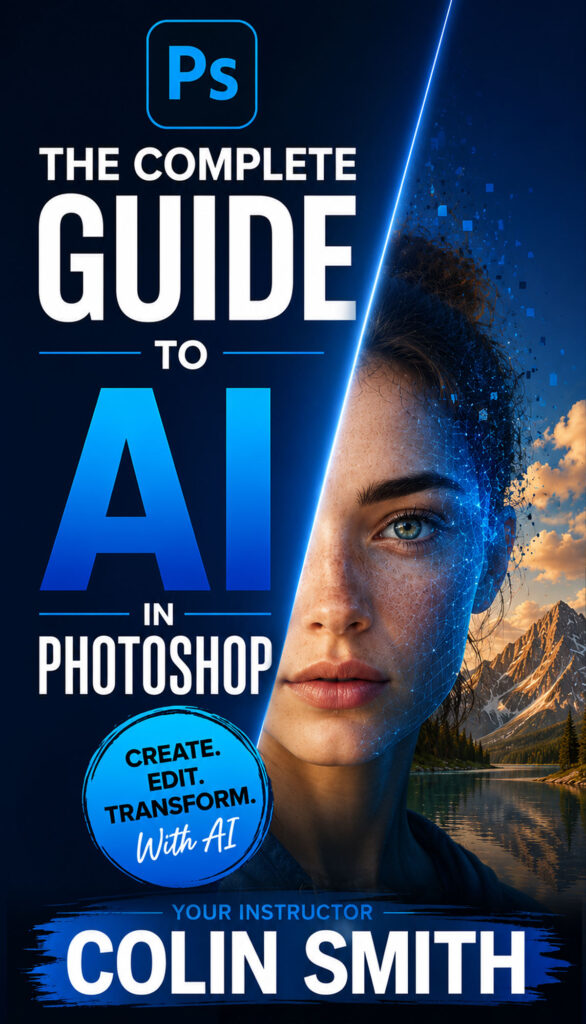
The Complete Guide to Photoshop AI
Confused by the speed of change and complexity in Photoshop ai? Don’t be! This course will have you comfortable and confident in no time!
AI has completely changed what’s possible in Photoshop — and it’s moving fast. Photoshop just had a major update and the ai workflows have completely changed. If you’ve been trying to keep up, or you’re not sure where to start, this course covers everything in one place.
The Complete Guide to AI in Photoshop 2026 is a 29-lesson course built around the AI tools that are actually in Photoshop right now. It goes beyond just generative ai and also includes the powerful new removal tools and the classic Neural filters (the ones that matter). Colin’s calm and conversational style, makes learning easy as he breaks down complex topics into easy to understand plain English.
The course goes way beyond just Generative fill, it’s organized into three sections. You’ll start with Photoshop’s general AI tools — including the powerful Remove tool and the new Find Distractions feature that automatically detects and removes clutter, people, and objects from any photo. Then you’ll move into Neural Filters — skin smoothing, photo restoration, depth blur — intelligent filters that do heavy work in a fraction of the time. Finally, the Generative AI section digs deep into everything from basic Generative Fill to advanced techniques like multi-reference generation, text-based editing without selections, and finally explains how to choose the right ai model for the job (with a 54 page illustrated PFD guide).
You will learn exactly which model to choose BEFORE you perform a task, so you aren’t wasting Generative credits guessing.
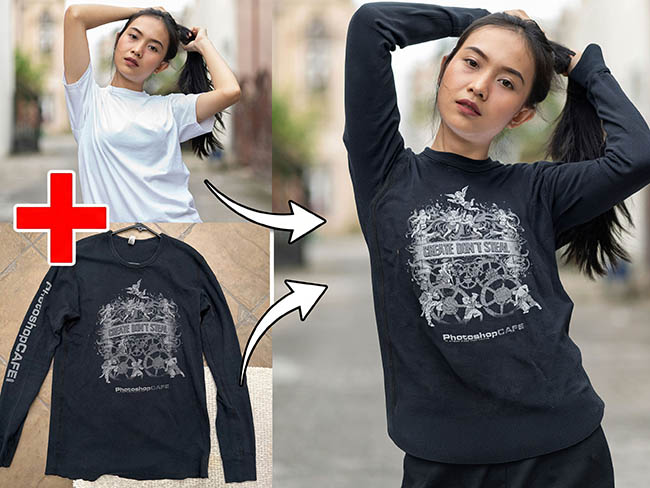
You’ll also learn how to change clothing, add realistic reflections, edit text in photos, expand images beyond their original frame, turn a flat photo into a posable 3D object, and transform photos into painted styles — all inside Photoshop, using AI tools that are available to you right now.
Every lesson comes with downloadable follow-along images so you can work through each technique in real time. Written guides (PDF) are included for the more complex topics, so you always have something to refer back to.
This course is designed for photographers, designers, and creators of all levels. If you’re new to AI in Photoshop, you’ll find it clear and easy to follow. If you’ve been using these tools for a while, you’ll pick up techniques and workflows you haven’t seen before.
Designed for Your Success
This course is built to be an stress-free, hands-on experience. You won’t just be watching; you’ll be doing. As you work through the lessons at your own pace, confusion will turn into confidence and frustration will turn into fun.
About Your Instructor
Learn from Colin Smith, the founder of PhotoshopCAFE, a best-selling author of 23 books, and a three-time Guru Award-winning digital artist. As a regular speaker at major industry events like Adobe MAX, WPPI, and Photoshop World, Colin has taught millions of creatives how to elevate their skills. Known for his clear, no-nonsense teaching style on the PhotoshopCAFE website and YouTube channel, Colin breaks down the most complex AI features into simple, highly practical steps you can use today.
Are you ready to modernize your editing workflow and unlock limitless creativity?
AI in Photoshop is only going to become more important. This course gives you a real foundation. One payment. No subscription. Download it and it’s yours to keep. You won’t find a course like this anywhere else.
Here's everything covered in the course — organized into three sections that take you from essential AI tools all the way through to advanced generative techniques.
GENERAL AI TOOLS IN PHOTOSHOP
- Introduction
What this course is and isn’t, how to use the course. - Remove Power Lines
One Click removal of wires and lines - Remove Distractions Basics
Using the ai Removal tool manually for spot and area removals - General Distractions
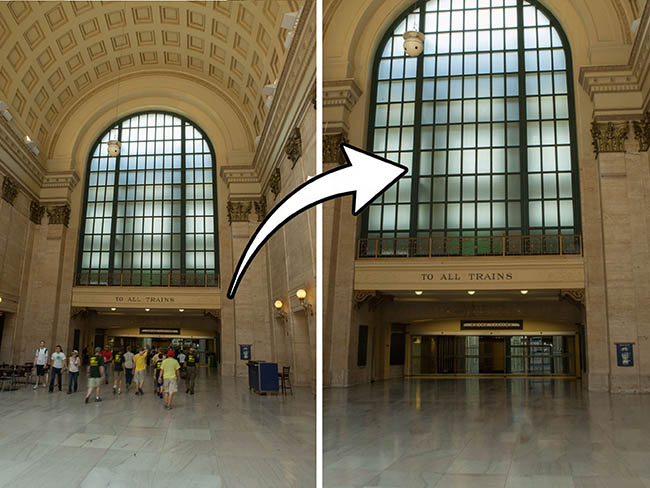
How to automatically detect and remove anything from a photo - Remove People and Distractions
How to use the different ai tools together to remove anything rapidly - Remove Reflections
Remove the reflections in glass windows - Harmonize
How to blend layers together and match lighting and color automatically - Rotate Object
Turn a flat photo into a fully posable 3d image that changes angle and perspective
NEURAL FILTERS
- Neural Depth Blur
Add a depth of field blur with auto generated depth maps - Skin Smoothening
Retouch skin instantly, remove blemishes for a smooth silky look - Restoring Photos and Scans
Remove scratches and damage from scanned photos, reduce grain
GENERATIVE AI
- Generative Credits
What are Generative credits and how much do they cost - Replace Background
Instantly change the location of your subject with background replacement - Generative Fill Basics
Make selections and add objects with a prompt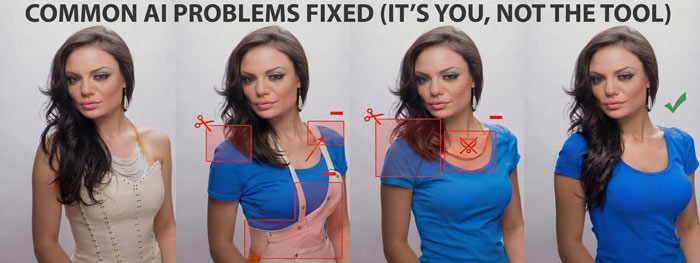
- Generative Expand
Expand an image beyond the original frame or change the orentation - Upscaling Resolution
How to upscale and image to increase its resolution - Using Prompts to Generate
How to build a successful prompt strategy - Add Reflections
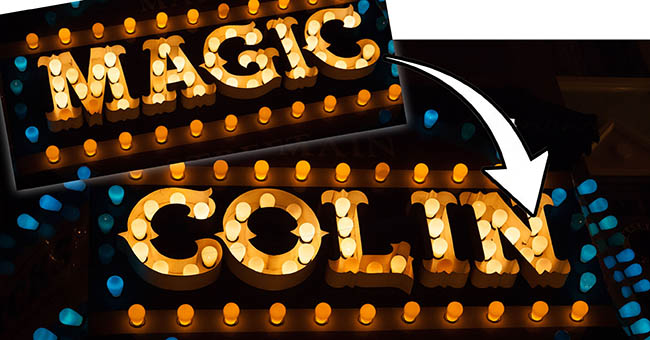
Add realistic reflections to a photo - Change Text in Photo
Change text in photos, even neon and signage - Generating into Images
How to add the exact objects you want in your photos

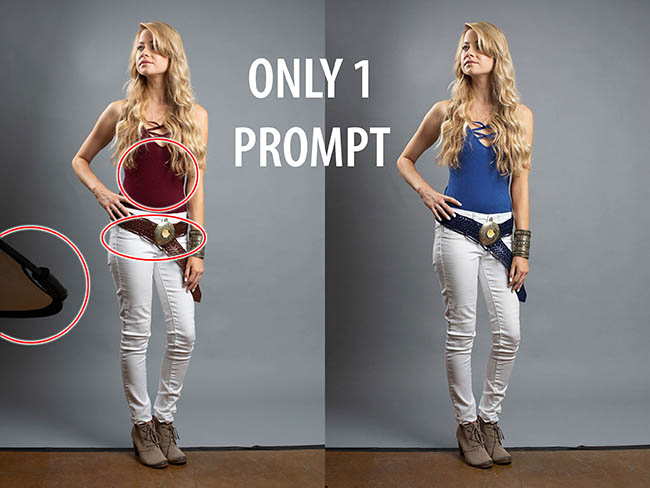
- Change Shirt Fix Problems
Change clothing, how to fix common inpainting errors for better results - Reference Image
How to use a reference image to generate exactly what you want from real life
- Generative Fill Models
What are generative models, how to choose which model to use, this is a big lesson - Nano Banana Reference Images
Use multiple reference images for a complex generation easily

- Text Based Insert
How to insert something into a photo without making selections - Text Based Edit
How to edit a photo without making selections. Multiple edits in a single prompt
- Photo to Watercolor
Change the style of an image with prompts - Make Yourself into an Action Figure
A fun example of a complex generation with text and various objects. How to put the right face on anything. - What next?
Now that you have learned all this valuable information, what do you do next?
Included Assets: Follow-along lesson files and printable written guides
Running time: 3.45 Hours
User Level: Beginner – Intermediate
No risk: 30 day satisfaction guarantee, or full refund.
$79.00



Eric H Johnson (verified owner) –
I’ve been exploring the use of Ai in Photoshop for a while, but in a haphazard way. This course is well organized
and takes you through the whole range of possibilities. If you want your learning to be more focused and efficient, this course is a great solution.
Judy Guenther (verified owner) –
I have enjoyed the AI assisted tools in Photoshop, but learning so quickly and so well about the newer tools and capabilities in Photoshop from this course is invaluable. Colin explains things simply, understandably, and well. And although I am not currently using all the capabilities in this course, I now have the perfect reference tool to use in the future. Super course!
Philip Tonkyn (verified owner) –
This guide is exactly what I’ve been waiting for. Now half way through, I’m like a child in a sweet shop. The creative possibilities are endless and, as a Photoshop user for some 25 years, it’s reinvigorated my love affair with photography. Thanks, Colin – you are the best!
Margaret A Wood (verified owner) –
I just bought this course because I wasn’t sure which ai model to use for the various things I want to accomplish . There are so many new features, I felt I was getting lost. I’ve watched almost all of the videos and now I “get it”. I know what to use for different scenarios. Colin sticks to the point, clear direction, good speed, and doesn’t share irrelevant information that I don’t need. Thanks for a really great course. I’ve been watching your videos for a few years now
Margaret Wood
Timothy MacKay –
🔥
Cor van der Linden (verified owner) –
Great course about AI use in Photoshop. Liked the short videos each about a single subject.