Newest Photoshop + LR Features
A record of every major Photoshop and Lightroom feature as it launched, from Photoshop CS3 in 2007 to the latest updates. It's part of the PhotoshopCAFE Photoshop Features Timeline.

Learn how to remove objects, shadows and reflections in Photoshop using Related Elements, improve results with Enhance and avoid wasting generative credits.

Learn how to use Relight Layer in Photoshop to change light direction, color and intensity, add multiple lights and match lighting in photo composites

Stop Nano Banana stretching selections in Photoshop with this Smart Object trick that also produces sharper, higher-quality AI results.
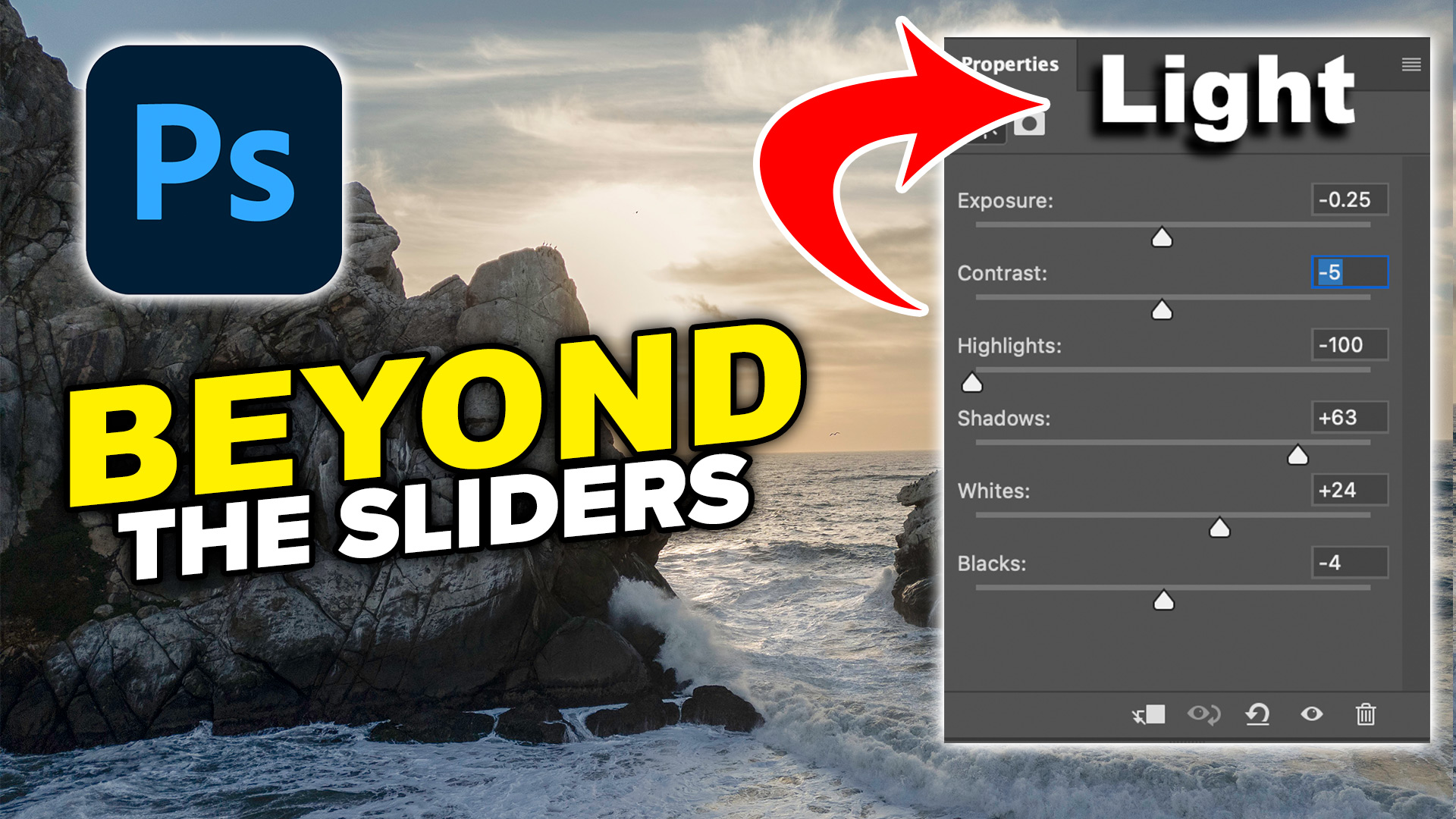
Colin Smith shows how to use Photoshop’s Light adjustment layer to recover highlights and shadows, control tone, use masks and stack adjustments.
5 New Photoshop 2026 Features You Need to Know Adobe has added a number of new features to Photoshop 2026, and some of them can make a significant difference to the way we work. There’s one addition in particular that I think is extremely useful because it handles something I do on almost every image: […]

New Lightroom Classic and Camera Raw features including mask edge refinement, Render to DNG, blemish removal, Generative Expand and vectorscope.

I’ve shared a lot of Photoshop tips over the years (I wrote the monthly Photoshop Tips column for Photoshop User Magazine for 15 years or so). Lately, Photoshop has undergone a lot of updates. Here is a brand-new set of tips that focuses on the newer features only. I hope you enjoy! (Let me know […]

Learn how to safely use Lightroom Classic's new Duplicate Finder. Discover two strategies for removing duplicates without accidentally deleting your photos.

Lightroom Classic just got one of its biggest updates ever. See the 10 new features photographers have been waiting for, including Duplicate Detection, improved masking, and faster AI tools.
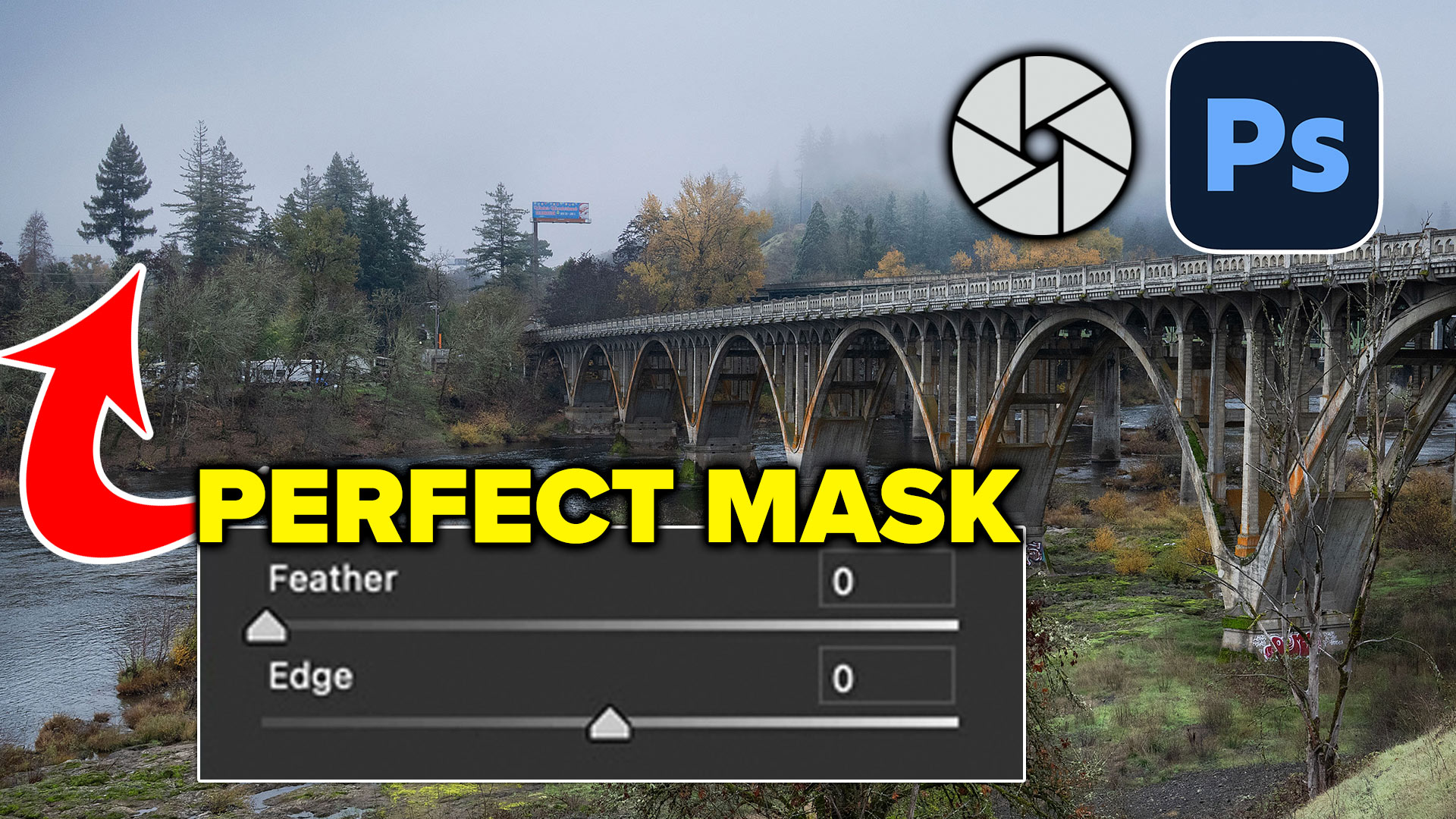
How to get perfect edges around trees and more in auto masks in Adobe Camera RAW

How to choose the best Generative ai model in Photoshop. Firefly, Flux and Nano banana, which is best? The answer is simple, but isn't.

Learn how to automatically detect and remove visual clutter, people, and vehicles from any photo using the new Find Distractions features in Photoshop 2026.

Top 12 new features in Photoshop April 2026 release.

April 2026 Lightroom updates, including AI-powered search, improved performance, smarter culling, and new creative tools.

redesigned Generative Fill in Photoshop adds 5 new features. Visualize filling a room with real furniture without breaking a sweat.