Photoshop Tutorials

Lightroom Classic 2027 has some impressive new features, including AI-generated depth masks, color grading inside masks, five Glow effects, improved portrait retouching, Projection correction, a Vectorscope, and more. Here's how the new tools work and when to use them.

Adobe Camera Raw 19 brings one of its biggest updates yet, with Stacks, Virtual Copies, LUTs, JPEG Denoise, and powerful new masking tools. Discover how to use the new features, including transferring Camera Raw masks directly into Photoshop.

Explore the new features in Photoshop 2027, including Relight Layer, Quick Compare, the Spectrum interface, Generative Restyle, and improved Remove tools. See how the updates work with practical examples, plus some exciting new Camera Raw features.

Photoshop Beta has some interesting new additions, including a redesigned interface, an improved Color Picker, Restyle Layer video generation, Quick Compare, and a more flexible Remove Tool workflow. Let's see how they work, what's useful, and what still needs improvement.

Changing colors in Photoshop is easy until similar colors appear in the rest of the image. Learn three levels of color changing, from quick adjustments to precise masking, and see how the results compare to AI.
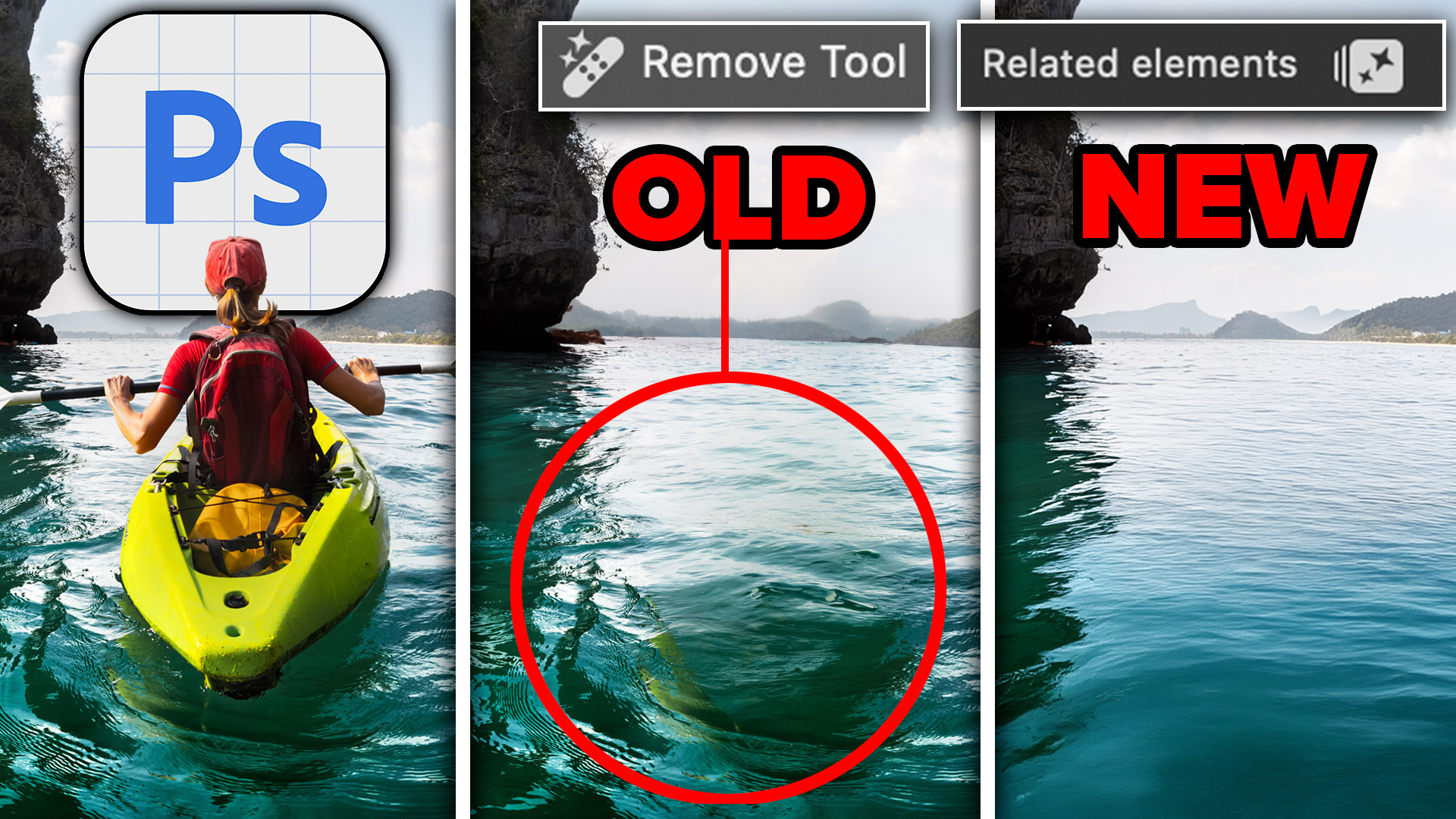
Learn how to remove objects, shadows and reflections in Photoshop using Related Elements, improve results with Enhance and avoid wasting generative credits.
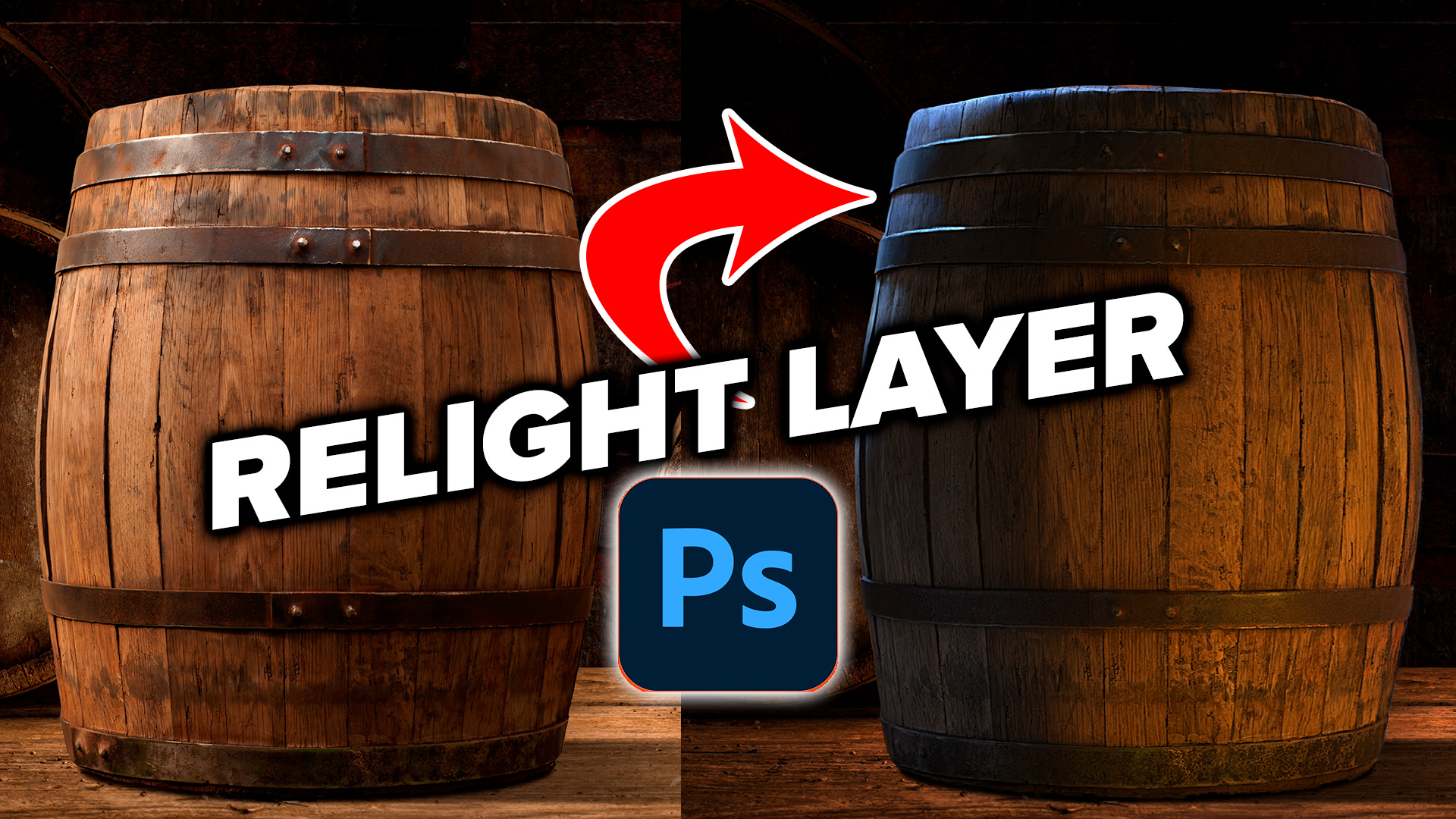
Learn how to use Relight Layer in Photoshop to change light direction, color and intensity, add multiple lights and match lighting in photo composites

Stop Nano Banana stretching selections in Photoshop with this Smart Object trick that also produces sharper, higher-quality AI results.
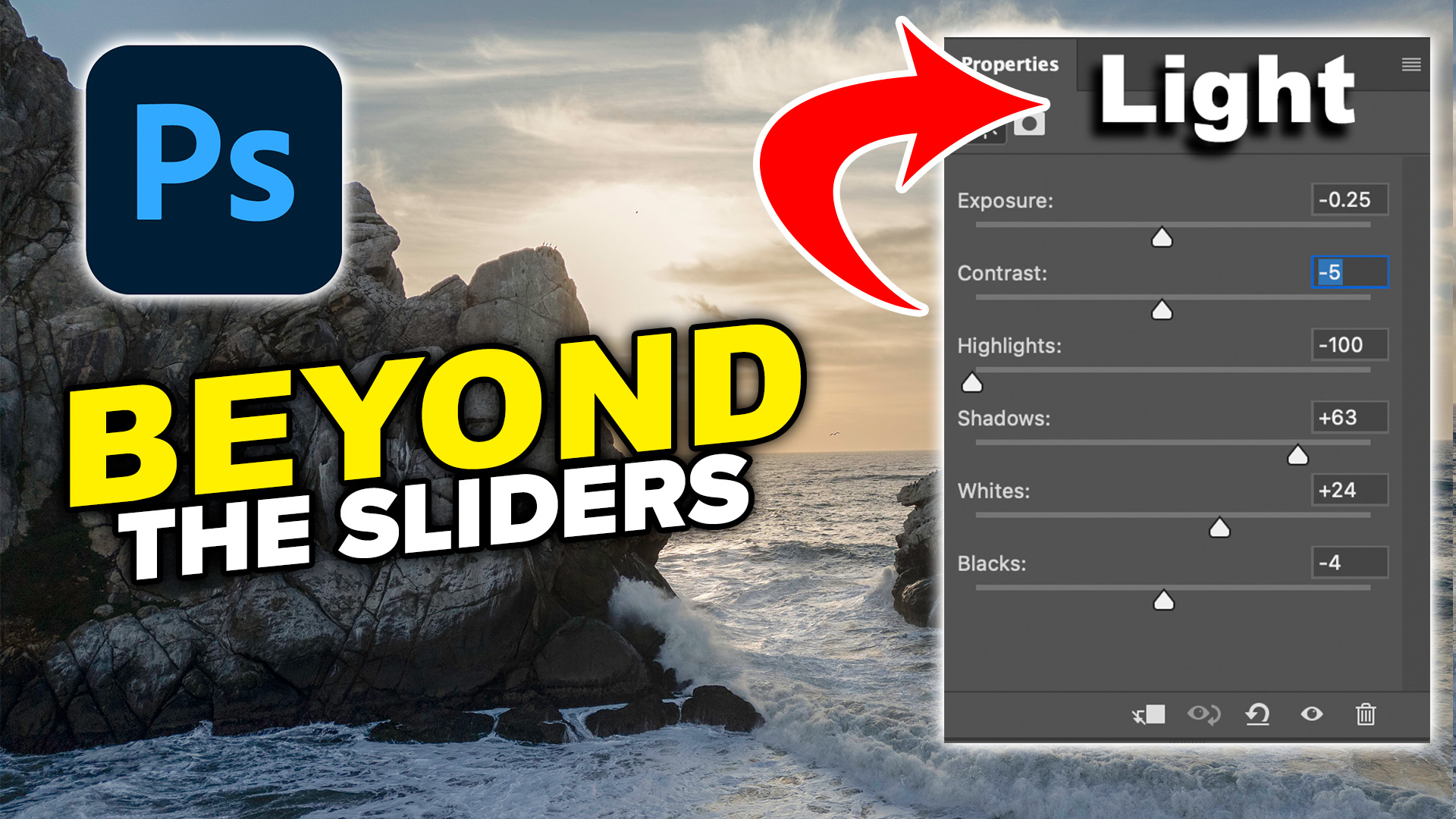
Colin Smith shows how to use Photoshop’s Light adjustment layer to recover highlights and shadows, control tone, use masks and stack adjustments.
5 New Photoshop 2026 Features You Need to Know Adobe has added a number of new features to Photoshop 2026, and some of them can make a significant difference to the way we work. There’s one addition in particular that I think is extremely useful because it handles something I do on almost every image: […]
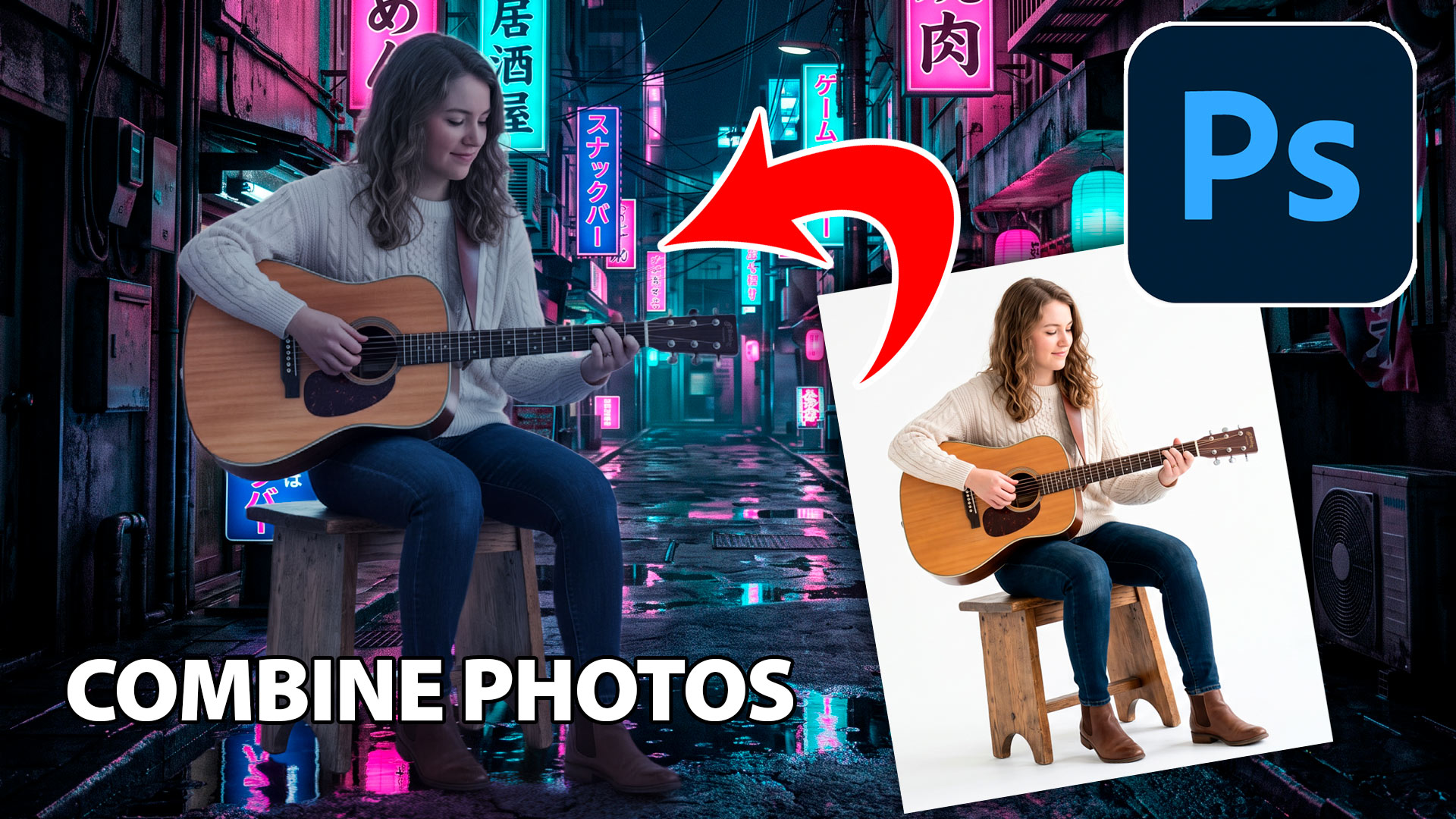
Learn how to combine photos in Photoshop with this fast, beginner-friendly workflow for blending images and creating natural-looking composites.

the easiest way how to add a bleed to artwork in Photoshop and crop marks for print

New Lightroom Classic and Camera Raw features including mask edge refinement, Render to DNG, blemish removal, Generative Expand and vectorscope.
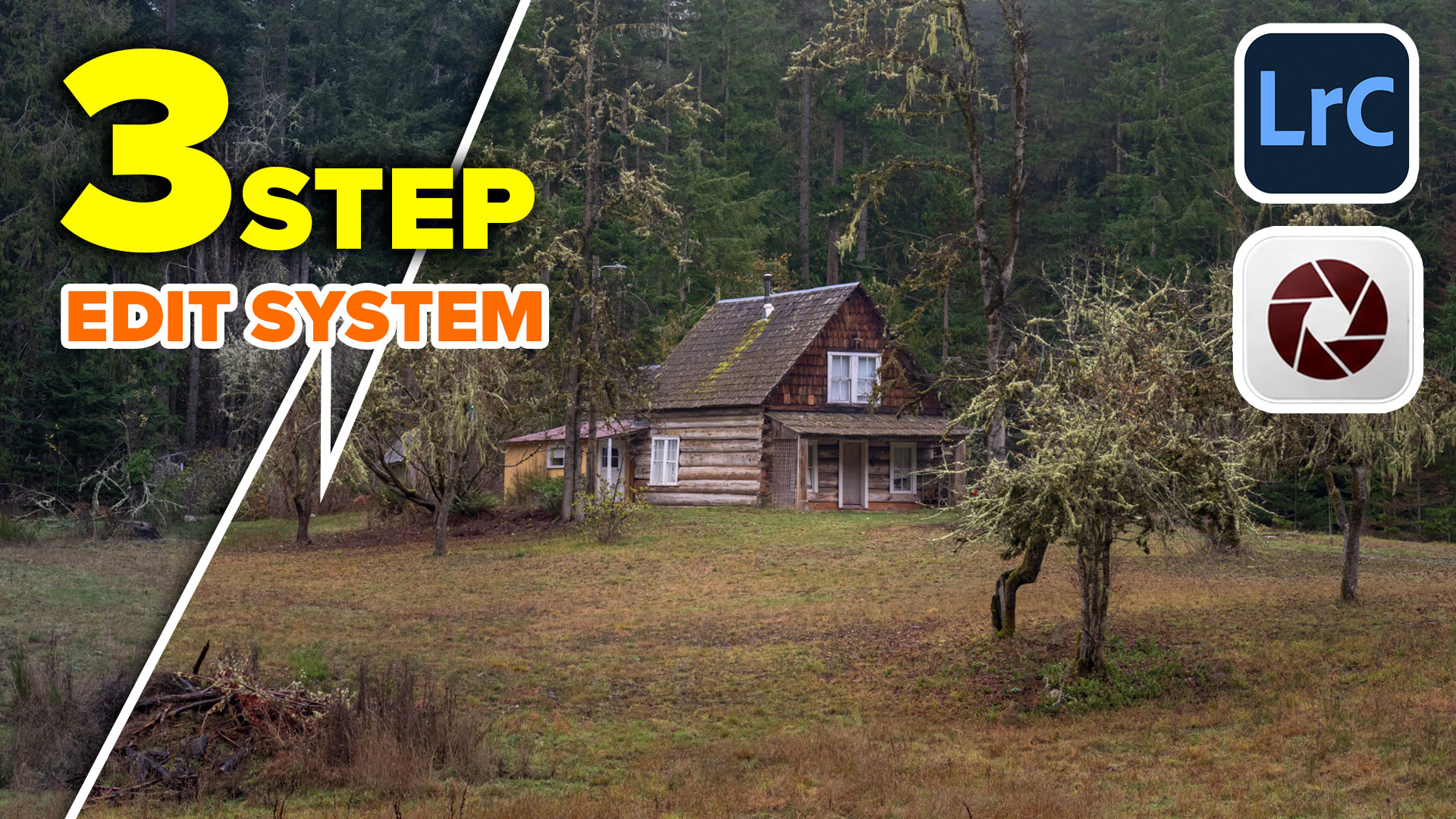
Follow Colin Smith's Lightroom Classic editing workflow and learn the 3-step process for editing photos in Adobe Lightroom and Camera Raw.

I’ve shared a lot of Photoshop tips over the years (I wrote the monthly Photoshop Tips column for Photoshop User Magazine for 15 years or so). Lately, Photoshop has undergone a lot of updates. Here is a brand-new set of tips that focuses on the newer features only. I hope you enjoy! (Let me know […]