Photo Tutorials
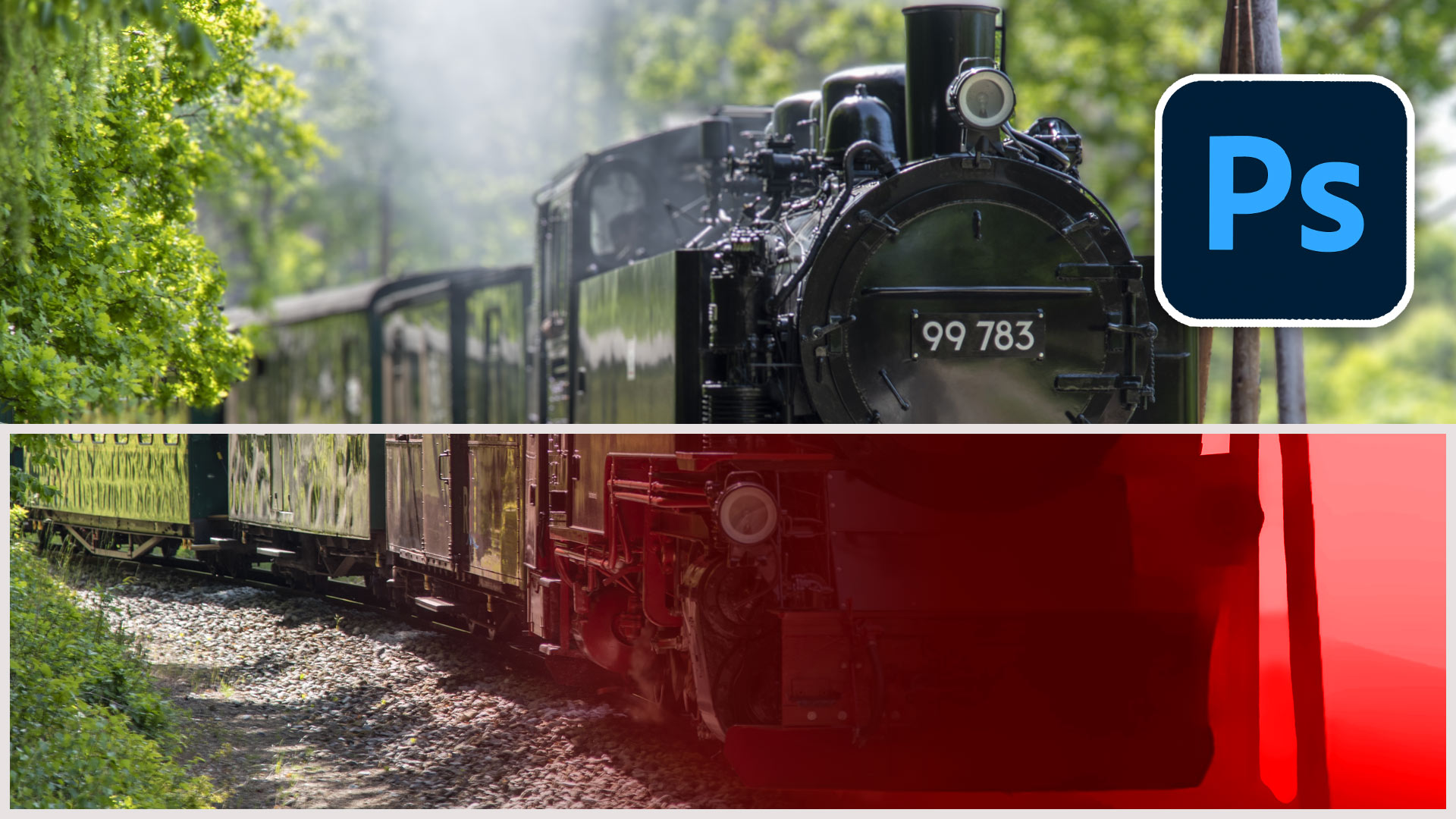
How to change the focus of a photo in Photoshop. Use AI Depth maps and lens blur to change the focus and depth of filed of a photo
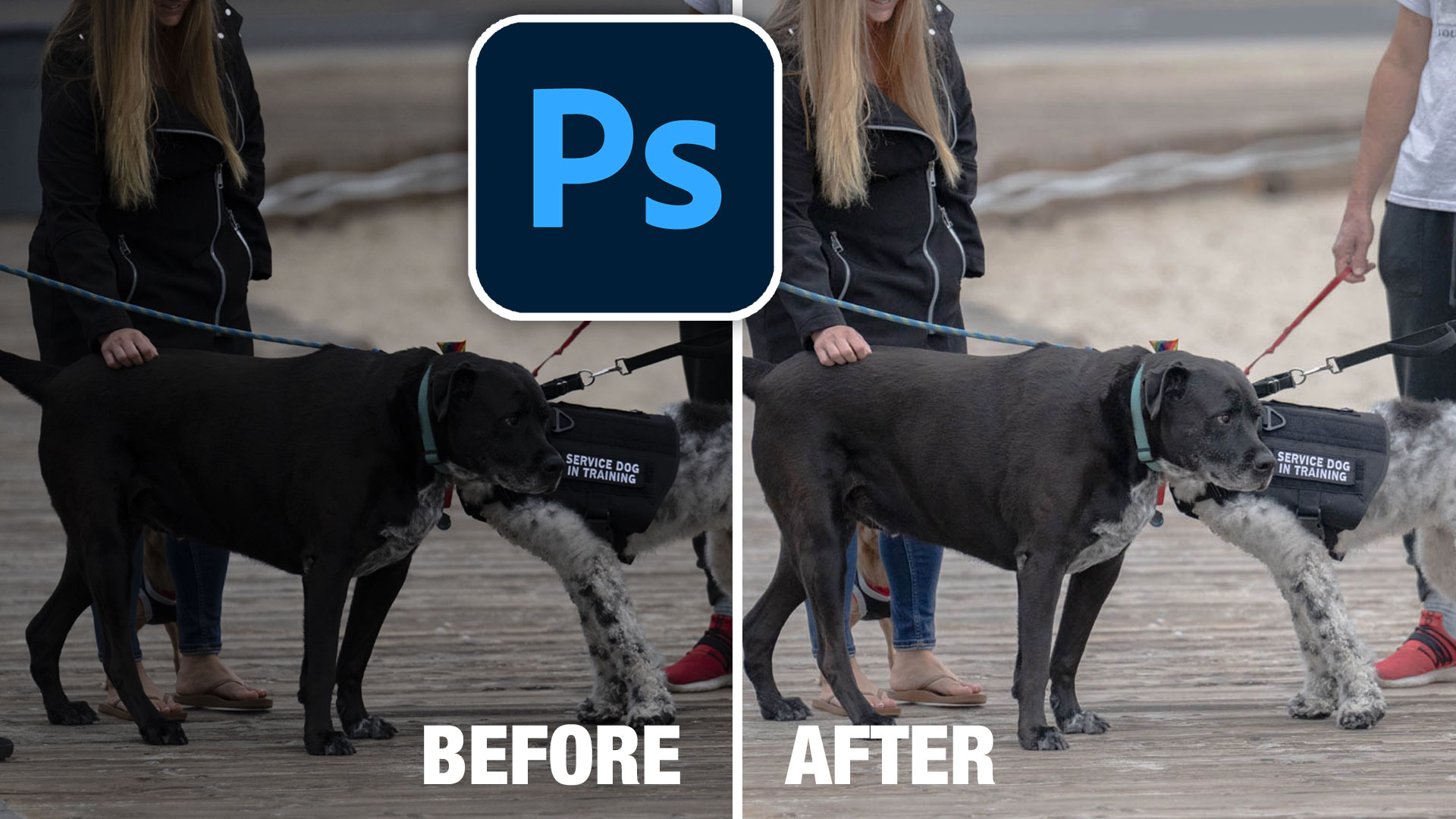
How to brighten the shadows in a photo in Photoshop using an easy Parametric curves trick. Make all your photos look better fast.

How to edit landscape photos in Photoshop, full workflow in this high quality, free Photoshop tutorial. Video and written steps included.
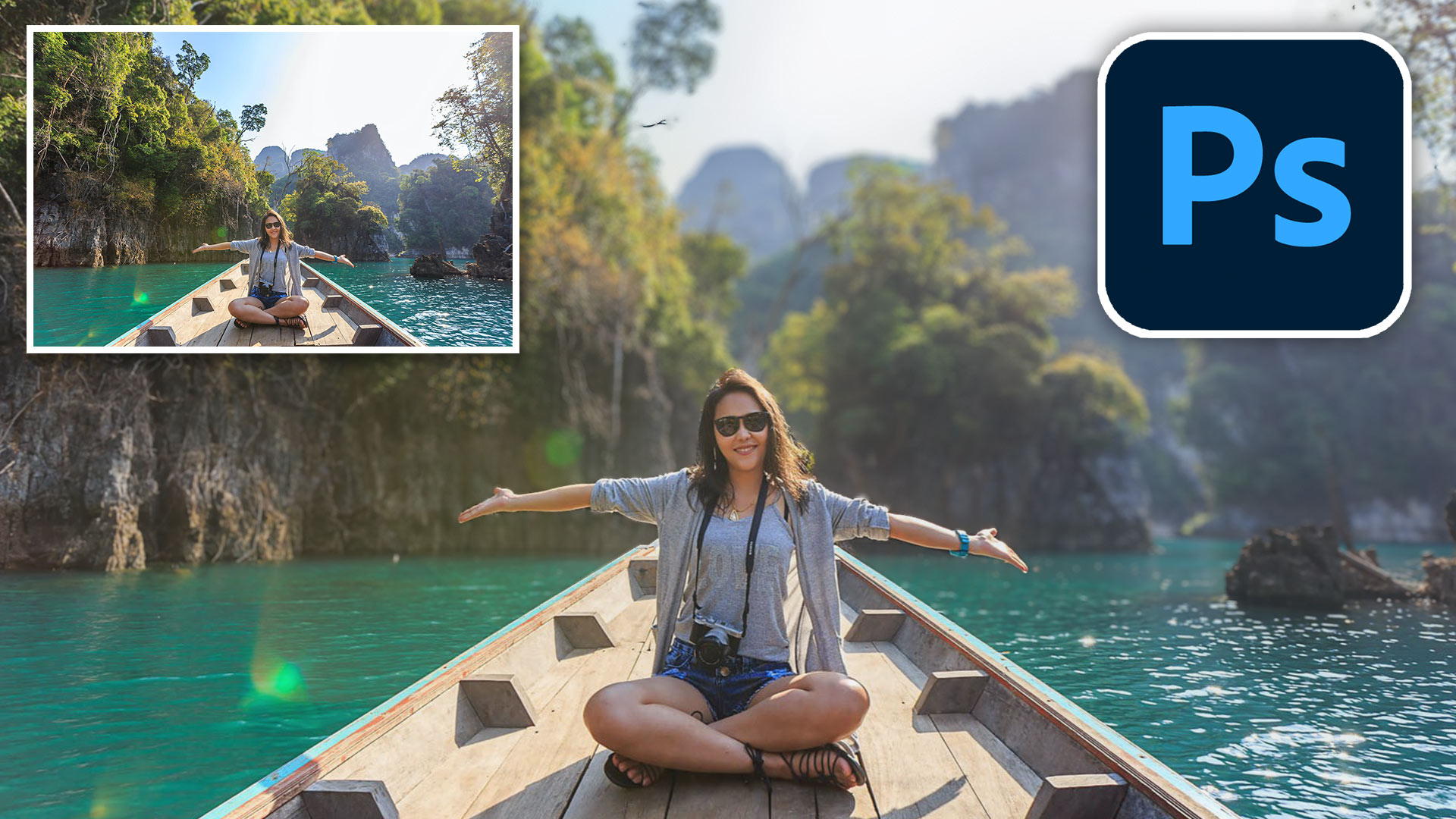
How to blur the background of a photo in Photoshop. Add realistic depth blur to you photos with automatic neural filters in photoshop, video and written steps

An essential, but unknown tip for using Harmonization to match colors between layers in Photoshop. Match image color in Photoshop composites.
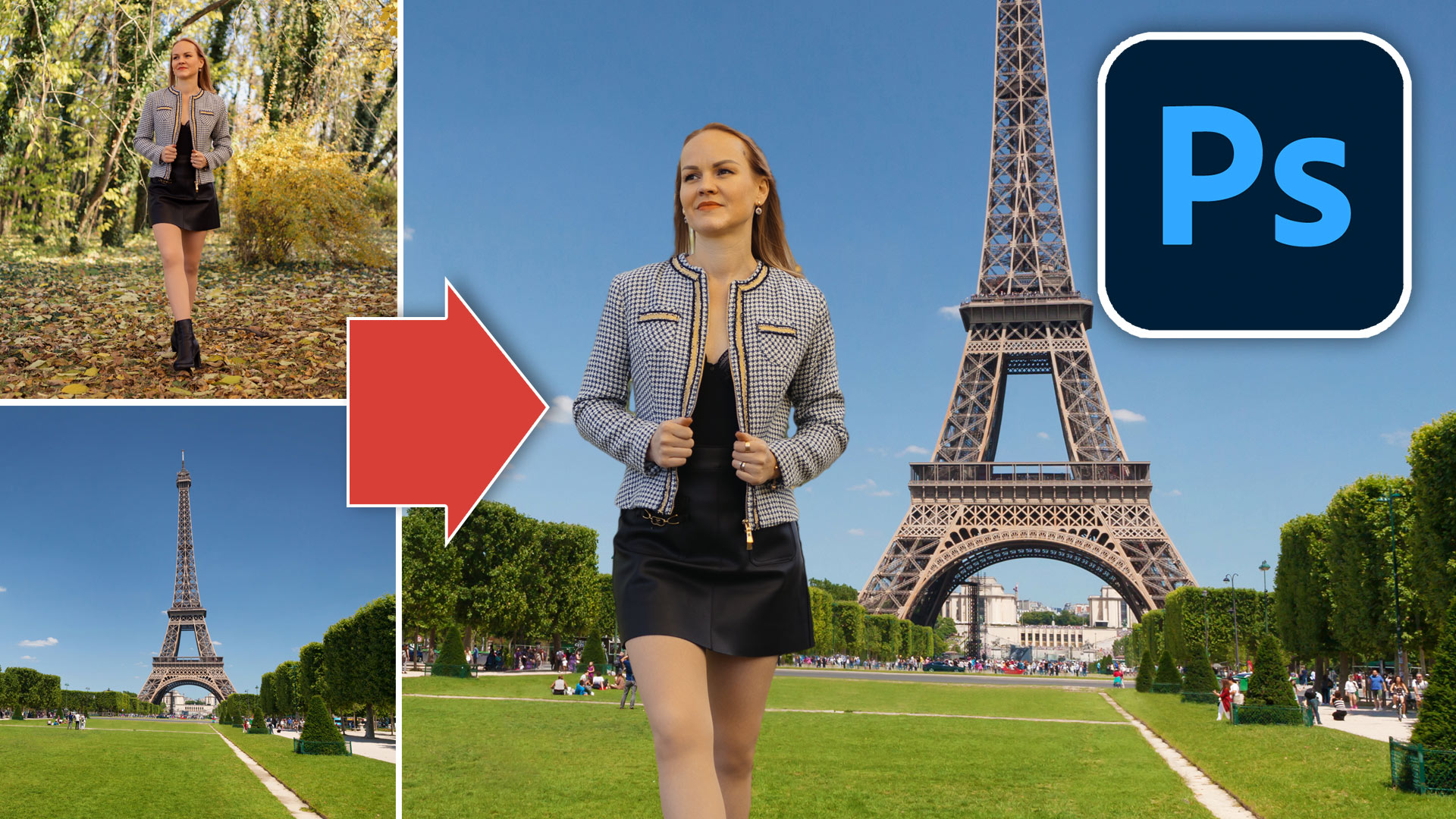
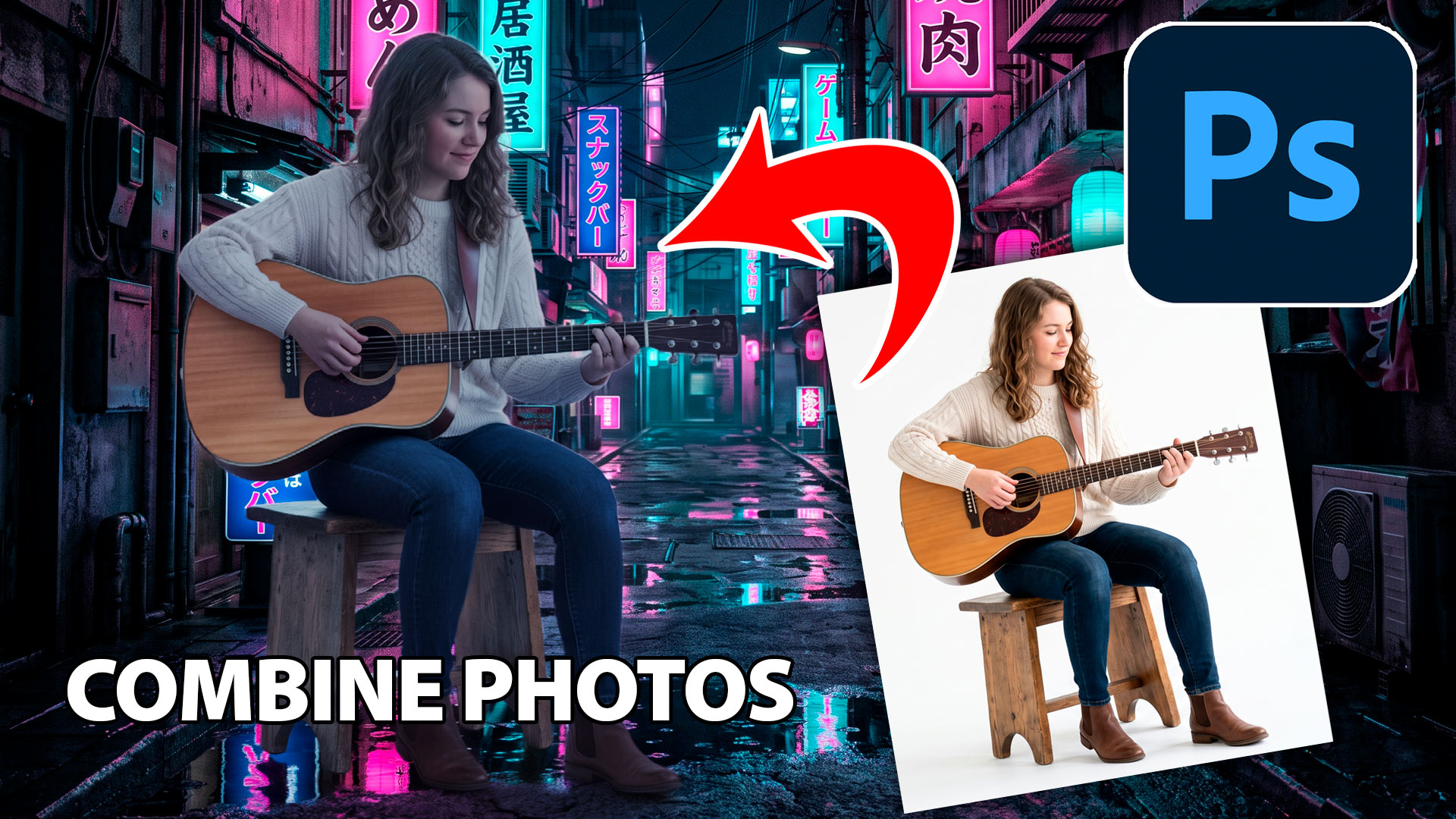
How to Photoshop a person into a photo, start to finish with all 5 steps.
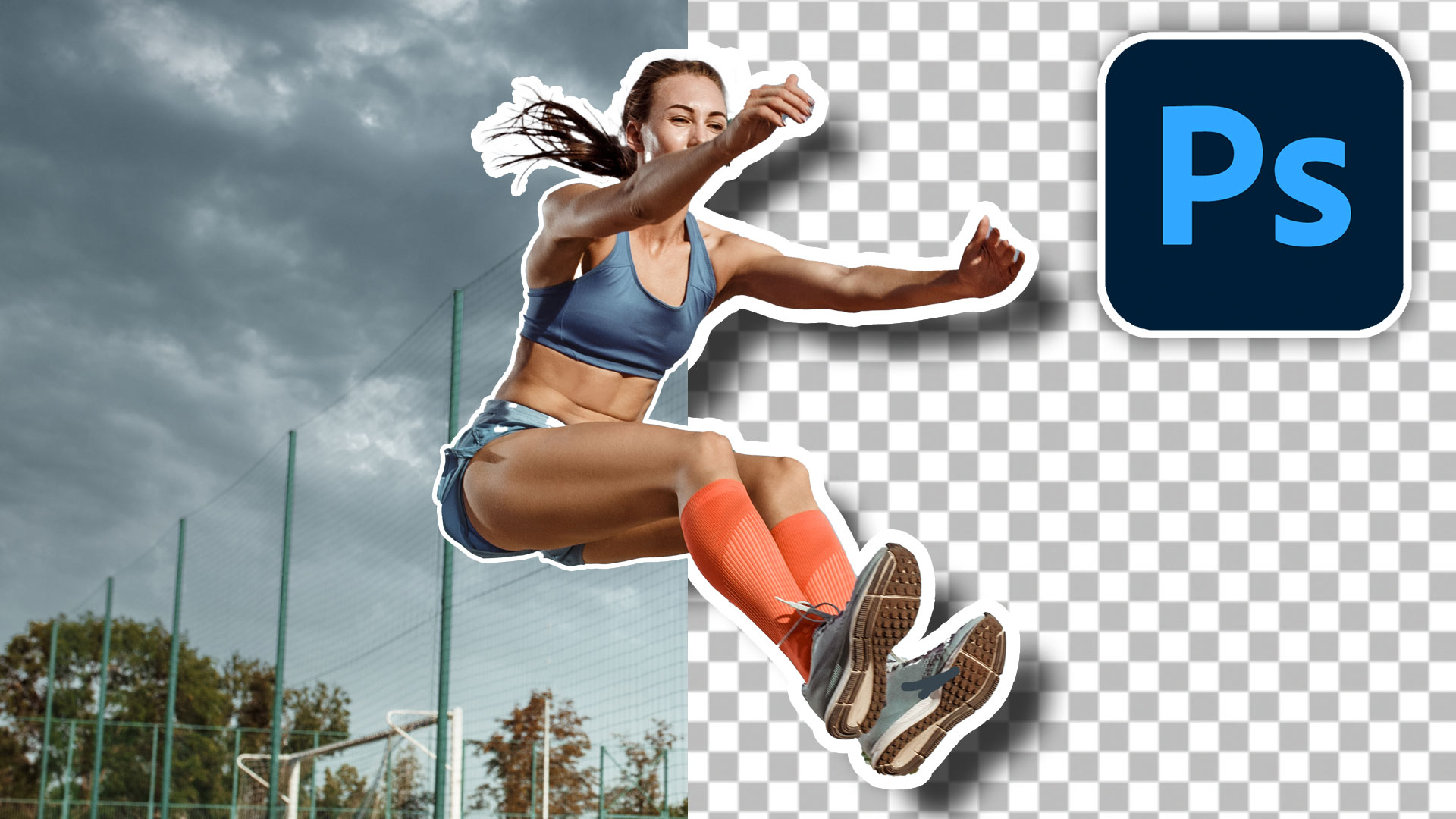
2 Tips to instantly make cutouts look better in Photoshop. How to refine masks in Photoshop to remove backgrounds, cut out objects cleanly
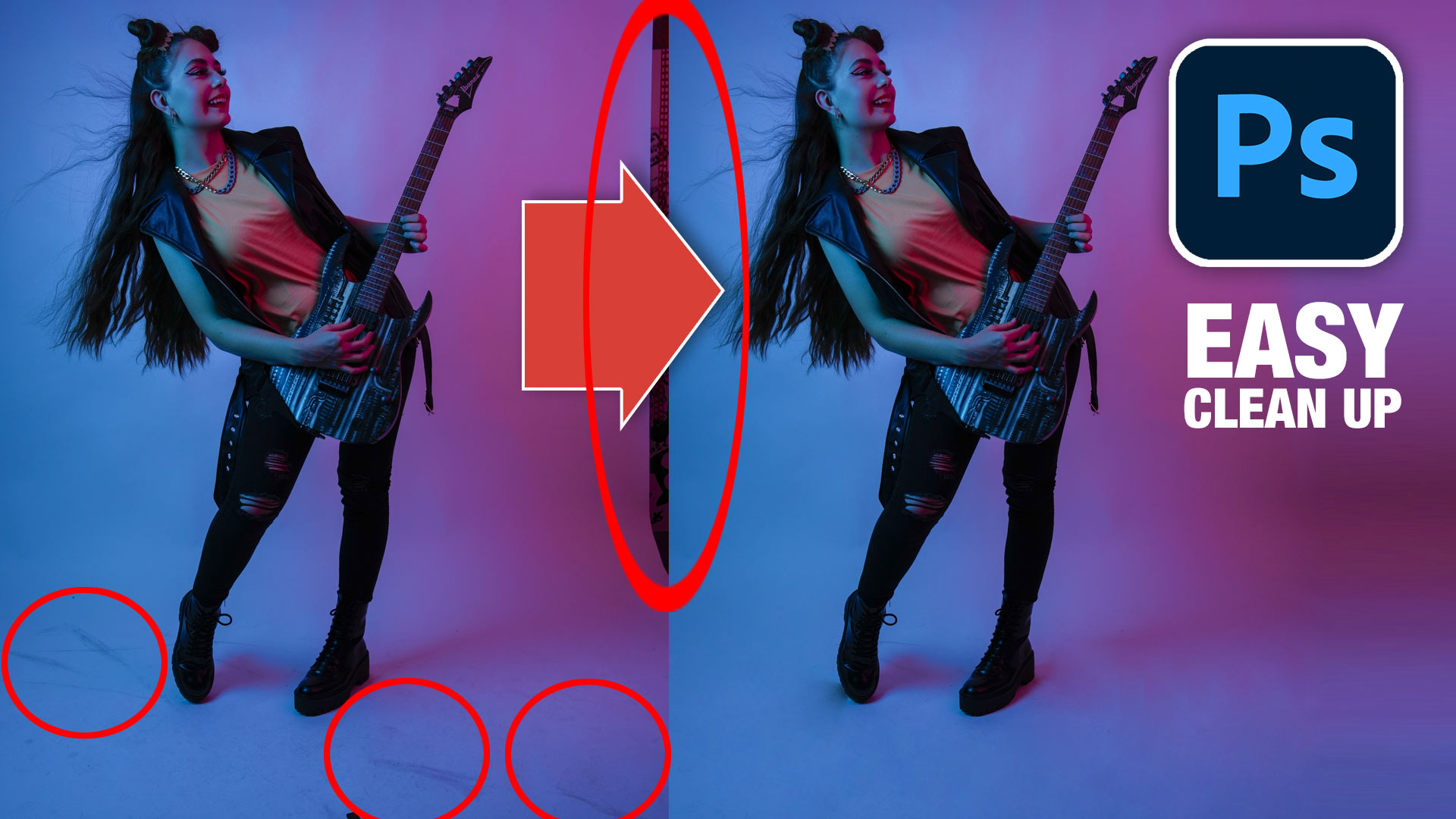
How to use the patch tool in Photoshop to quickly clean up smudges and dirt and remove distractions. Difference between Source + Destination.

How to use Luminosity Masks in Photoshop tutorial Luminosity masks allow us to target precise tones in your photograph, so you can adjust exactly where you want without the need for selections, because it works on image tones. For example, you can lighten just the darkest darks, or add punch to the mid highlights. In […]
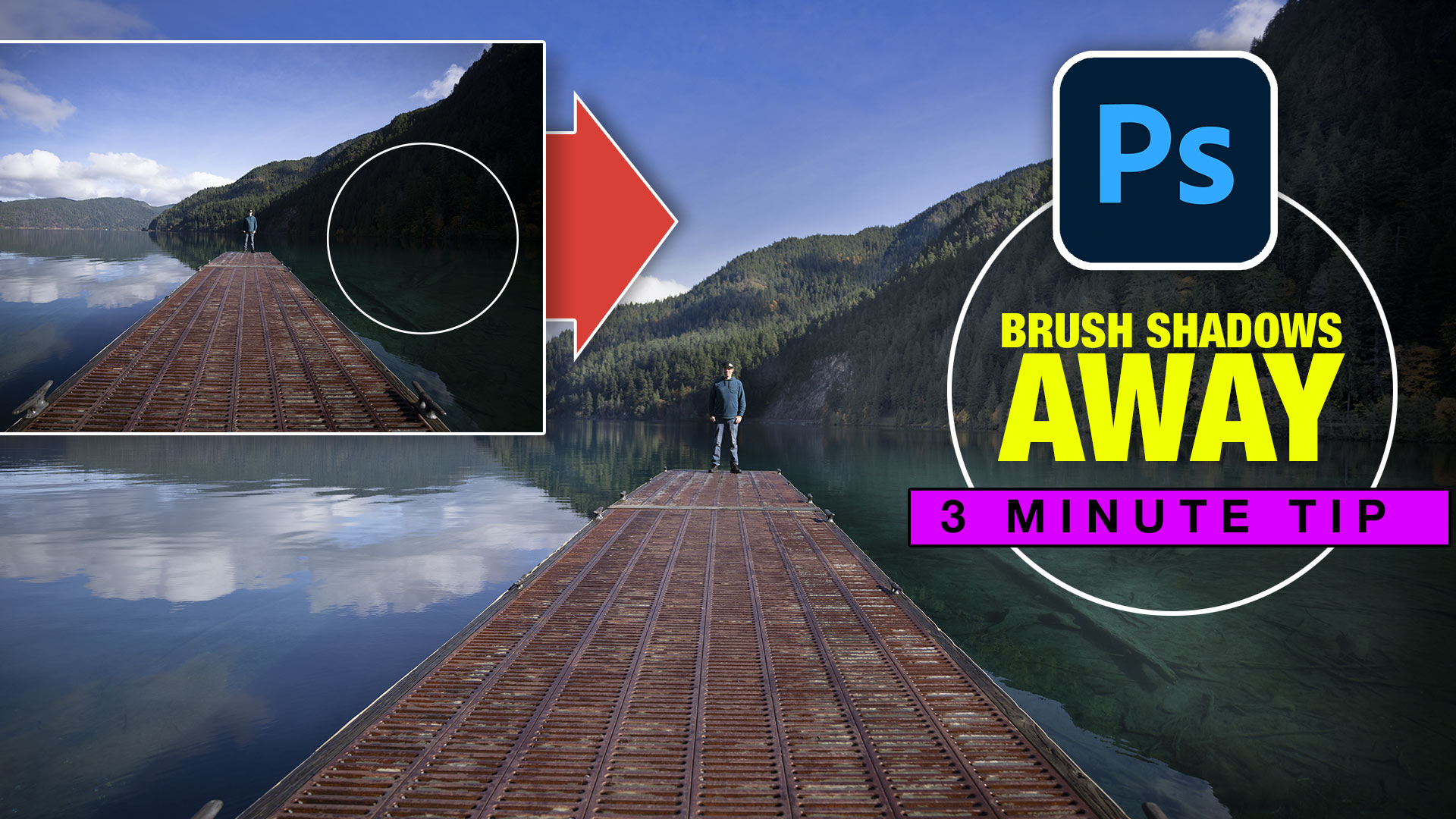
This Photoshop tutorial will show you how to remove the shadows exactly where you need them and recover blown out details in the highlights.

How to automatically colorize black and white photo in Photoshop 2022 including manual finishing
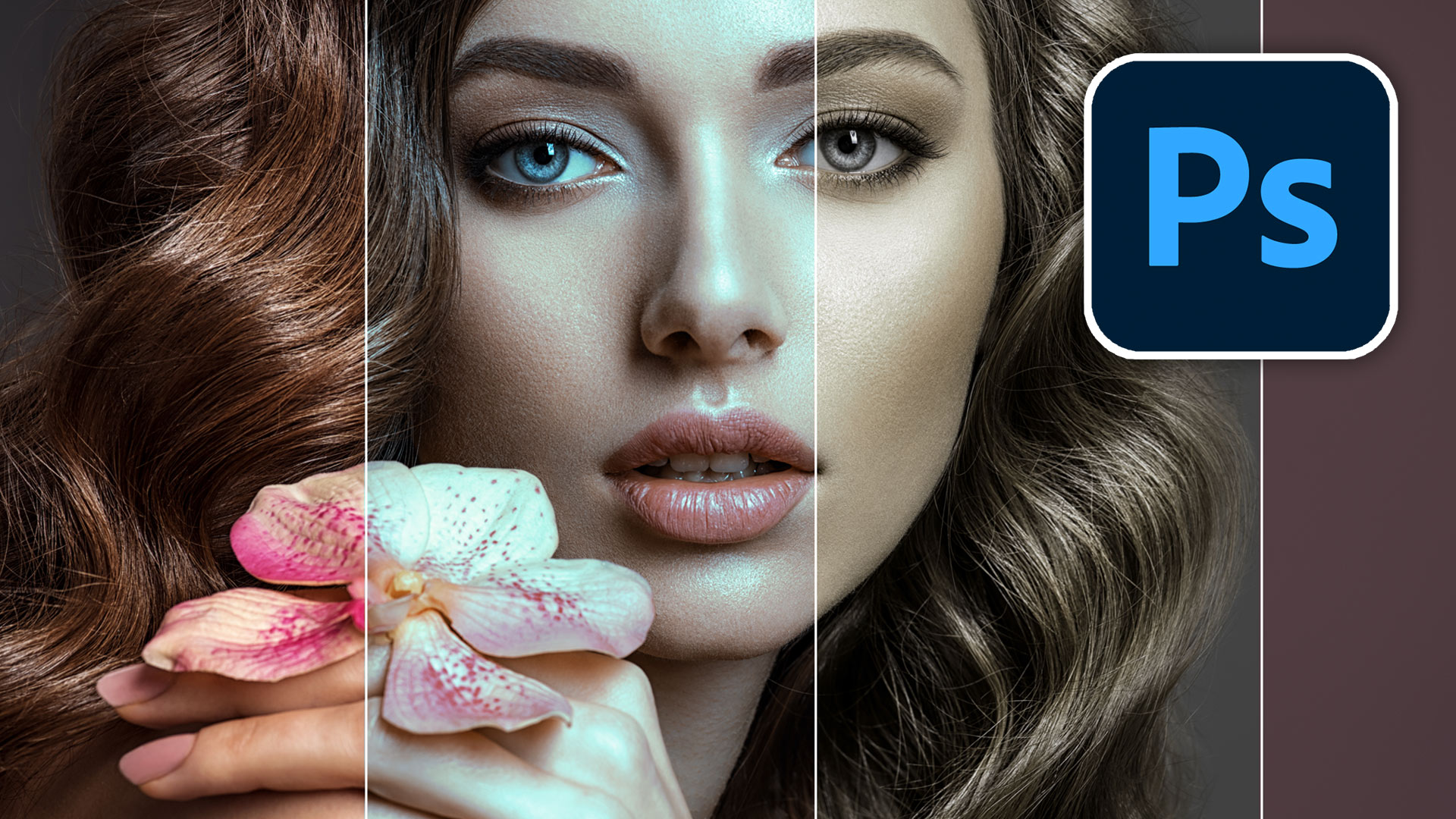
Sneaky hack in Adobe Photoshop AI, Instantly adds Pro looking color grade to photos. Here is how

Amazing Adobe AI Photoshop 1-click Season change on your photos, how to use Landscape mixer

Colin Walks through the entire process of creating large panoramas in Photoshop and Lightroom. Shoot, and edit, every step explained in this free masterclass.
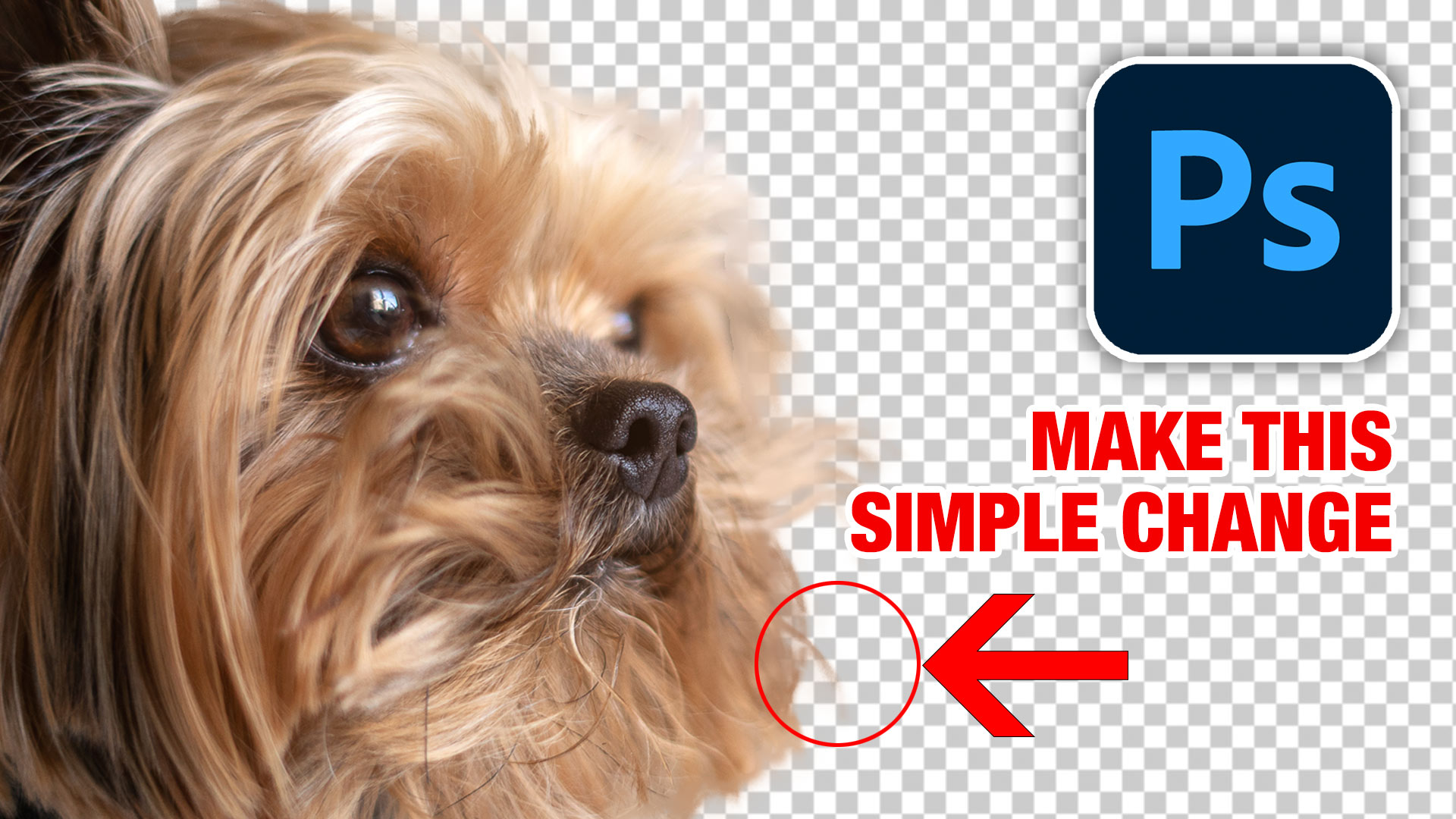
How to get better selections when cutting out hair and fur in Photoshop