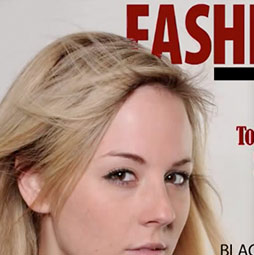
5 fast ways to select layers in Photoshop.
Layers are at the heart of Photoshop. If you want to get good and fast at Photoshop, you really have to master the use of layers. (learn all about the basics of Layers in Photoshop here). When you are working, you will need to select a layer, work on it and then select a different layer quickly. The techniques I present to you, should become like a reflex action that you perform without even thinking about it. These aren’t just good ideas, this is what I do every single day, so they are battle proven techniques.
Once you have learned the basics of working with layers, you can use the to greatly expand your creative potential. Here is a great free tutorial to get you started. Learn how to blend layers creatively in Photoshop. When you are ready to go advanced, check out our premium training on the Sky City Project.
If you are looking to cut out images from their background, see our tutorial here.
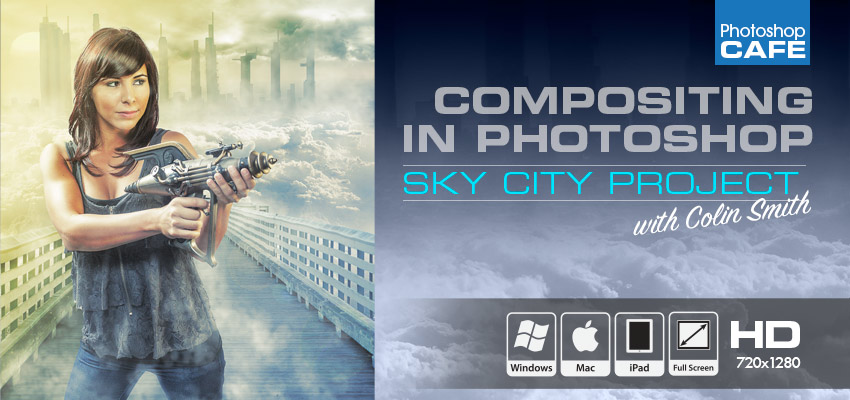
Compositing in Photoshop: Sky City Project
I have been asked countless times for more in depth training on Compositing, layers, masks and blending photographs. I did it! 2 hours of video that will show you exactly how to build stunning composites in Photoshop. What I have learned in 18 years, revealed here.
Colin builds a real-world compositing project with you. The great thing about a project is that nothing is skipped in the workflow. This is where you put together everything that you have learned about Photoshop.


You will learn how to combine different photos together to create a piece of art in Photoshop. You will learn different ways of extracting photos from the background and how to seamlessly blend them all together. You will learn how to add atmosphere, and cinematic coloring and implied lighting.
See everything that you will learn here
Recommended for this tutorial
Learning Layers in Photoshop.
Understand layers, masks and blend modes, the foundation of everything in Photoshop.
$54.99 · one-time purchase · instant download

Free for you
The Photoshop Vault
Get my free Layer Blending Modes ebook along with dozens of exclusive Photoshop goodies: actions, brushes, presets and cheat sheets.
You're on the list, so your free goodies are waiting for you in the Vault.
Get Free Photoshop Goodies Open the Vault
How to make a 2 faced Optical Illusion effect in Photoshop
How to make a two faced optical illusion effect with a front and a profile photo at the same time. This photoshop... Read tutorial
Creating Crop Marks in Photoshop
Crop marks show the printer where to trim the final piece. Photoshop doesn't have the ability to create crop marks by default.... Read tutorial
Photoshop tutorial -Creating a Custom Brush from a photo
This tutorial is a 2 in one. Learn how to make a custom brush from a photo. Also learn how to fix... Read tutorial
Dodging and Burning Natural HDR in Camera Raw and Photoshop
We look at two methods of dodging and burning. One is with Camera Raw (exactly the same in Lightroom) and the second... Read tutorial
Working with Smart Object and Smart Filters in Photoshop
Smart Objects are very useful because they are non destructive. They can contain images, Illustrator files, RAW files and more. Learn what... Read tutorial