
Step by Step

Changing colors in Photoshop is easy until similar colors appear in the rest of the image. Learn three levels of color changing, from quick adjustments to precise masking, and see how the results compare to AI.

Learn how to use Relight Layer in Photoshop to change light direction, color and intensity, add multiple lights and match lighting in photo composites
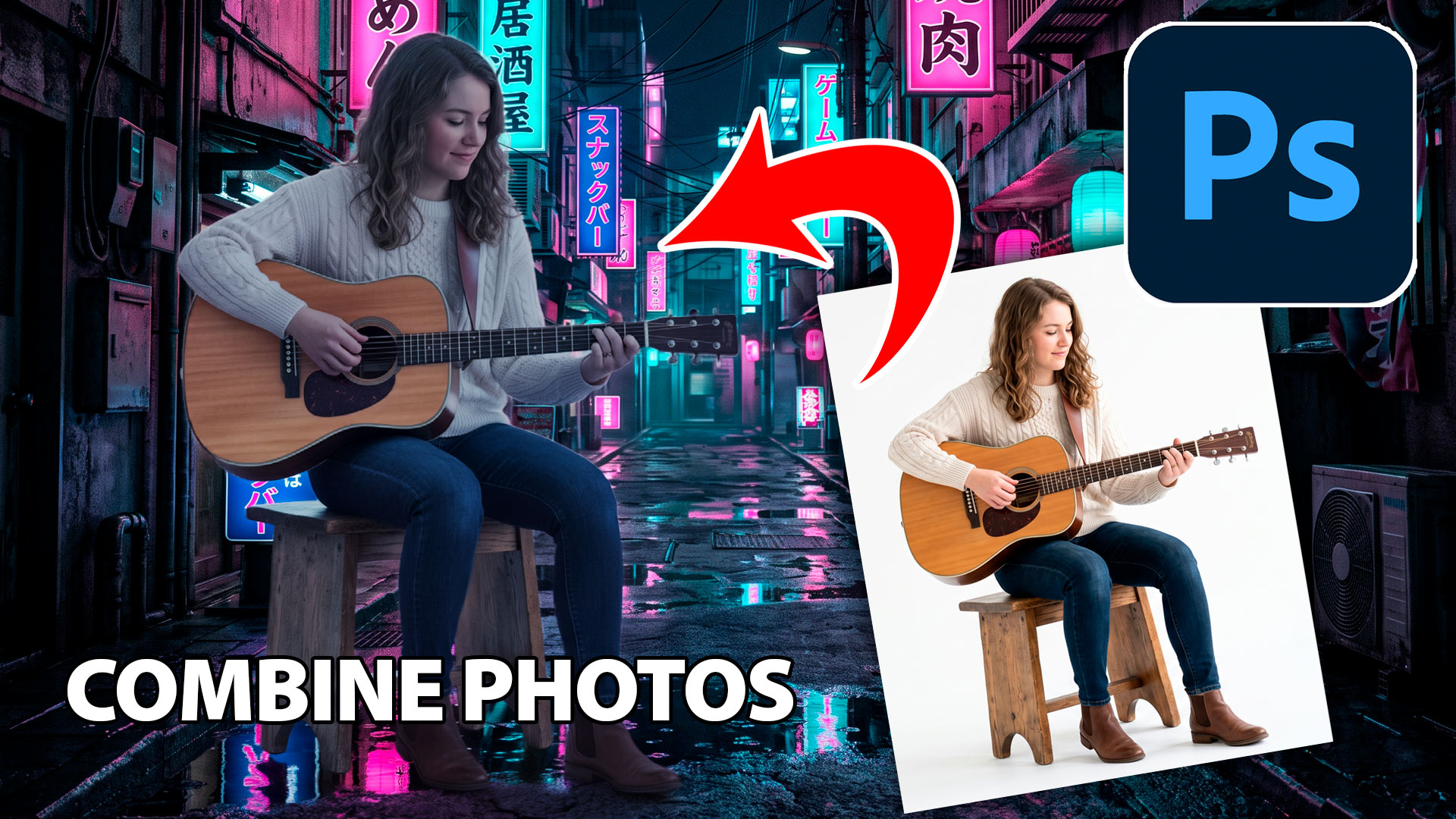
Learn how to combine photos in Photoshop with this fast, beginner-friendly workflow for blending images and creating natural-looking composites.
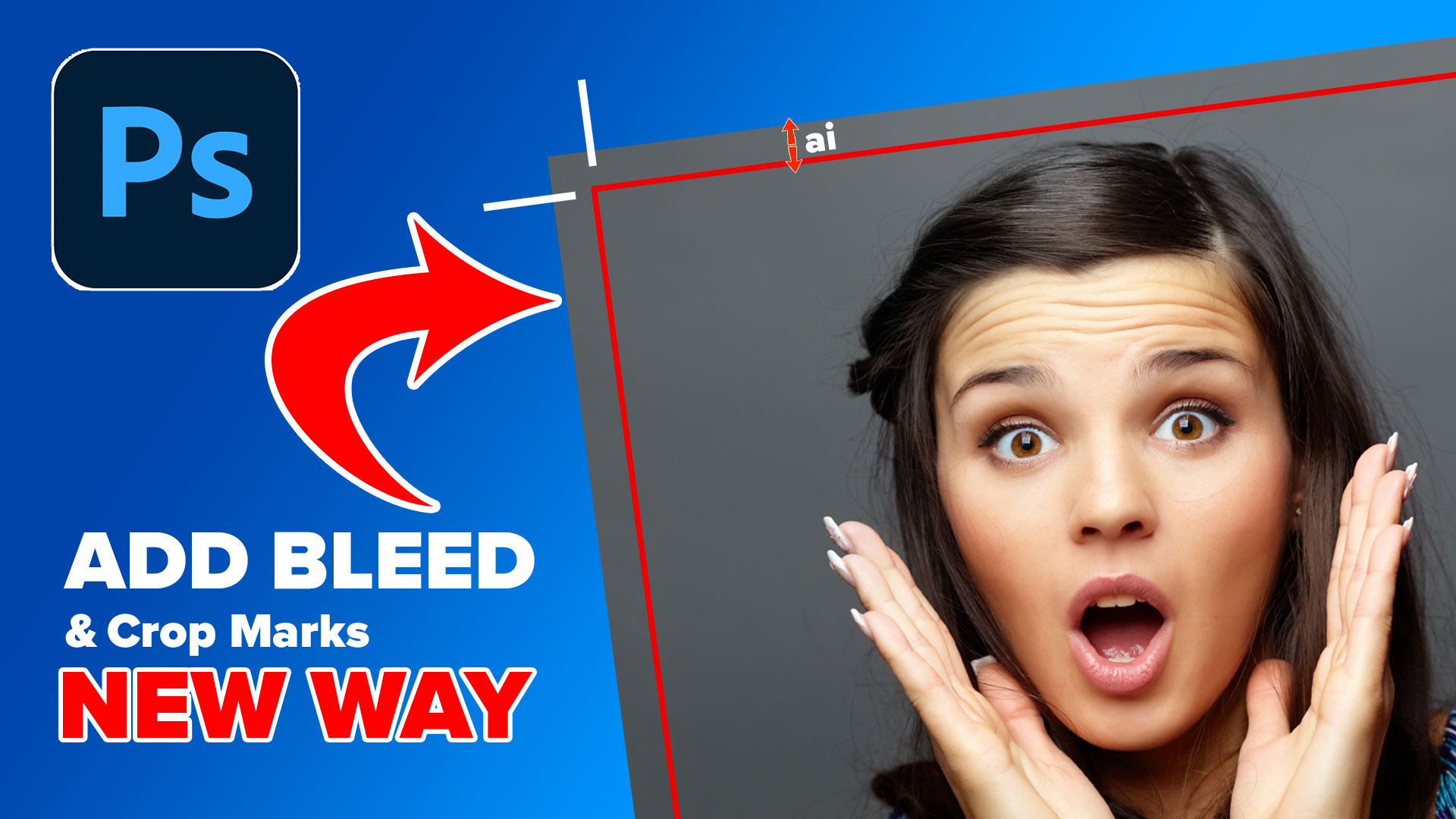
the easiest way how to add a bleed to artwork in Photoshop and crop marks for print

New Lightroom Classic and Camera Raw features including mask edge refinement, Render to DNG, blemish removal, Generative Expand and vectorscope.
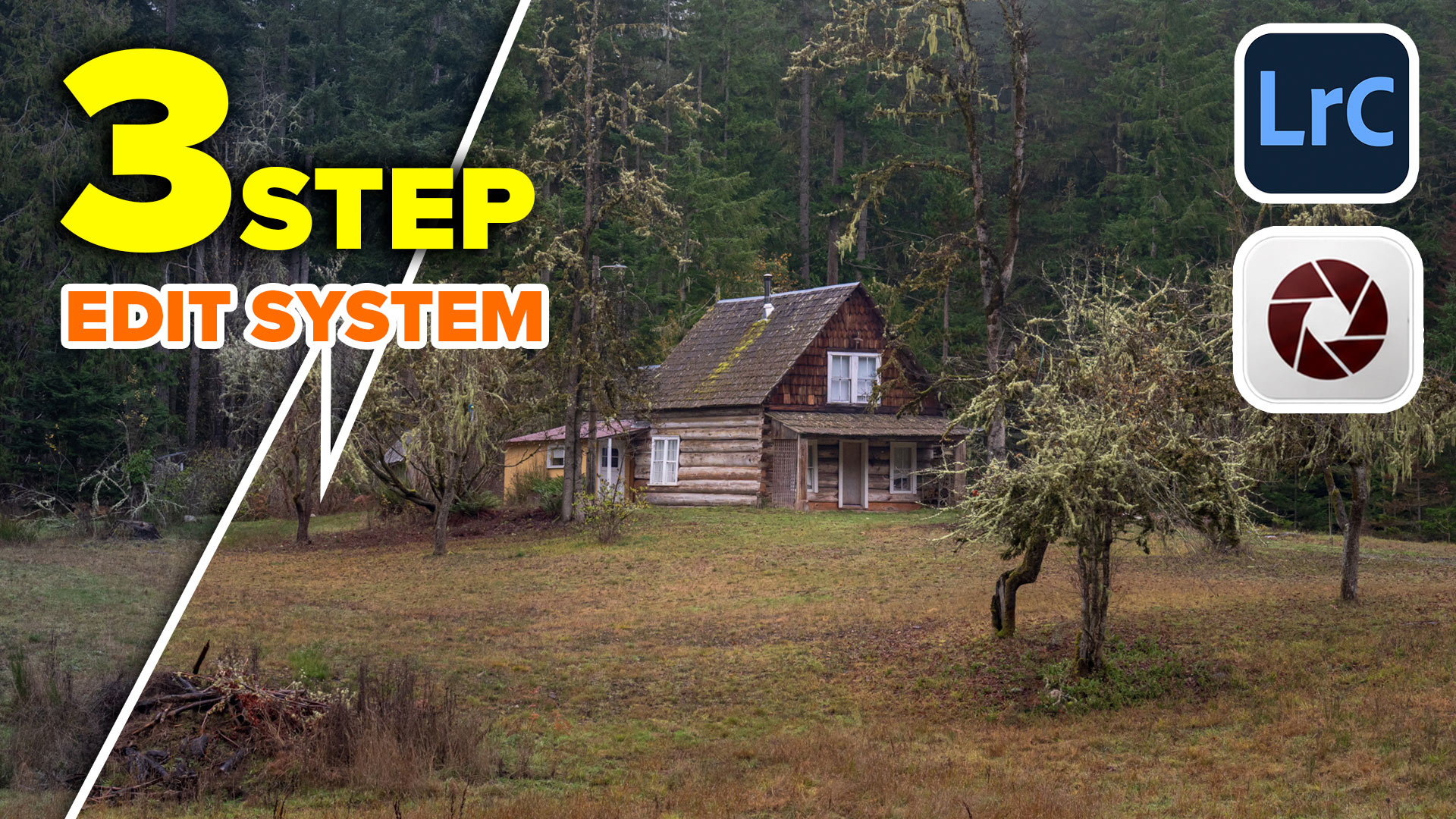
Follow Colin Smith's Lightroom Classic editing workflow and learn the 3-step process for editing photos in Adobe Lightroom and Camera Raw.

I’ve shared a lot of Photoshop tips over the years (I wrote the monthly Photoshop Tips column for Photoshop User Magazine for 15 years or so). Lately, Photoshop has undergone a lot of updates. Here is a brand-new set of tips that focuses on the newer features only. I hope you enjoy! (Let me know […]
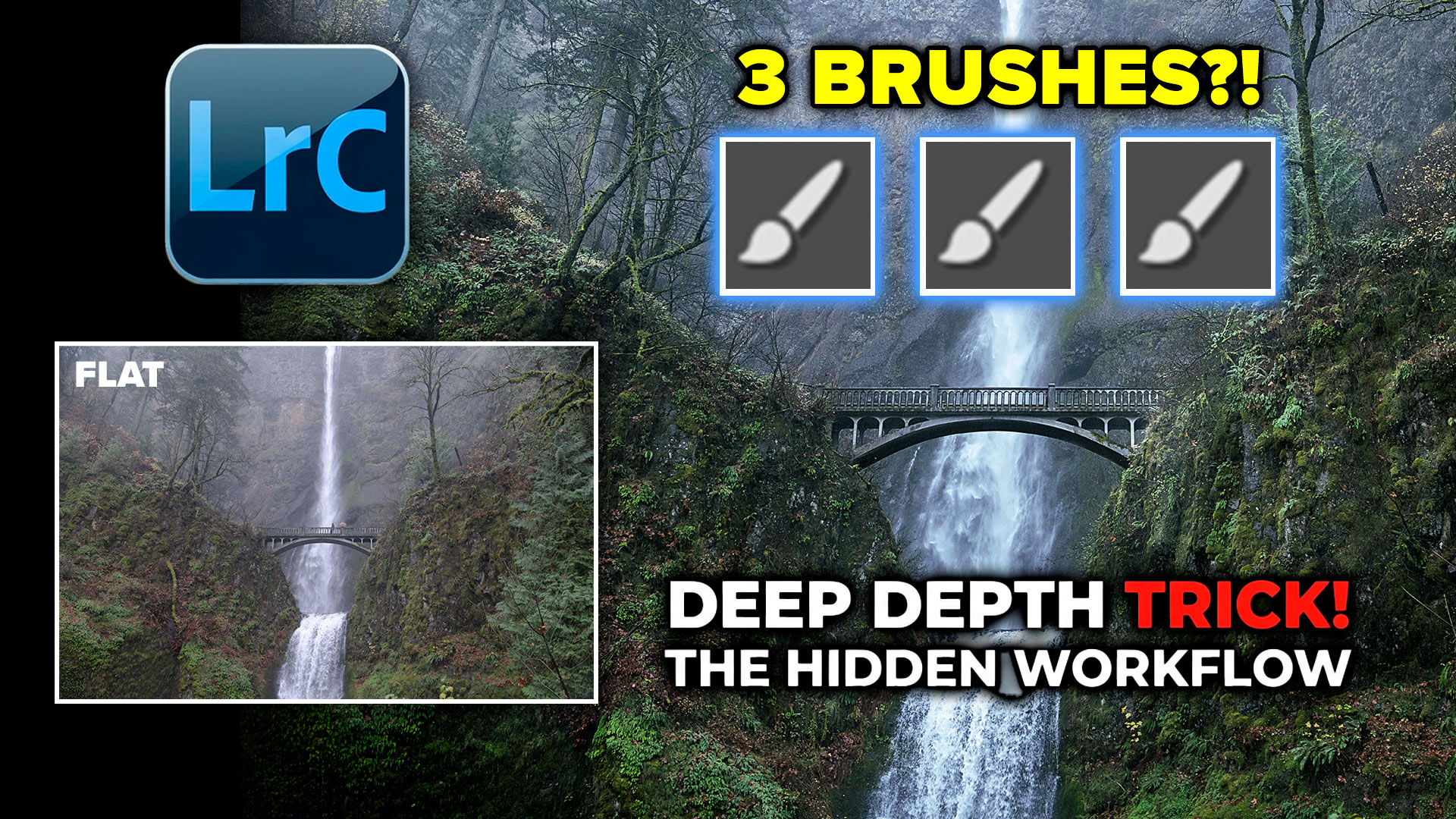
How to use the 3 Brush trick to easily dodge and burn in Lightroom.
Explore the top new features in Photoshop 2026, Full release

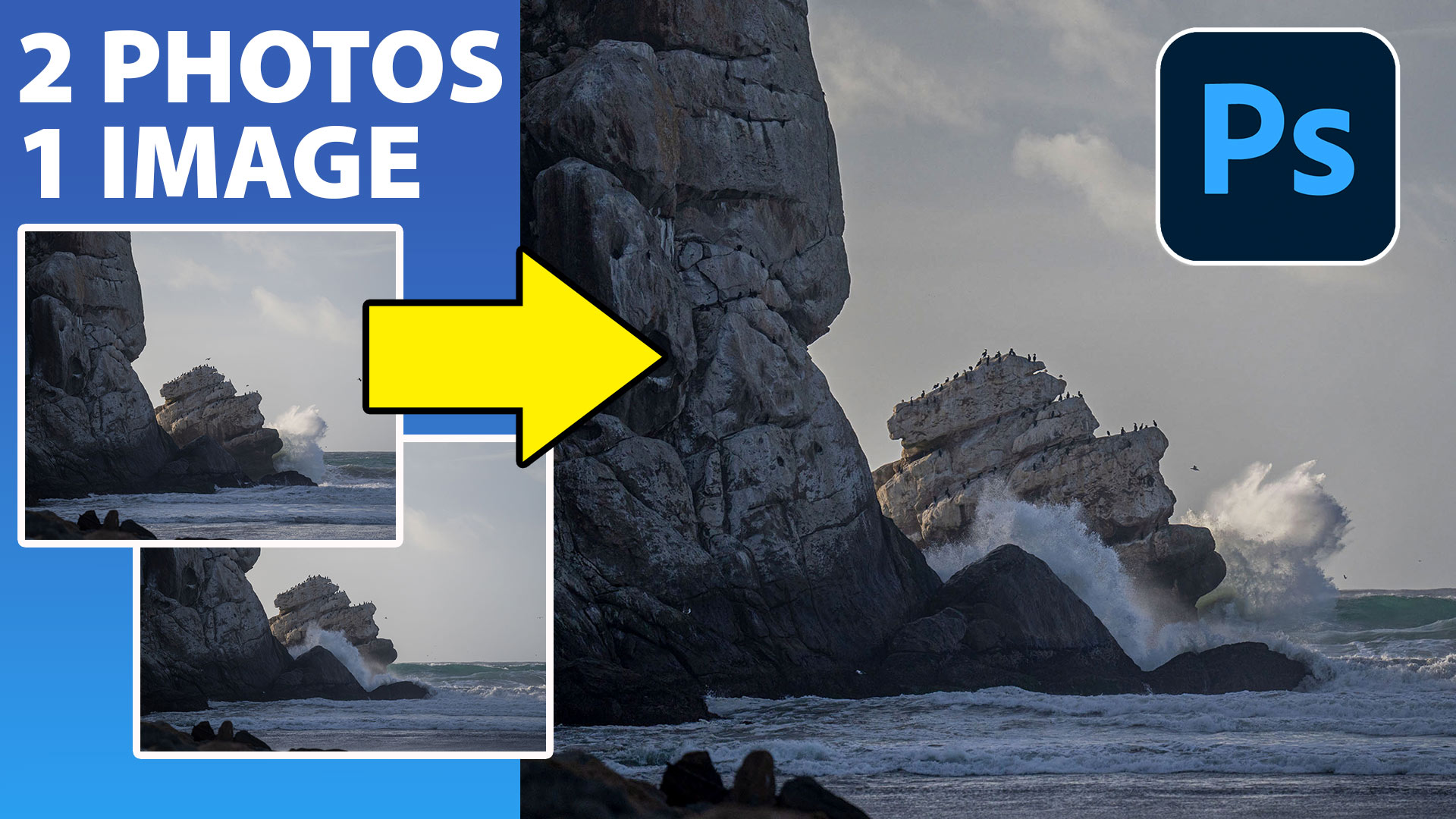
Combine 2 photos together in Photoshop to make a better image in this simple but very effective Photoshop tutorial

How to make the apple liquid glass effect in Photoshop
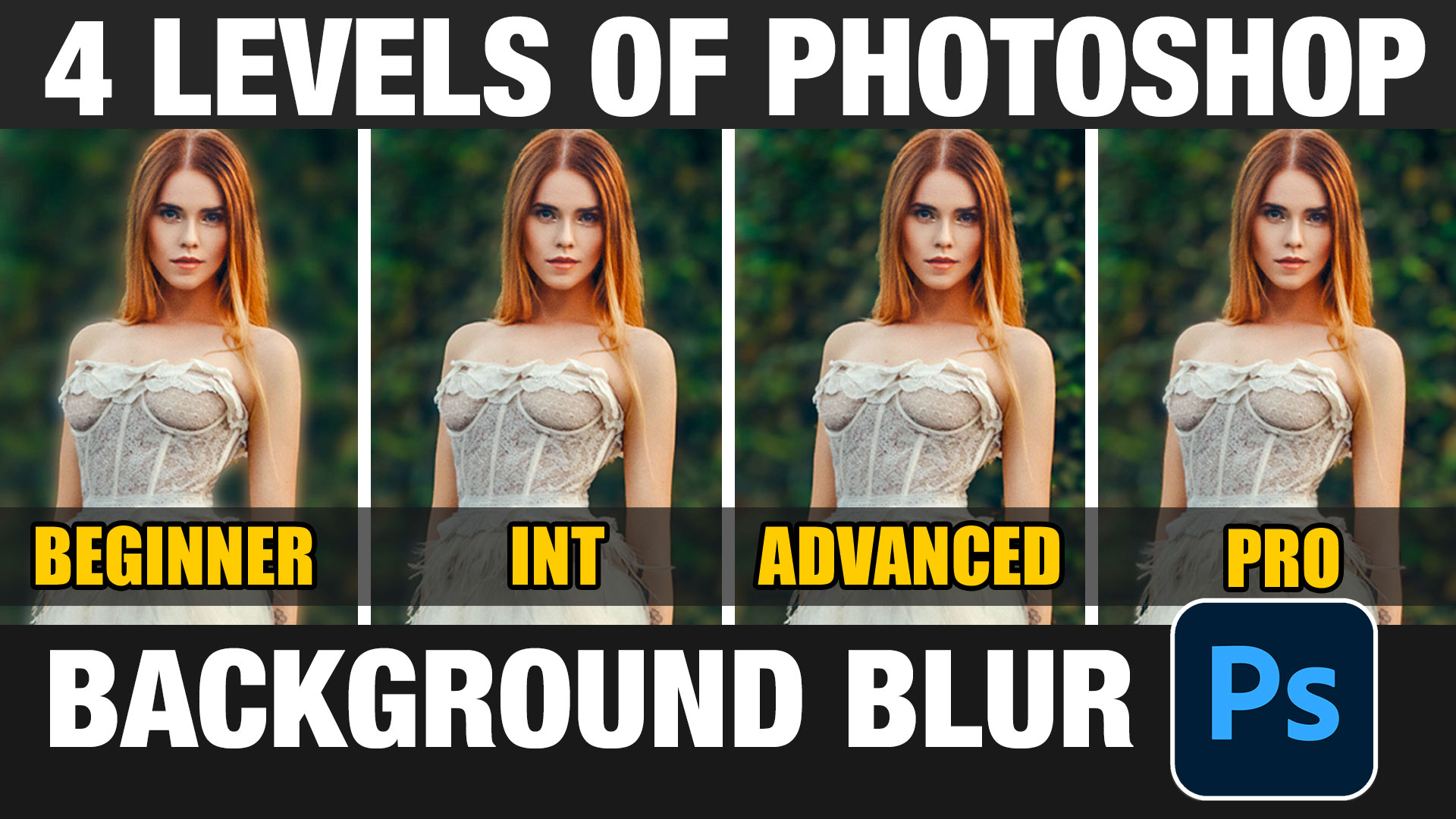
4 levels of background blur in Photoshop, ultimate Blur background tutorial

New Photoshop ai selection against difficult backgrounds. How to make instant cutouts with busy backgrounds in Photoshop

Updated ai selection tool in Photoshop is stunningly good now








