
Step by Step

Here is a highly requested tutorial. Everyone wants to know how to take a picture and replace the background or make it transparent. Here is a method using the extract tool that first appeared in ps 5.5.Notice the strands of hair near the shoulders.

Here is another tutorial that has come about by a request from the forum. This is how you wrap something around a cylinder. This us useful for creating labels for cans etc.
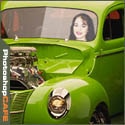
In this tutorial I will demonstrate how to place a person inside an image using the "paste into" command. You can use this technique to achieve all kinds of convincing photomanipulation tricks.
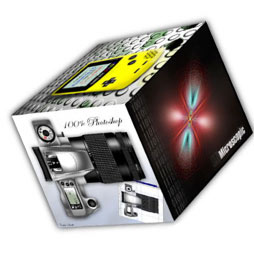
I have been asked a few times, how to make a 3d cube in Photoshop. here is the manual method. This tutorial will show you how to transform shapes and work with gradients to add realistic shading.
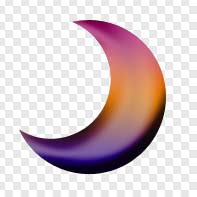
I have had many people ask how to save transparent gifs in Photoshop This tutorial will also show you how to get rid of the nasty colored outlines called "halos"

An interface would never be complete without the little buttons that appear to be made of glass. This tutorial will show you how.

Photoshop has a very powerful addition to the Layer Styles that is grossly overlooked, but if you are into dynamic typography, interface design or realistic effects for your creations, mastering the Pattern Overlay feature is a must.

A couple of years ago, some Action enthusiast friends of mine expressed their concern that I was pursuing a vapor, a ghost, an insubstantial illusion in my quest to promote Actions in Photoshop on a global scale. In short, they told me I was nuts with a capitol CRAZY.
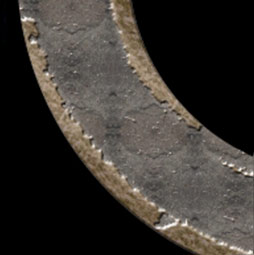
Let's talk some more about texturing, this time working with an interface style image over several layers. Photoshop 6 layer styles allow us to do some fantastic effects with patterns, and I want to address some of those effects here. What better way to do that than to show you first hand?
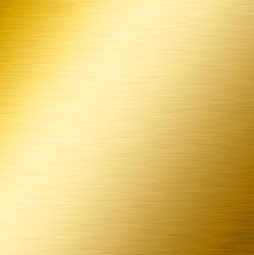
How to create a texture that simulates brushed metal in only a few steps. This is the same metal used on Apples Panther.
I've had a few people asking me how I got the outline for my Signature. So here is the tutorial on creating a double bevelled outline. Enjoy!










