Ai Art and tools

Learn how to remove objects, shadows and reflections in Photoshop using Related Elements, improve results with Enhance and avoid wasting generative credits.

Learn how to use Relight Layer in Photoshop to change light direction, color and intensity, add multiple lights and match lighting in photo composites

Stop Nano Banana stretching selections in Photoshop with this Smart Object trick that also produces sharper, higher-quality AI results.
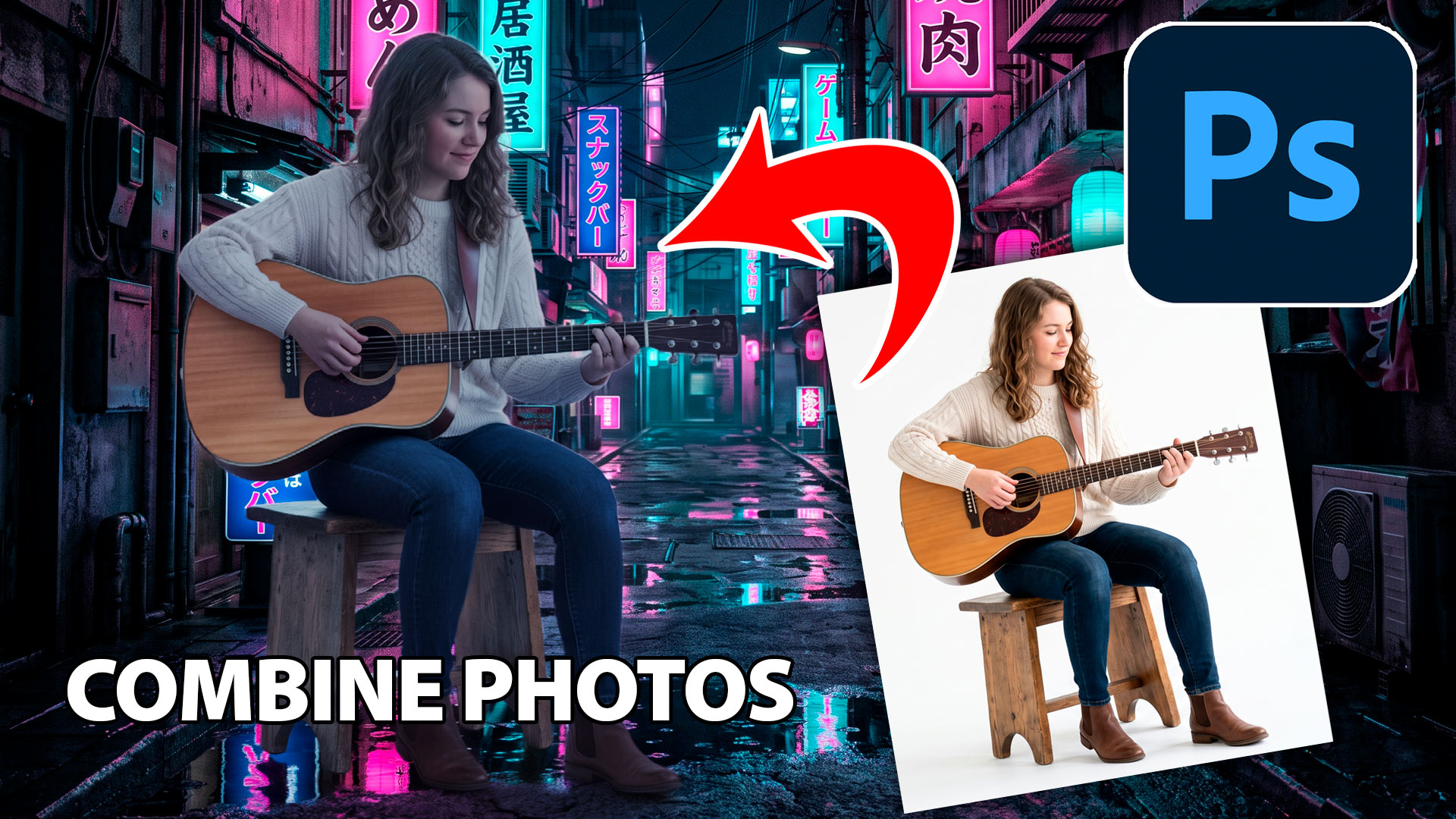
Learn how to combine photos in Photoshop with this fast, beginner-friendly workflow for blending images and creating natural-looking composites.
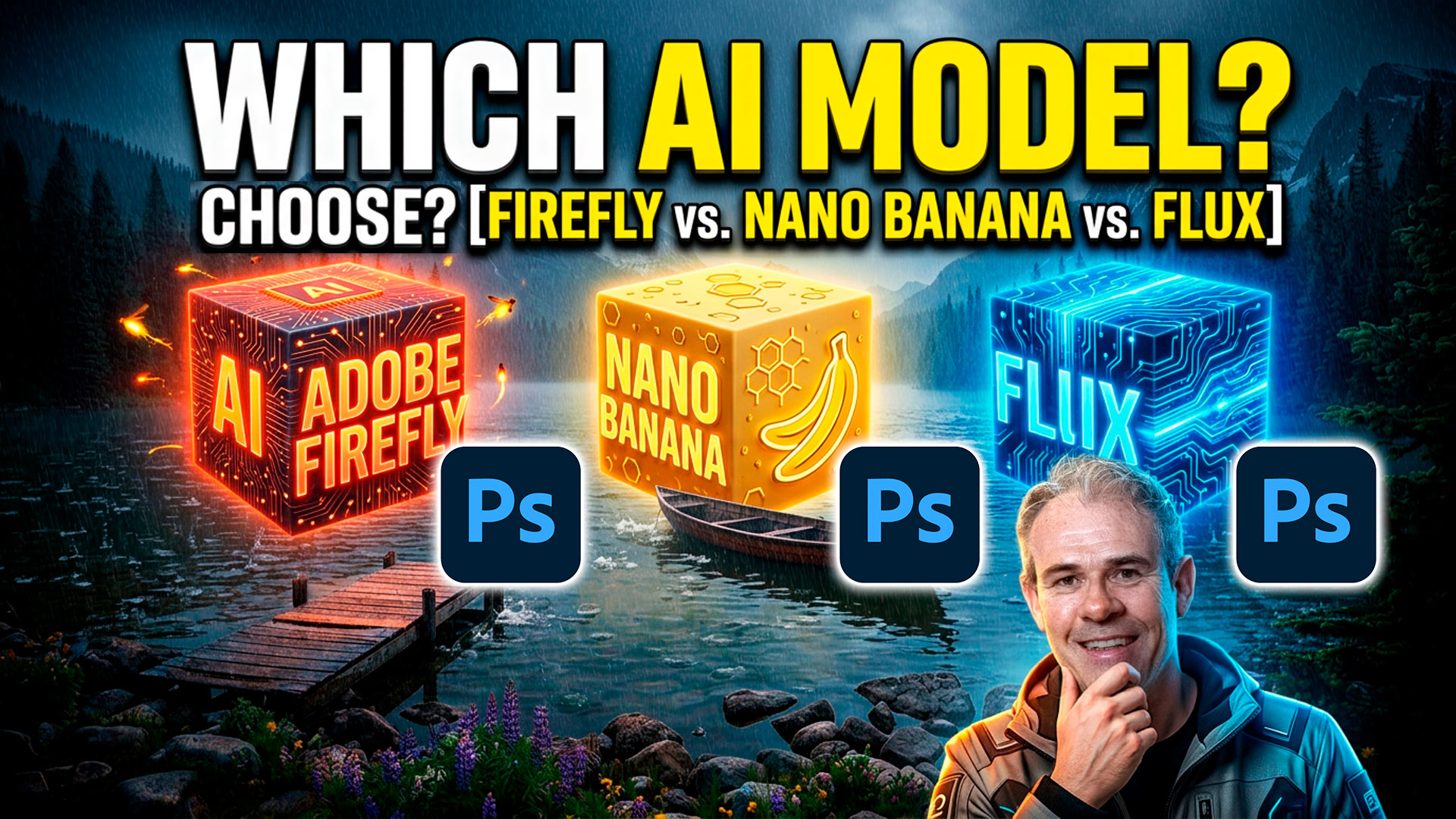
How to choose the best Generative ai model in Photoshop. Firefly, Flux and Nano banana, which is best? The answer is simple, but isn't.
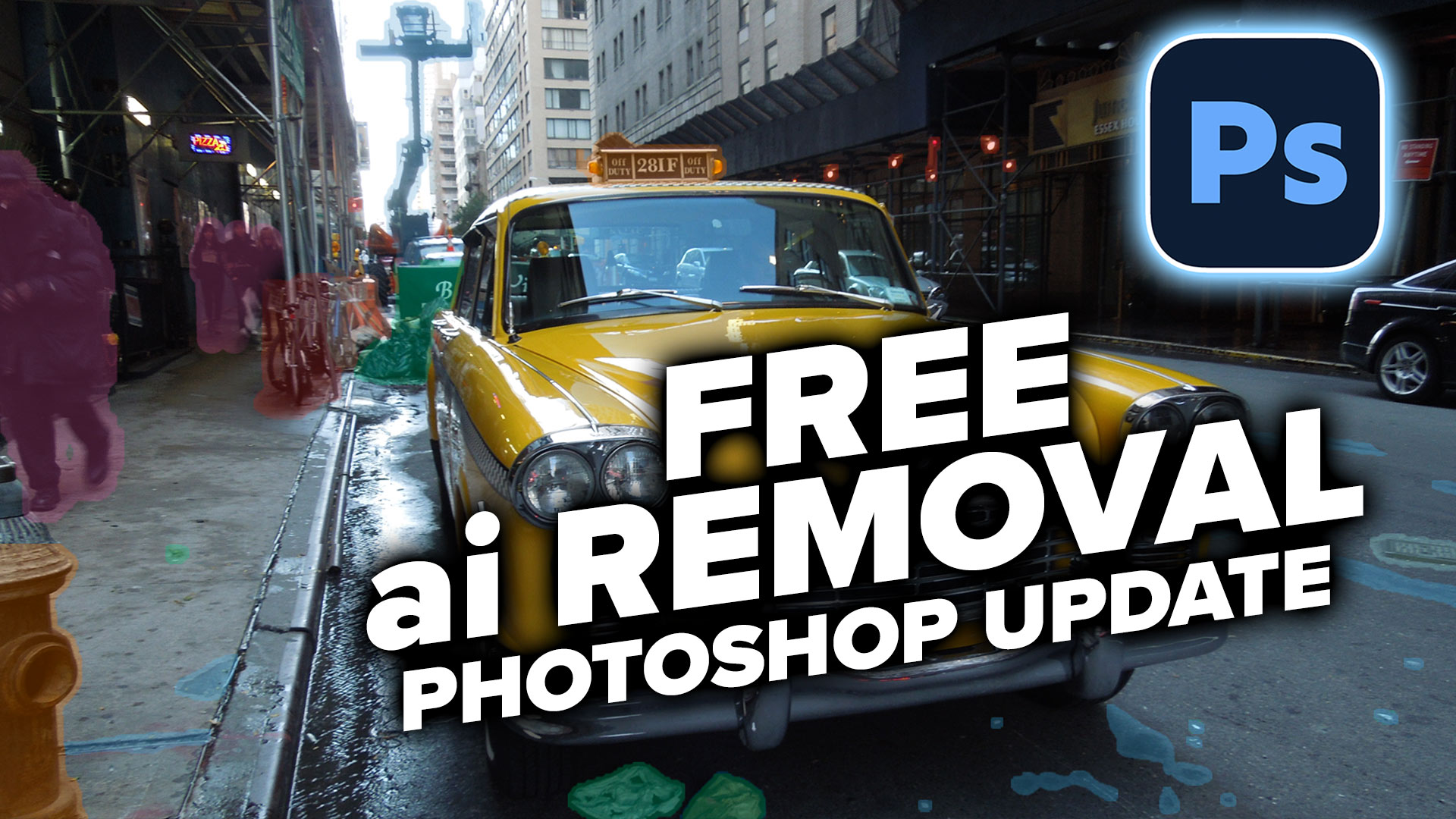
Learn how to automatically detect and remove visual clutter, people, and vehicles from any photo using the new Find Distractions features in Photoshop 2026.
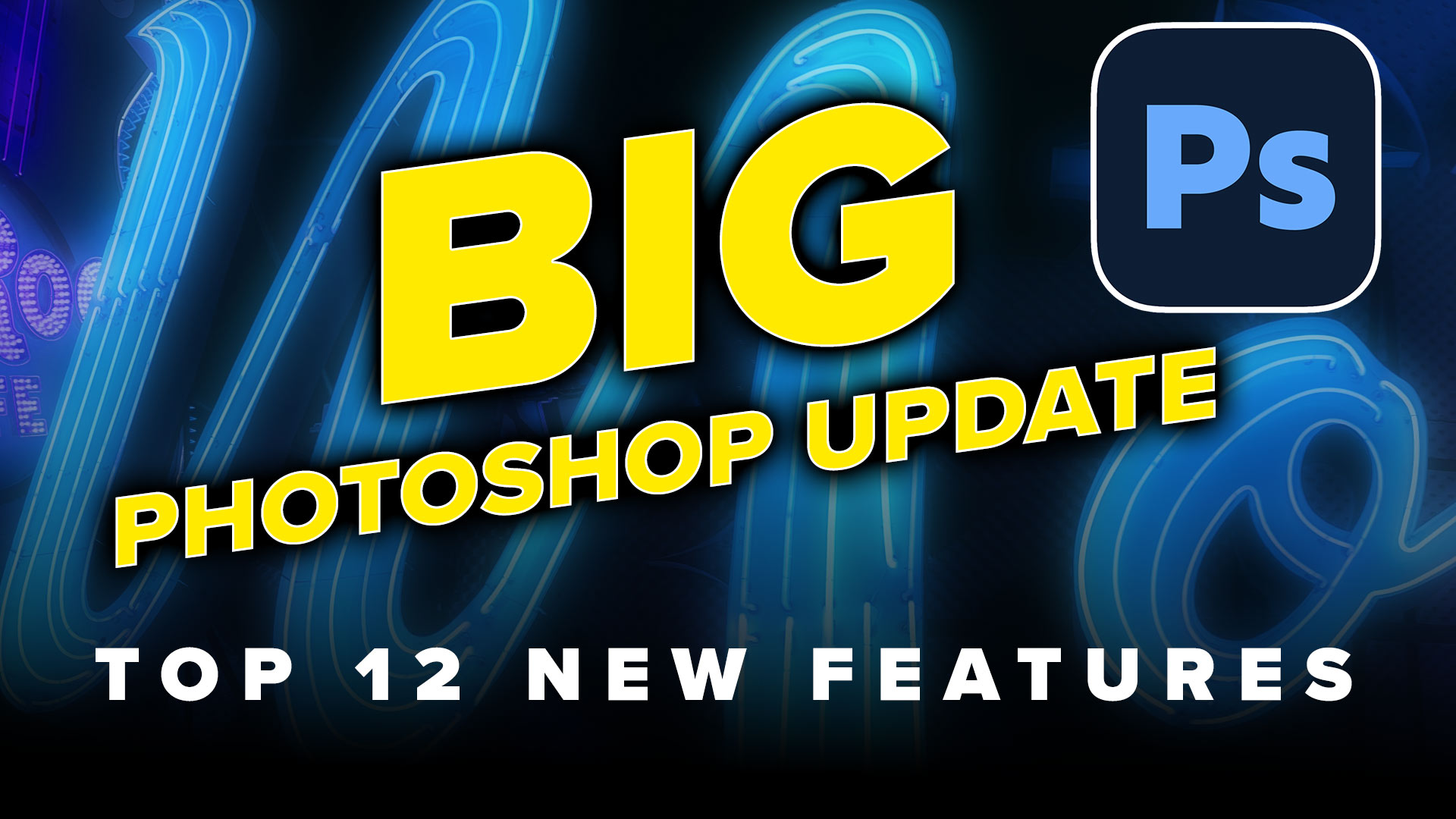
Top 12 new features in Photoshop April 2026 release.
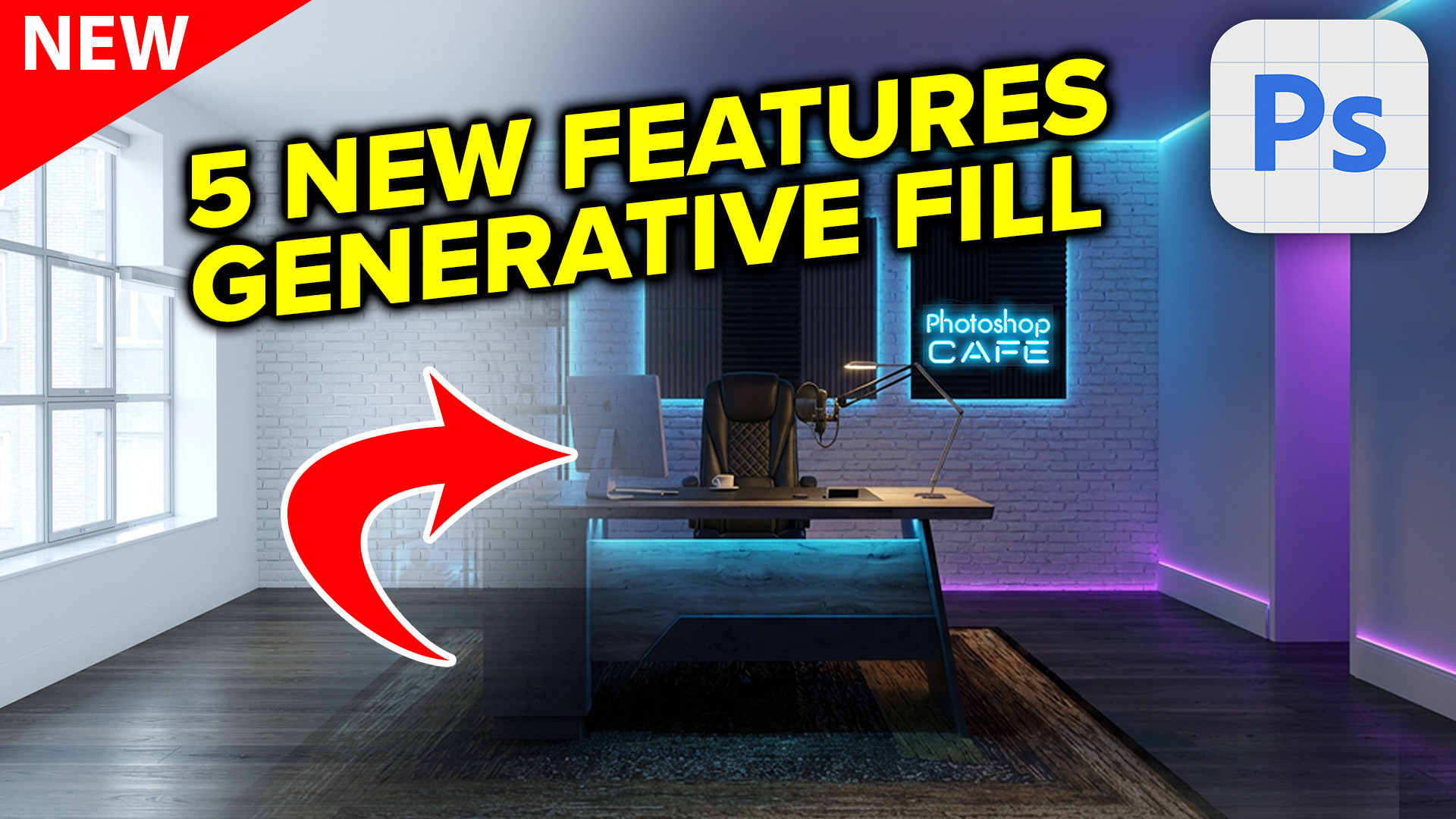
redesigned Generative Fill in Photoshop adds 5 new features. Visualize filling a room with real furniture without breaking a sweat.
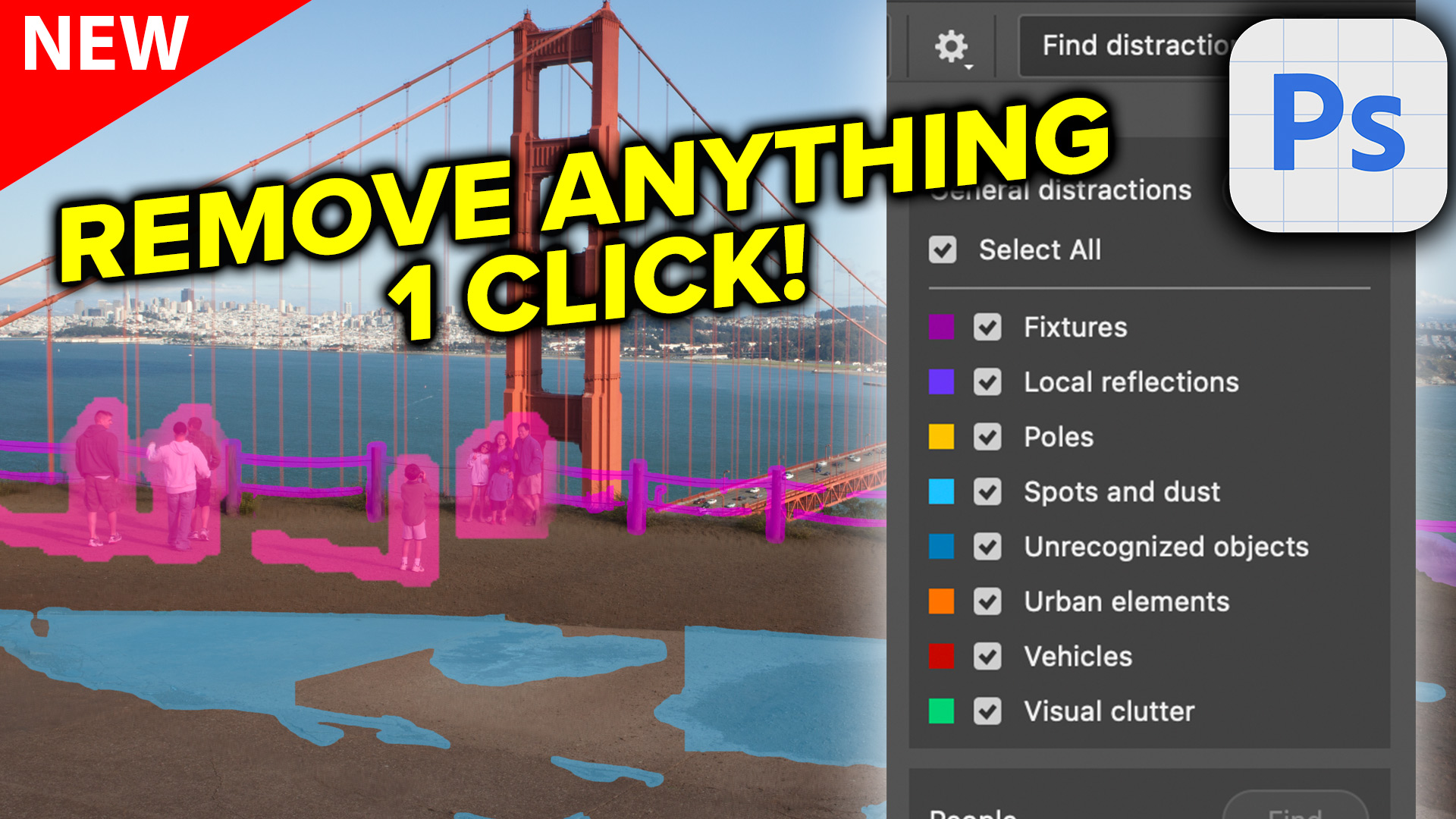
Auto remove anything in Photoshop with General Distractions tool.
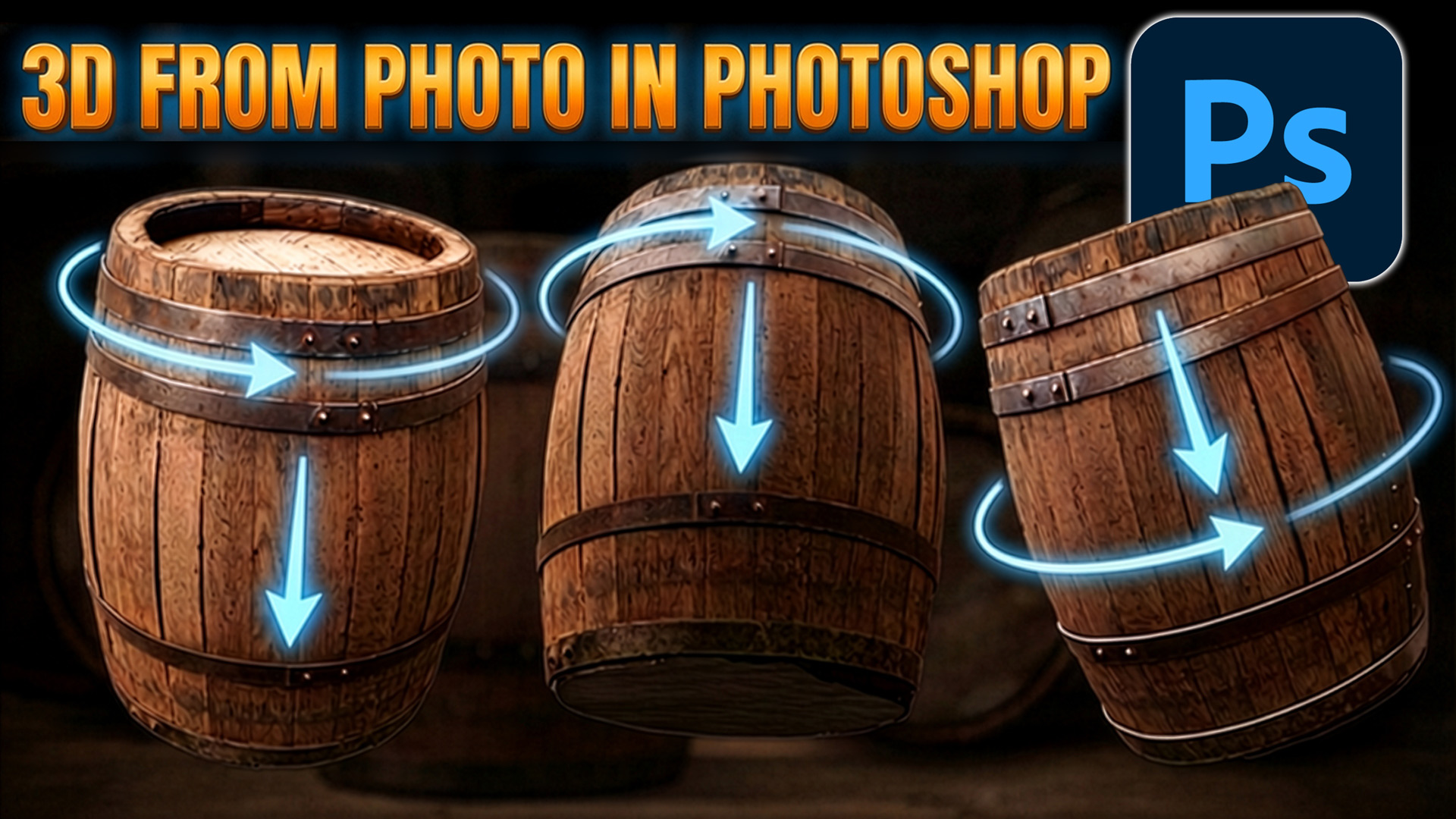
Rotate Object in Photoshop turns photos into 3D models, perfect for compositing
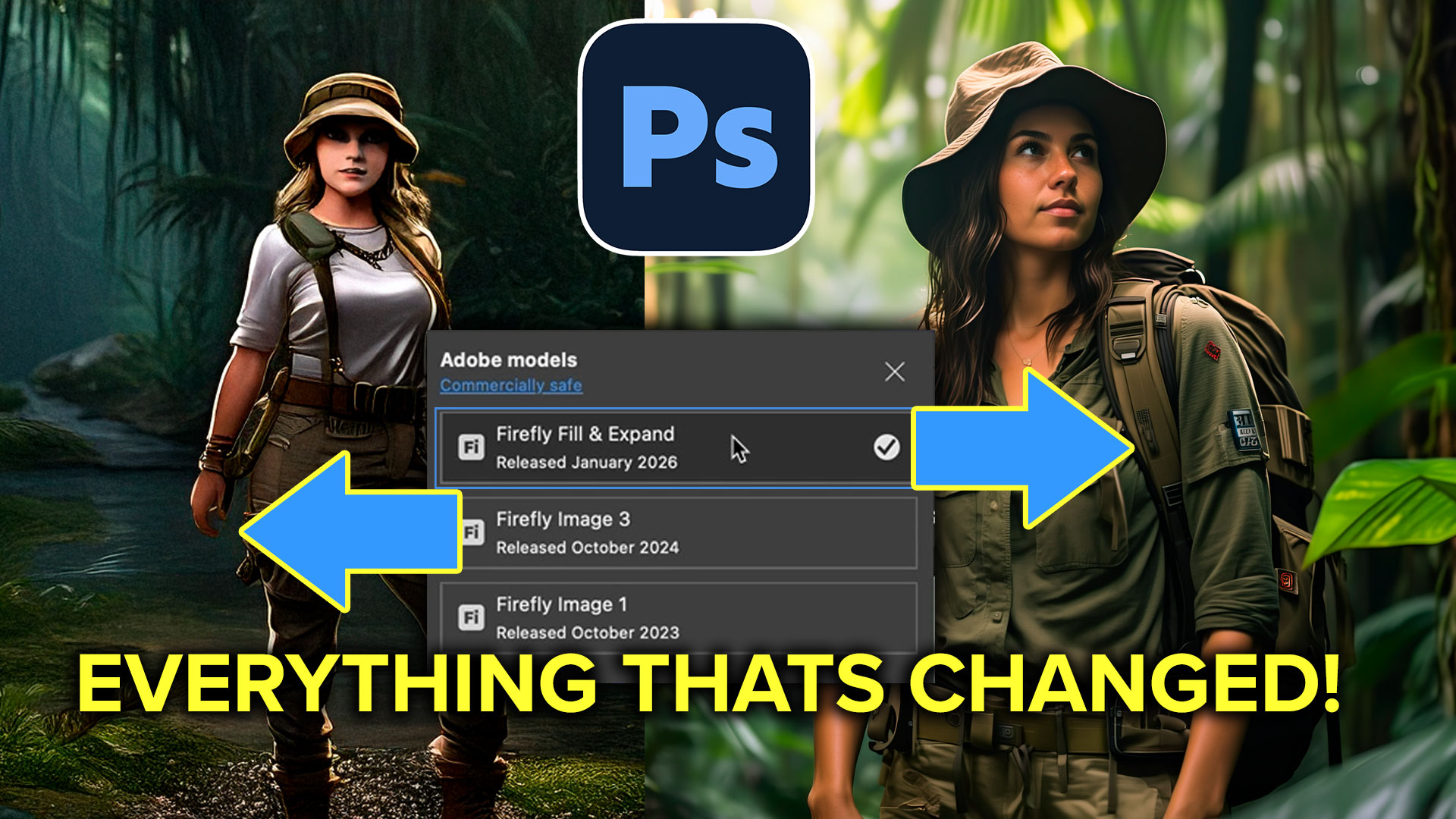
What's changed in Photoshop Generative Fill, Fill & Expand model?
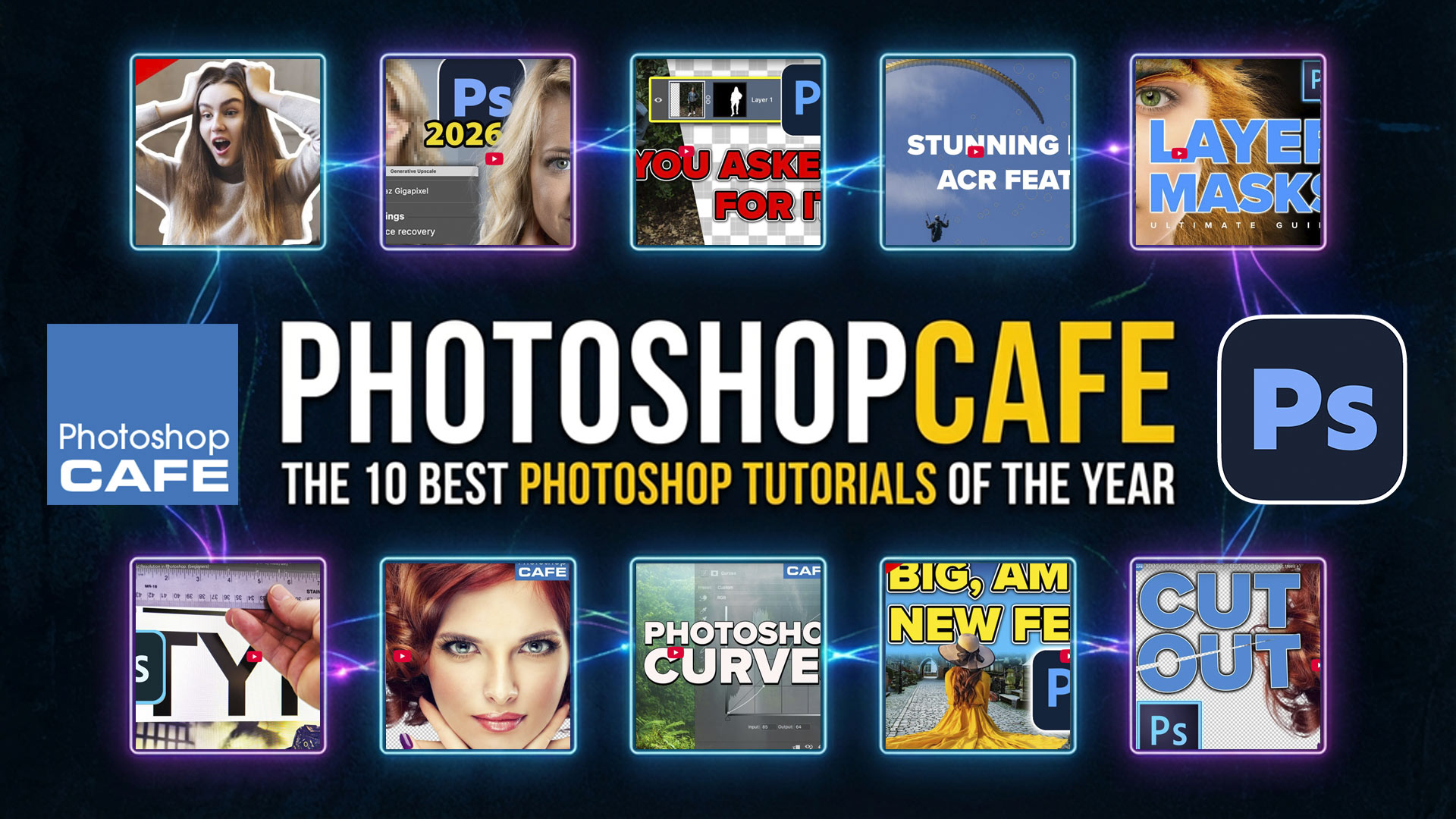
A year-end roundup of the most popular Photoshop tutorials, combining new AI tools with timeless skills our community keeps coming back to.
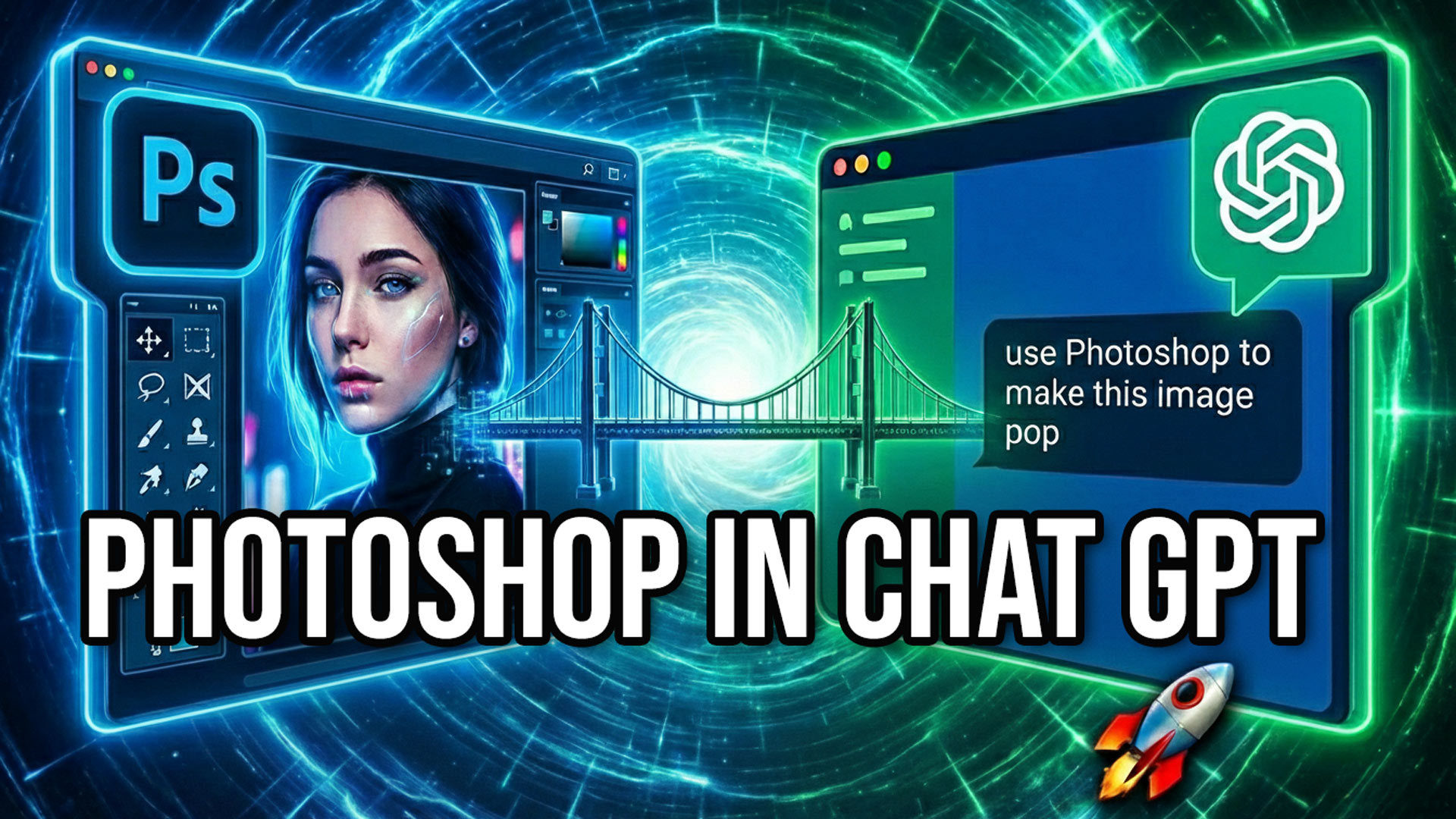
Learn how to connect and use Adobe Photoshop to ChatGPT and edit photos with sliders