
Filter brushes Adobe Camera Raw 9 Tutorial
All new local adjustments with the new Filter Brushes in ACR 9, allow you to paint on or subtract from gradient and radial filters.
Recently, Adobe did some big updates to Lightroom, Camera RAW and Photoshop.
One feature that isn’t necessarily brand new, but went largely unnoticed is the ability to use an adjustment brush directly on gradient and radial filters. This simple tool revolutionizes local adjustments in Camera Raw.
Imagine this, add a gradient to darken down the sky a bit. This always looks great right? After all, it simulated a split neutral density filter. The problem is, when a mountain, roof of a building or some other object sticks up into the gradient, it too gets darkened. With the Filter brush, click on “brush” and paint away the adjustment where you don’t want it. It’s that simple. This same feature was added to Lightroom CC and Lightroom 6 recently. Check out our learning center on all the new features in Camera Raw 9 as well as in Photoshop CC 2015.

Recommended for this tutorial
Learn Masks in Lightroom and Camera RAW
Make precise local adjustments in Lightroom and Camera Raw with every type of mask.
$59.99 · one-time purchase · instant download

Free for you
The Photoshop Vault
Get my free Layer Blending Modes ebook along with dozens of exclusive Photoshop goodies: actions, brushes, presets and cheat sheets.
You're on the list, so your free goodies are waiting for you in the Vault.
Get Free Photoshop Goodies Open the Vault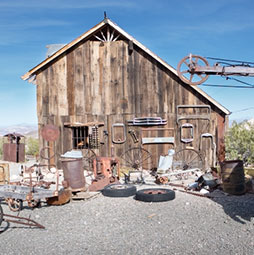

HDR Photography, Merge to HDR in Adobe Camera Raw Tutorial
New in Photoshop CC 2015 release is the ability to merge bracketed photos together in ACR (Adobe Camera Raw). In the past,... Read tutorial
Why are there tools missing in Camera RAW sometimes?
Finding the missing tools in Camera Raw. Why do tools sometimes vanish in ACR? Colin Smith explains ACR as a filter vs... Read tutorial
How to retouch a face in Lightroom or Camera Raw
How to retouch a portrait photo in Lightroom or Camera RAW. This Lightroom tutorial shows how to smoothen skin, whiten teeth, enhance... Read tutorial
How to combine masks in Adobe Camera RAW + Lightroom for advanced masking
How to mask foreground in Camera Raw and combine masks for advanced selections in camera Raw and Lightroom Read tutorial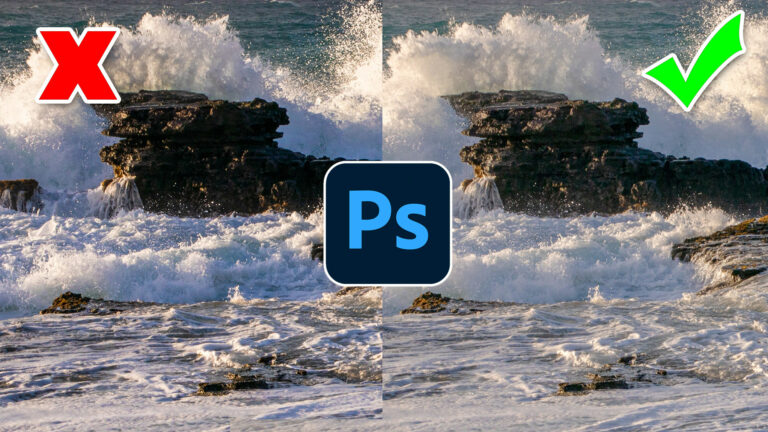
Photoshop contrast alternative makes every photo better
It's common to increase contrast in photoshop to add punch.Here is a better way to pop your images without losing quality. Better... Read tutorial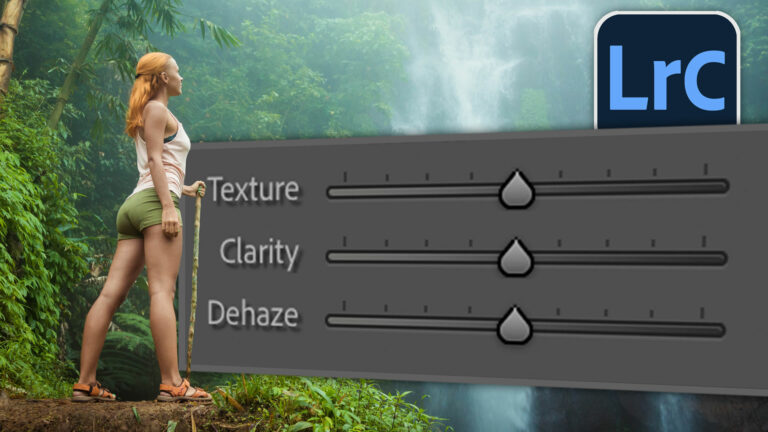










Very effective tutorial.Gather so many knowledge from here.
video tutorial always help to the learners.
This is great! A lot of phone photo apps now also have this capability. Instagram’s selective focus mode can, with a little experimentation, give decent tilt/shift results as well.
really helpful tools for photo editing i like brushes tool most because when i am working in Photoshop i am Satisfied this tool