Special Effects

One of the most popular features here at photoshopcafe is the “Super Tutorials”.In Super Tutorial #3 This will be a 4-part tutorial on creating a Photorealistic interface design. We will focus in on one aspect at a time and give you more in-depth instruction than I could with a single tutorial

Here is another tutorial that has come about by a request from the forum. This is how you wrap something around a cylinder. This us useful for creating labels for cans etc.
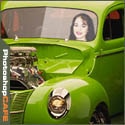
In this tutorial I will demonstrate how to place a person inside an image using the "paste into" command. You can use this technique to achieve all kinds of convincing photomanipulation tricks.
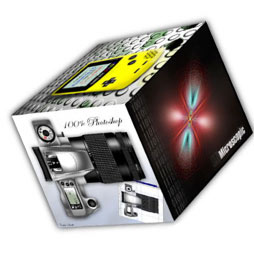
I have been asked a few times, how to make a 3d cube in Photoshop. here is the manual method. This tutorial will show you how to transform shapes and work with gradients to add realistic shading.
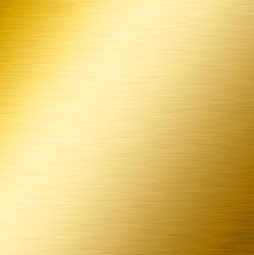
How to create a texture that simulates brushed metal in only a few steps. This is the same metal used on Apples Panther.
I've had a few people asking me how I got the outline for my Signature. So here is the tutorial on creating a double bevelled outline. Enjoy!