Special Effects

Here is my Version of the ever popular Segmented Pipes photoshop tutorial. A staple for interfaces.Enjoy
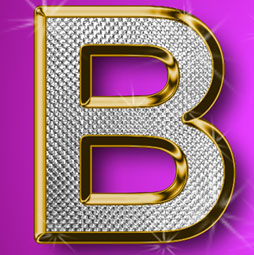
This is the original Tutorial on this rap diamond effect, there have been many rips of it in other places. (imitation is flattery they say) You could create those Rap type diamond effects using the noise filter, however this technique creates a more interesting result.

Here is a tutorial that you can use for layered collaging. While it might be easier to use a layer mask or a quick mask to acheive the same result, this tutorial is engineered to help you understand Alpha channels. An understanding of Channels will put you onto the fast-track of Photoshop mastery.
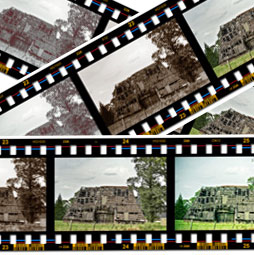
Here is a tutorial submitted from Hermie (One of our Community Managers at the forums) This will show you how to create a filmstrip from scratch. This is really useful and requested tutorial. You can paste your photographs into it. You can use it as a design element, or for displaying your photographs.

This tutorial will show you how to turn a Photo into a painting that resembles something you would see on on of those old English Tea cans or on china Dinner sets
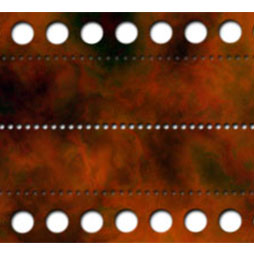
Seems like I have had so many people ask how to do a dotted line in Photoshop, so here is the easiest way, using custom brushes. With Photoshop CC it's much easier, I'll show you both methods, but you can make some very cool shapes the old school way
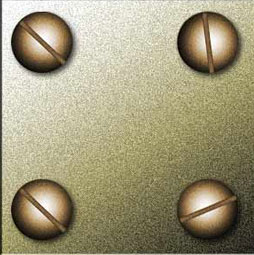
This tutorial will show you how to hold your images together with realistic looking screws.
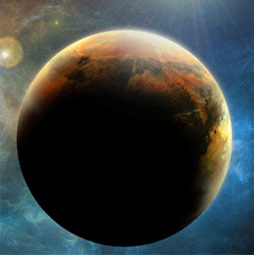
Hope you enjoy this tutorial, specialy written for photoshopcafe.com by raul bermudez ,elemento.1 Step 1 First start by creating a new document. I will recommend at least 1000×1000. Create a black background, then on a new layer do a perfect circle, (marquee tool & hold shift). Step 2 On the new layer fill the circle […]
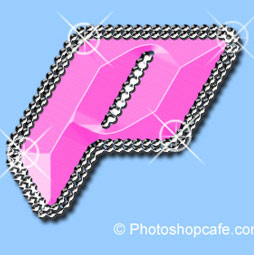
I received a request from the forum for this effect from one of our Members living in Japan. This is a technique that is all the rage over there. Not knowing what is effect is called, I decided to dub it the "Anime Bead" effect. Enjoy!

Here we have an image of some people playing on the beach in the afternoon. We can easily change this image to look like it is late in the day and the sun is setting. The beach will be bathed in golden light
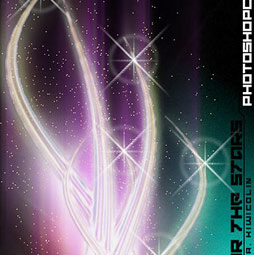
Here is a nice effect that looks like the sun glinting off a metallic or shiny surface. This starburst effect even includes a little lens flare. A tasteful replacement for the sometimes over used lens flare filter. (A shout-out to Mrs Wanack and class at Humble High School who requested this.)
This tutorial is almost quick two in one. I'll show you how to create one of my favoriate effects on a photograph, then we'll have a little fun and make a CD cover.

Here we will learn how to get realistic mirror reflections in photoshop. This will work for any object, not just for text. Here is another example. There are many variations of this effect, for the sake of illustration we will use the text.

This Tutorial has come about due to a few requests. This starts with a fairly simple object, and finally ends up with the orb Design. Take it step by step, and you shall not only understand how to create this object, but realise that a little bit of thinking and understanding of light effects goes a long way into creating lots of things.

This tutorial came out of a request from the forum. I was asked if I could make a realistic rope..