Skip to content
Customer Support
  • Free Tutorials
    • All Free Tutorials
      • ACR & Lightroom Tutorials
      • Photoshop Basics
      • Photoshop Tips
      • Photo Tutorials
      • Ai Art and tools
      • Special Effects
      • Text Effects
      • MISC
      • Drone Photography
    • Newest Photoshop + LR Features
      • Lightroom New Features
      • Photoshop CC New Features
      • Photoshop CS6 New Features
      • Photoshop CS5 New Features
      • Photoshop CS4 New Features
      • Photoshop CS3 New Features
    • Live Streams
  • Premium Courses
    • Premium Training
      • Photoshop
      • Lightroom
      • Design
      • Digital Art
      • Photography
      • Lighting
      • Drones
      • New Releases
      • On Sale
    • Streaming Videos
    • Instructors
    • Testimonials
  • Reviews
  • About
    • About us
    • Blog
    • Help
    • Interviews
    • Contests
  • Gallery
    • Colin’s work
  • Freebees
  • Account

Author: Colin Smith

June 5, 2019

How to retouch a face in Lightroom or Camera Raw

By Colin Smith
June 4, 2019

LIVE #12 Make 3D can, match colors, eyedroppers in Photoshop, Make Photos look better

By Colin Smith
June 1, 2019

Photo + Video filters Filters explained: for DJI Osmo Action Camera

By Colin Smith
May 22, 2019

Facebook 3D and Photoshop guide. How to turn a layered Photoshop image into Facebook 3D…

By Colin Smith
May 17, 2019

New in Lightroom, Texture: Soften Skin + enhance details.

By Colin Smith
May 9, 2019

Wacom Intuos Pro Small pen tablet review and setup

By Colin Smith
turn any photo into a facebook 3D photo in photoshop
May 9, 2019

How to turn any photo into a Facebook 3D photo in Photoshop

By Colin Smith
May 1, 2019

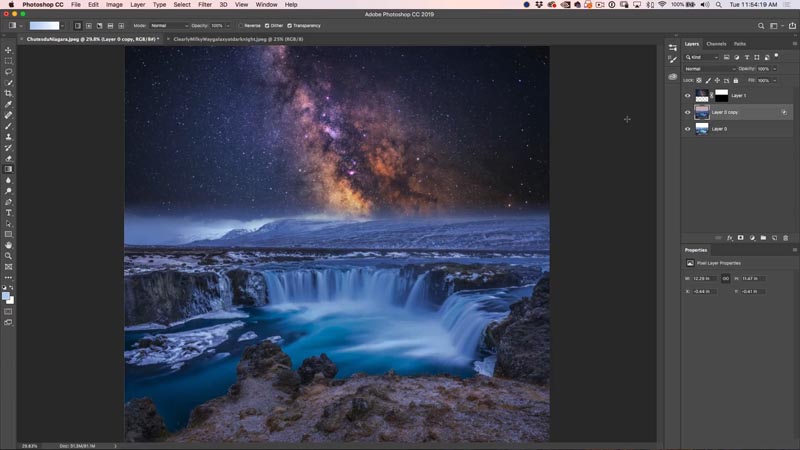
How to combine and blend photos in Photoshop: night sky

By Colin Smith
April 24, 2019

5 hidden tips for cutting out and selecting photos in Photoshop

By Colin Smith
April 18, 2019

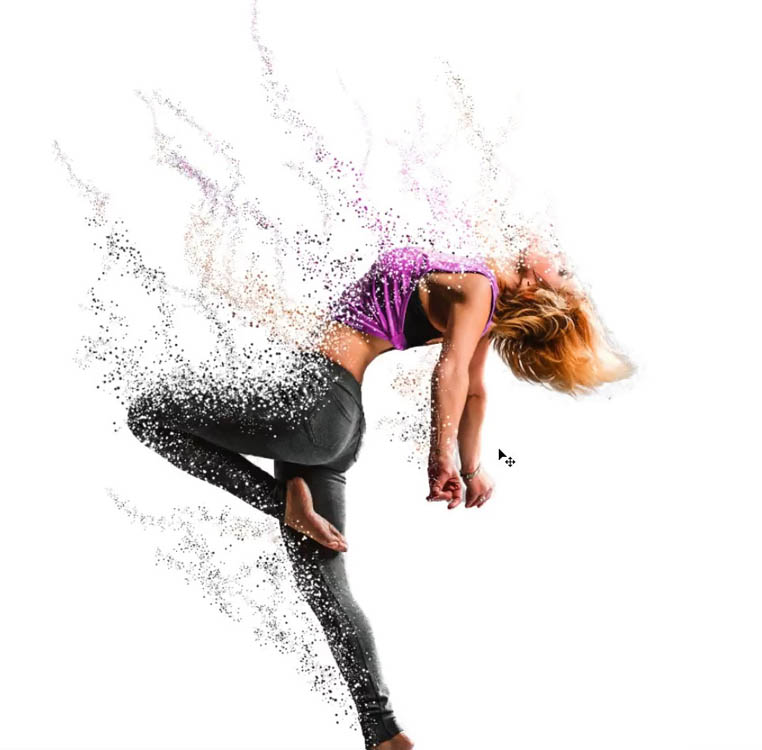
How to make Avengers Dust effect in Photoshop, Infinity wars, endgame particle dispersion

By Colin Smith
April 12, 2019

RODE Wireless GO, amazing tiny pro mic for filmmakers and bloggers

By Colin Smith
April 2, 2019

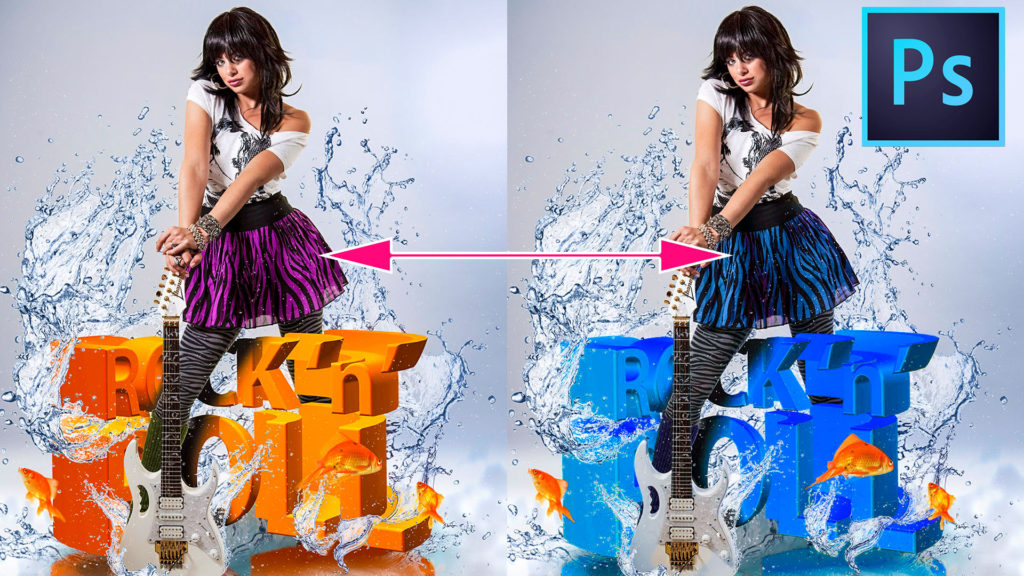
How to Change the Color in complex objects in Photoshop without selections

By Colin Smith
  • «
  • 1
  • …
  • 31
  • 32
  • 33
  • 34
  • 35
  • …
  • 62
  • »
Browse by category
  • Newest Photoshop + LR Features
  • Photoshop Basics
  • Lightroom and ACR Tutorials
  • Photo Tutorials
  • Photoshop Tips
  • Ai Art and tools
  • Special Effects
  • Text Effects
  • Drone Photography
  • Live Streams
Featured Products
Complete Guide to ai in Photoshop 2026

Complete Guide to ai in Photoshop 2026

Buy Now
Photoshop 2026 for Digital Photographers | Photoshop Secrets

Photoshop 2026 for Digital Photographers | Photoshop Secrets

Buy Now
Photoshop Compositing: Sky City Project. Photoshop 2026

Photoshop Compositing: Sky City Project. Photoshop 2026

Buy Now
Learn Masks in Lightroom and Camera RAW

Learn Masks in Lightroom and Camera RAW

Buy Now
Newest tutorials
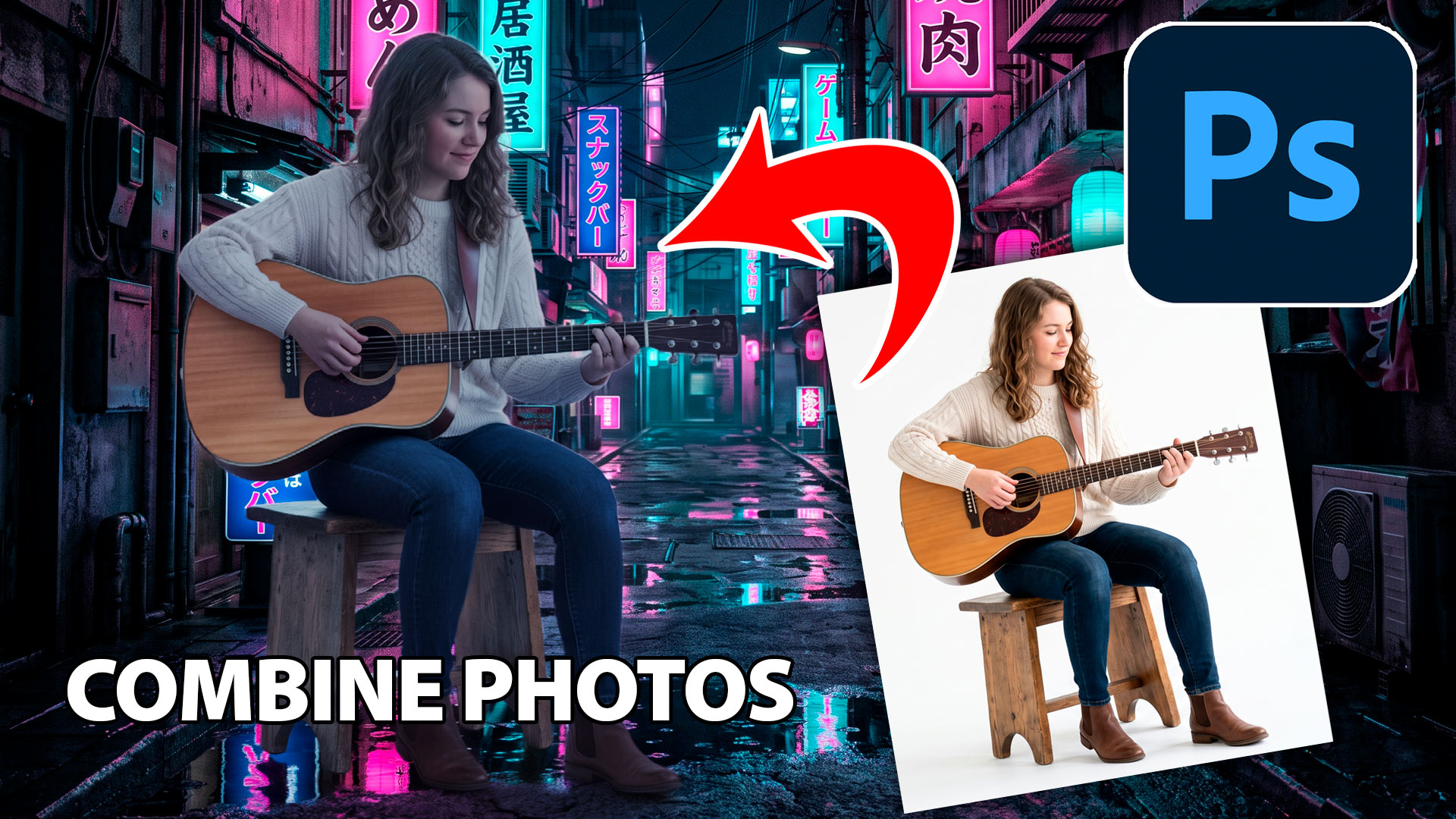
How to Combine Photos in Photoshop – New Easy Method

How to Combine Photos in Photoshop – New Easy Method

How to easily add Bleeds and Crop marks in Photoshop for print

How to easily add Bleeds and Crop marks in Photoshop for print

New Features in Lightroom and Camera RAW, August 2026 update

New Features in Lightroom and Camera RAW, August 2026 update

Popular tutorials
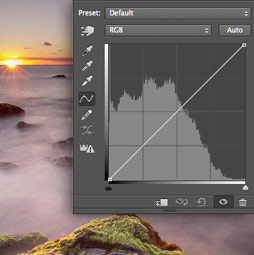
Curves in Photoshop explained Photoshop Tutorial

Curves in Photoshop explained Photoshop Tutorial

What’s New in Photoshop 2026 (Full Release Overview)

What’s New in Photoshop 2026 (Full Release Overview)

How to make apple Liquid Glass effect in Photoshop

How to make apple Liquid Glass effect in Photoshop
footer-top-image
FREE RESOURCES
  • Newest Photoshop + LR Features
  • Reviews
  • Gallery
PREMIUM TRAINING
  • Photoshop
  • Lightroom
  • Photography
  • Design
  • Digital Art
  • Lighting
  • Online courses
  • Software Cinema
IMPORTANT LINKS
  • About us
  • Privacy Policy
  • Customer support
  • Speaking Events
THE ULTIMATE PHOTOSHOP RESOURCE
Browse Courses Search Tutorials
  • 2004-2025 photoshopcafe.com
  • CREATE DON'T STEAL
  • 15642 Sand Canyon Ave, #54843, Irvine CA
Connect:
  • YouTube
  • Instagram
  • Facebook
  • LinkedIn
  • Twitter