
Color tinting in Photoshop Tutorial
Basic Color tinting in Photoshop
This is a basic Photoshop tutorial on color tinting. For a more up to date and in depth look, check out the color grading in Lightroom and Photoshop tutorial
Step 1
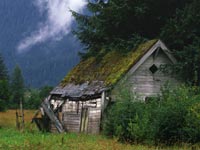
Start with your image in RGB mode
Step 2
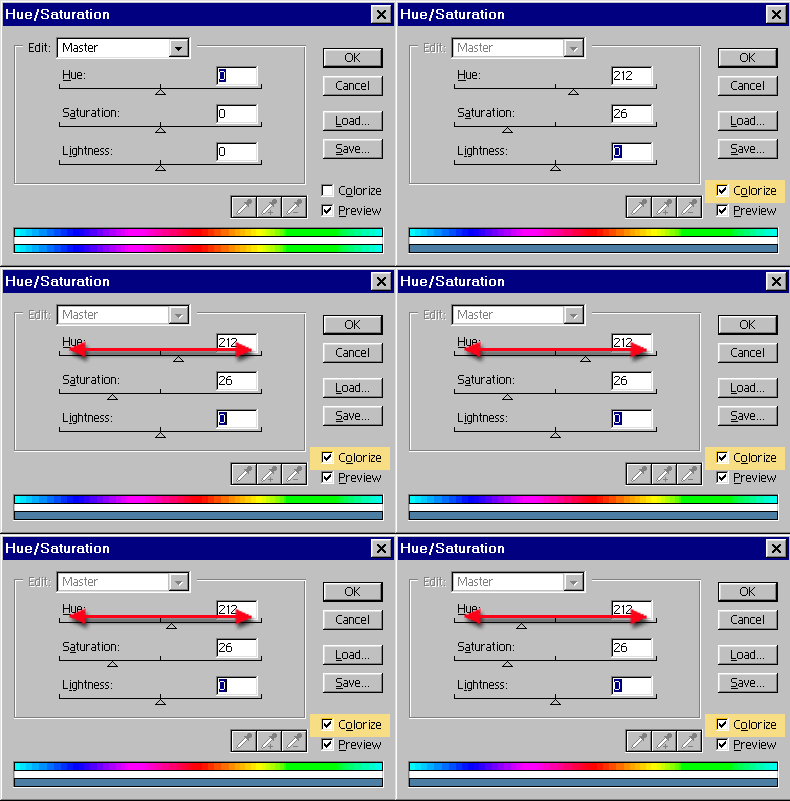
Open the Hue/Saturation box Ctrl/Cmd+U
Click the colorize box.
Step 3
Slide the hue slider to change the color hue. That simple!
You can adjust the Saturation if you want. To the left, less color, to the right more. Too easy!
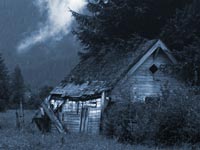
The result!
Keep growing with Premium Courses
Photoshop 2026 for Digital Photographers
Learn Photoshop properly, from the basics to pro retouching, step by step.
$129.00 · one-time purchase · instant download

Free for you
The Photoshop Vault
Get my free Layer Blending Modes ebook along with dozens of exclusive Photoshop goodies: actions, brushes, presets and cheat sheets.
You're on the list, so your free goodies are waiting for you in the Vault.
Get Free Photoshop Goodies Open the Vault
Wavey Grids in Photoshop Photoshop Tutorial
Making waves: I have been asked many times how I made the wavey Grid in my Sig. So here it is, the... Read tutorial
Original Gangsta bling diamonds Photoshop Tutorial
This is the original Tutorial on this rap diamond effect, there have been many rips of it in other places. (imitation is... Read tutorial
Brushed Metal Texture Photoshop Tutorial
How to create a texture that simulates brushed metal in only a few steps. This is the same metal used on Apples... Read tutorial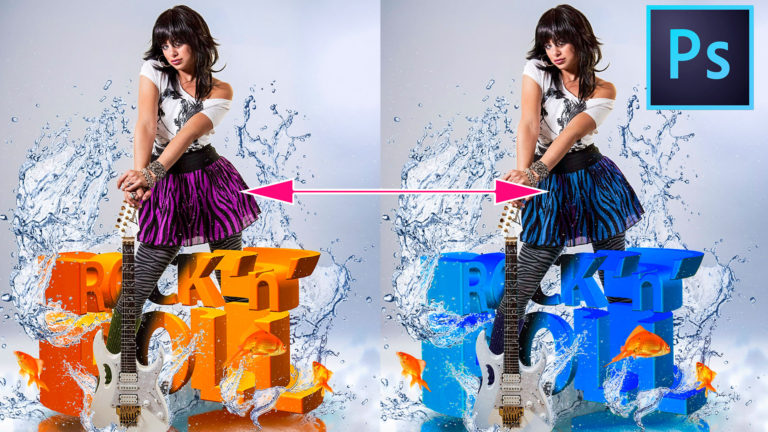
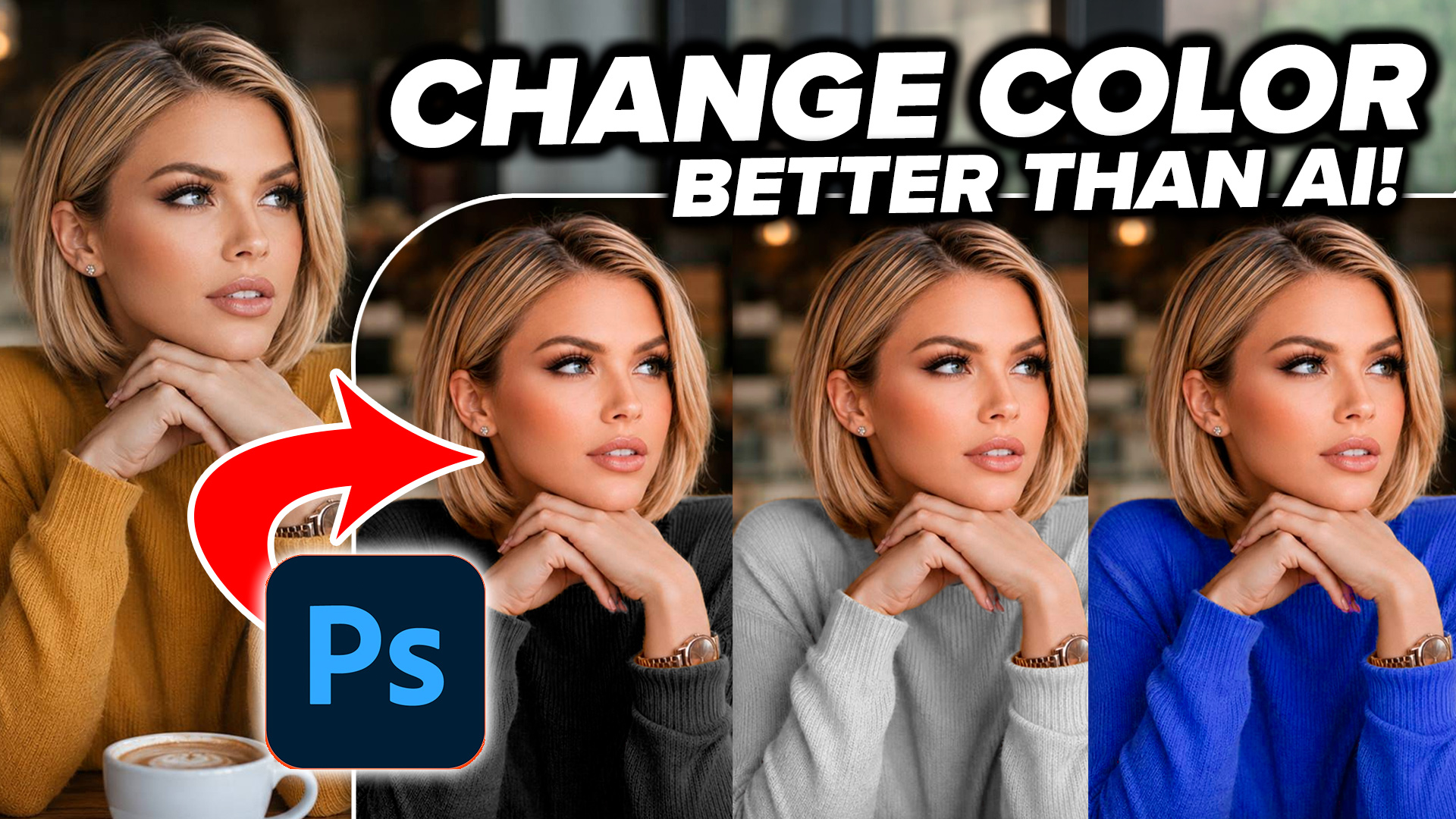
How to Change the Color in complex objects in Photoshop without selections
In this Photoshop tutorial, Colin Smith shows how to instantly and easily change the color of something in a photo using Photoshop.... Read tutorial
Rusted Type Photoshop Tutorial
There are many methods to creating rust in Photoshop. Here is one way to make rusted type. We can make our text... Read tutorial










That was so easy
what mode must you be in to colorize an image?
RGB or CMYK
I have been looking everywhere for tutorials on tinting my image, and so many weren’t what I needed, or were needlessly complicated.. And then I find this and my mind is blown. It’s so easy! THANK YOU!!!