Photoshop Tutorials
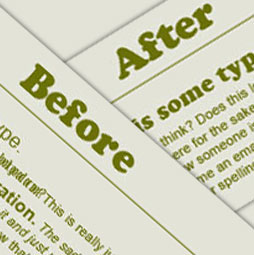
One of the biggest things I have seen destroy a nice design is bad use of typography. A block of text should be inviting to read and not look like a chore. I'm going to provide 10 principles and tips to help you avoid a lot of common typography mistakes. Remember these aren't set in stone, they are suggestions, but as they say, "You first have to know the rules before you can break them"

This tutorial is a 2 in one. Learn how to make a custom brush from a photo. Also learn how to fix perspecive distortions on photographs in photoshop.

In this tutorial, we will use the powerful tools of Photoshop to create a realistic modern smartphone that you can use in mock-ups of mobile applications.
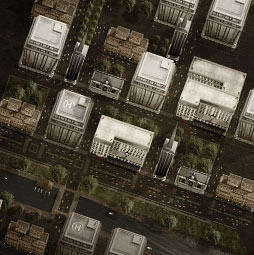
This free tutorial on game art is broken into two parts. The first part shows how to create the individual buildings from photographs. The second part shows how to construct an entire city for the parts. (Editors note: The upright feature was added into Photoshop CC and is worth looking into for straightening the buildings)

Learn how to use the Radial tool to create ovals of any size, angle and shape in Adobe Lightroom. This tutorial show you how to add circular adjustments to your photograph.

Here is my Version of the ever popular Segmented Pipes photoshop tutorial. A staple for interfaces.Enjoy
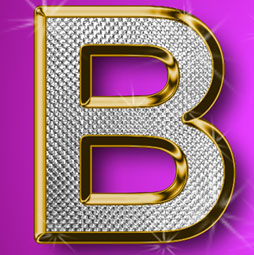
This is the original Tutorial on this rap diamond effect, there have been many rips of it in other places. (imitation is flattery they say) You could create those Rap type diamond effects using the noise filter, however this technique creates a more interesting result.

Here is a tutorial that you can use for layered collaging. While it might be easier to use a layer mask or a quick mask to acheive the same result, this tutorial is engineered to help you understand Alpha channels. An understanding of Channels will put you onto the fast-track of Photoshop mastery.
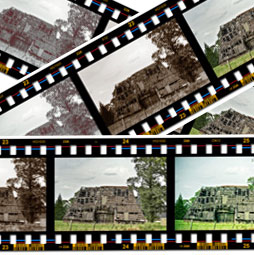
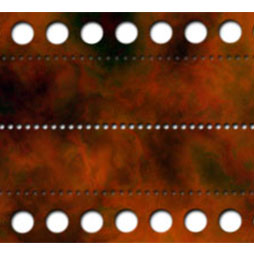
Here is a tutorial submitted from Hermie (One of our Community Managers at the forums) This will show you how to create a filmstrip from scratch. This is really useful and requested tutorial. You can paste your photographs into it. You can use it as a design element, or for displaying your photographs.
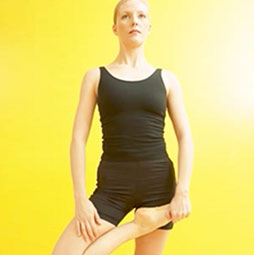
Use Photoshop to get rid of those little love handles and slim a figure. Learn how to reshape a body in this photoshop tutorial
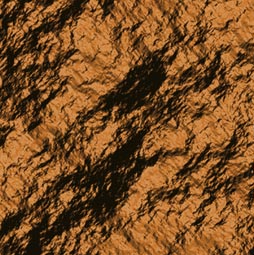
How to create rock textures in Photoshop. It's surprising how you can create stunning photorealistic rock and stone texture so easily.

This tutorial will show you how to turn a Photo into a painting that resembles something you would see on on of those old English Tea cans or on china Dinner sets

In this photoshop tutorial you will learn how 3D works in Photoshop. Colin Smith walks you through the new features and opens up the world of 3D so that you can begin to create stunning artwork.
Seems like I have had so many people ask how to do a dotted line in Photoshop, so here is the easiest way, using custom brushes. With Photoshop CC it's much easier, I'll show you both methods, but you can make some very cool shapes the old school way
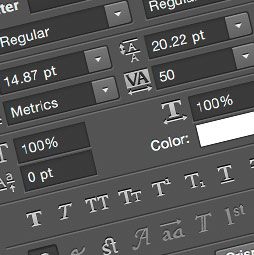
Blocks of pixel text at small sizes often appear blurry, smudged, or just plain unreadable when viewed on a Web page. Photoshop has built-in features that can render small type crisp and sharp. Here are three handy tips for improving the appearance of text at small sizes on the Web.