Photo Tutorials
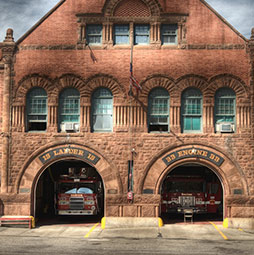
What is HDR? In this video Colin Smith explains exactly what HDR photography is and why you should shoot breath-taking High Dynamic Range Photos.
Create a hollywood style, spotlight effect. This tutorial came about as a result of a request from the forums. This effect will show you how to make beams of light and realistic looking spotlights. Use this for the hollywood effect or to add lights that look like spotlights in concerts.
More collaging techniques for Photoshop, using channels and layers.This is a bit more in depth than some of the other tutorials, you will learn several techniques that you can adapt to add a pro touch to your montages and collages. You asked for it, you got it! Enjoy

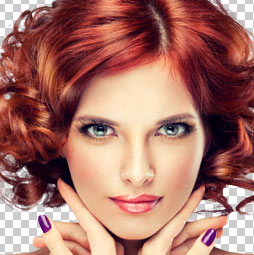
Here is a highly requested tutorial. Everyone wants to know how to take a picture and replace the background or make it transparent. Here is a method using the extract tool that first appeared in ps 5.5.Notice the strands of hair near the shoulders.

Photoshop makes it very easy to build an online portfolio. I will show you how in just a few steps and we can do it all from the File Browser in Photoshop CS or Bridge in CS2. This Article was published in Imaging Design Magazine
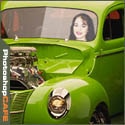
In this tutorial I will demonstrate how to place a person inside an image using the "paste into" command. You can use this technique to achieve all kinds of convincing photomanipulation tricks.
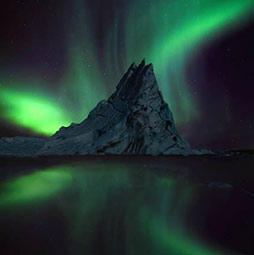
Photography workshops and tours in stunning Iceland