Skip to content
Customer Support
  • Free Tutorials
    • All Free Tutorials
      • ACR & Lightroom Tutorials
      • Photoshop Basics
      • Photoshop Tips
      • Photo Tutorials
      • Ai Art and tools
      • Special Effects
      • Text Effects
      • MISC
      • Drone Photography
    • What’s New
      • Photoshop New Features
      • Lightroom New Features
    • Photoshop Features Timeline
      • Photoshop CC (2013 to today)
      • Photoshop CS6 (2012)
      • Photoshop CS5 (2010)
      • Photoshop CS4 (2008)
      • Photoshop CS3 (2007)
    • Live Streams
  • Premium Courses
    • Premium Training
      • Photoshop
      • Lightroom
      • Design
      • Digital Art
      • Photography
      • Lighting
      • Drones
      • New Releases
      • On Sale
    • Streaming Videos
    • Instructors
    • Testimonials
  • Reviews
  • About
    • About us
    • Blog
    • Help
    • Interviews
    • Contests
  • Gallery
    • Colin’s work
  • Freebees
  • Account

Data type: Featured Tutorials

November 11, 2019

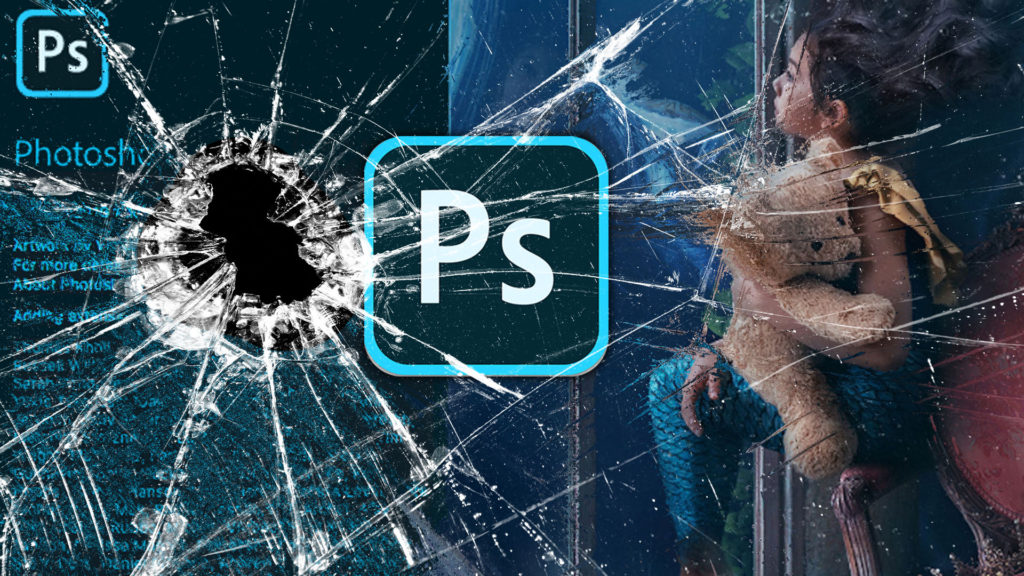
Photoshop, how to fix all the problems, find missing things in the update

By Colin Smith
photoshop 2020 new features
November 4, 2019

Photoshop 2020 Upgrade: New Features and how to use them
By Colin Smith
September 13, 2019

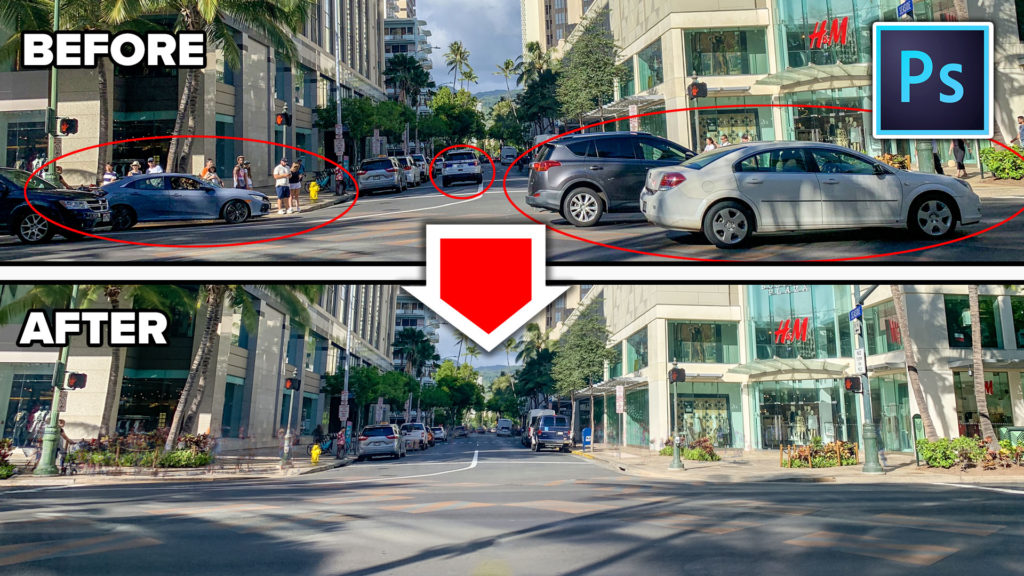
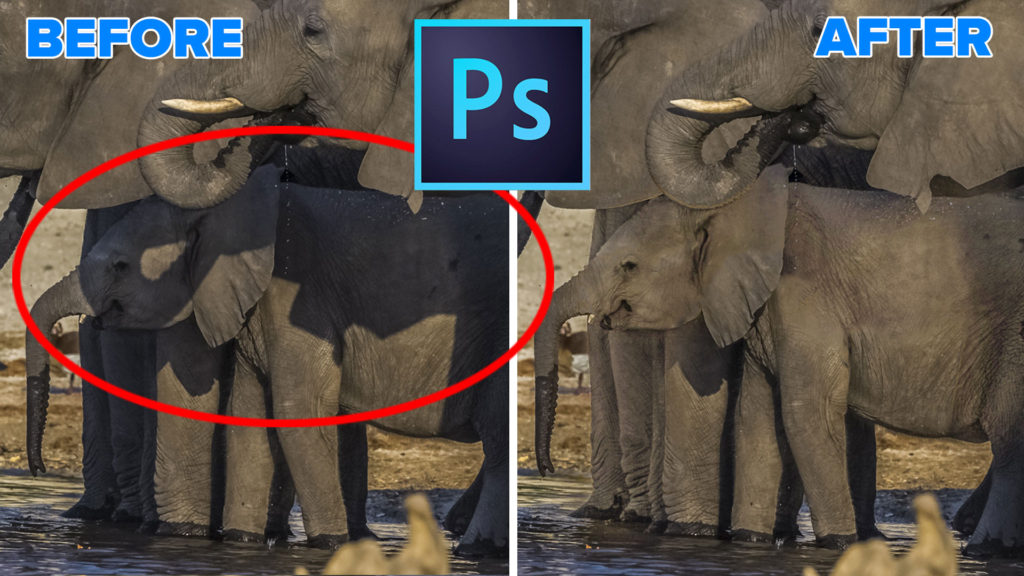
How to Remove Tourists in Photoshop in 3 clicks – Crowd removal
By Colin Smith
August 27, 2019

How to Remove Shadows from a Photo in Photoshop

By Colin Smith
August 14, 2019

How to Remove Reflections from Glasses in Photoshop

By Colin Smith
June 5, 2019

How To Edit Video in Photoshop: Free mini Course
By Colin Smith
April 18, 2019

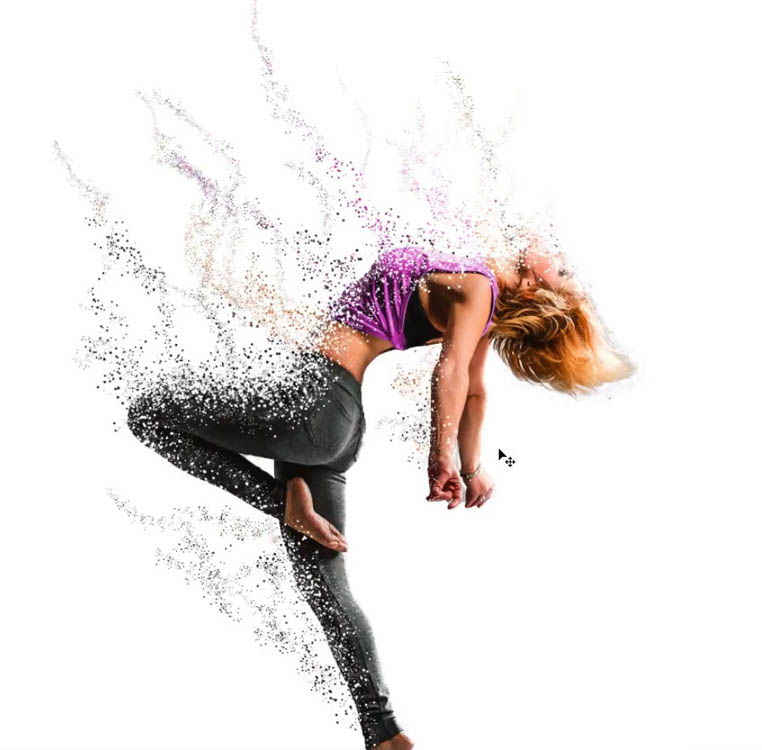
How to make Avengers Dust effect in Photoshop, Infinity wars, endgame particle dispersion

By Colin Smith
January 15, 2019

How to Change the background in Photoshop, quick, easy tutorial

By Colin Smith
July 3, 2018

How to use Smart Objects in Photoshop, the ultimate guide

By Colin Smith
May 22, 2018

How to Use Layer Masks in Photoshop and 7 Layer Masking tips

By Colin Smith
May 15, 2018

How to cut out anything in Photoshop, 3 best ways to remove backgrounds from photos

By Colin Smith
April 18, 2018

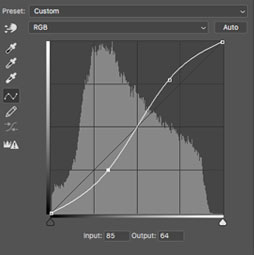
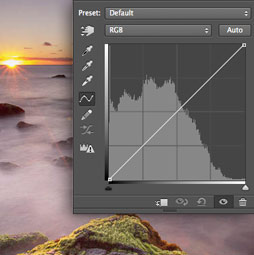
How to use Curves in Photoshop for tone and color tutorial
By Colin Smith
  • «
  • 1
  • 2
  • 3
  • »
Browse by category
  • Photoshop New Features
  • Photoshop Basics
  • Lightroom and ACR Tutorials
  • Photo Tutorials
  • Photoshop Tips
  • Ai Art and tools
  • Special Effects
  • Text Effects
  • Drone Photography
  • Live Streams
Featured Products
Complete Guide to ai in Photoshop 2026

Complete Guide to ai in Photoshop 2026

Buy Now
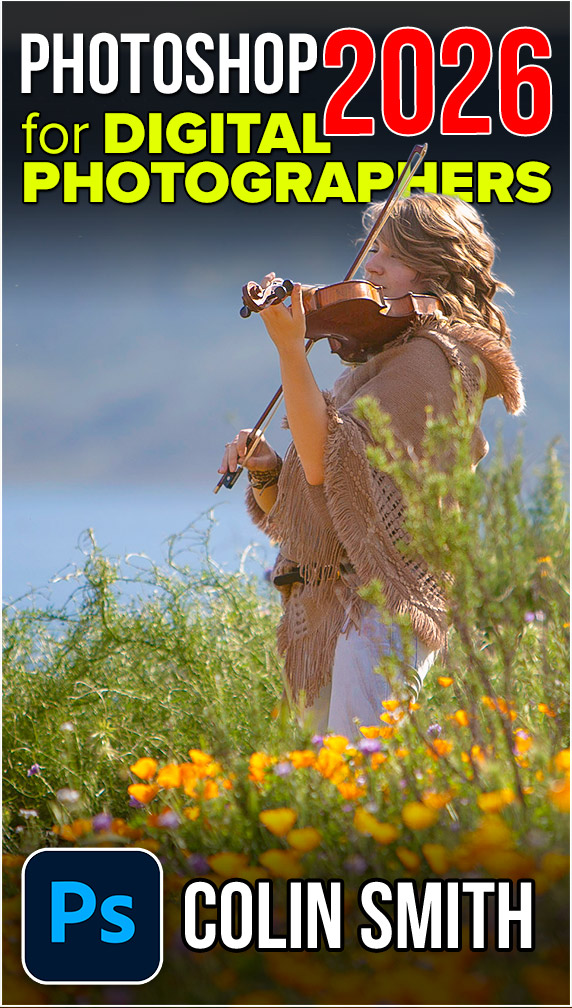
Photoshop 2026 for Digital Photographers | Photoshop Secrets

Photoshop 2026 for Digital Photographers | Photoshop Secrets

Buy Now
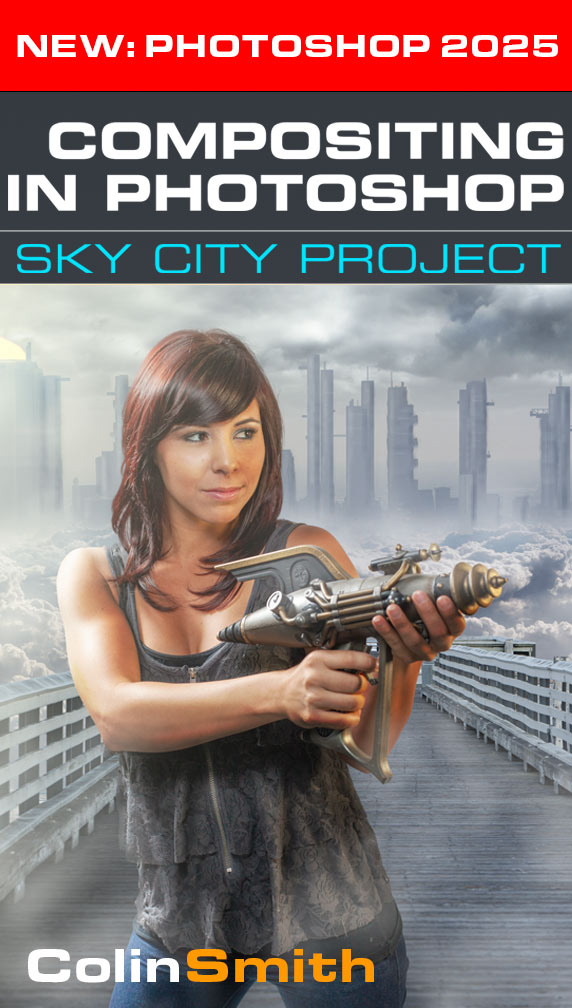
Photoshop Compositing: Sky City Project. Photoshop 2026

Photoshop Compositing: Sky City Project. Photoshop 2026

Buy Now
Learn Masks in Lightroom and Camera RAW

Learn Masks in Lightroom and Camera RAW

Buy Now
Newest tutorials
What’s New in Lightroom Classic 2027: All the New Features

What’s New in Lightroom Classic 2027: All the New Features

What’s New in Adobe Camera Raw 19 (2027) New Features Explained

What’s New in Adobe Camera Raw 19 (2027) New Features Explained

What’s New in Photoshop 2027? All the New Features Explained

What’s New in Photoshop 2027? All the New Features Explained

Popular tutorials
Cropping to an exact size in Photoshop, ultimate Photoshop crop tutorial

Cropping to an exact size in Photoshop, ultimate Photoshop crop tutorial

How to Combine Photos in Photoshop – New Easy Method

How to Combine Photos in Photoshop – New Easy Method

Curves in Photoshop explained Photoshop Tutorial

Curves in Photoshop explained Photoshop Tutorial

footer-top-image
Colin Smith
Colin SmithFounder of PhotoshopCAFE

I've been teaching Photoshop and Lightroom here since 2000. Thanks for learning with me.

Browse Courses
FREE RESOURCES
  • Free Tutorials
  • Free Photoshop Vault
  • Photoshop and Lightroom New Features
  • Reviews
  • Gallery
PREMIUM TRAINING
  • Photoshop
  • Lightroom
  • Photography
  • Design
  • Digital Art
  • Lighting
  • Streaming courses
  • Software Cinema
IMPORTANT LINKS
  • About us
  • Privacy Policy
  • My Account and Downloads
  • How to download your courses
  • Customer support
  • Speaking Events
© 2000–2026 PhotoshopCAFE CREATE DON'T STEAL 15642 Sand Canyon Ave, #54843, Irvine CA