
Exposure blending in Photoshop to bring out details in photographs
How to do Exposure blending in Photoshop, Layer masks on exposures to create photographs with incredible detail in highlights and shadows.
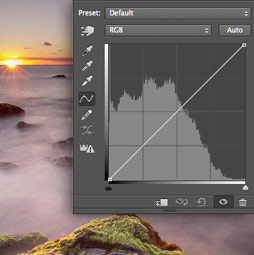
Exposure blending is a great way to craft your photo, showing details in highlight areas such as skies and brighter areas, as well as showing details in shadows.
The main difference between this and HDR, is that HDR affects the entire photograph, where as exposure blending, allows you to brush in the details exactly where you like.
Links mentioned in the tutorial:
See you at the CAFE
Colin

Keep growing with Premium Courses
Photoshop 2026 for Digital Photographers
Learn Photoshop properly, from the basics to pro retouching, step by step.
$129.00 · one-time purchase · instant download

Free for you
The Photoshop Vault
Get my free Layer Blending Modes ebook along with dozens of exclusive Photoshop goodies: actions, brushes, presets and cheat sheets.
You're on the list, so your free goodies are waiting for you in the Vault.
Get Free Photoshop Goodies Open the Vault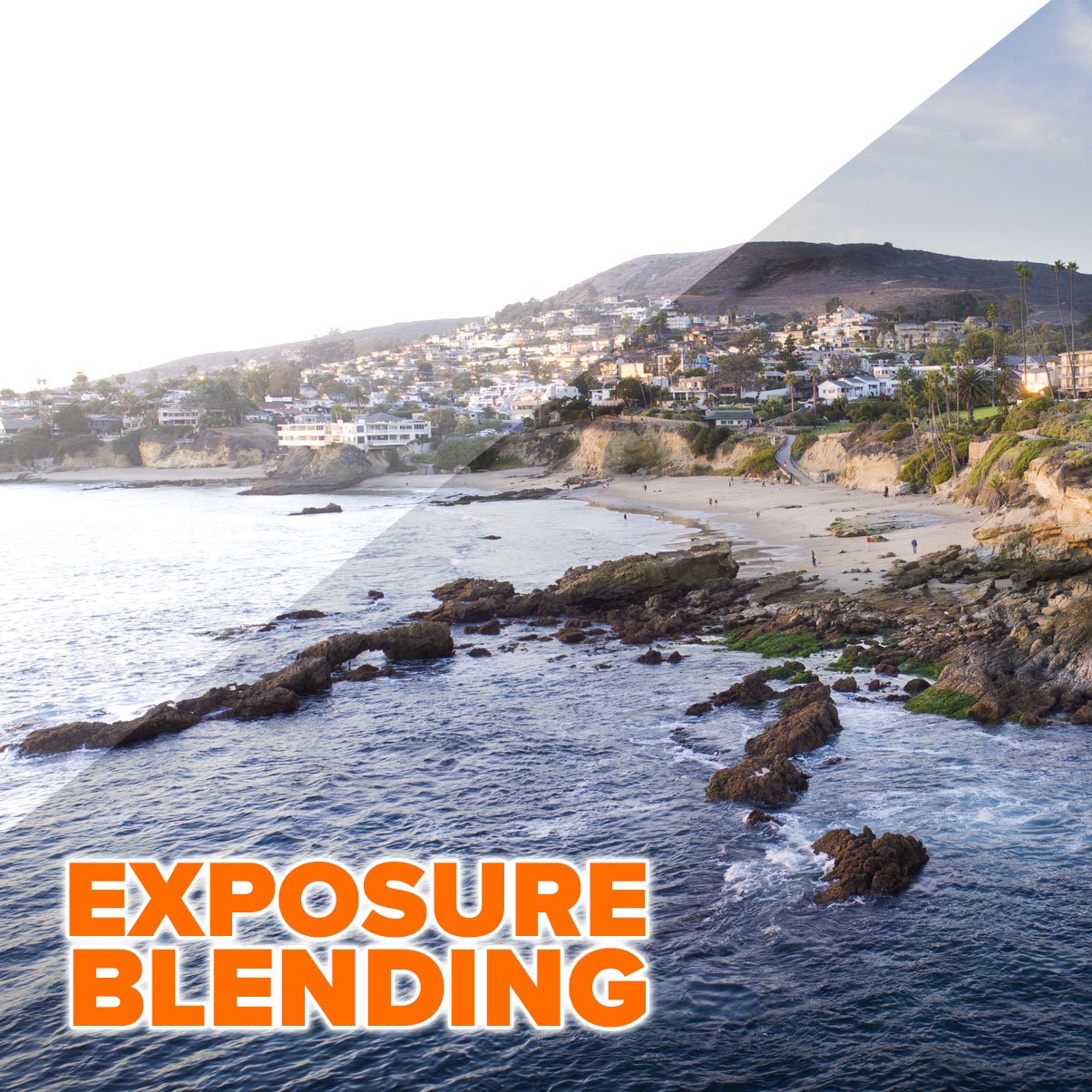
HDR Photography explained
What is HDR? In this video Colin Smith explains exactly what HDR photography is and why you should shoot breath-taking High Dynamic... Read tutorial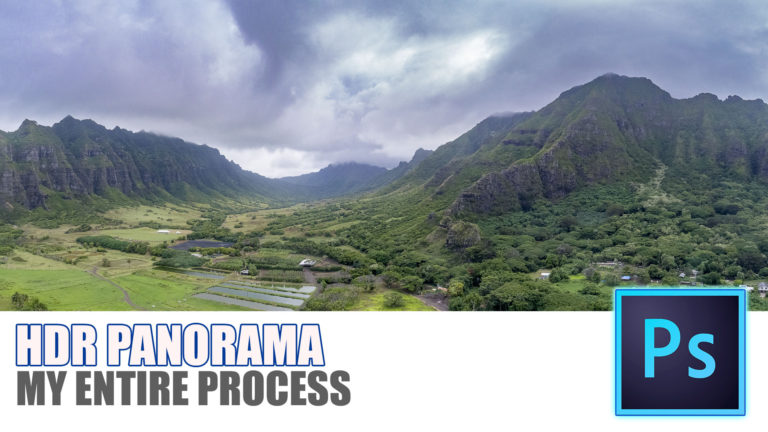
How to make an HDR Panorama photograph
How to make HDR Panorama photos. this free tutorial show the entire process, capture to final image using Adobe Photoshop or Lightroom... Read tutorial
How to Shoot & Retouch for High-key Architecture in Lightroom and Camera RAW
In this tutorial we will share some techniques how to shoot and retouch for a high-key effect in architectural photography. The complete... Read tutorial
Cast Shadow in Photoshop Tutorial
What do you do when a drop shadow isn't realistic enough? Create a cast shadow. When you see an object in a... Read tutorial
Partial color in a black and white photograph in photoshop
In this photoshop tutorial you will learn how to paint color into a photograph exactly where you want it, while nmaking the... Read tutorial








I love ocean views to photograph. Colin. I have a question, I have recently bought a HP Spectre with a pencil, can you use that the same way as a graphic tablet in Photoshop?
Im not sure what a Spectre is, but Im going to guess yes, as long as it supports pen pressure
Very good tutorial. Learnt a lot. Thanks
The Swiss Alps at Wengen. In the shadow of the Eiger. The light changes all the time.
So, you like to pull up your hair and grab a cup of coffee… I could of done that 30 years ago, but not now! ;-))
Thanks — much prefer to HDR look
Always enjoy learning from your tutorials.
Favourite places:
US National Parks – particularly Great Sand Dunes, Death Valley – Eureka Dunes, & White Sands.
Charleston, SC. Newfoundland, Canada
Photoshop has sooooo many different means of shading, coloring, masking, sharpening and thousands of brushes and techniques to use them all. I believe that we all have our personal preferences to each and our own preferences to what kind of images we enjoy looking at and/or Photoshoping. You have some good ideas and i enjoyed watching you work. Thank you.
amazing easy tutorial , nice one for beginners
Don’t forget to share your images with the community on our facebook group https://www.facebook.com/groups/53878338135/