Partial color in a black and white photograph in photoshop

In this photoshop tutorial by Colin Smith, you will learn how to paint color into a photograph exactly where you want it, while nmaking the rest of it Black and White. You will also learn some tips and tricks using the Wacom Cintiq pen tablet.
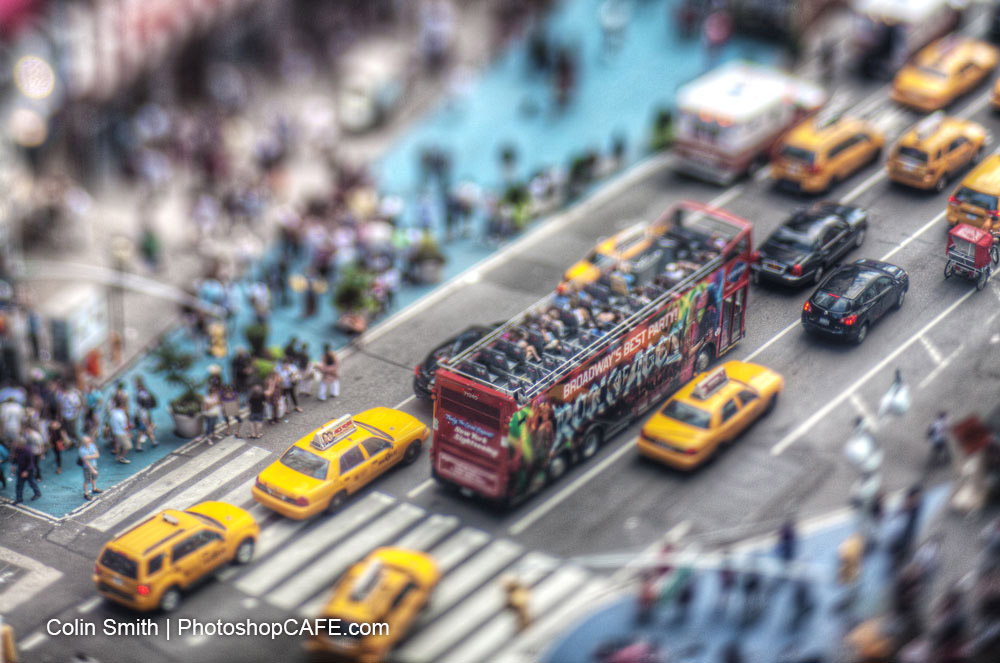
Here is the image used in the tutorial, feel free to use it as a learning exercise.
About the photo: I shot this photo out the window of Marriott Marquee hotel in Times Square. I used the Lens Baby Edge 80 lens for a tilt-shift effect. I also bracketed and merged to HDR for more vibrant colors and details.
For more detail on this tutorial and others like it, check out the Wacom Tablets and Photoshop Videos at PhotoshopCAFE

Keep growing with Premium Courses
Photoshop 2026 for Digital Photographers
Learn Photoshop properly, from the basics to pro retouching, step by step.
$129.00 · one-time purchase · instant download

Free for you
The Photoshop Vault
Get my free Layer Blending Modes ebook along with dozens of exclusive Photoshop goodies: actions, brushes, presets and cheat sheets.
You're on the list, so your free goodies are waiting for you in the Vault.
Get Free Photoshop Goodies Open the Vault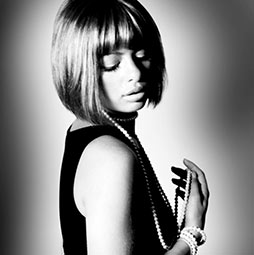
Black and white noir photograph effect in Photoshop
in this Photoshop tutorial, learn how to add a nostalgic Black and White Film Noir look to a portrait. This emulates the... Read tutorial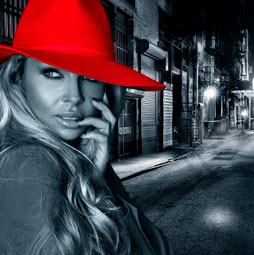
color splash, partial color effect in Photoshop tutorial
How to make a color splash, or partial color effect to a black and white photo in this Photoshop tutorial. Turn color... Read tutorial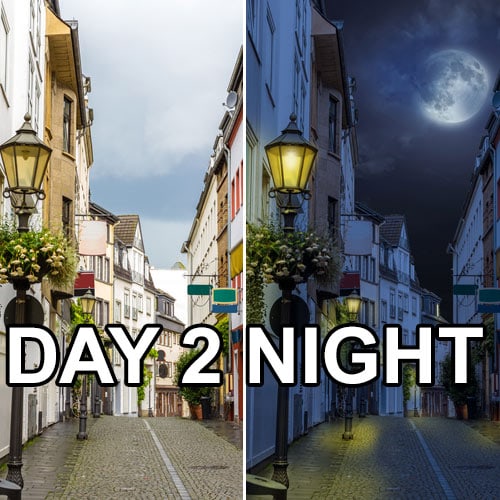
How to Turn day to Night in Photoshop Tutorial
Photoshop tutorial: Learn how to turn Day into Night in 3 steps. Step by step instructions and accompanying video in this free... Read tutorial
How to Convert Photos to Black and White in Photoshop, the best way!
How to convert a photo to black and white in Photoshop. The Channel mixer is still the best way to get a... Read tutorial
Hidden Luminosity Mask trick in Photoshop
Use Black and White, to darken and lighten COLORS in Photoshop. How to do color-based luminosity masking in Photoshop Read tutorial