Skip to content
Customer Support
  • Free Tutorials
    • All Free Tutorials
      • ACR & Lightroom Tutorials
      • Photoshop Basics
      • Photoshop Tips
      • Photo Tutorials
      • Ai Art and tools
      • Special Effects
      • Text Effects
      • MISC
      • Drone Photography
    • What’s New
      • Photoshop New Features
      • Lightroom New Features
    • Photoshop Features Timeline
      • Photoshop CC (2013 to today)
      • Photoshop CS6 (2012)
      • Photoshop CS5 (2010)
      • Photoshop CS4 (2008)
      • Photoshop CS3 (2007)
    • Live Streams
  • Premium Courses
    • Premium Training
      • Photoshop
      • Lightroom
      • Design
      • Digital Art
      • Photography
      • Lighting
      • Drones
      • New Releases
      • On Sale
    • Streaming Videos
    • Instructors
    • Testimonials
  • Reviews
  • About
    • About us
    • Blog
    • Help
    • Interviews
    • Contests
  • Gallery
    • Colin’s work
  • Freebees
  • Account

Month: October 2021

October 29, 2021

Automatically Match colors to the background of an image with harmonization in Photoshop

By Colin Smith
October 28, 2021

Copy any color grade to your images instantly with new Color Transfer in Photoshop

By Colin Smith
October 27, 2021

How to use Object finder in Photoshop for instant, automatic selections of all objects in…

By Colin Smith
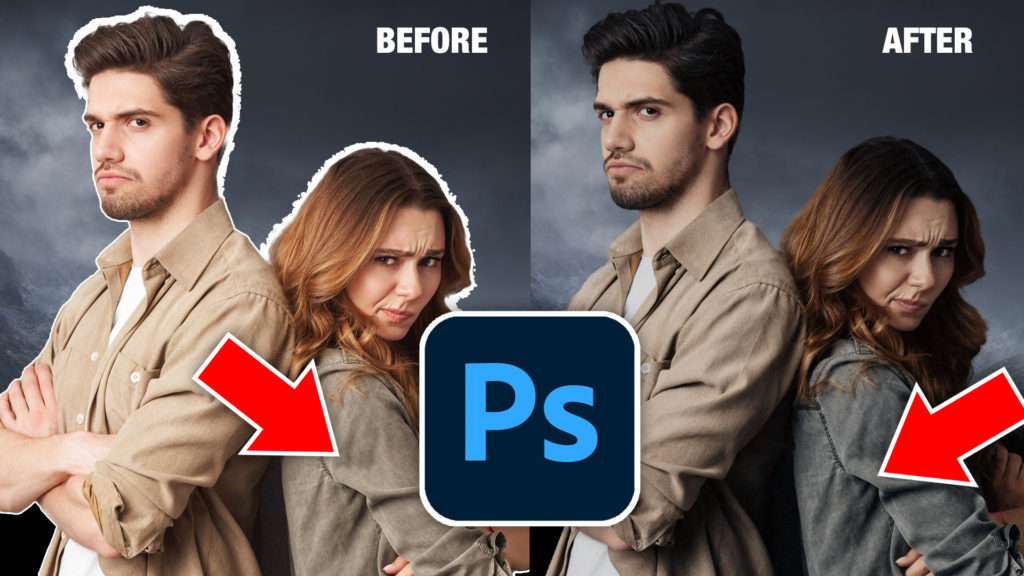
October 26, 2021

Photoshop 2022 Learning Center. New Features in Photoshop 2022
By Colin Smith
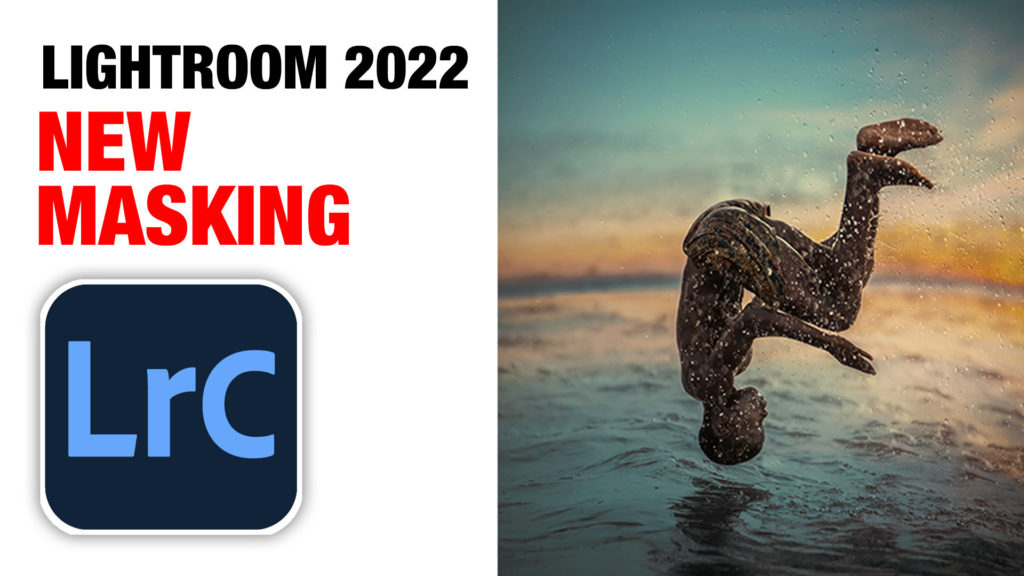
October 26, 2021

How to use the new Masking + AI in Lightroom 2022 (Lightroom 12)

By Colin Smith
October 25, 2021

Google Pixel 6 Pro review and samples

By Colin Smith
October 20, 2021

LFL #77 How to make Panoramas in Photoshop and Lightroom Masterclass

By Colin Smith
October 20, 2021

How to Customize the appearance of Photoshop, 20 Tips

By Colin Smith
October 11, 2021

How to get better fur + hair cut outs in Photoshop by making a small…

By Colin Smith
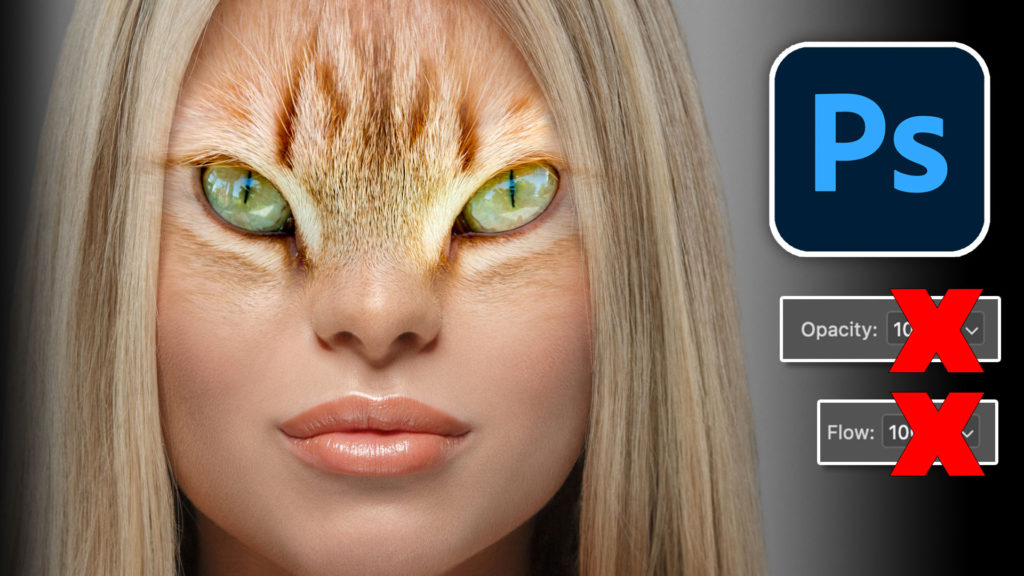
October 8, 2021

LFL#76 Creative Composite in Photoshop
By Colin Smith
October 6, 2021

Layer masks in Photoshop – Get perfect smooth transparency on your masks

By Colin Smith
October 5, 2021

LFL#75 Photoshop for Photographers, Finishing Edge
By Colin Smith
  • 1
  • 2
  • »
Browse by category
  • Photoshop New Features
  • Photoshop Basics
  • Lightroom and ACR Tutorials
  • Photo Tutorials
  • Photoshop Tips
  • Ai Art and tools
  • Special Effects
  • Text Effects
  • Drone Photography
  • Live Streams
Featured Products
Complete Guide to ai in Photoshop 2026

Complete Guide to ai in Photoshop 2026

Buy Now
Photoshop 2026 for Digital Photographers | Photoshop Secrets

Photoshop 2026 for Digital Photographers | Photoshop Secrets

Buy Now
Photoshop Compositing: Sky City Project. Photoshop 2026

Photoshop Compositing: Sky City Project. Photoshop 2026

Buy Now
Learn Masks in Lightroom and Camera RAW

Learn Masks in Lightroom and Camera RAW

Buy Now
Newest tutorials
5 New Photoshop Beta Feature You Need to See

5 New Photoshop Beta Feature You Need to See

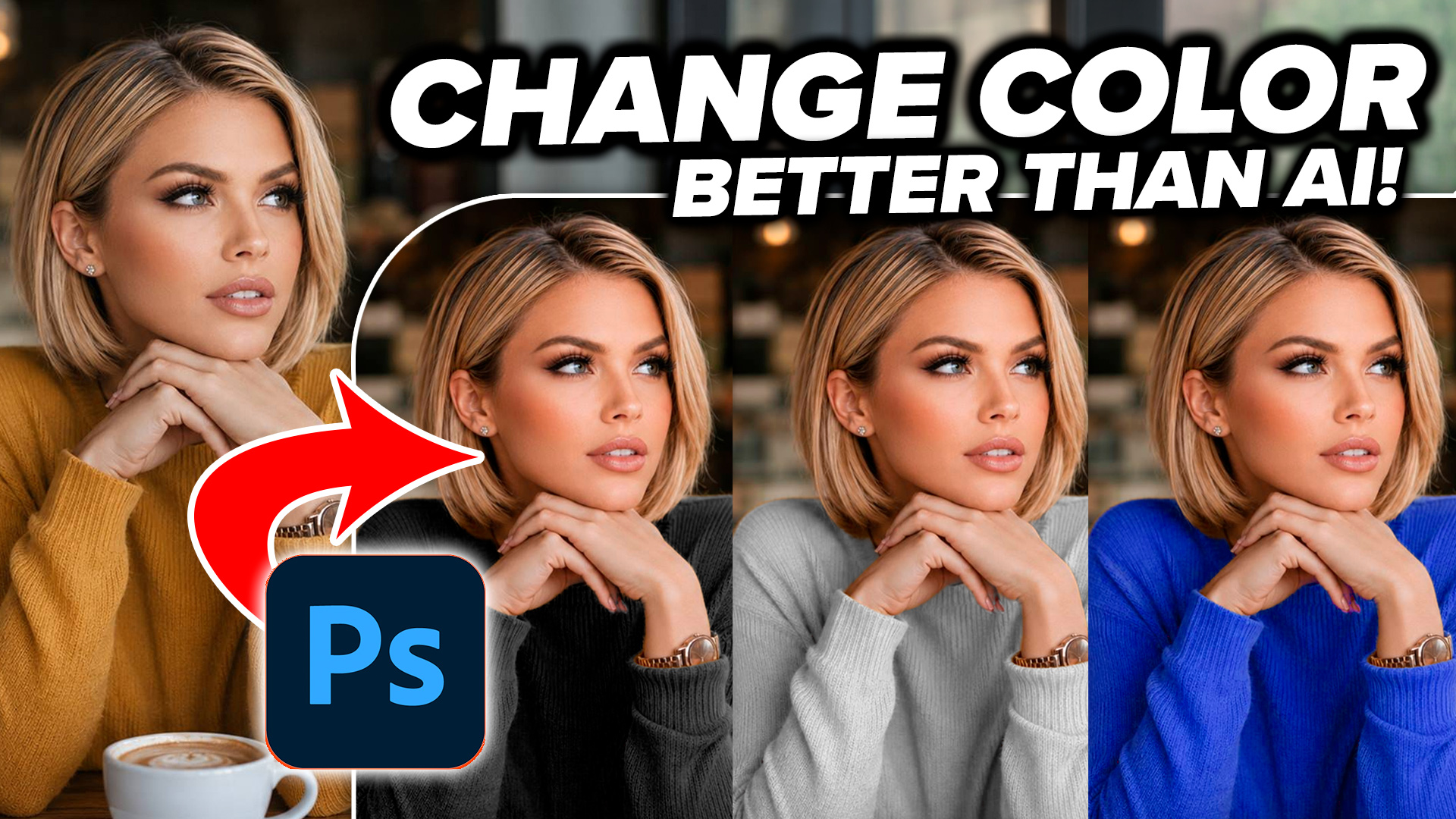
How to Change the Color of Anything in Photoshop, Even Difficult Images

How to Change the Color of Anything in Photoshop, Even Difficult Images

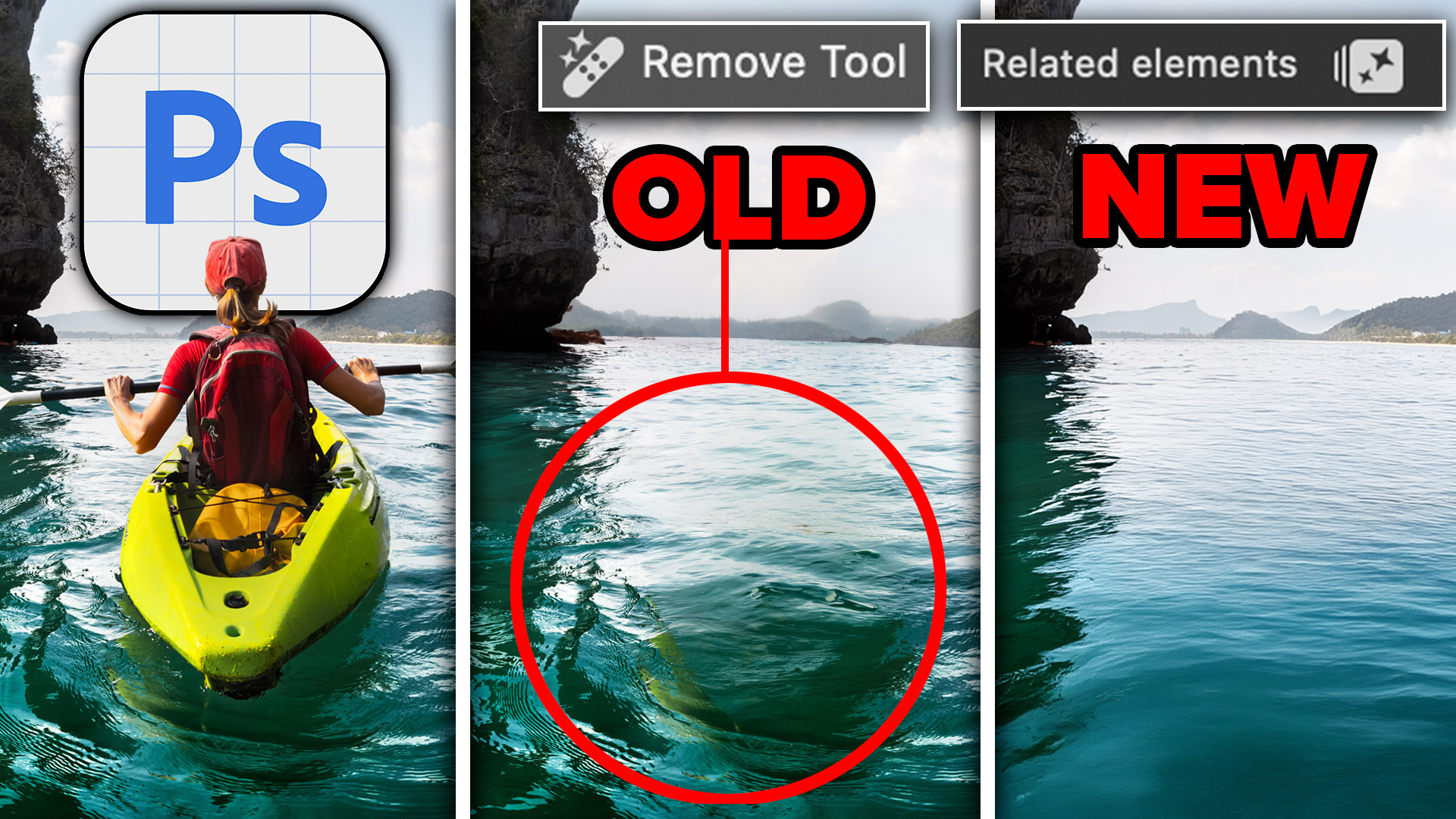
Photoshop Remove Tool, Remove Related Elements like Shadows and Reflections

Photoshop Remove Tool, Remove Related Elements like Shadows and Reflections

Popular tutorials
Dotted lines in photoshop tutorial

Dotted lines in photoshop tutorial

Learn HDR in Photoshop, Colin’s HDR photography tutorial

Learn HDR in Photoshop, Colin’s HDR photography tutorial

Curves in Photoshop explained Photoshop Tutorial

Curves in Photoshop explained Photoshop Tutorial

footer-top-image
Colin Smith
Colin SmithFounder of PhotoshopCAFE

I've been teaching Photoshop and Lightroom here since 2000. Thanks for learning with me.

Browse Courses
FREE RESOURCES
  • Free Tutorials
  • Free Photoshop Vault
  • Photoshop and Lightroom New Features
  • Reviews
  • Gallery
PREMIUM TRAINING
  • Photoshop
  • Lightroom
  • Photography
  • Design
  • Digital Art
  • Lighting
  • Streaming courses
  • Software Cinema
IMPORTANT LINKS
  • About us
  • Privacy Policy
  • My Account and Downloads
  • How to download your courses
  • Customer support
  • Speaking Events
© 2000–2026 PhotoshopCAFE CREATE DON'T STEAL 15642 Sand Canyon Ave, #54843, Irvine CA