Photoshop Basics

Adobe Camera Raw 19 brings one of its biggest updates yet, with Stacks, Virtual Copies, LUTs, JPEG Denoise, and powerful new masking tools. Discover how to use the new features, including transferring Camera Raw masks directly into Photoshop.
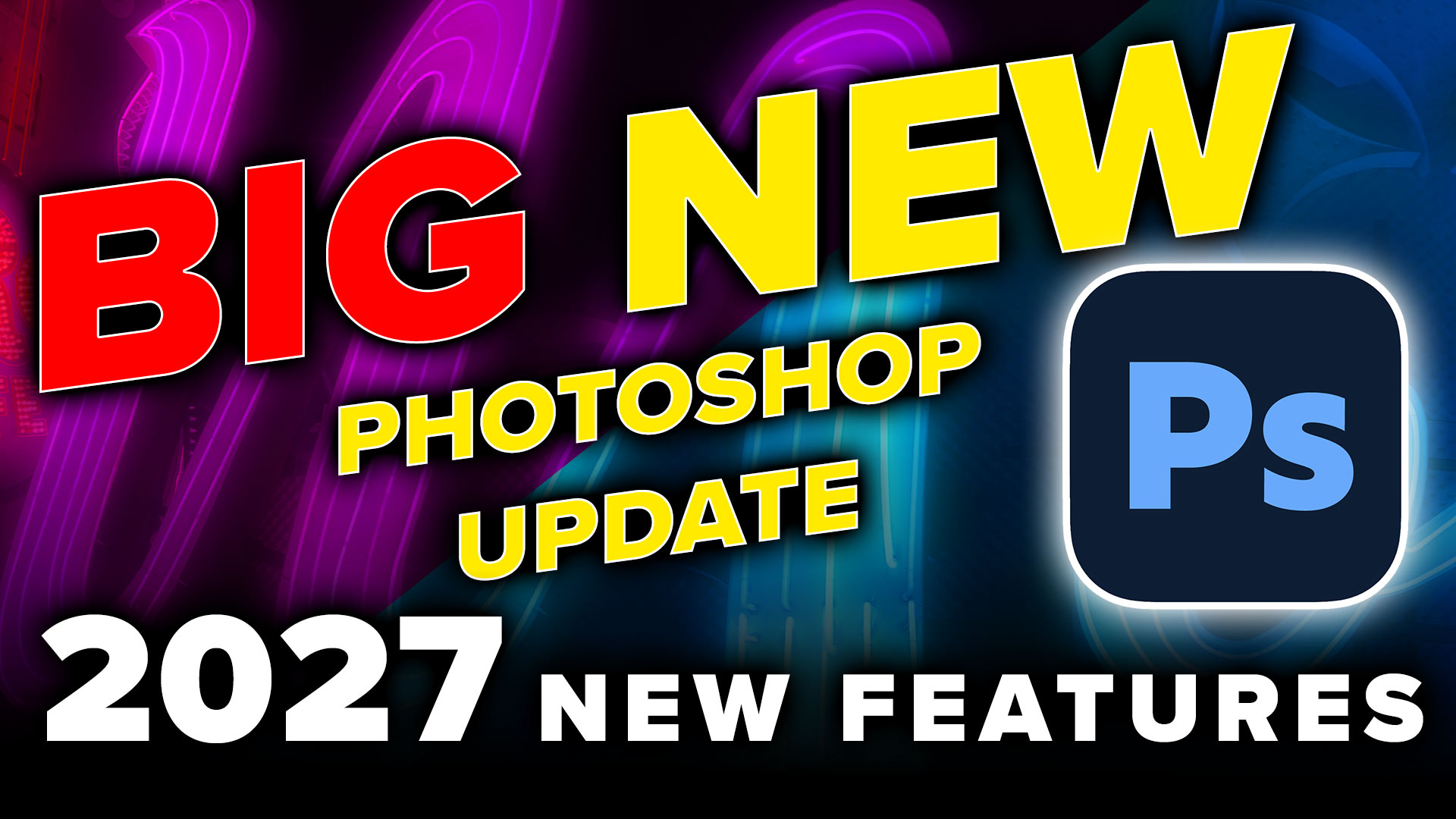
Explore the new features in Photoshop 2027, including Relight Layer, Quick Compare, the Spectrum interface, Generative Restyle, and improved Remove tools. See how the updates work with practical examples, plus some exciting new Camera Raw features.
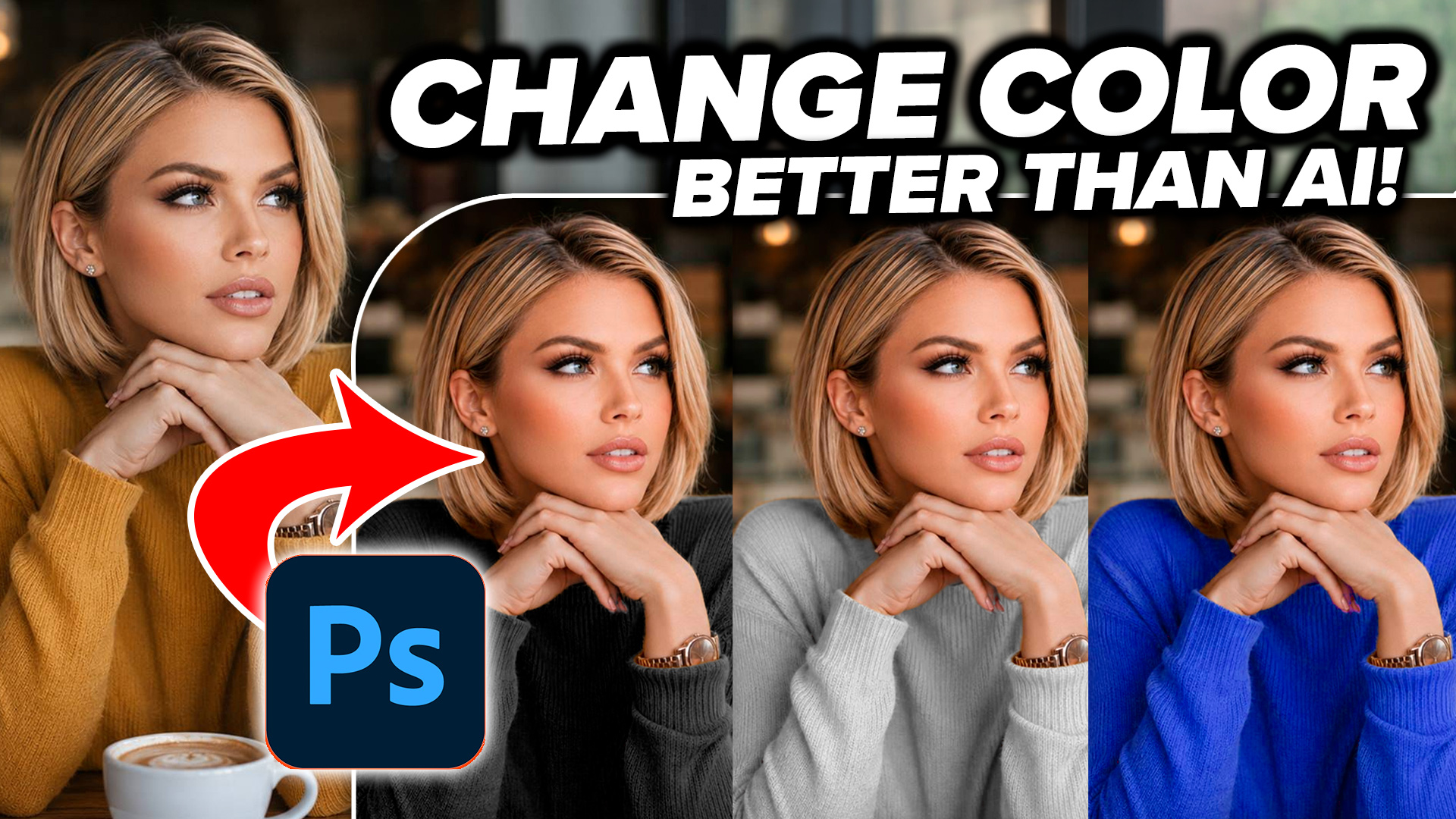
Changing colors in Photoshop is easy until similar colors appear in the rest of the image. Learn three levels of color changing, from quick adjustments to precise masking, and see how the results compare to AI.
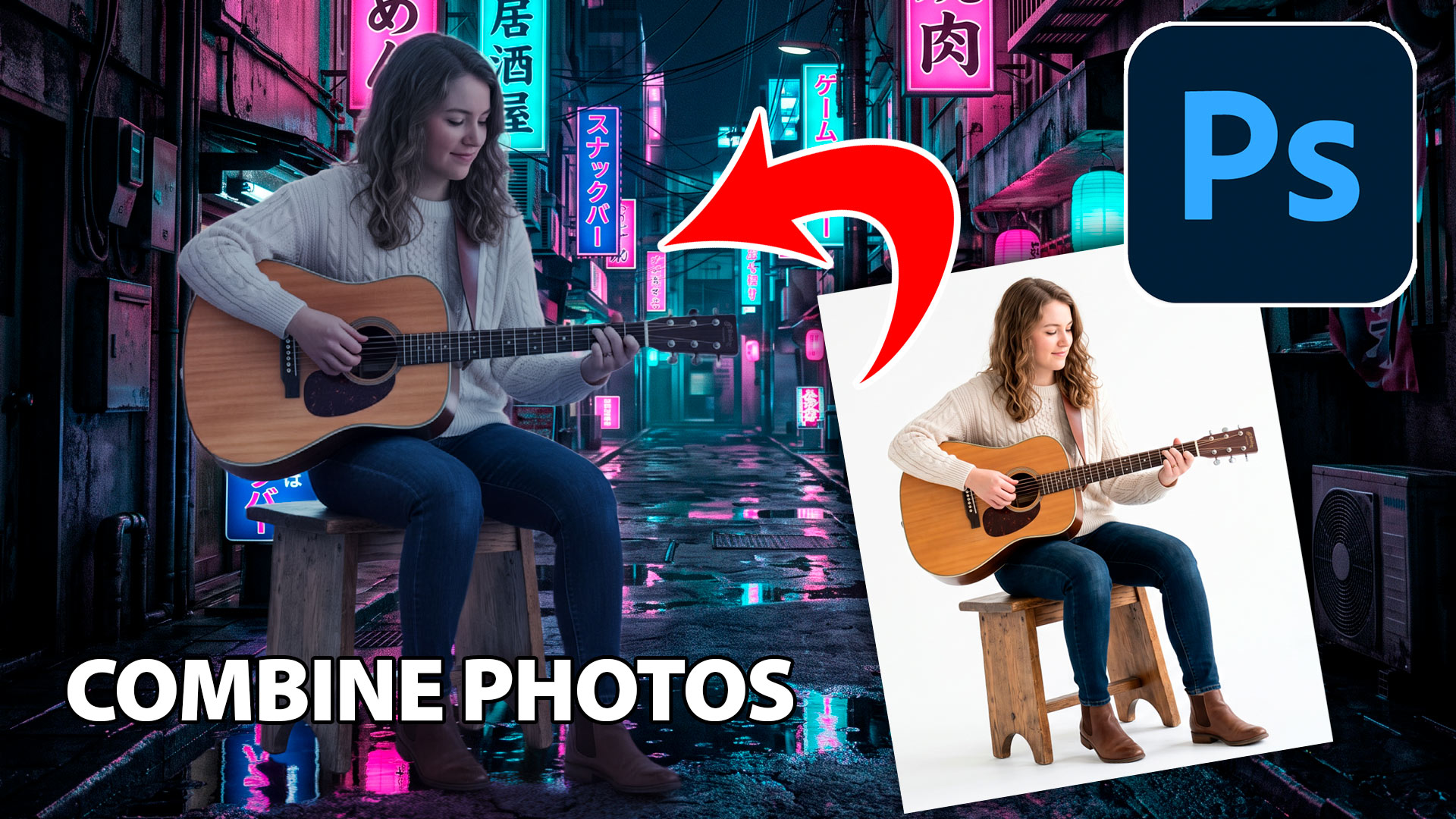
Learn how to combine photos in Photoshop with this fast, beginner-friendly workflow for blending images and creating natural-looking composites.
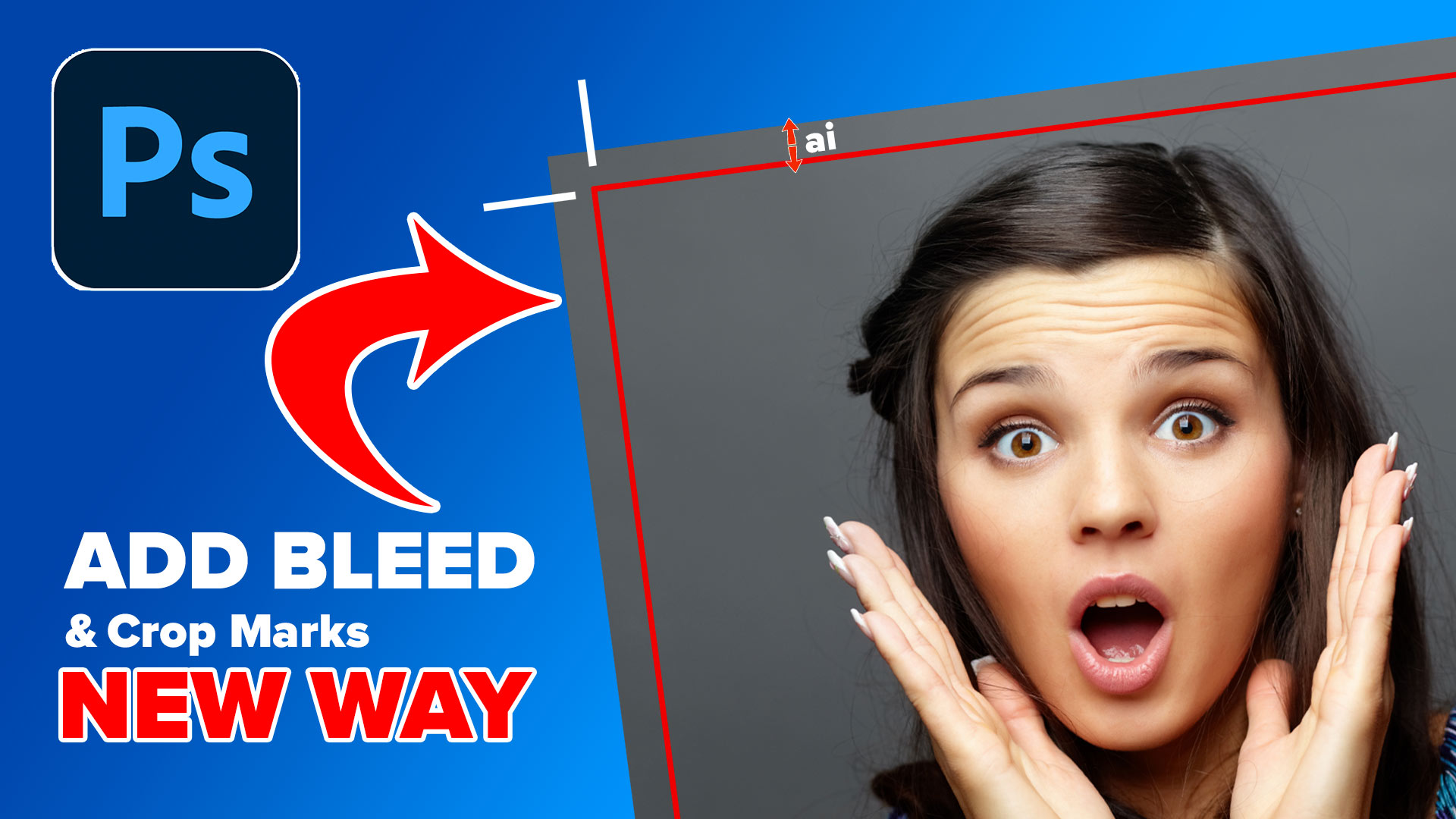
the easiest way how to add a bleed to artwork in Photoshop and crop marks for print
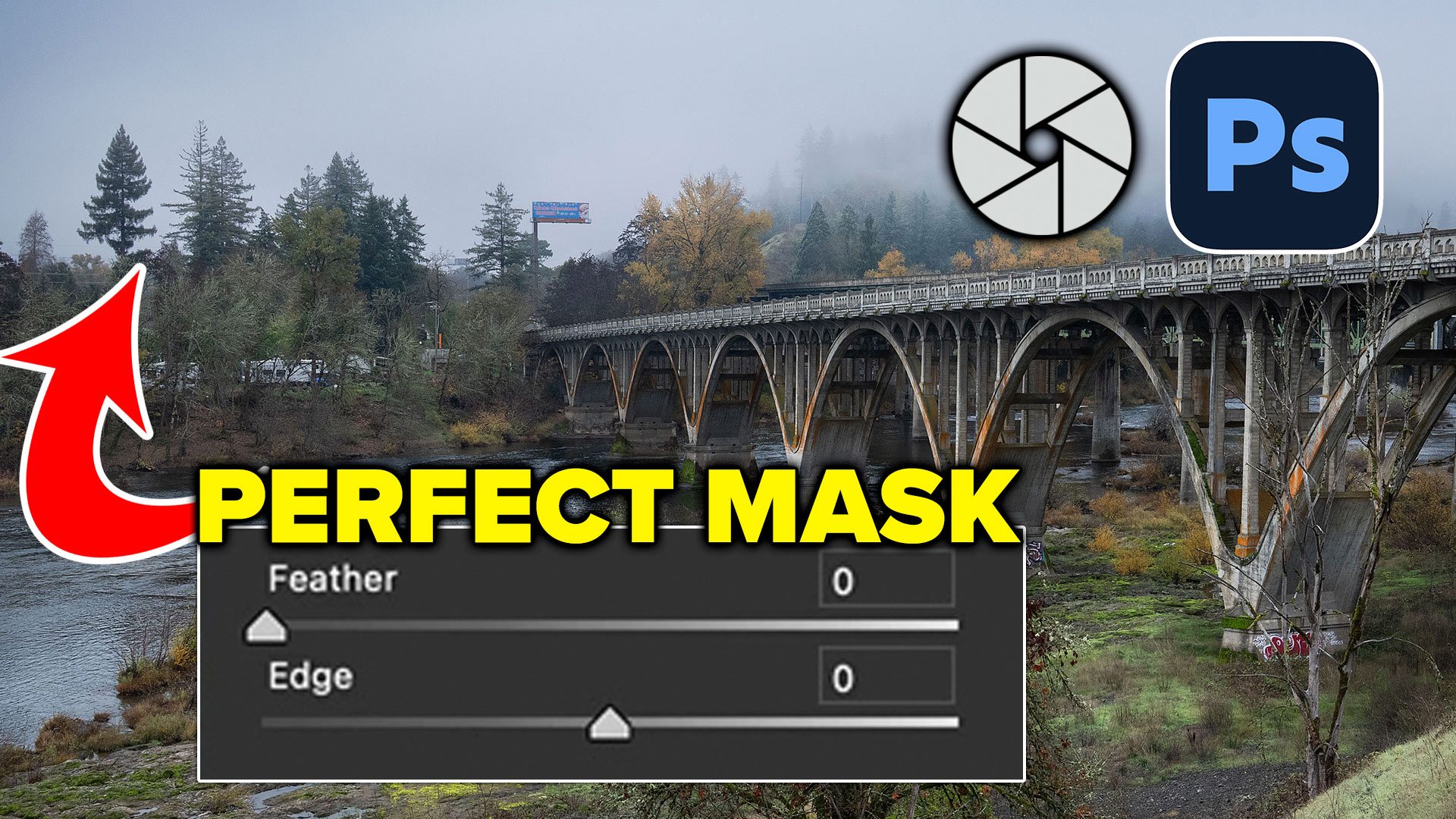
How to get perfect edges around trees and more in auto masks in Adobe Camera RAW
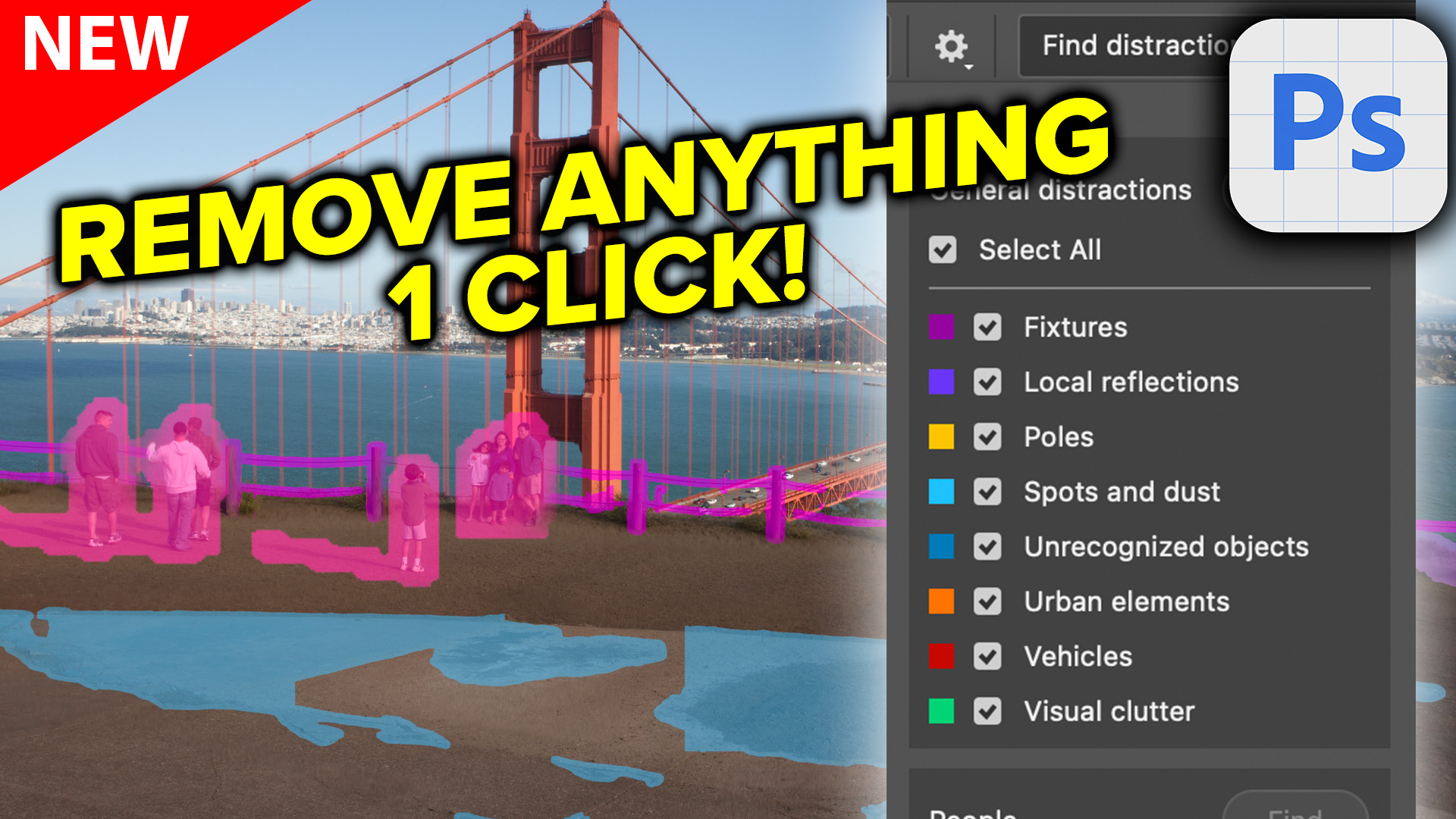
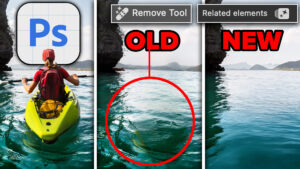
Auto remove anything in Photoshop with General Distractions tool.
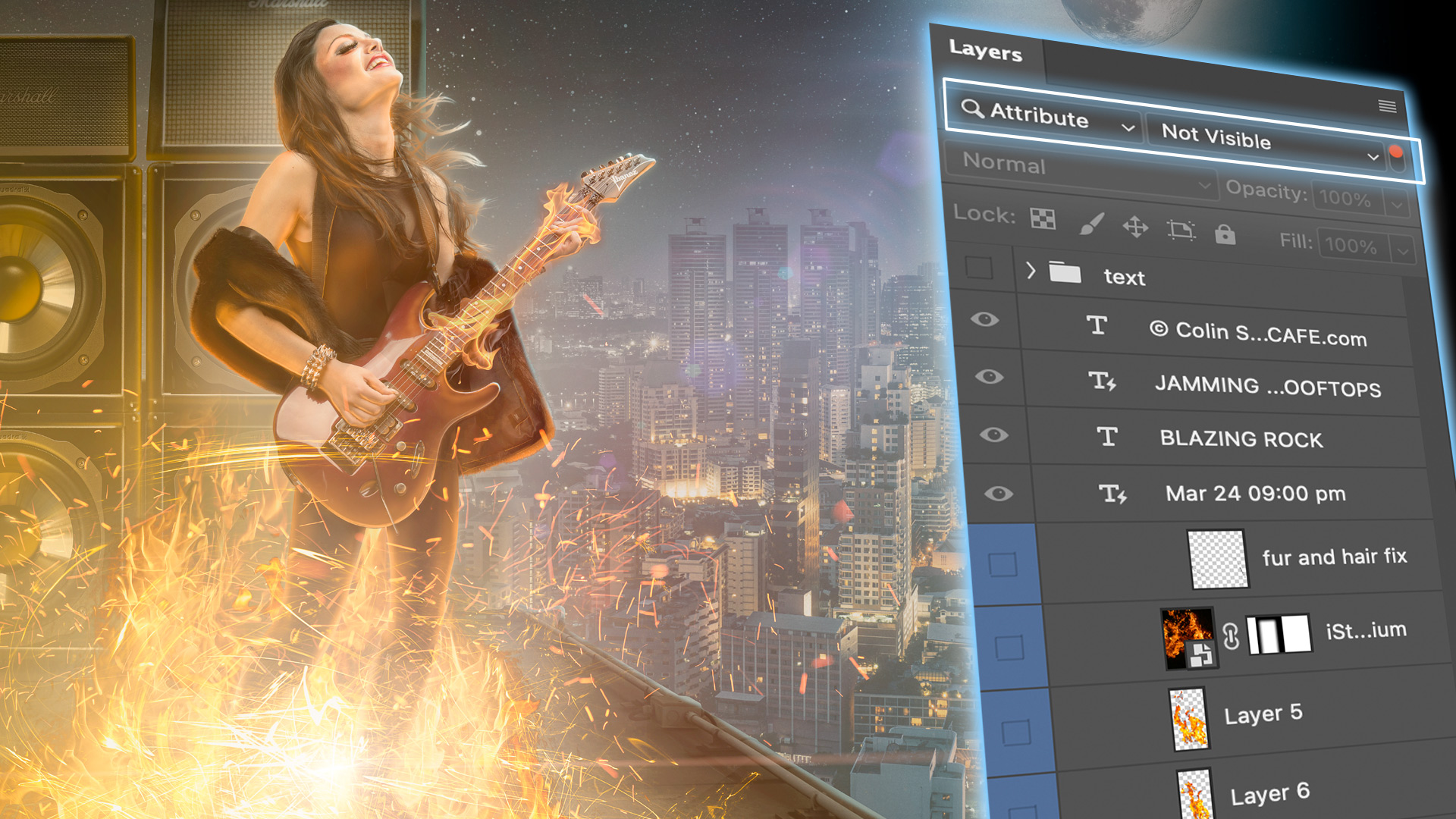
Use hidden Layer filters to rapidly organize Photoshop layers
Create clean circular and arched text using Dynamic Text in Photoshop
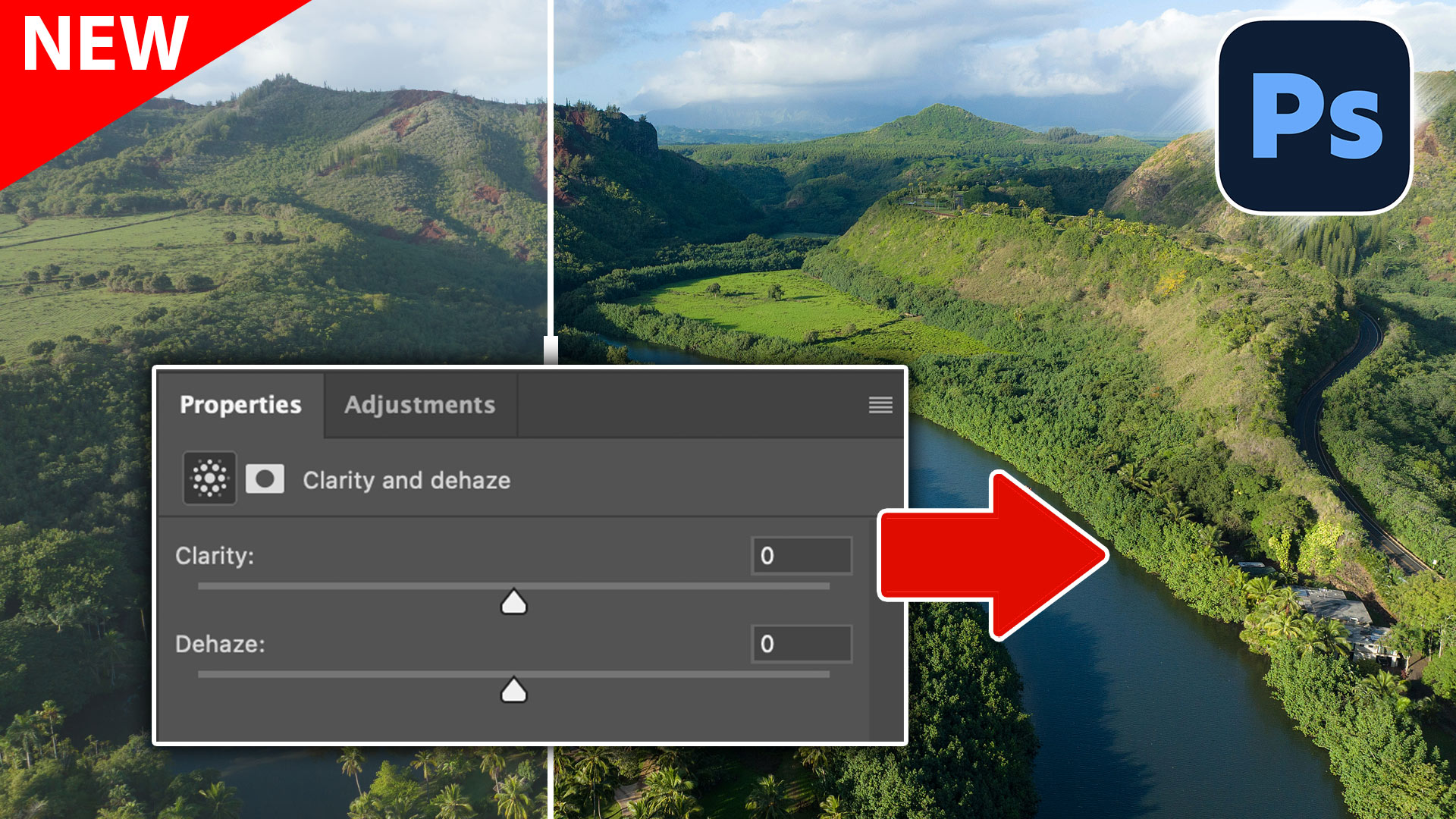
How Clarity and Dehaze work as Adjustment layers in Photoshop.
A year-end roundup of the most popular Photoshop tutorials, combining new AI tools with timeless skills our community keeps coming back to.
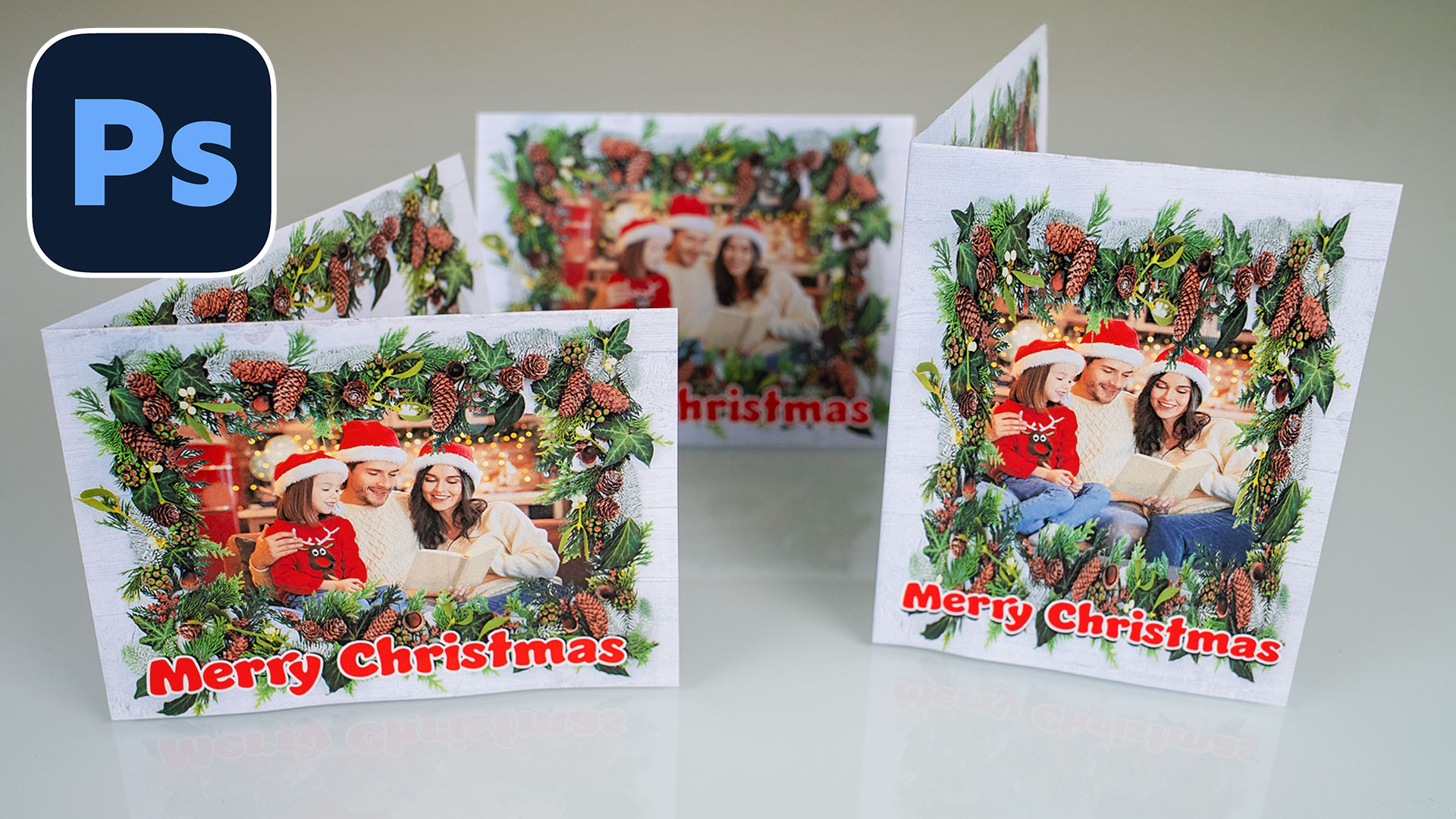
how to design a folded greeting cards in Photoshop using a reusable smart templates

Learn how Photoshop 2026 integrates Topaz Gigapixel and Topaz Bloom into Generative Upscale.
Explore the top new features in Photoshop 2026, Full release