Movie type Explosions Photoshop Tutorial
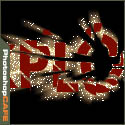
How to make a explosion effect in Photoshop with flying sparks
Step 1
Put your type on its own layer and render. Right click/Cmd Click on its name in the layers pallette and render type. PS 5.5 calls this rasterize type.

Step 2
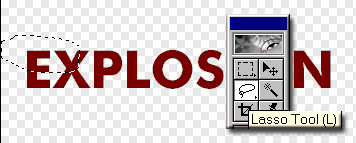
Now its time to rope us some type! Grab the lasso tool and select a portion of the type.
Step 3
Now select the move tool (V)
Drag the selected piece away from the rest.

Step 4
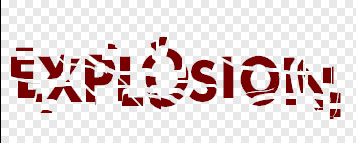
Repeat steps 2 and 3 lots of times, using differant selection sizes and shapes, until you get something like this.
Step 5
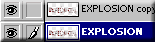
Duplicate the layer and apply a motion blur>Radial blur = 100 and quality = best

Step 6
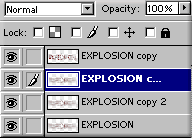
Duplicate the blurred layer 2X
Step 7
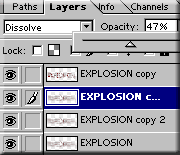
Set the top blurred layer to Dissolve and bring the opacity to 47%

Step 8
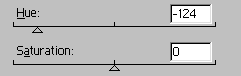
Change the color of the blurred layers and the sparks using the Hue/Saturation control. Add a black background and “BOOM”.

Here is a tutorial submitted from Hermie (One of our Community Managers at the forums) This will show you how...
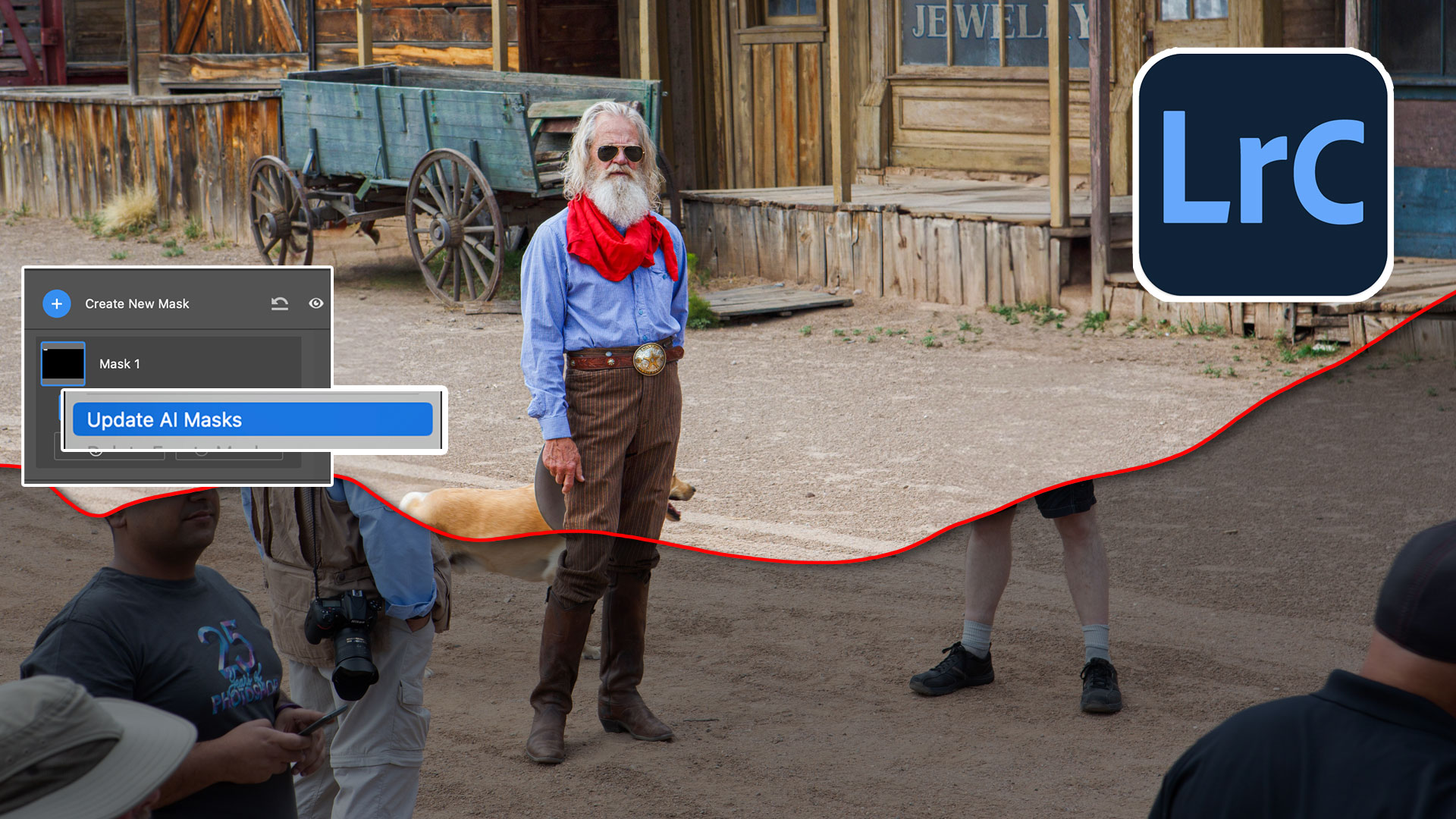
3 big features of Generative Remove in Lightroom and ACR ai.
Photoshop has never been known for its 3D abilities. It is really better known as Adobe’s primary-pixel-pusher. The inclusion of...