
Photoshop on the iPad quick start tutorial and combining photos.
Learn how to use Photoshop on the ipad
Learn how to use Photoshop on the ipad
Photoshop on the ipad is here! Check out out quick start guide here!
Photoshop 2020 Super guide
Top 6 new features in Photoshop 2020
Warping photos in Photoshop 2020
Using new presets in Photoshop 2020

Keep growing with Premium Courses
Photoshop 2026 for Digital Photographers
Learn Photoshop properly, from the basics to pro retouching, step by step.
$129.00 · one-time purchase · instant download

Free for you
The Photoshop Vault
Get my free Layer Blending Modes ebook along with dozens of exclusive Photoshop goodies: actions, brushes, presets and cheat sheets.
You're on the list, so your free goodies are waiting for you in the Vault.
Get Free Photoshop Goodies Open the Vault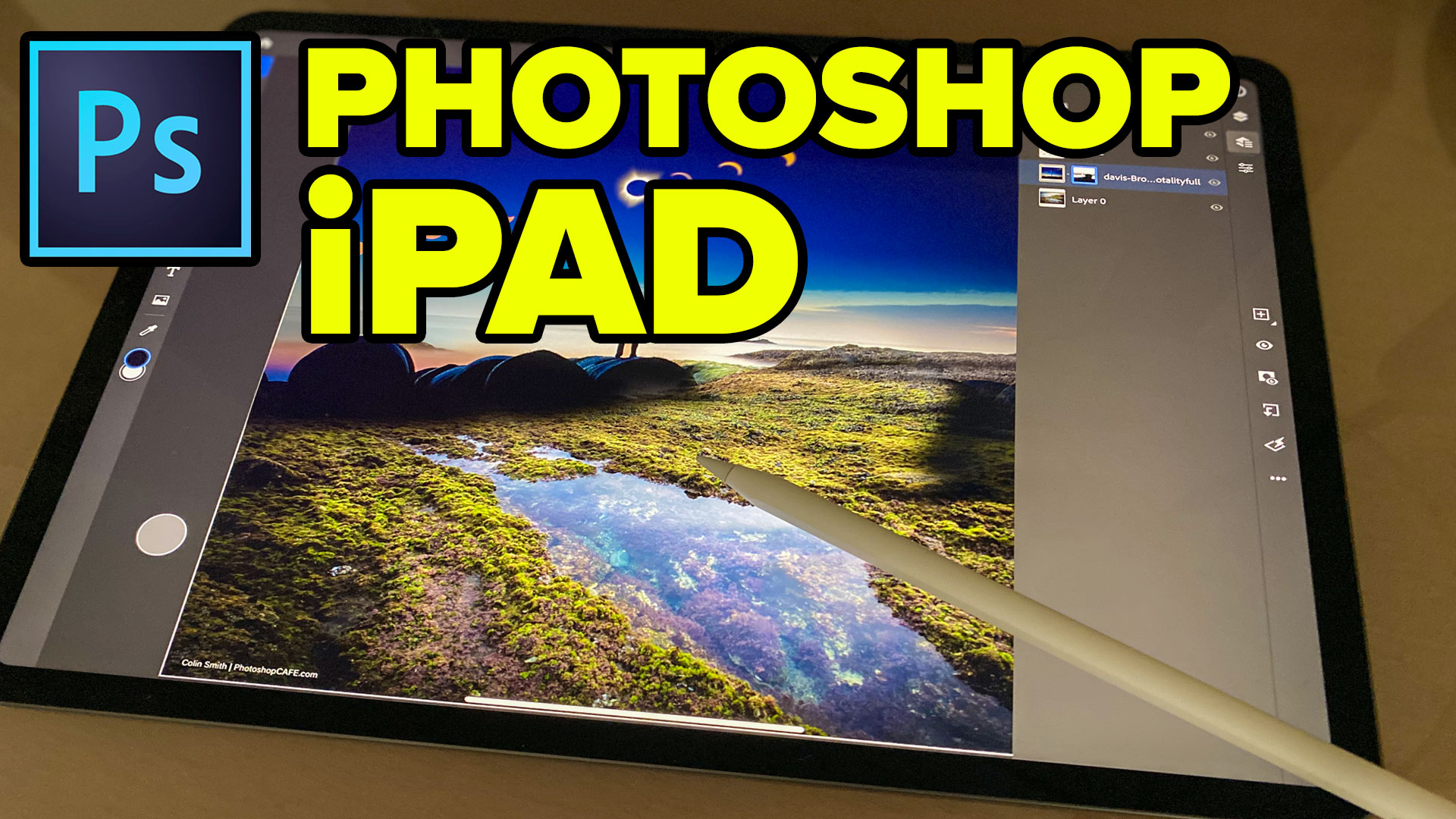

Photoshop and Lightroom integration
Watch this video to discover how to best work between Photoshop and Lightroom. Find out how to keep your Lightroom adjustments fully... Read tutorial
An Intro to Actions and Photoshop Automation Photoshop Tutorial
A couple of years ago, some Action enthusiast friends of mine expressed their concern that I was pursuing a vapor, a ghost,... Read tutorial
Generating Actions of your own Photoshop Tutorial
How to make your own Photoshop actions. Generating Actions of your Own, Photoshop Tutorial. I'm going to walk through the process I... Read tutorial
Getting started with Layer styles, Photoshop Tutorial
Maybe you are unfamiliar with Layer Styles as yet, and so I'll cover them briefly. Layer Styles are simply groups of commands... Read tutorial
Metal and Glass Layer style basics in Photoshop
Nearly anyone can create a bevel on type, but not many realize that from this foundation we can create glass, plastic, metal,... Read tutorial











Disappointed. Apple should not have; in their key not; demonstrated PHSP for the I Pad items that were not being delivered.
I purchased a new I Pad Pro; waiting and waiting as the rest of Apple buyers did only to be let down in the release of PHSP.
Perhaps WACOM would have been a better choice.
Hard to follow. Went too fast. I know it is new, but I agree with the comment above…I needed to copy one image I used quick selection with to paste into another photo.
could not follow anything in this video- way too fast and couldn’t tell what you were clicking on
Sorry, there were syncing issues with this and I recorded it on my hotel room at Adobe MAX. Ill do a newer one later and make sure the quality is better.
Hey Colin this video is a disaster … text and video completely unrelated. I know you said there were sync issues. …but have a look yourself!!
It needs replaced or at least removed as it is completely faulty. Nowhere near your usual standard
yes.. I know, Its on my to do list