
Neural Filters in Photoshop 2021, AI in Photoshop
How to use the Neural Filters in Photoshop 2021
Photoshop has amped up the Artificial intelligence and a suite of AI powered Neural filters are here. Learn how to age a face, mkae it older or younger as well as lots of fun and amazing things.
Our Photoshop 2021 Superguide
Lots more coverage of the new features in Photoshop 2021, by Colin Smith
Top new Features in Photoshop 2021
New Features on Lightroom Classic 10
New Color Grading in Photoshop 2021
New feature: Sky Replacement in Photoshop 2021
Neural Filters in Photoshop 2021
Photoshop 2021 Live Stream, in depth, new features

Recommended for this tutorial
Complete Guide to ai in Photoshop 2026
Generative Fill, Firefly, Harmonize and every AI tool in Photoshop, step by step.
$79.00 · one-time purchase · instant download

Free for you
The Photoshop Vault
Get my free Layer Blending Modes ebook along with dozens of exclusive Photoshop goodies: actions, brushes, presets and cheat sheets.
You're on the list, so your free goodies are waiting for you in the Vault.
Get Free Photoshop Goodies Open the Vault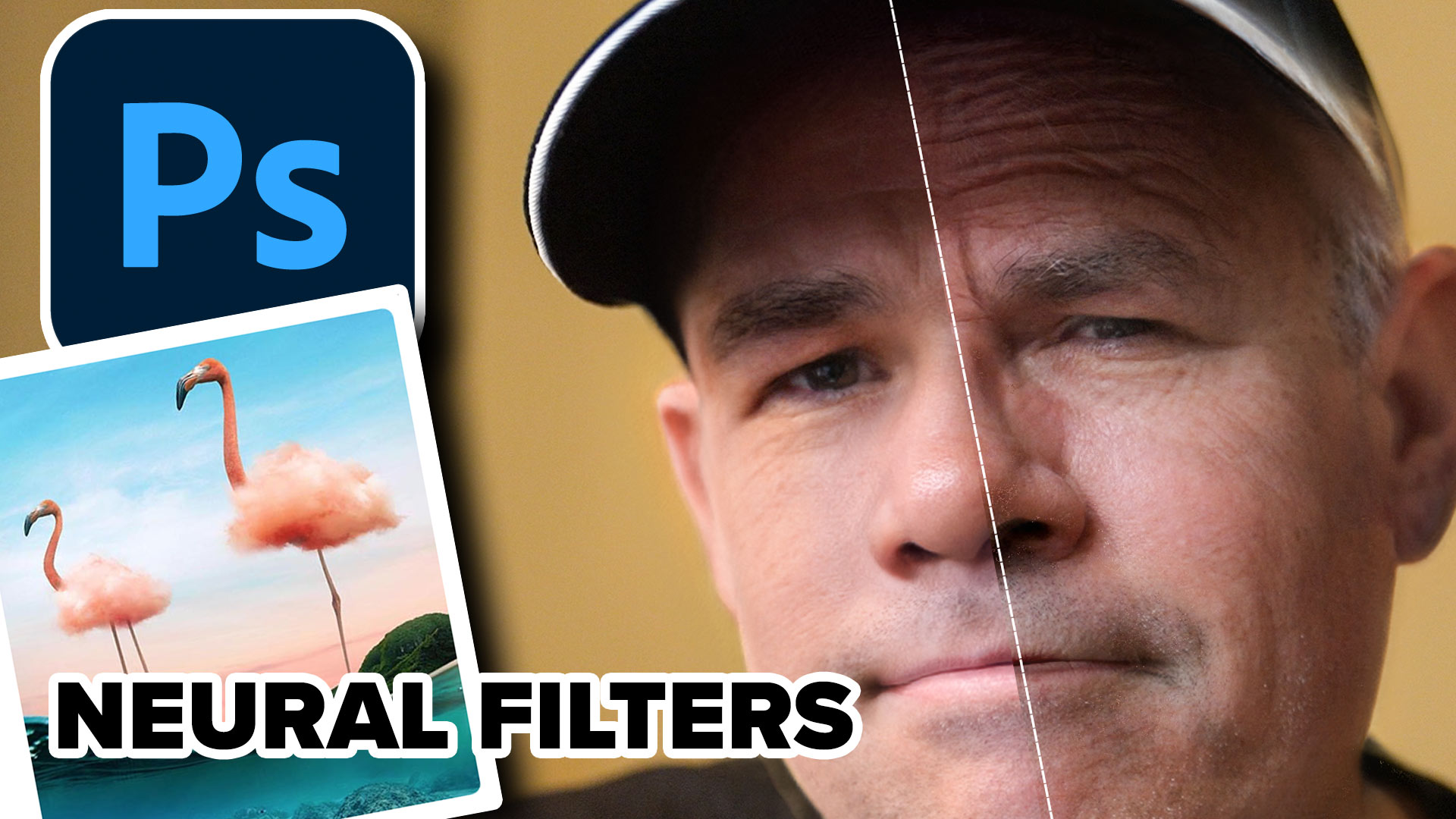
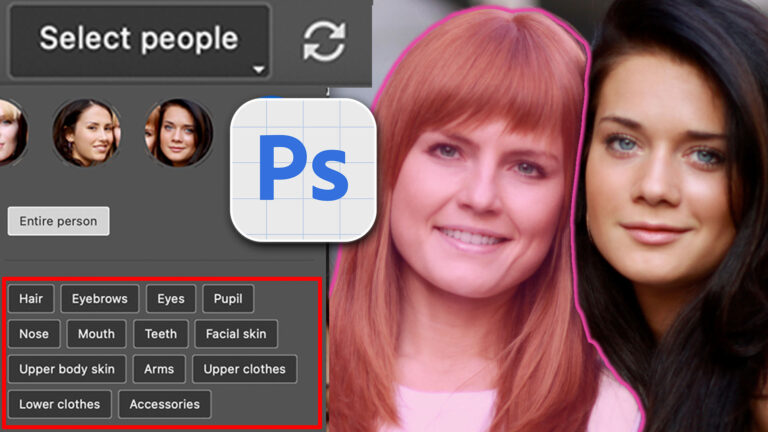
Auto Select people and features in Photoshop
How to automatically select people and facial features in Photoshop, like in ACR + Lightroom Read tutorial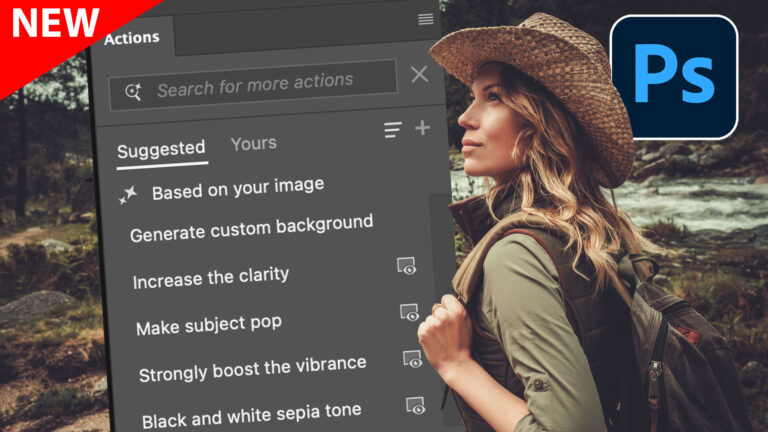
New Actions Panel in Photoshop Beta
Reimagined Actions in Photoshop The actions panel hasn’t been changed in years, but now there’s a big update that promises to make... Read tutorial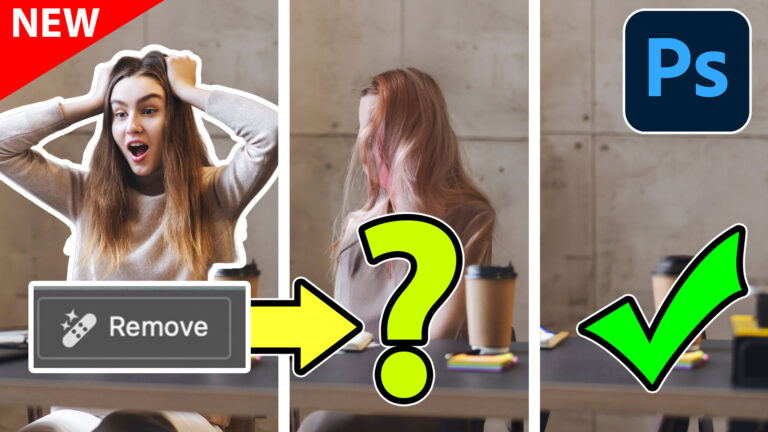
Generative remove ai in Photoshop, remove anything from a photograph
New tool in Photoshop removes anything in a photo instantly, new remove option in Generative Fill. Generative remove Read tutorial
Generative Upscale in Photoshop, how does it compare?
Generative upscale in Photoshop and how it compares to Photoshops other ai resizing tools. Read tutorial
Auto Blend layers in Photoshop with Harmonize, includes Resolution Hack
Harmonize Layers in Photoshop and how to get BETTER results from new Harmonize Read tutorial













It is helpful for me.
Hi. I use Photoshop 2022 but it does not have neural filters in the drop down ‘filter’ box. Are they hidden somewhere and have to be turned on. I do not want to update because I cannot afford the latest, on my pension.
Sorry. I do not know why I entered 2022 in my last comment, it is 2020. Version 2021.0.1