
New Actions Panel in Photoshop Beta
Reimagined Actions in Photoshop
The actions panel hasn’t been changed in years, but now there’s a big update that promises to make it easier than ever to edit your pictures.
Many of us use actions for production work, or even some creative tasks. It’s a way to record a series of moves in Photoshop and then play them back on different images. You can share these action with others if you like. (get free Photoshop actions here)
This new feature is currently only in Photoshop beta. Its a WIP and Adobe says there are more features coming!
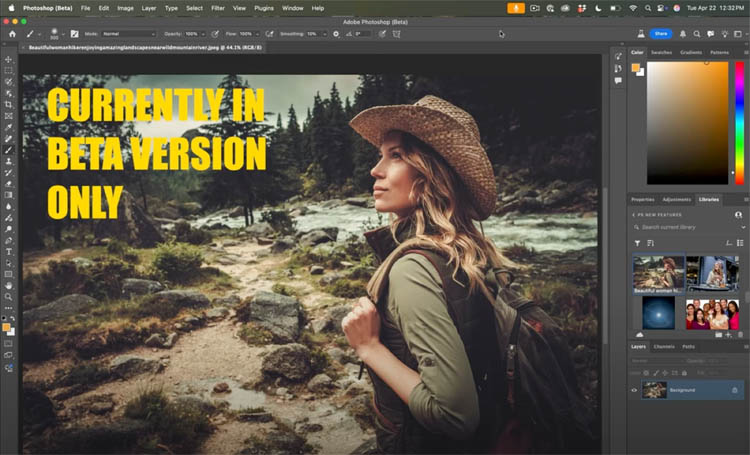
Click on the action panel Window>Actions
Notice the different look.
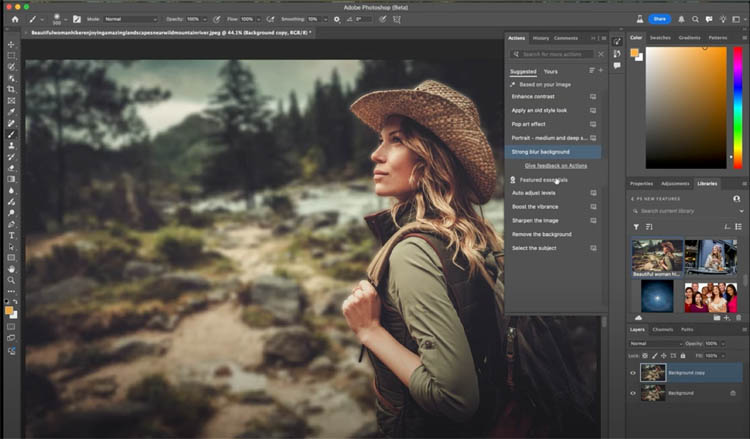
At the top, you’ll see Suggested actions. Photoshop analyzes the image and provides 5 suggested actions that might work well on this image. You can refresh the suggestions for a total of 15 suggestions.
What’s really interesting, as you roll over the actions, you will see a preview on your image. If you look at the Layers Panel, you get a clue how these previews are generated. Photoshop actually runs the action on the image as you can see in the layers panel.
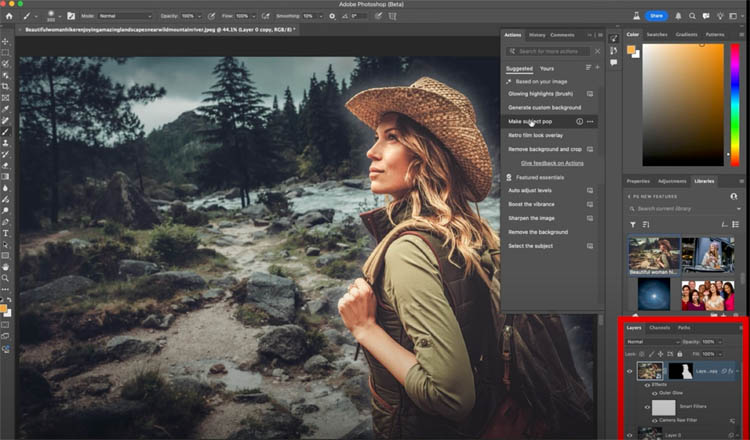
As you roll over different actions, the image will revert and show previews of each action and not actually apply it.
To apply the action, simply click on its name in the actions panel.
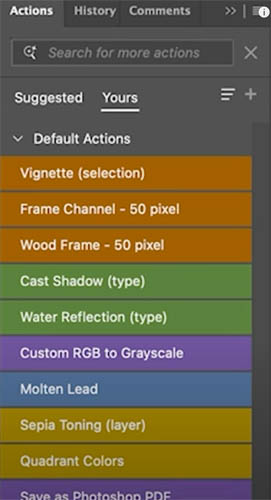
If you click on “yours” you can see the currently installed actions in Photoshop, including your own custom actions. (This view is in Button Mode, from the fly-out menu).
Back to the suggested actions, you can also see Features essentials underneath.
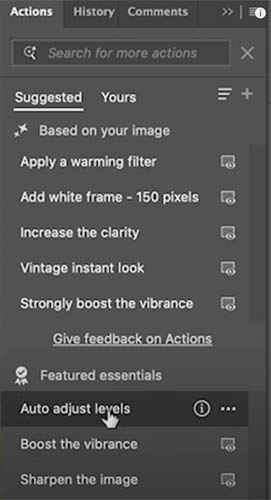
This actions panel comes with a number of Adobe created actions included.
You can enter a search word to see what actions are available for your current needs.
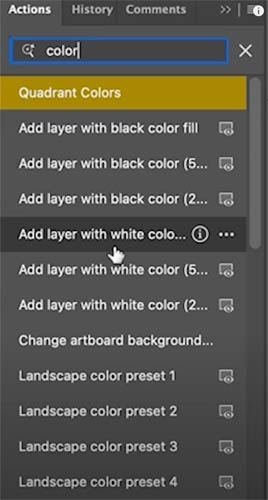
As you see, I used Color as a search term and got these actions.
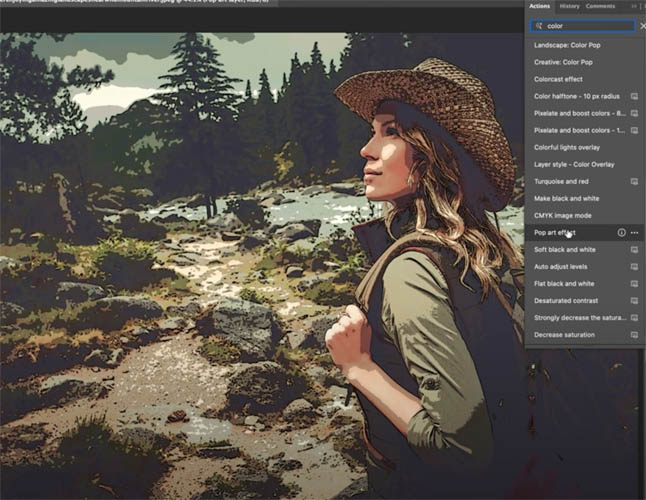
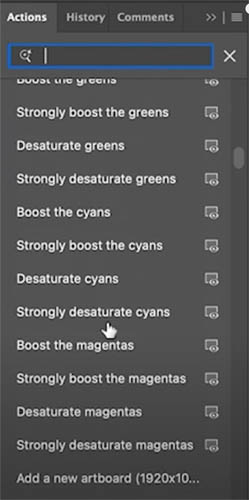
There isn’t a current way to list all the actions, but there is a hack.
If you enter the Spacebar (Thank’s Pete Green) It will show a list of all actions with a space in the name (Which is most of them).
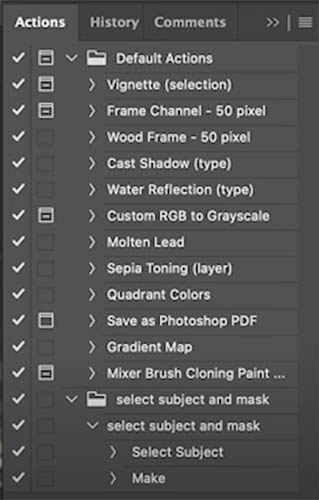
If you choose Classic actions from the Fly out menu it will revert to the current actions panel.
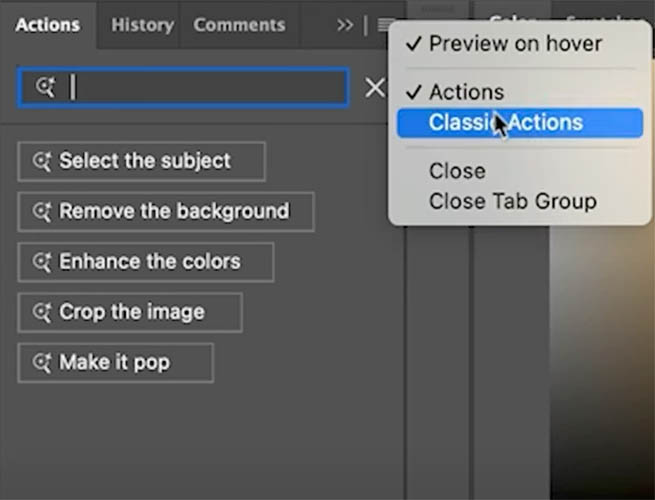
Here is the familiar actions. Choose Actions from the menu to go back to the new enhanced actions panel.
Have fun with this!
Here are more resources on the latest Photoshop and Lightroom UPDATE.
7 Favorite new features in Photoshop 2025 April update
Auto Selections | Auto selections on difficult images
Great to see you here at the CAFE
Colin

Recommended for this tutorial
Complete Guide to ai in Photoshop 2026
Generative Fill, Firefly, Harmonize and every AI tool in Photoshop, step by step.
$79.00 · one-time purchase · instant download

Free for you
The Photoshop Vault
Get my free Layer Blending Modes ebook along with dozens of exclusive Photoshop goodies: actions, brushes, presets and cheat sheets.
You're on the list, so your free goodies are waiting for you in the Vault.
Get Free Photoshop Goodies Open the Vault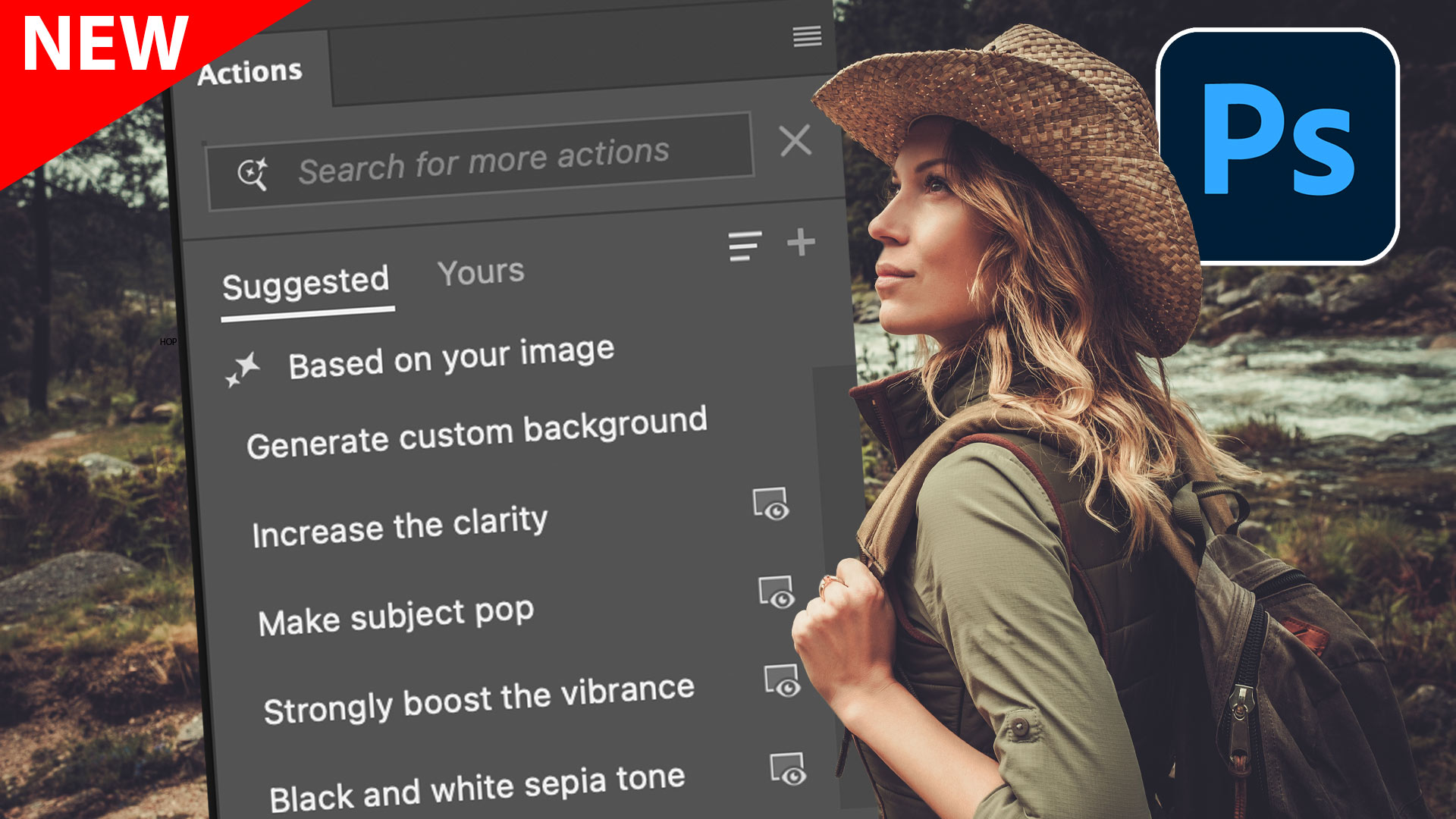
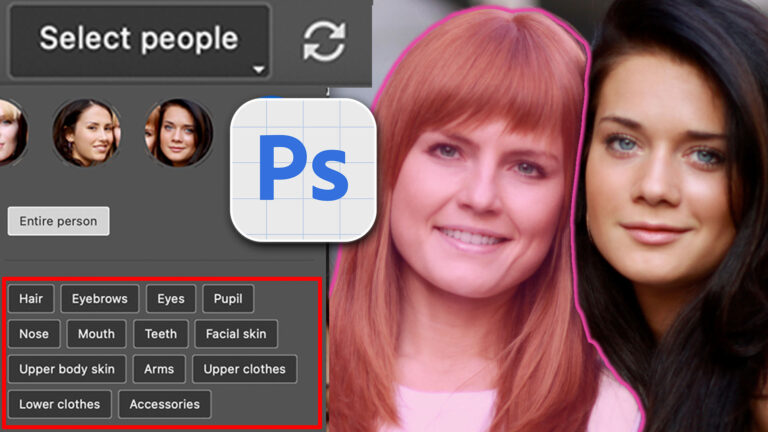
Auto Select people and features in Photoshop
How to automatically select people and facial features in Photoshop, like in ACR + Lightroom Read tutorial
Generative remove ai in Photoshop, remove anything from a photograph
New tool in Photoshop removes anything in a photo instantly, new remove option in Generative Fill. Generative remove Read tutorial
Generative Upscale in Photoshop, how does it compare?
Generative upscale in Photoshop and how it compares to Photoshops other ai resizing tools. Read tutorial
Auto Blend layers in Photoshop with Harmonize, includes Resolution Hack
Harmonize Layers in Photoshop and how to get BETTER results from new Harmonize Read tutorial
Big ambitious NEW features in Photoshop 2025 July 29 update
How to use the NEW features in Photoshop 2025 July 29 update, free written tutorial and short video tutorial by Colin Read tutorial












Looking for more content on beginners Photoshop. All Photoshop emails I receive are geared toward experts. It becomes and instant ‘delete,’
This presents a big turn off as many of us are trying to get past the basics.
Thanks for letting me know! I’ll see what I can do to add more beginner friendly content. Check out this week’s tutorial, you will like it. 4 levels on background blur, very beginner friendly.
This is an interesting development! What I need most is to be able to run actions in parallel. I have actions that are single-threaded with hundreds of steps that can take up to 10 minutes to complete. Often times, the result needs to be adjusted so I have to run them again. For some, in 1 hour I can only see the results of 6 runs of an action. The kicker is that since the steps are all single-threaded, I am using almost nothing of my PC’s capability. I could easily run 6 instances of Photoshop at the same time so I could test the actions with different settings and finish in 10 minutes instead of an hour.
This is important for my workflow. I have to run these actions all day. Doesn’t make sense to buy 6 copies of Photoshop for something one copy and one PC could do. I am inquiring about the license TOU on this precise issue here… https://community.adobe.com/t5/photoshop-ecosystem-discussions/running-multiple-instances-of-photoshop-in-2025/td-p/15360384
Perhaps a solution comes to mind? Please let me know! You can imagine the time it would save.
Thanks!
Scripts would likely run faster than actions?
I cannot find button mode in any fly out menu
Glad you figured it out
Hi Colin: when was the new Action panel added in full version Photoshop? It looks a bit different from the Beta version and I can’t find anything online. It looks like it was still in Beta in march. One thing I notice, was there were no AI suggestion. However, I have an older Intel iMac, so that may be why (some AI features don’t work with it)
If you ever want to know what’s new or when it came out, we keep a full running list of tutorials in the new features category: https://photoshopcafe.com/cc-learning.htm
We also have one for Lightroom and ACR