
Auto Select people and features in Photoshop
How to automatically select people and facial features in Photoshop, like in ACR + Lightroom
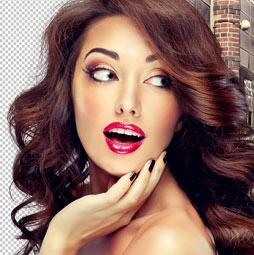
A lot of people have been asking for this feature. Ever since Adobe added the ability to generate masks of people, faces and different parts of people to Lightroom and Camera RAW, Ive received a ton of communication from the community. “When will this feature be in Photoshop??” Well.. here it is!
Written steps coming soon
Hope you enjoy,
Drop a comment
Colin
Recommended for this tutorial
Complete Guide to ai in Photoshop 2026
Generative Fill, Firefly, Harmonize and every AI tool in Photoshop, step by step.
$79.00 · one-time purchase · instant download

Free for you
The Photoshop Vault
Get my free Layer Blending Modes ebook along with dozens of exclusive Photoshop goodies: actions, brushes, presets and cheat sheets.
You're on the list, so your free goodies are waiting for you in the Vault.
Get Free Photoshop Goodies Open the Vault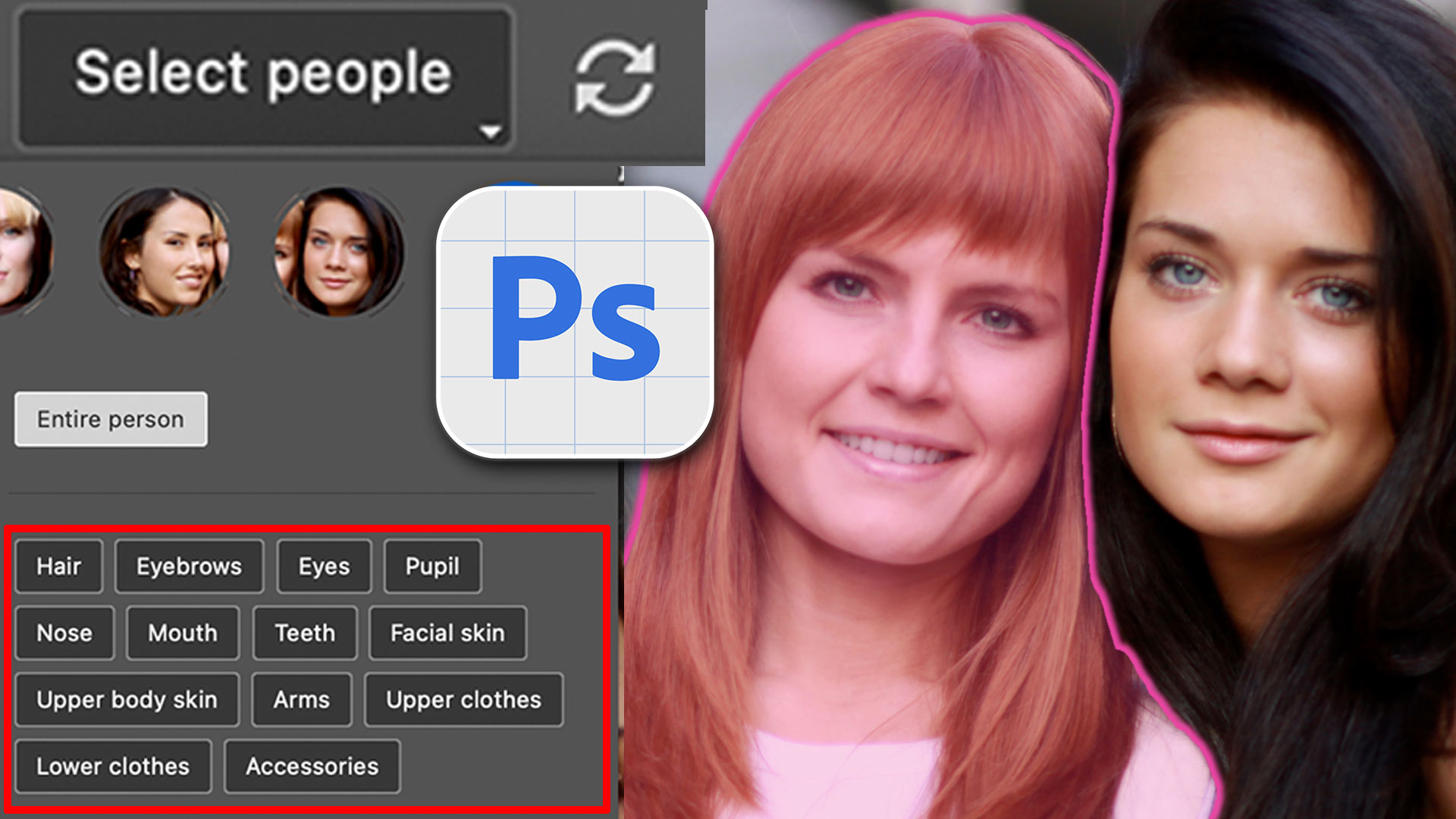
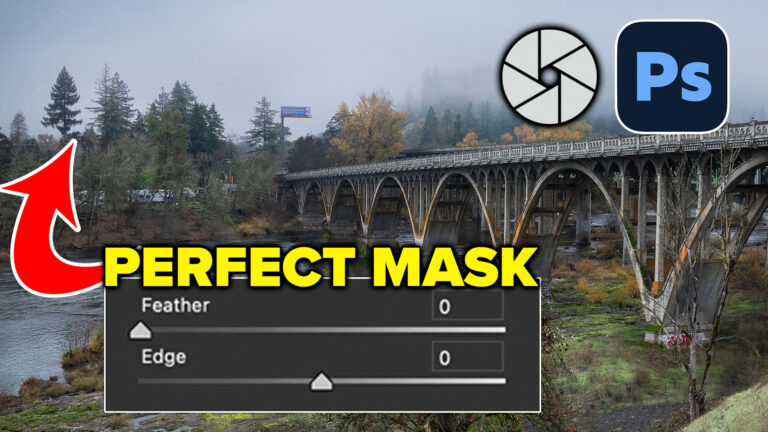
How to Perfect AI Mask Edges in Camera Raw in Photoshop
How to get perfect edges around trees and more in auto masks in Adobe Camera RAW Read tutorial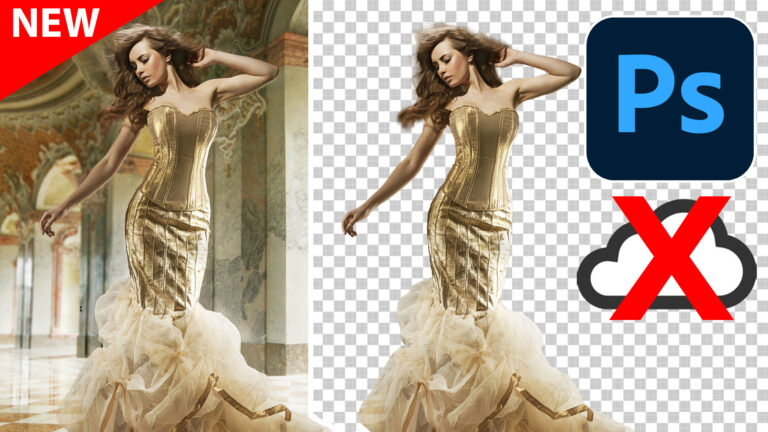
On-device Select subject in Photoshop, improved ai selections without the cloud
Testing brand new On Device Processing for select Subject in Photoshop Read tutorial
Generative remove ai in Photoshop, remove anything from a photograph
New tool in Photoshop removes anything in a photo instantly, new remove option in Generative Fill. Generative remove Read tutorial
Big ambitious NEW features in Photoshop 2025 July 29 update
How to use the NEW features in Photoshop 2025 July 29 update, free written tutorial and short video tutorial by Colin Read tutorial
Powerful Landscape Masks, make easy, precise photo editing in Lightroom and ACR in Photoshop
Powerful Landscape Masks, make easy, precise photo editing in Lightroom and ACR in Photoshop Read tutorial











Excellent presentation. Would like more on this
I wish you’d indicate in your announcement whether they apply only to the beta version of Photoshop. I’m not comfortable with using beta versions, so they don’t apply to me and I waste my time when I begin watching the video. Thanks. I should say that I DO love your videos – they’re very informative.
I have upgraded to Photoshop 26.1.0 and I cannot find “select People” when in the Object Selection Tool. In the top option bar, it is not there.
Great, thanks, really interesting and useful
Again a super lesson. Thanks.
Love it Colin, thanks.
Been watching your instructional videos since 2021 and learned a lot. Just wanted to thank you, I really have enjoyed them.
Incredible tutorial
Great tutorial Colin!
Merry Christmas
Thank you so much for this. You make it look soooo easy!!!
Thank you so much for this. You make it look soooo easy!!!
I have the latest version of Photoshop but when I select the Object Selection Tool it doesn’t give me the dialog box where I can select different parts of the body
Love your Photoshop information. Look forward to getting your written instructions that follow classes. Thank you for posting such great information.
It’s very useful to know that PS has incorporated a “people select” option although I’ve been using LR’s masking feature which seems to work quite well.
Your tutorials are always helpful, so thanks again.