
How to use the clone stamp in Photoshop
There are a lot of amazing tools in Photoshop for retouching. Some have been dubbed “Adobe Magic” (By the Adobe CEO). Over the past few years there are content aware tools. First it was Content Aware Scale, then Content aware fill and content aware move, and even content aware patch. All of these tools do a great job of speeding up and automating your Photoshop retouching workflow.
Does all of this make the good ol’ Clone Stamp tool obsolete? No way! This tool is the workhorse of the retoucher. Often times it’s the best way to remove distractions and manipulate photos, Sometimes the only way.I have also become aware that there are a lot of features in the Clone Stamp that many people are not aware of. This tutorial shows you many of the things that you can do with the clone stamp, there is a good chance there are options that you weren’t aware of.
Watch the video tutorial: How to use the Clone stamp in Photoshop
The humble clone stamp is a great way to remove distractions, copy parts of photos, clone objects, extend the edges of elements, fill holes and outright do photo manipulation. This is one of the essential tools that every Photoshop user really should master. I put it up there with The Pen Tool and Curves. There are tools that may be a little more difficult to use, but they will get you ahead of the curve (sorry for the pun).
I hope you enjoyed this little video. Please leave a comment below and let me know what you are using the clone stamp for!
Caio for now!
Colin

Keep growing with Premium Courses
Photoshop 2026 for Digital Photographers
Learn Photoshop properly, from the basics to pro retouching, step by step.
$129.00 · one-time purchase · instant download

Free for you
The Photoshop Vault
Get my free Layer Blending Modes ebook along with dozens of exclusive Photoshop goodies: actions, brushes, presets and cheat sheets.
You're on the list, so your free goodies are waiting for you in the Vault.
Get Free Photoshop Goodies Open the Vault
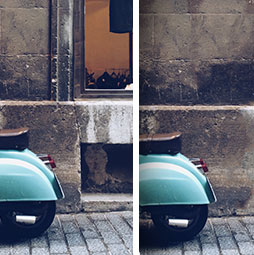
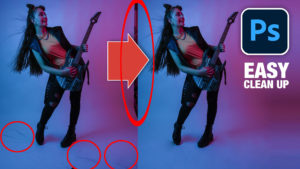
How to remove distractions from a photo in Photoshop Tutorial
How to remove anything from a photo in Photoshop to get rid of distractions and make a clean background. This Photoshop tutorial... Read tutorial
How to remove difficult objects from photos. Removing distractions from photographs.
How to remove difficult subjects from photos in Photoshop tutorial. Remove anything using healing brush, Content aware fill, clone stamp and more.... Read tutorial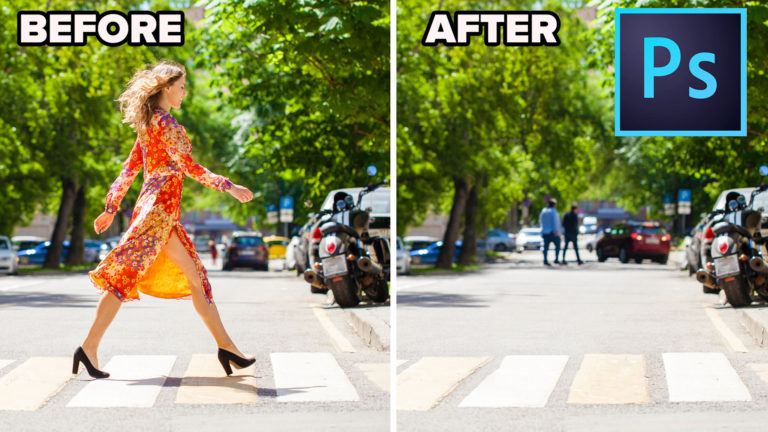
How to remove a person from a photo in Photoshop without ai (Complex Background)
How to remove a person from a photo in Photoshop. 2 ways to remove something with a complex background in this Photoshop... Read tutorial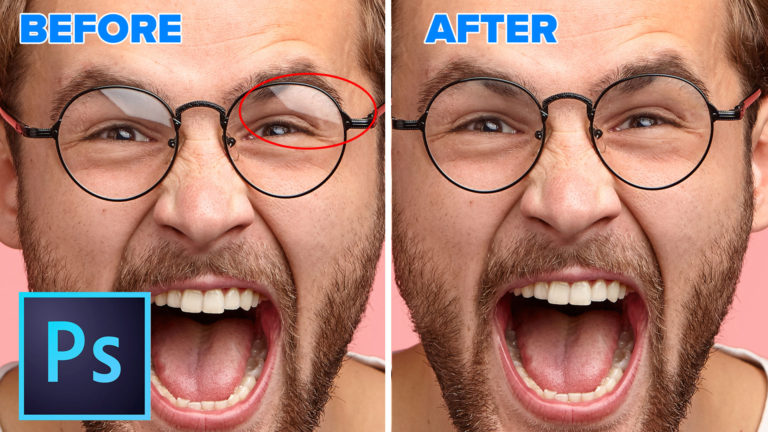
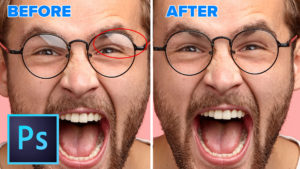
How to Remove Reflections from Glasses in Photoshop
Learn how to remove reflections and glare from glasses in Photoshop. This tutorial shows an unexpected and effective way to easily remove... Read tutorial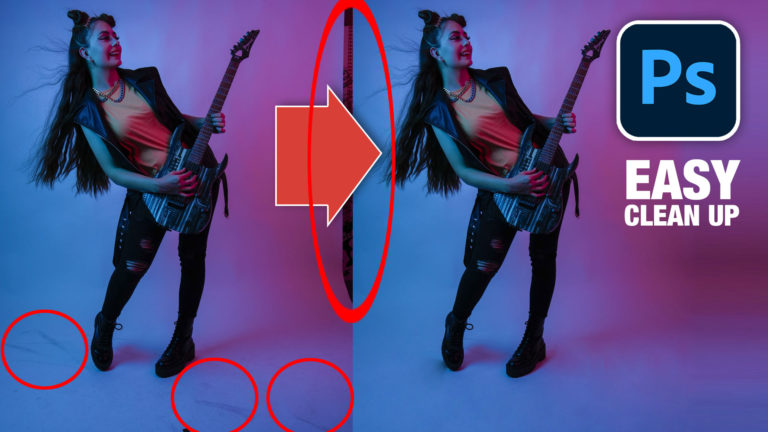
Clean photos and remove distractions with the patch tool in Photoshop
How to use the patch tool in Photoshop to quickly clean up smudges and dirt and remove distractions. Difference between Source +... Read tutorial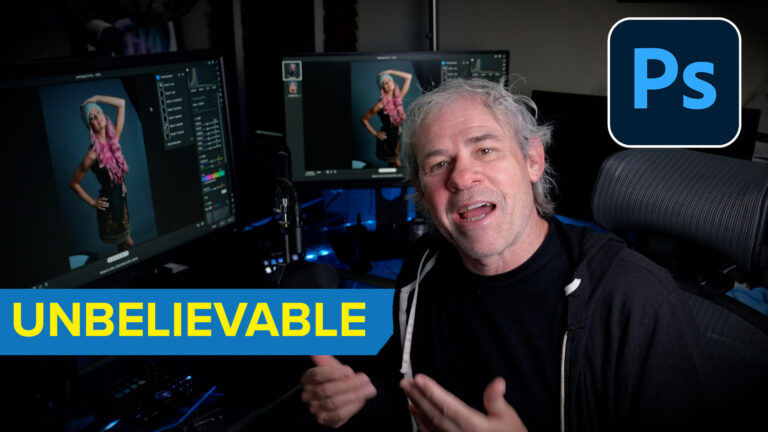











Wow! I didn’t know but just a little bit of all that! How cool the Clone Stamp tool is! Thank you so much!
Su
Thanks saying so. Its a cool tool 🙂
Great video Colin thanks for all the fantastic resources mate! Did you forget to mention the flip horizontal and vertical radio buttons or are you leaving them for a future video? Would have been great for demonstrating how to take a boat from one side of the scene and replace it on the other (if there was one without too much shadows that is). Cheers again, great work! – SW
It would REALLY be helpful if ALL tutorials would list which version of Photoshop they are using for the demo. Some of us do not always have the latest versions and the information is useless.
Its like magic i love to use stamp tool but learn good process by seeing your video.
Making a clone is an easy task in Photoshop since we got clone stamp tool. This post is useful and giving informative insights related to clone stamp tool.
Now I love this tool!