Copy any color grade to your images instantly with new Color Transfer in Photoshop
Steal any color grade and use it on your images instantly with new Color Transfer in Photoshop
Have you ever seen a movie or an image and you just wish you could create that same color grade on your photos? Now you can easily, lets explore the new color Transfer first released in Photoshop 2022.
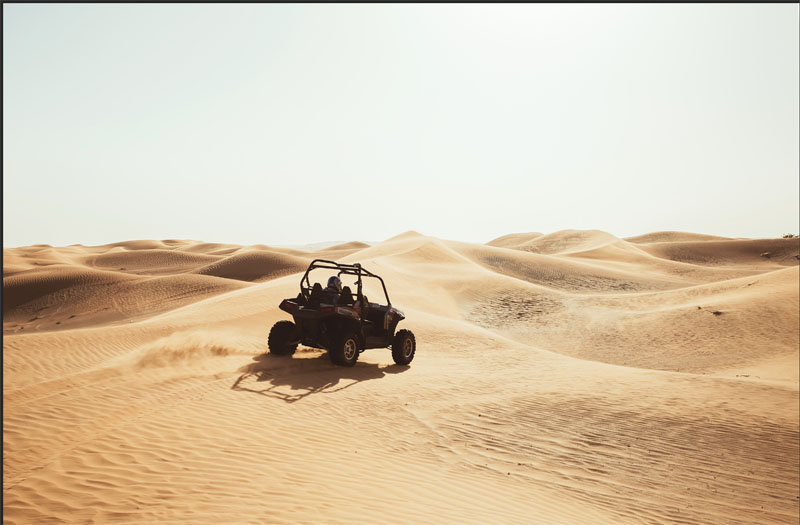
Start with this image.
ChooseFilter>Neural Filters>Color Transfer
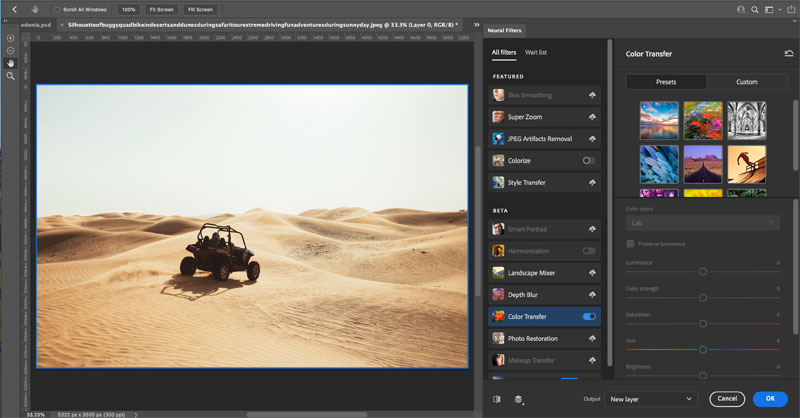
Try one of the presets by clicking on it.
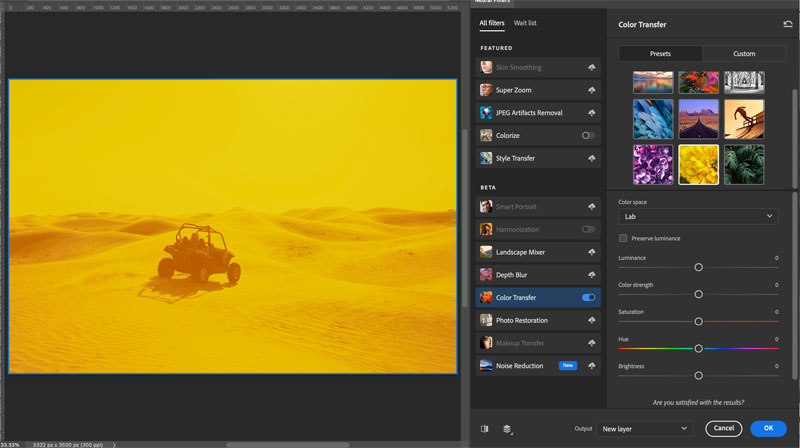
Maybe not what you want? We can use our own images. Choose custom.
Click the file browser to choose an image.
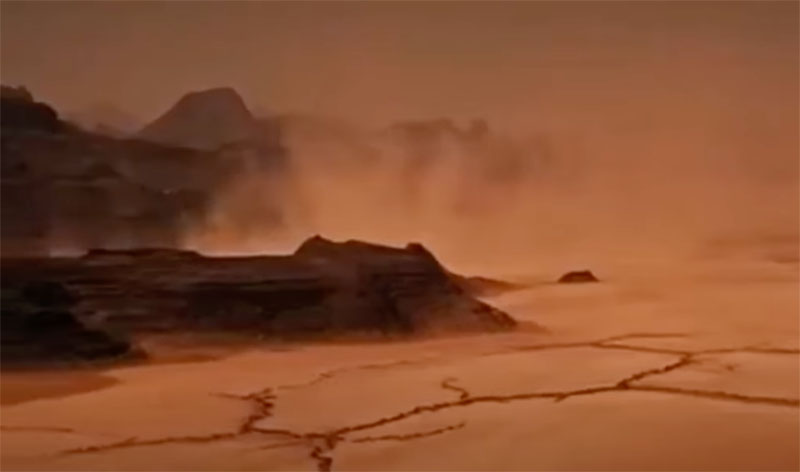
Here is a screen capture I made from the trailer of the movie the Martian. (You can find trailers on youtube)
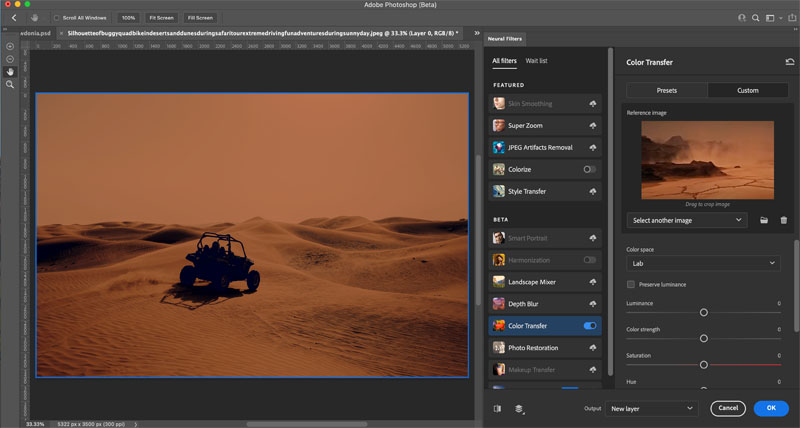
Imediately, it takes on the color and tone of the image and applies it to your image.
If you want, you can make a selection on the thumbnail and the color will be constrained to the area you selected.
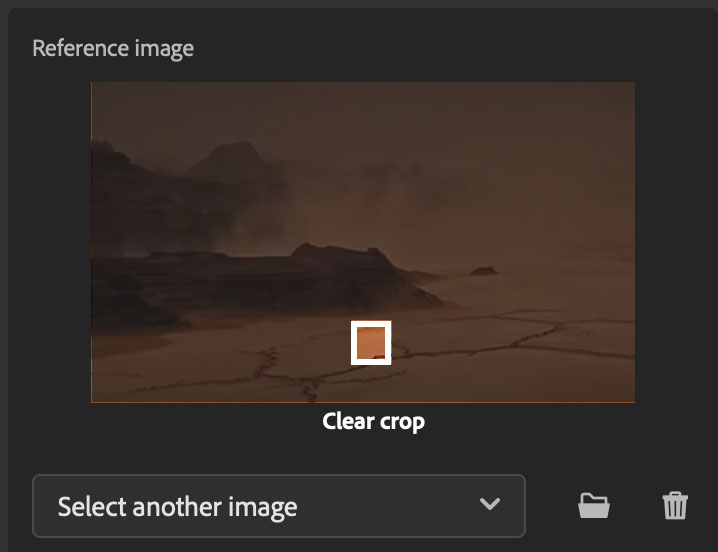
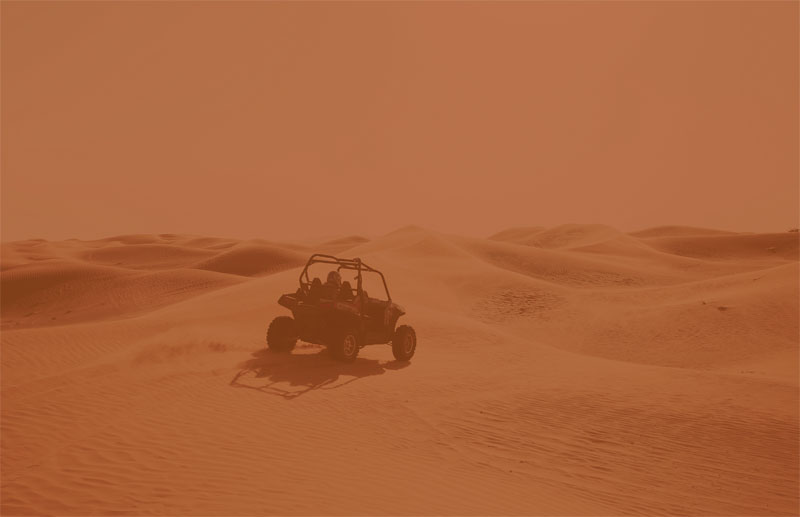
This is the result (I preser the result from the entire image in this case)
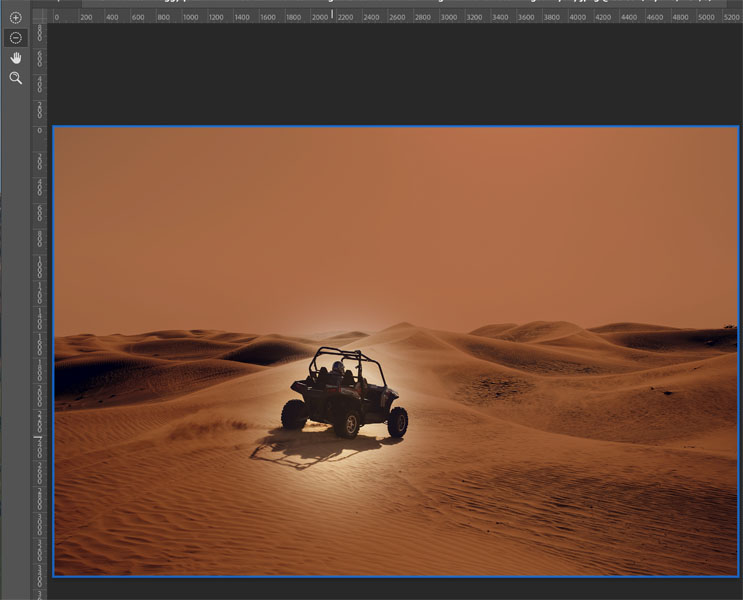
Use the Masking tools on the lafet to paint the effect away from areas of the image you want to leave original.
I hope you enjoyed this quick little tutorial.
This is the start of our Photoshop 2022 Learning Center. Drop back every day this week for new content!
PHOTOSHOP 2022 SUPERGUIDE
- ALL THE TOP NEW FEATURES IN PHOTOSHOP 2022
- LIGHTROOM CLASSIC 2022 NEW FEATURES
- INSTANT SELECTION WITH OBJECT FINDER
Great to see you here at the CAFE
Colin
Check out this important tutorial BEFORE updating
See you at the CAFE
Colin
I’ve got a whole bag of goodies you can have for free at the Vault. Grab free goodies here, including Photoshop brushes, actions, presets, sky images, ebooks and a whole bunch more.

Keep growing with Premium Courses
Photoshop 2026 for Digital Photographers
Learn Photoshop properly, from the basics to pro retouching, step by step.
$129.00 · one-time purchase · instant download

Free for you
The Photoshop Vault
Get my free Layer Blending Modes ebook along with dozens of exclusive Photoshop goodies: actions, brushes, presets and cheat sheets.
You're on the list, so your free goodies are waiting for you in the Vault.
Get Free Photoshop Goodies Open the Vault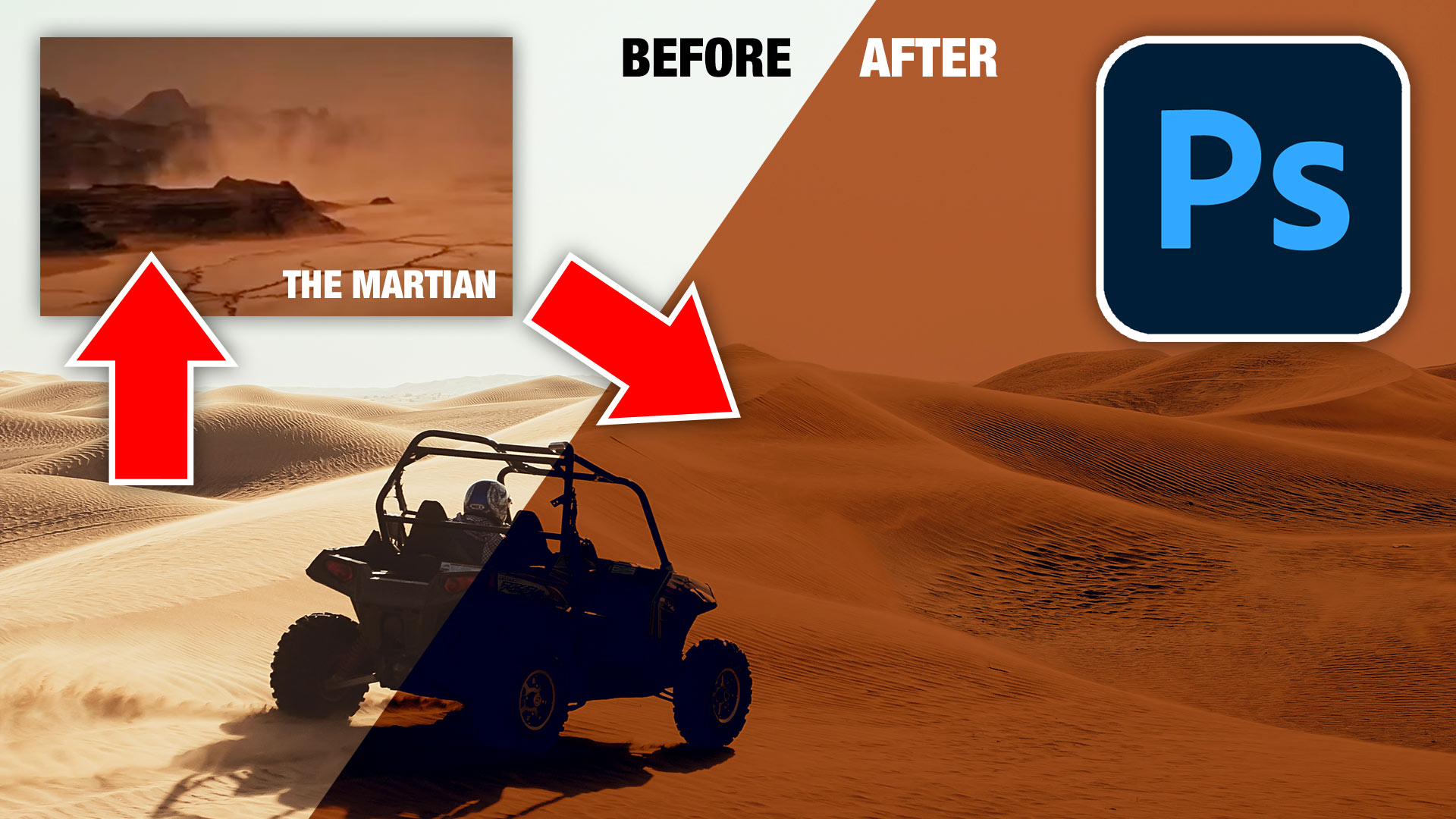
Curves in Photoshop explained Photoshop Tutorial
Here is a beginner to intermediate tutorial on how to use curves in Photoshop. Curves are feared by many, but they don't... Read tutorial
What’s New in Photoshop 2026 (Full Release Overview)
Explore the top new features in Photoshop 2026, Full release Read tutorial
How to make apple Liquid Glass effect in Photoshop
How to make the apple liquid glass effect in Photoshop Read tutorial
5 New Photoshop Beta Feature You Need to See
Photoshop Beta has some interesting new additions, including a redesigned interface, an improved Color Picker, Restyle Layer video generation, Quick Compare, and... Read tutorial
How to Change the Color of Anything in Photoshop, Even Difficult Images
Changing colors in Photoshop is easy until similar colors appear in the rest of the image. Learn three levels of color changing,... Read tutorial