
How to create a split tone coloring effect in Lightroom
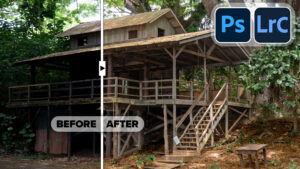
A popular coloring effect is the split tone. This can be used to create many vintage film looks that people love. Here is an easy Lightroom tutorial, for you to make this effect in Lightroom, 6 or CC (This actually works in every version of Lightroom).

Recommended for this tutorial
Learn Masks in Lightroom and Camera RAW
Make precise local adjustments in Lightroom and Camera Raw with every type of mask.
$59.99 · one-time purchase · instant download

Free for you
The Photoshop Vault
Get my free Layer Blending Modes ebook along with dozens of exclusive Photoshop goodies: actions, brushes, presets and cheat sheets.
You're on the list, so your free goodies are waiting for you in the Vault.
Get Free Photoshop Goodies Open the Vault
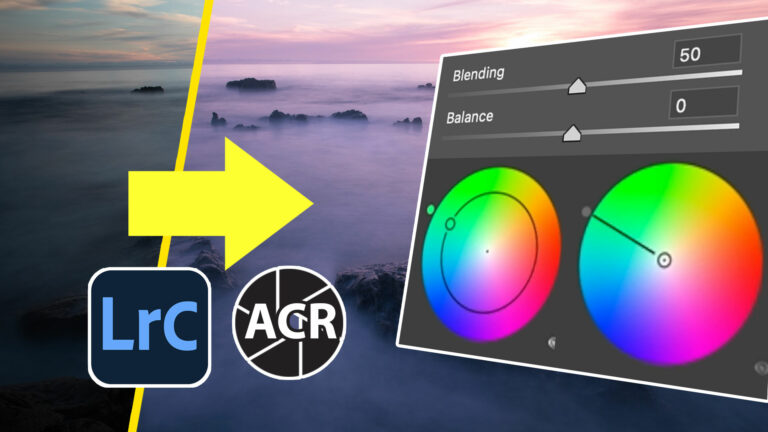
Ultimate Guide to ACR Lightroom Color Grading Tool
Complete guide to Color grading in Lightroom and Adobe Camera RAW, all settings explained and applied to different types of photos Read tutorial
Absolute control of photo colors using HSL in Photoshop and Lightroom
Few people Use or understand HSL. This Photoshop tutorial will help you understand and use these amazing color controls for your photographs. Read tutorial
Photoshop and Lightroom integration
Watch this video to discover how to best work between Photoshop and Lightroom. Find out how to keep your Lightroom adjustments fully... Read tutorial
How to Make a Panoramic photo – shoot and edit a Pano in Lightroom or Photoshop
Why Panoramas? Panoramas, or panos are a great way to do a couple of things. First of all, they make it possible... Read tutorial
Powerful Landscape Masks, make easy, precise photo editing in Lightroom and ACR in Photoshop
Powerful Landscape Masks, make easy, precise photo editing in Lightroom and ACR in Photoshop Read tutorial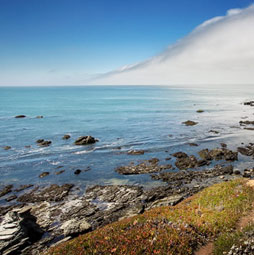








I like how guys from FixThePhoto working with shadow in portraits, I send my works to him if I need