
Faking motion in a Photograph, Photoshop Tutorial
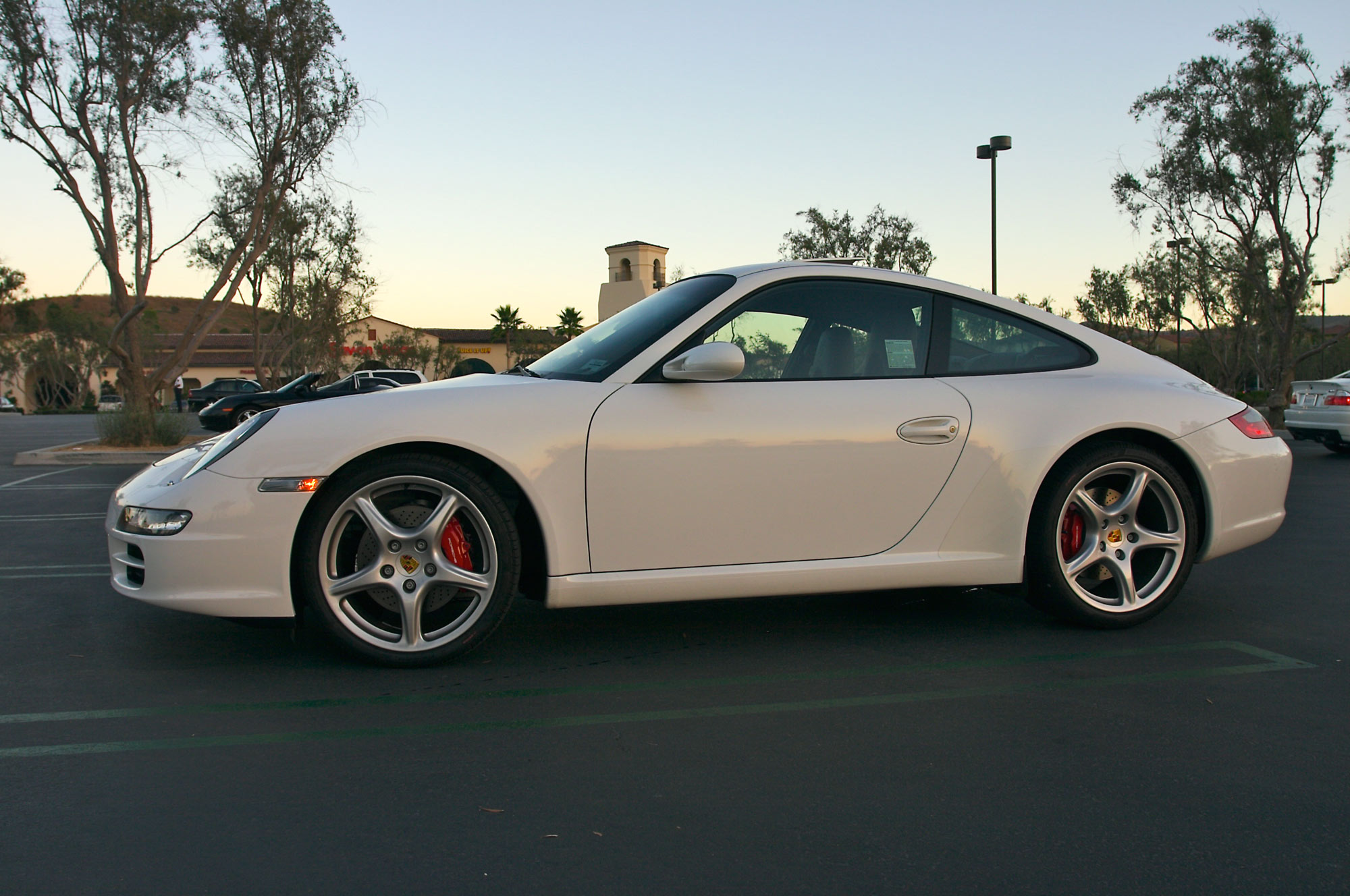
We start with a photograph on a car that is stationary and then make it look like it’s moving in Photoshop. (See the bottom of the page to download the photo)
This is a trick I have been using for a number of years, and frankly, its a lot of fun to do. Check out the video and learn how to put this car into motion
How to put a still subject into motion!
Basically, we are going to cut out the car and put it on a new layer. Ill show you quick select and refine edge, as well as how to do it with the pen tool, by making paths.
Then we blur the background with a motion Blur. We then blend the 2 layers together to add the appearance of motion. A little extra work is done to fix the windows. I show you how to darken the windows, so the lack of driver isn’t a problem. I also show how to make the windows transparent, but still having the appearance of glass. Finally, we need to spin the wheels. I cover 2 ways of doing it. We do the traditional way that works on all versions of Photoshop. We then look at a newer way that works only in photoshop CC.
I hope you enjoy this. Check out all the new, free tutorials here on photoshopCAFE.
You can grab my practice Photo here (Educational use only please).
Till next time, Colin

Keep growing with Premium Courses
Photoshop 2026 for Digital Photographers
Learn Photoshop properly, from the basics to pro retouching, step by step.
$129.00 · one-time purchase · instant download

Free for you
The Photoshop Vault
Get my free Layer Blending Modes ebook along with dozens of exclusive Photoshop goodies: actions, brushes, presets and cheat sheets.
You're on the list, so your free goodies are waiting for you in the Vault.
Get Free Photoshop Goodies Open the Vault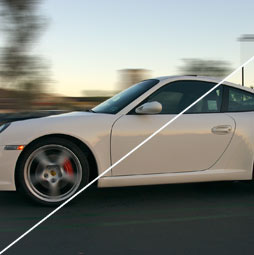

How to use Path Blur to add motion to a photo in Photoshop CC
Use Path blur in Photoshop CC to add a custom motion blur to an object in a photo without any selections. This... Read tutorial
How to create Bokeh background blur to a photo in photoshop
Learn how to make a photo realistic Bokeh lens effect with photoshop. Create depth of field with a blurred background which adds... Read tutorial
Cutting out a photo from background & refine edge tutorial
Things have changed when it comes to removing objects from their backgrounds, extracting, masking or whatever you would like to call it.... Read tutorial
Swapping Backgrounds in Photoshop. Selection tips and how to get Refine Edge in CC 2017
Photoshop CC tutorial, how to easily swap the background in a photo. Refine Edge in the latest version of Photoshop with a... Read tutorial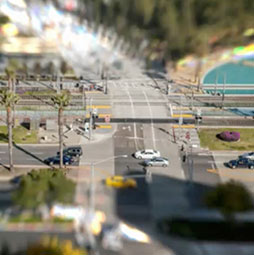
Tilt shift miniature model effect with Photoshop
This tutorial teaches you how to take a photograph and make it look like a miniature model in photoshop instead of reality. Read tutorial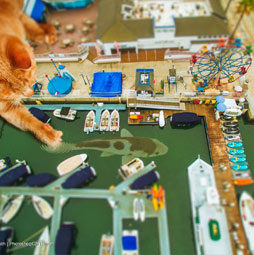









The videos are very helpful and give a good visualization, but I still need a written tutorial to use while I am working in Photoshop. I cannot watch the video while I am working and get it to my place in the operation. I always enjoy learning something new from your tutorials.
I do my best to include written tutorials with the videos usually. Ill get around to a written tut soon, just a bit behind right now 🙂
Great tutorial…. thanks Colin, let me share it!!
Disclosure: I am an Adobe Community Professional and as such am always looking for resources to use in helping users.
Share it out, LOL, I am also an ACP and my nickname is kiwicolin 😉
How did you get that name mate????
From NZ originally
I like your photo manipulations, I tried to make also but my experience was failed, Photoshop is too hard for me to learn 🙂 For such effects I just use apps or I send my photos to online photo retouching services like FixThePhoto
Brilliant…. Little touches make all the difference, I’m just an enthusiastic photoshopper manipulating my own photos ….you’ve made such a difference in a short space of time …Thank -you so much.