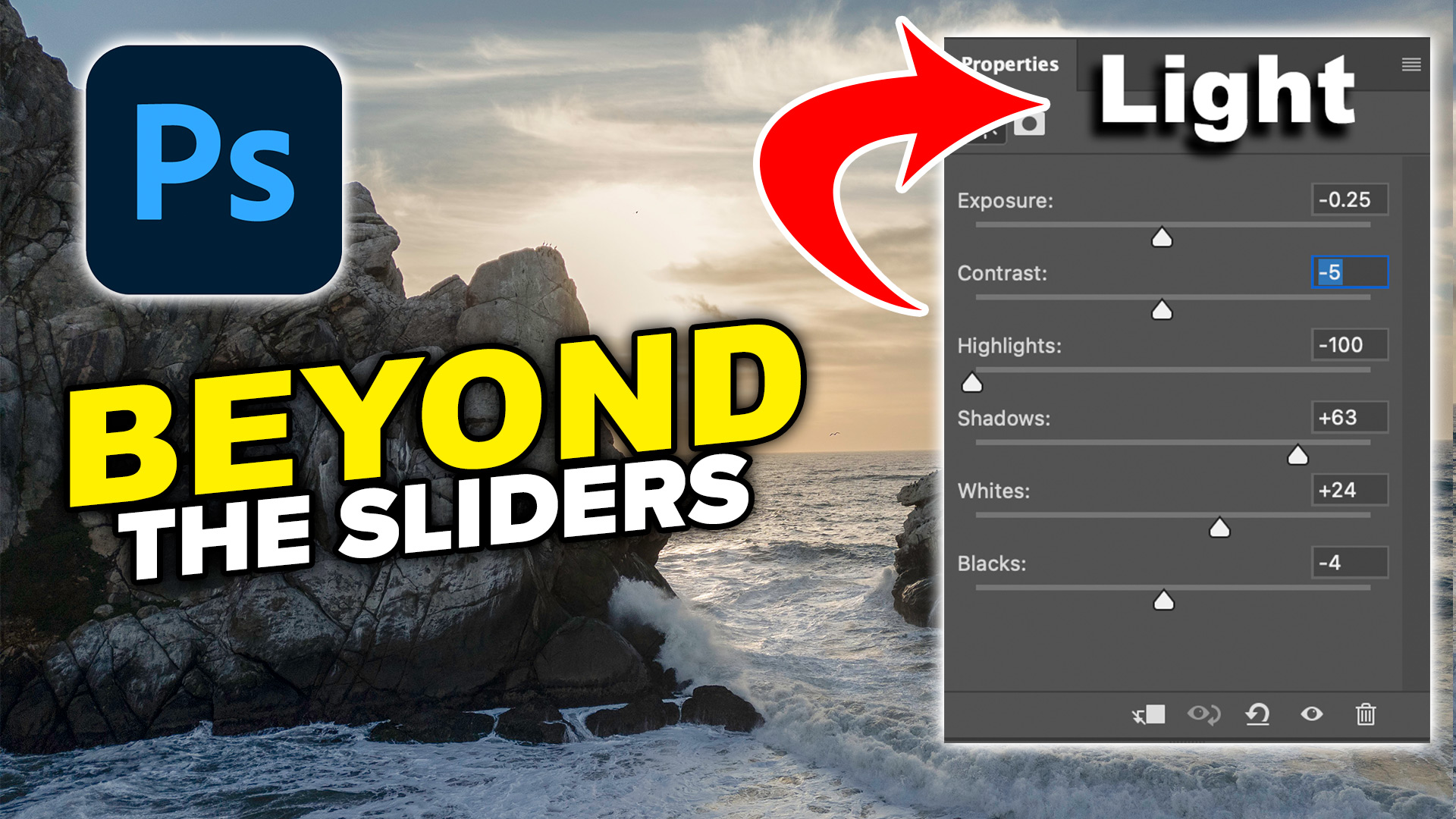
How to use the Develop Module in Lightroom
This Lightroom 6 / Lightroom CC tutorial will show you how to use the basic Adjustments in Lightroom Develop Module and which order to use the sliders to get the best results fast. I also provide a few image editing tips and show how you can preview image clipping.
Thanks for watching this tutorial, if you want to learn Lightroom fast, I created a free crash course, ultimate beginners guide here. It includes my Learn Lightroom in 15 minutes video
See you at the CAFE
Colin
PS Don’t forget to follow us on Social Media for more tips.. (I've been posting some fun Instagram and Facebook Stories lately)
You can get my free Layer Blending modes ebook along with dozens of exclusive Photoshop Goodies here

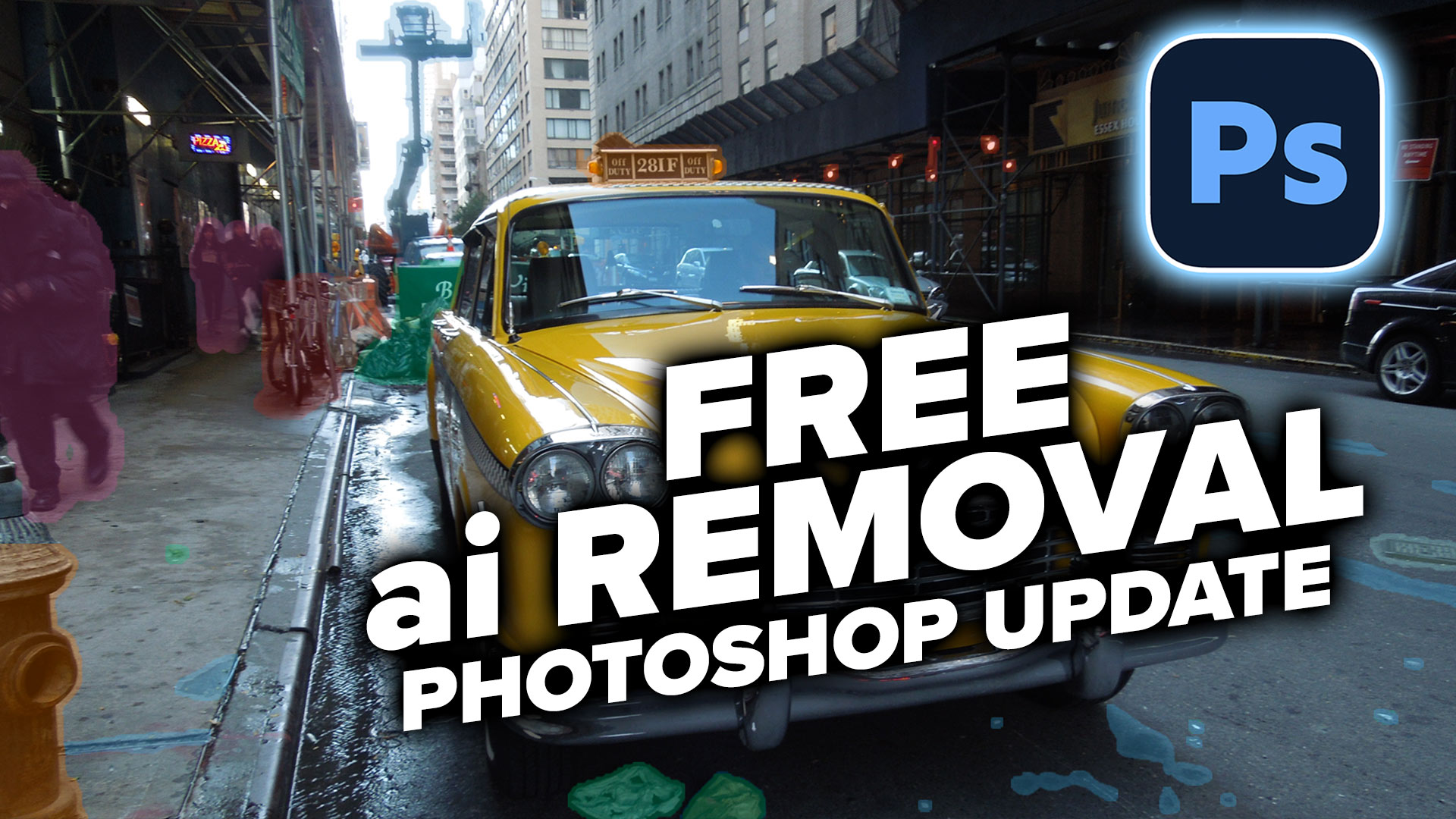
Learn how to automatically detect and remove visual clutter, people, and vehicles from any photo using the new Find Distractions...

How to unlock features, extend and automate Photoshop with scripts. This tutorial shows how to download, install and run scripts...
In this tutorial we are rounding the rorners of a shape the princliple of this tutorial is to show you...