
How to Make a Silky Type Effect with metal edges in Photoshop Tutorial
This tutorial is one for designers. You are going to learn how to add a metallic edge to any object. In this case we are using type. We are also going to fill it with a pattern and a bumpy silky sheen. The purpose is to build some depth into our text style. Look under the video for a link to download the styles for free.

You are also going to learn how to make a layer style look right at any size (Just look around to see that this part is badly needed!)
I hope you enjoyed this tutorial
See you at the CAFE
Colin
Recommended for this tutorial
Photoshop Compositing: Sky City Project. Photoshop 2026
Build a complete composite from start to finish and learn the techniques behind it.
$39.99 · one-time purchase · instant download

Free for you
The Photoshop Vault
Get my free Layer Blending Modes ebook along with dozens of exclusive Photoshop goodies: actions, brushes, presets and cheat sheets.
You're on the list, so your free goodies are waiting for you in the Vault.
Get Free Photoshop Goodies Open the Vault
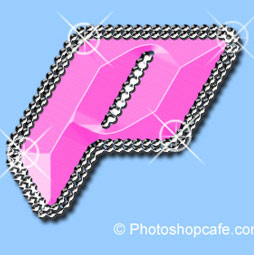
ANIME BEADS Photoshop Tutorial
I received a request from the forum for this effect from one of our Members living in Japan. This is a technique... Read tutorial
Outline text in Photoshop Photoshop Tutorial
Here is a fun little tutorial that will show you how to make chrome outlines around your text. Have fun and experiment! Read tutorial
Rusted Type Photoshop Tutorial
There are many methods to creating rust in Photoshop. Here is one way to make rusted type. We can make our text... Read tutorial
Texturing Type Photoshop Tutorial
Photoshop has a very powerful addition to the Layer Styles that is grossly overlooked, but if you are into dynamic typography, interface... Read tutorial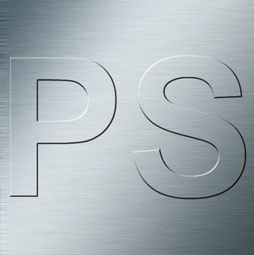
Stamped metal text
In this Photoshop tutorial Im going to show you how to make a stamped metal effect. This is similar to what you... Read tutorial










Loved this tutorial, Colin. I would love more text tutorials.
Alright! Thanks
Great tutorial. Thank you.
Thank you for sharing your hard work and making the tutorial fun and light-hearted.