
Skip to content
Customer Support
  • Free Tutorials
    • All Free Tutorials
      • ACR & Lightroom Tutorials
      • Photoshop Basics
      • Photoshop Tips
      • Photo Tutorials
      • Ai Art and tools
      • Special Effects
      • Text Effects
      • MISC
      • Drone Photography
    • What’s New
      • Photoshop New Features
      • Lightroom New Features
    • Photoshop Features Timeline
      • Photoshop CC (2013 to today)
      • Photoshop CS6 (2012)
      • Photoshop CS5 (2010)
      • Photoshop CS4 (2008)
      • Photoshop CS3 (2007)
    • Live Streams
  • Premium Courses
    • Premium Training
      • Photoshop
      • Lightroom
      • Design
      • Digital Art
      • Photography
      • Lighting
      • Drones
      • New Releases
      • On Sale
    • Streaming Videos
    • Instructors
    • Testimonials
  • Reviews
  • About
    • About us
    • Blog
    • Help
    • Interviews
    • Contests
  • Gallery
    • Colin’s work
  • Freebees
  • Account

Tag: Selections

January 27, 2017

Combine type and images, How to put a photo inside text in Photoshop Tutorial

By Colin Smith
December 2, 2016

Swapping Backgrounds in Photoshop. Selection tips and how to get Refine Edge in CC 2017

By Colin Smith
September 8, 2016

Sky Replacement and Adding Clouds to a Photo in Photoshop Tutorial

By Colin Smith
June 21, 2016

How to Cut out Hair in Photoshop CC Tutorial

By Colin Smith
April 28, 2016

How to Make a Silky Type Effect with metal edges in Photoshop Tutorial

By Colin Smith
March 30, 2016

5 useful tools you didn’t know were in Photoshop | Photoshop Tips

By Colin Smith
July 7, 2015

5 fast ways to select layers in Photoshop.
By Colin Smith
July 5, 2015

Creating Crop Marks in Photoshop

By Colin Smith
March 31, 2015

Realistic Spotlight Effect in Photoshop Photoshop Tutorial

By Colin Smith
November 10, 2014

Make photo edges in Photoshop tutorial
By Colin Smith
October 7, 2014

New Features in Photoshop CC 2014.2 (October release)

By Colin Smith
May 8, 2014

How to swap heads in Photoshop tutorial
By Jane Conner-ziser
  • «
  • 1
  • 2
  • 3
  • »
Browse by category
  • Photoshop New Features
  • Photoshop Basics
  • Lightroom and ACR Tutorials
  • Photo Tutorials
  • Photoshop Tips
  • Ai Art and tools
  • Special Effects
  • Text Effects
  • Drone Photography
  • Live Streams
Featured Products
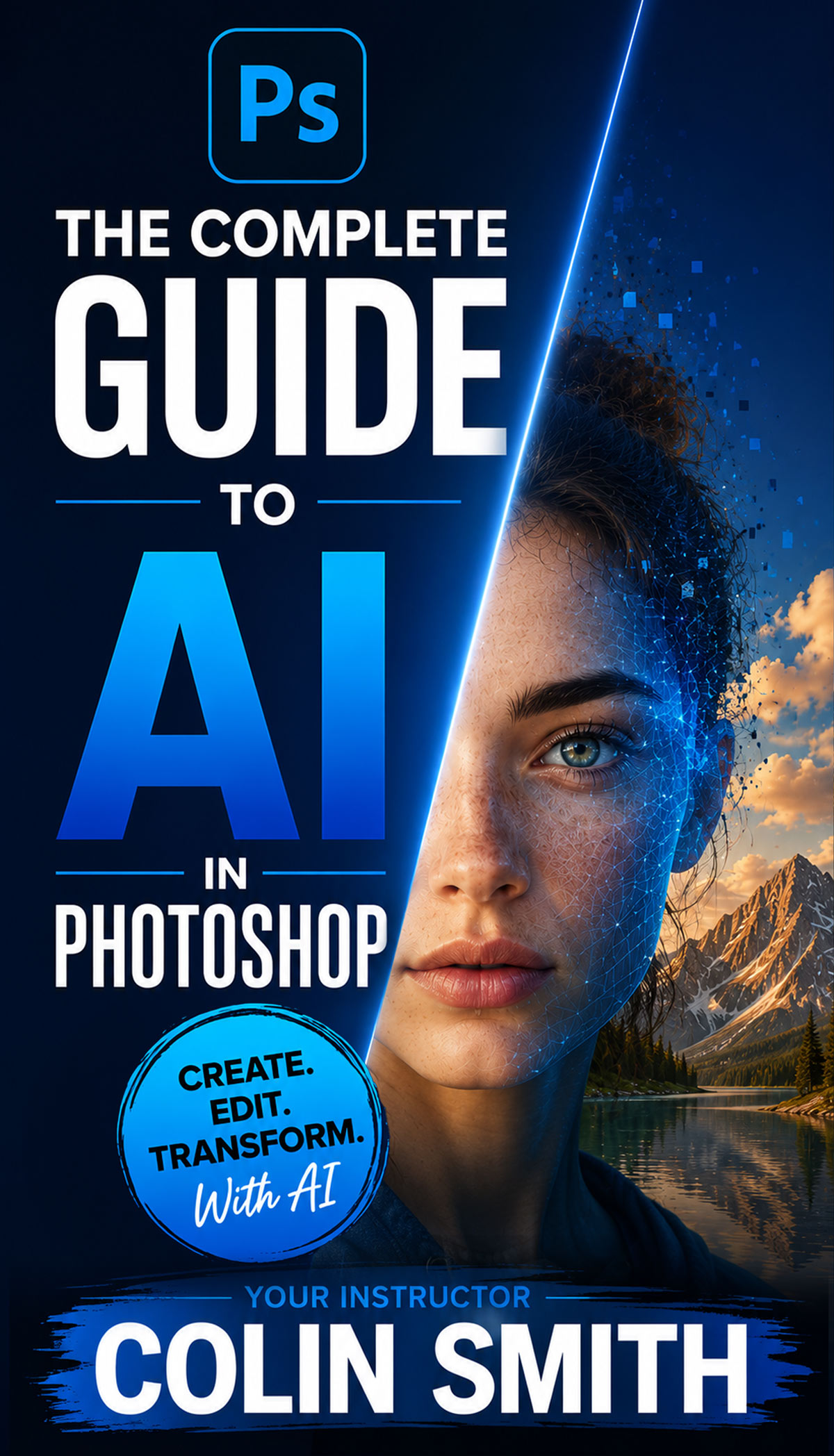
Complete Guide to ai in Photoshop 2026

Complete Guide to ai in Photoshop 2026

Buy Now
Photoshop 2026 for Digital Photographers | Photoshop Secrets

Photoshop 2026 for Digital Photographers | Photoshop Secrets

Buy Now
Photoshop Compositing: Sky City Project. Photoshop 2026

Photoshop Compositing: Sky City Project. Photoshop 2026

Buy Now
Learn Masks in Lightroom and Camera RAW

Learn Masks in Lightroom and Camera RAW

Buy Now
Newest tutorials
What’s New in Lightroom Classic 2027: All the New Features

What’s New in Lightroom Classic 2027: All the New Features

What’s New in Adobe Camera Raw 19 (2027) New Features Explained

What’s New in Adobe Camera Raw 19 (2027) New Features Explained

What’s New in Photoshop 2027? All the New Features Explained

What’s New in Photoshop 2027? All the New Features Explained

Popular tutorials
How to cut out anything in Photoshop, 3 best ways to remove backgrounds from photos

How to cut out anything in Photoshop, 3 best ways to remove backgrounds from photos

5 New Photoshop  Features You Need to See

5 New Photoshop Features You Need to See

What’s New in Photoshop 2026 (Full Release Overview)

What’s New in Photoshop 2026 (Full Release Overview)

footer-top-image
Colin Smith
Colin SmithFounder of PhotoshopCAFE

I've been teaching Photoshop and Lightroom here since 2000. Thanks for learning with me.

Browse Courses
FREE RESOURCES
  • Free Tutorials
  • Free Photoshop Vault
  • Photoshop and Lightroom New Features
  • Reviews
  • Gallery
PREMIUM TRAINING
  • Photoshop
  • Lightroom
  • Photography
  • Design
  • Digital Art
  • Lighting
  • Streaming courses
  • Software Cinema
IMPORTANT LINKS
  • About us
  • Privacy Policy
  • My Account and Downloads
  • How to download your courses
  • Customer support
  • Speaking Events
© 2000–2026 PhotoshopCAFE CREATE DON'T STEAL 15642 Sand Canyon Ave, #54843, Irvine CA