
New Features in Photoshop CC 2014.2 (October release)
This tutorial touches on the best new features in the October 2014 release of Photoshop CC Learn about Libraries, Guide layers, scripted patterns and much more. Watch the video of Colin’s 5 favorite new features of Photoshop.
Don’t forget to visit often as we are adding new tutorials every week as well as showing you how to use freshly released new features in photoshop. Because Colin works closely with Adobe, we can show you the best way to use these features, as well as what they are intended to do.

Keep growing with Premium Courses
Photoshop 2026 for Digital Photographers
Learn Photoshop properly, from the basics to pro retouching, step by step.
$129.00 · one-time purchase · instant download

Free for you
The Photoshop Vault
Get my free Layer Blending Modes ebook along with dozens of exclusive Photoshop goodies: actions, brushes, presets and cheat sheets.
You're on the list, so your free goodies are waiting for you in the Vault.
Get Free Photoshop Goodies Open the Vault
Creating Crop Marks in Photoshop
Crop marks show the printer where to trim the final piece. Photoshop doesn't have the ability to create crop marks by default.... Read tutorial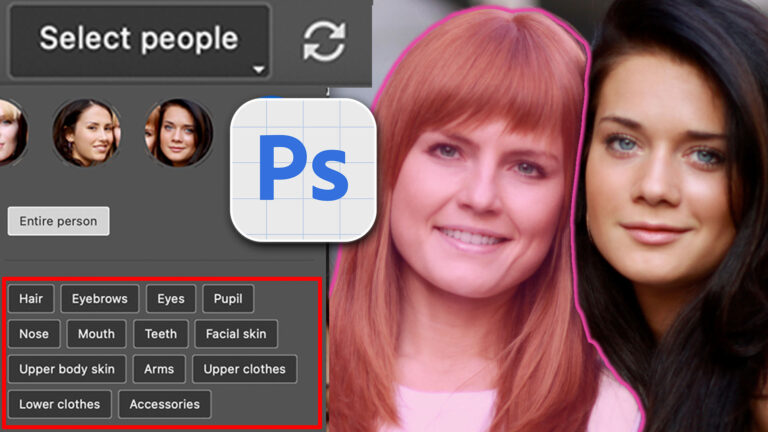
Auto Select people and features in Photoshop
How to automatically select people and facial features in Photoshop, like in ACR + Lightroom Read tutorial
Realistic rope in Photoshop Photoshop Tutorial
This tutorial came out of a request from the forum. I was asked if I could make a realistic rope.. Read tutorial
Golf Ball Photoshop Tutorial
Phil has provided an excellent tutorial on making a realistic Golfball in Photoshop. Read tutorial
5 fast ways to select layers in Photoshop.
How to select exactly the layer you want instantly. These tips show you different ways of making your layers active and selecting... Read tutorial









Brand new features in photoshop
Why does the 3d menu between “filter” and “view” show in the beginning of the video? :O and a second later its just there. I had my photoshop cc and i used it but today i updated my photoshop cc and now i cant use any 3d tool, for me its like it was in the beginning of the video where the 3d menu doesnt even shows. I would be happy for an answear, i have searched in many places and i have tried many webpages and i have tried everything that people says should work but it doesnt for me.
The 3D menu always shows in Photoshop CC. But if you want the 3D tools go to Window>3D. Also Watch this video that shows you the basics of PS 3D