Lightroom New Features
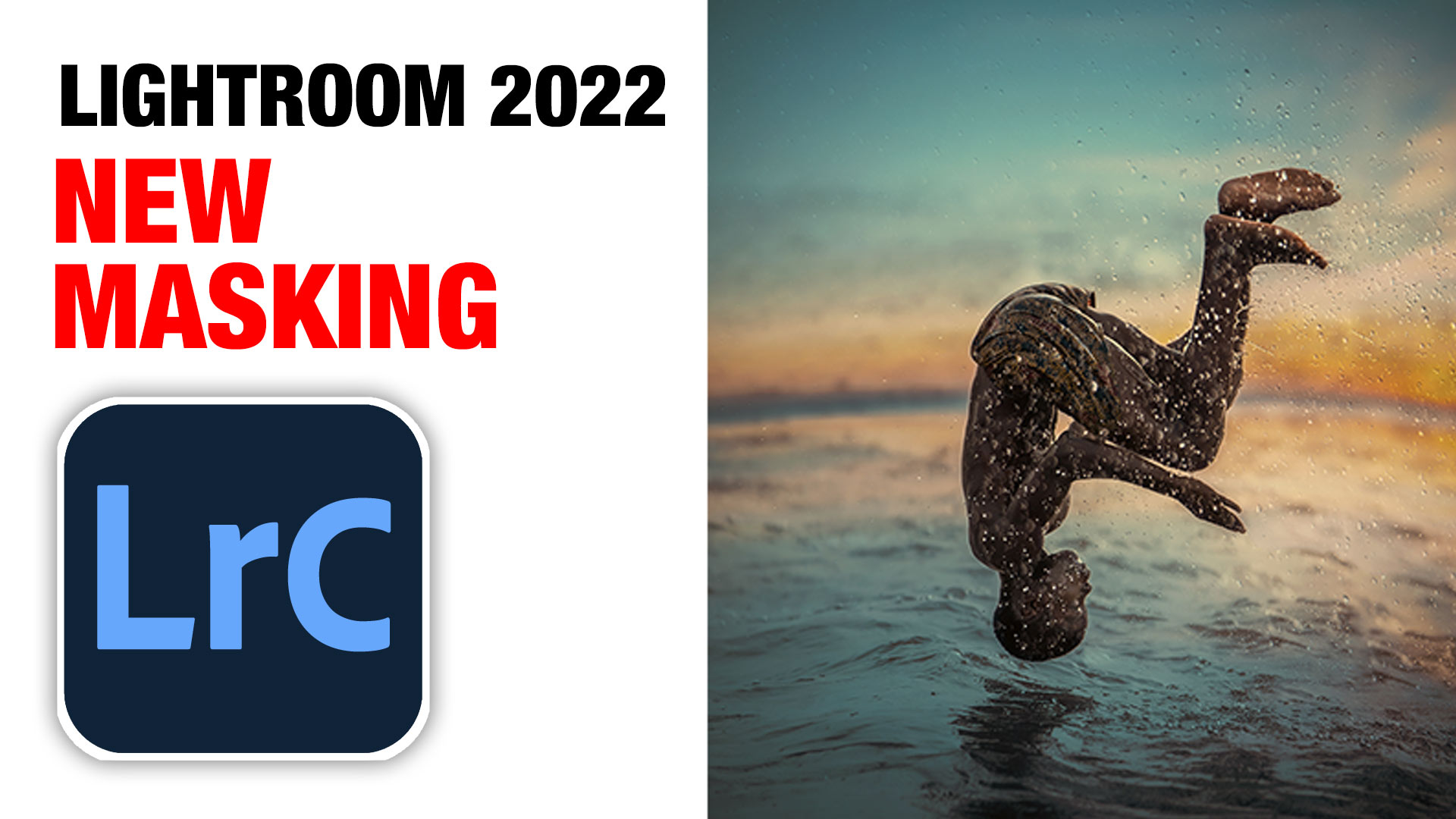
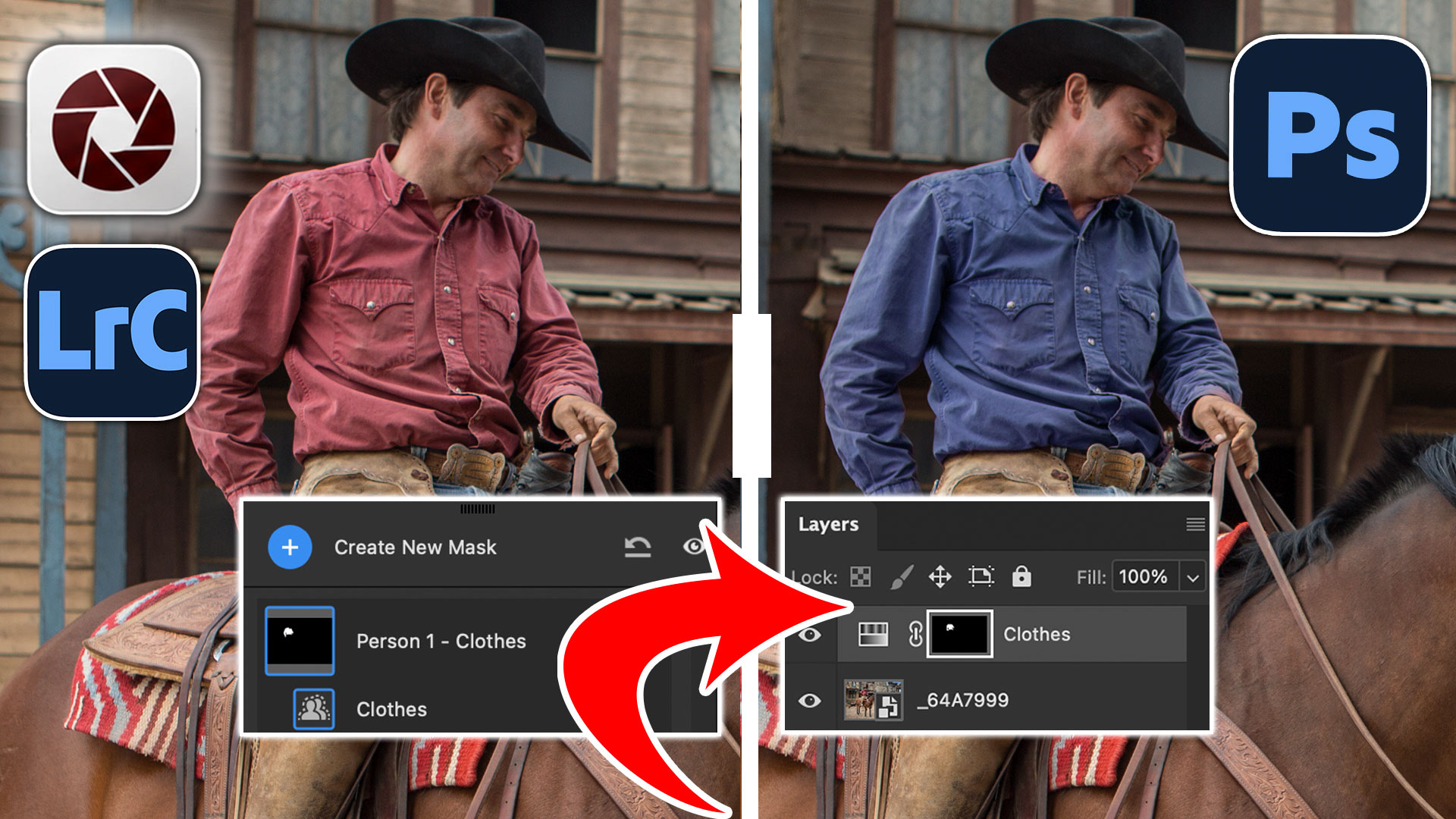
How to use the new Making in Lightroom, in depth tutorial using the mask panel, AI tools, add, subtract and Intersect. By Colin Smith, PhotoshopCAFE
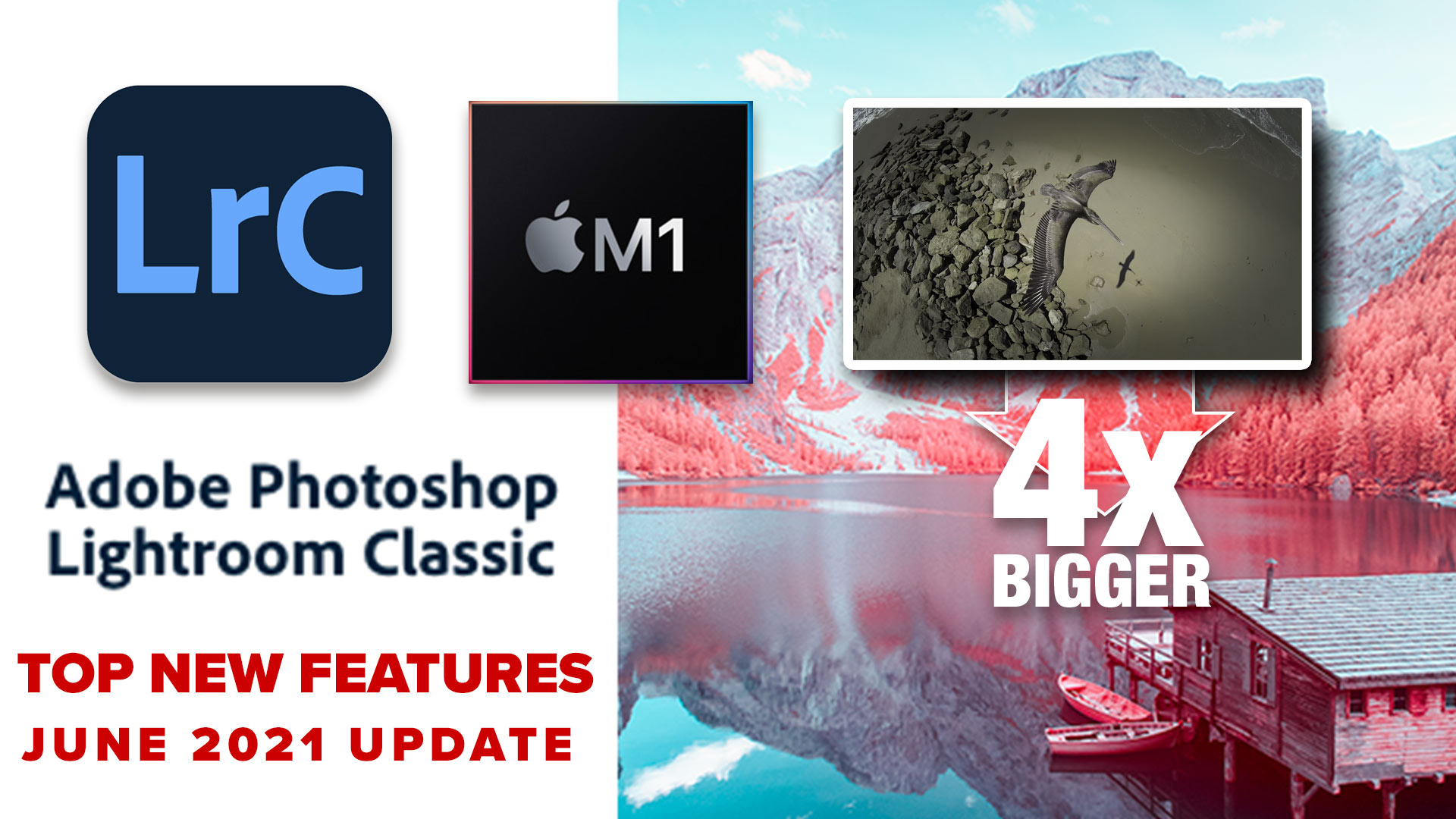
June 2021 release of Lightroom Classic brings super resolution, native Apple Silicon M1 support, new presets, Nikon live capture and more

How to use the new features in Lightroom 10, color grading, tethered capture and new zoom

NEW features in Lightroom Classic 9.3 June 2020 HUGE update! Learn how to use all the new Lightroom Classic features.

NEW Lightroom features in Lightroom Classic 8.3 and Lightroom 2.2. Colin Smith explained the new texture slider in depth and shows you how to use it to smoothen out skin and hair as well as make details pop in landscape and drone photos. See how Texture works in Lightroom and Camera Raw and discover what makes it different than clarity.

New features in Lightroom Classic 8.2 and Lightroom CC 2.2 2019 Feb update. Here is a walkthrough and demo of all the new Lightroom features. If you are confused about the difference between Lightroom Classic and Lightroom CC see this Lightroom Classic 8.2 There are 2 new features in this release. Enhance details and […]

New Features in Lightroom 8 / Lightroom Classic CC 2019 This video goes through the new features in the latest 2019 update of Lightroom Classic. These changes also apply to Camera Raw. See HDR Panoramas, Depth Map Masking, heic support, better camera tethered support, Process engine 5 and more. Learn all the new features […]

Lightroom Classic how to load color profiles into Lightroom and Camera RAW. Get a free Lightroom Profile Pack.
New Lightroom CC, project Nimbus is now CC 2018. New feature tour and tutorial on synching and using Lightroom CC with mobile devices, desktop and web apps.
New features of Lightroom Classic CC, speed and range masking tutorial, See the range mask in action on the brush, gradient and radial tools in Lightroom.

What is the difference between Lightroom Classic, Lightroom CC and what do I do? All the new Lightroom changes, features and plans explained here.

Learn how to stitch seamless panorama photos in this free Adobe Lightroom tutorial. Fix the edges of a panorama with Boundary warp in Lightroom and Camera RAW.
What is the correct workflow for Lightroom? How to build a catalog, tag and sort images. Filter through and find the best photos quickly. Make them look amazing and then duplicate those settings to a whole bunch of photos in a couple of clicks. All this in 15 minutes, from a real photo shoot in RAW, not staged stock images.
Lightroom 6 first look, Lightroom CC review and walkthrough of new features. Lightroom 6 tutorials, articles, free videos and launch site, HDR, Panorama and FaceTagging.

This is where the collision happens between Lightroom and Photoshop. When do you use each? If you know one application and not the other. This is also where Photoshop and Lightroom Integration come together.