Introducing the new Lightroom CC (2018) was Project Nimbus
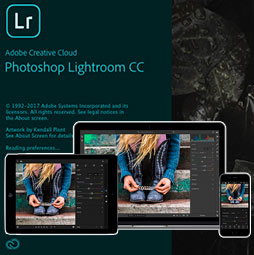
The new Lightroom CC tutorial and new features, your photos everywhere in the cloud
Lightroom CC is a suite of applications, designed for people who want their photos anywhere. It consists of:
A desktop application
An app on mobile phones
An app on tabletsAn app in a web browser
An Apple TV app.
All of these apps are in sync and now collectively called Lightroom CC (Makes sense right? CC is Creative Cloud, so these are synced in the cloud).
Features that aren’t supported.
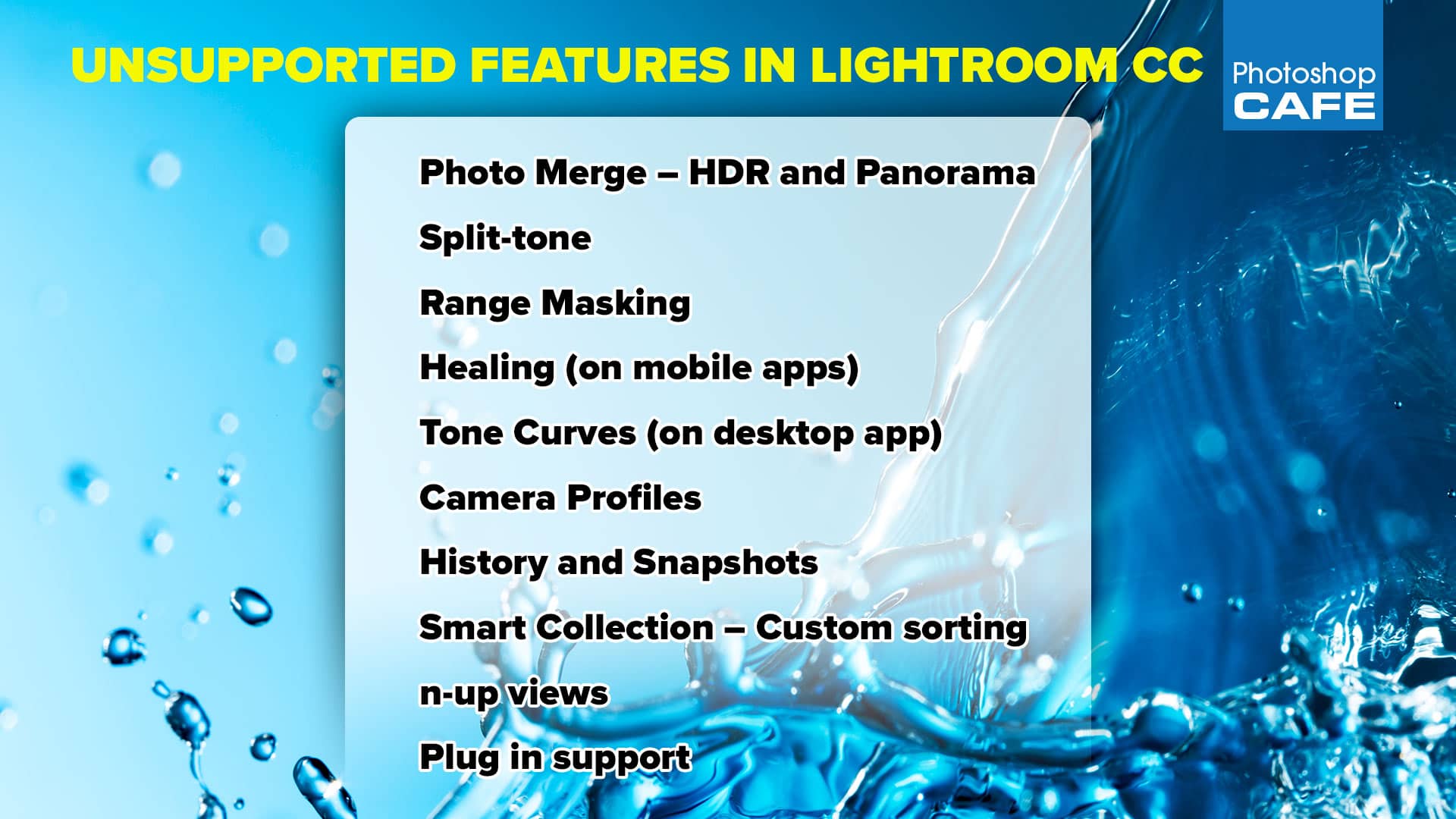
More about Lightroom Classic VS Lightroom CC (Lightroom learning Center)
New Features in Lightroom Classic
Thanks for checking this out!
Colin

Recommended for this tutorial
Learn Masks in Lightroom and Camera RAW
Make precise local adjustments in Lightroom and Camera Raw with every type of mask.
$59.99 · one-time purchase · instant download

Free for you
The Photoshop Vault
Get my free Layer Blending Modes ebook along with dozens of exclusive Photoshop goodies: actions, brushes, presets and cheat sheets.
You're on the list, so your free goodies are waiting for you in the Vault.
Get Free Photoshop Goodies Open the Vault
New Features Lightroom Classic 2025. LRC 14
New Features in Lightroom Classic 2025 aka Lightroom Classic 14 Read tutorial
Adobe Camera App Project Indigo, tutorial and review
Adobe's new camera app, Project Indigo in depth. How it works and simple user guide tutorial on using it. Read tutorial
5 big new features in Photoshop 2026 August update
5 New Photoshop 2026 Features You Need to Know Adobe has added a number of new features to Photoshop 2026, and some... Read tutorial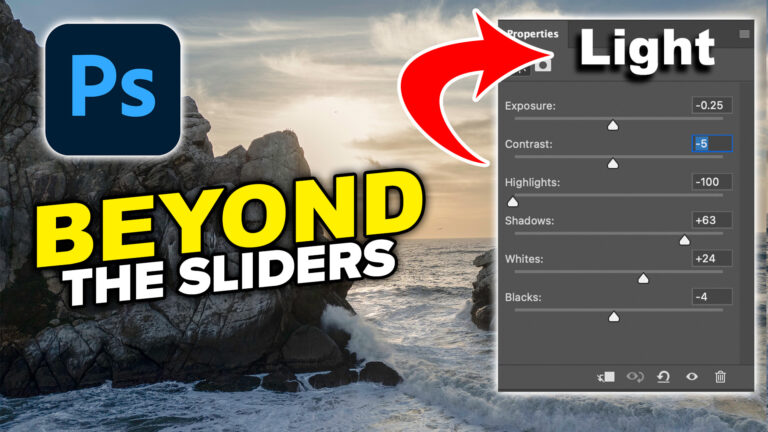
How to Use the Light Adjustment in Photoshop: In-Depth Guide
Colin Smith shows how to use Photoshop’s Light adjustment layer to recover highlights and shadows, control tone, use masks and stack adjustments. Read tutorial
Big ambitious NEW features in Photoshop 2025 July 29 update
How to use the NEW features in Photoshop 2025 July 29 update, free written tutorial and short video tutorial by Colin Read tutorial