
Adobe Camera App Project Indigo, tutorial and review
Adobe has made a camera app: project Indigo.
Adobe just dropped a brand-new camera app called Project Indigo, and it’s seriously impressive. This isn’t your average point-and-shoot mobile app—it’s built by some of the same minds behind the Google Pixel camera tech. Indigo captures up to 32 frames and blends them together in a smart way that gives you DSLR-quality shots straight from your phone. The images have rich detail, balanced highlights, and none of that weird over-sharpened or plastic look. It’s got two main modes: Photo for quick snaps and Night for longer, cleaner exposures. It’s not the fastest app out there, and yeah, it can run hot and eat battery—but when you see the results, you’ll understand why.
What really makes Indigo stand out is how much control it gives you. You can dial in your shutter speed, ISO, white balance—heck, even how many frames it merges in Night mode. There’s a live histogram and RAW support, and when you’re done shooting, you can send your shots straight to Lightroom, already looking great and ready to tweak. There’s also some fun experimental stuff like super-resolution zoom and even a tool that removes reflections from glass. It’s all tucked into a slick, modern interface that actually encourages you to slow down and enjoy the process of shooting. If you’re into mobile photography and want something with real power under the hood, this one’s worth a look.
Check out my review video above, where I explain how it all works and all the features.
What’s on the video:
- 00:00 Intro
- 00:15 What to expect and where is the tutorial?
- 00:45 Evolution of cameras
- 01:12 Advantages and disadvantages of Phone cameras
- 02:12 Phone hardware Progress
- 03:06 Computational photography
- 03:51 How to get Project Indigo
- 04:18 How Computational photography works on Indigo
- 04:48 Compatibility and shooting RAW on non-pro iPhones
- 05:13 HDR first
- 06:30 What are Adobe’s goals?
- 06:56 Indigo Pipeline for RAW and Jpeg
- 08:00 Examples, iPhone phone app vs Indigo
- 08:15 Zooming and super resolution
- 09:15 Where are the RAW and jpeg s?
- 09:54 Noise reduction and reflection removal
- 10:18 Low light performance
- 10:36 Zero lag photos
- 10:57 Long exposure
- 11:19 Your thoughts?
Also check out my no- nonsense video user guide where you learn every features, quickly.
Let me know you thoughts!
Colin

Recommended for this tutorial
Learn Masks in Lightroom and Camera RAW
Make precise local adjustments in Lightroom and Camera Raw with every type of mask.
$59.99 · one-time purchase · instant download

Free for you
The Photoshop Vault
Get my free Layer Blending Modes ebook along with dozens of exclusive Photoshop goodies: actions, brushes, presets and cheat sheets.
You're on the list, so your free goodies are waiting for you in the Vault.
Get Free Photoshop Goodies Open the Vault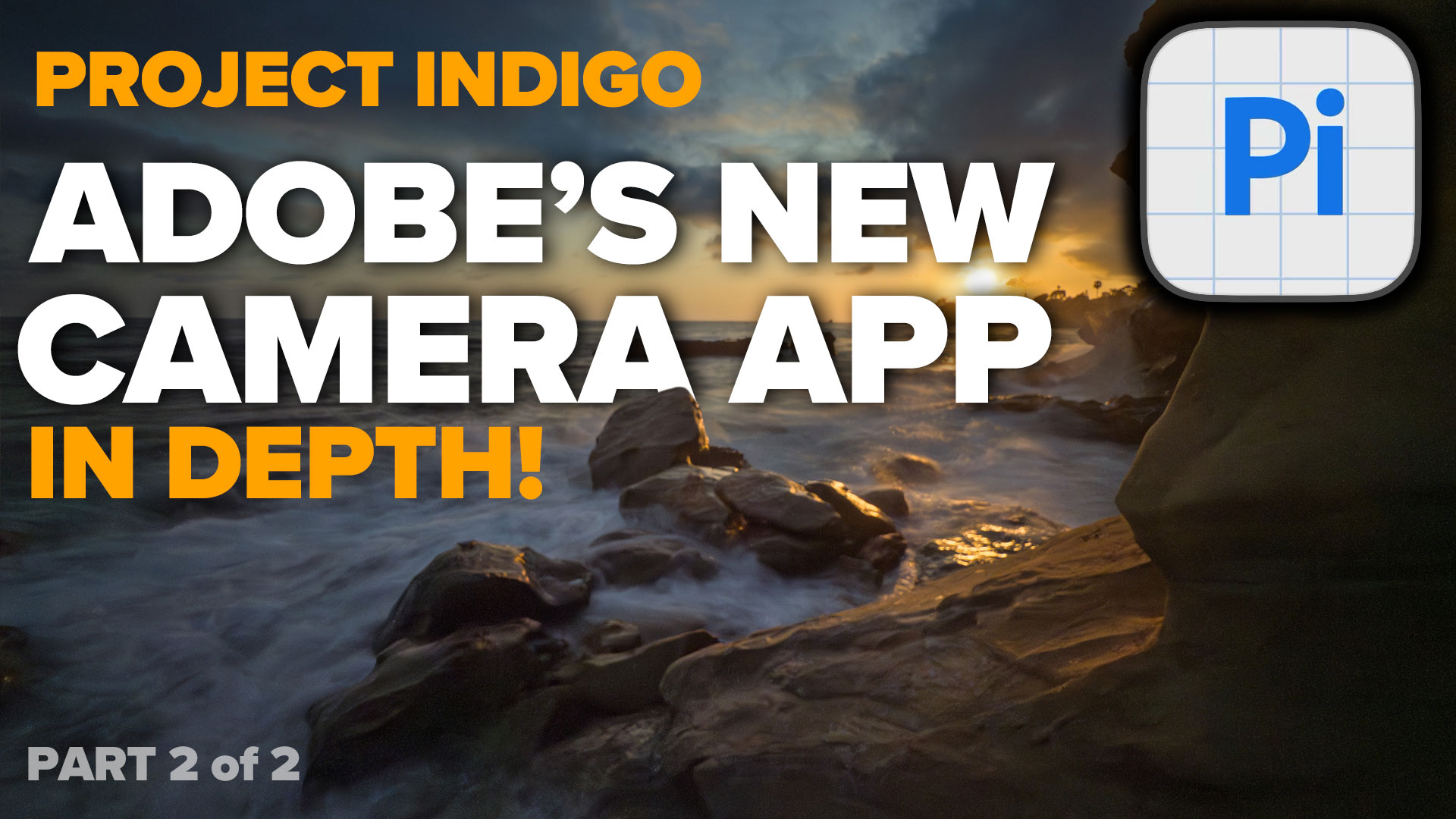
New Features Lightroom Classic 2025. LRC 14
New Features in Lightroom Classic 2025 aka Lightroom Classic 14 Read tutorial
How to Tether a camera in Lightroom, shooting tethered
In this Lightroom 5 tutorial, you learn how to tether a camera to Lightroom so that the photos go directly into Lightroom... Read tutorial
5 big new features in Photoshop 2026 August update
5 New Photoshop 2026 Features You Need to Know Adobe has added a number of new features to Photoshop 2026, and some... Read tutorial
How to Use the Light Adjustment in Photoshop: In-Depth Guide
Colin Smith shows how to use Photoshop’s Light adjustment layer to recover highlights and shadows, control tone, use masks and stack adjustments. Read tutorial
Generative Fill vs Remove tool ai in Photoshop, when to use each tool
New ai Remove tool vs Generative Fill in Photoshop, which should you use? Read tutorial












I assume that you cannot use the macro feature in Adobe Indigo that you can with the camera in the iPhone 16 pro max.
It has a macro mode
Missed Indigo only works on Hi End iPhones.
For now, it’s beta. But I doubt it will work well on older phones as they don’t have the processing power needed.
Thanks so much Colin. I’m already shooting 95% of the time on my iPhone and feel limited mainly by the lack of long zoom. If I can ever shoot birds effectively on my phone that will be the day I abandon my canon. This looks like a real step in that direction.
Glad you like it
I cannot get the second video to play, just asks me to sign in and then I can’t find it?
Maybe try again, I have updated the site since this was posted
I have now taken several shots with the Project Indigo app and they all were over-exposed. Have you any idea what I am doing wrong, or does the app have a problem with correct exposures? Thank you in advance for your assistance on this.
Have you tried since the update?
VERY interesting. I’m going to download the app right after posting this comment. It sounds like it might be superior to other smartphone apps like ProCamera, but I’m anxious to find out how it compares. (I do have a couple real cameras, one of them converted for IR, but I likely shoot more than my photos using my phone.)
Currentlly, I’m using my big camera professionally, for real estate photography with 5 bracket exposure HDRs, but for just taking single photos when I’m out and about, I like my Iphone results better.
awesome!
I was going to download this app for my iPhone 13 but in reading the reviews saw many that talked about overheating the phone and the app crashing a lot. Have you had this experience with the app?
Doesn’t happen on my 16, but there is an update now to address this overheating
Hi Colin, thanks for the videos. I had already had a play with Indigo but had not found some of the settings or downloads so thanks. I have recently reduced my use of my micro 4/3rds camera due to the weight. I have also taken comparison photos and been really impressed it is fairly difficult to tell which device the photo has been shot on. Sometimes the iPhone looks more blue also zooming in it looks too sharp but reducing texture and clarity seems to improve that.
Thanks for all your videos.
Katy
Glad to be of help
Looks promising.I often don’t have my big camera with me when out and about so anything that improves phone shooting is welcomed, especially better controls and improved quality. But I wonder when the camera manufacturers will start to incorporate some of this technology into their offerings? That should give a significant boost to photos taken on a dedicated camera.
I agree, they should be using this tech on the big cameras.
Great intro to Indigo. I am going to download it to start playing. However, my investment in pro cameras and over 43 years of shooting is significant and I can’t imagine using my iPhone to replace what I can do creatively with the former (e.g. high res imagine stacking panoramics, macros, etc.).
I don’t think it will replace you big cam, but nice to have when you don’t have the big cam with you.
the camera gets hot after just a few images.. I adobe aware of this?
Yes they released an update
Please make this available to Android users. I know Android already has the better camera but adding thse features would be a huge benefit.
You are right, it actually uses the same tech as the Pixel phone, but an android version would be nice.
Thanks Colin! I’ve been playing with the Indigo app, it’s pretty good, although inclined to drop out periodically. I’m not able to set it as default, my phone must be just a bit too old. So, realistically, the Apple phone will probably get opened fist for those quick kiddie shots. I do love all the controls, and your tutorial has helped enormously 😄
As far as I can see, the phone, even with this new software, is not going to allow me to see my images as well as my desktop BenQ monitor will, and the phone & phone software will not, as a practical matter, give me the view and tools that I need in order to make the kind of very fine local adjustments that are necessary for me to achieve the optimal results — meaning get the photo to look just as I want it to look — that my larger monitor and software tools enable me to do. Nor, as far as I can see, will the phone & phone software give me the versatility of views and viewpoints that my array of lenses will. I am in it for “better,” not more convenient, where the two goals conflict. I’m not opposed to convenience as a universal attitude, but I am about serving my artistic vision, not about being a little bit more comfortable.
Yes, you should use the tools that provide you with the results you want, even if that means carrying a bigger camera. Bear in mind, you can shoot with the phone and have it sync to your Lightroom desktop and do your editing on your big screen.
Sincere thanks for clarifying HDR and SDR and when one is looking at the HDR and SDR versions. I’m just a casual photographer, but I love to edit after taking, and your help always is very beneficial. I have carried no camera other than iPhone for at least a decade. I’ll dig into your next video now. Thanks!
So glad this was helpful!
Great videos, Colin. On Project Indigo, two things: How is it for moving objects such as motor sport panning? What about ICM, is that possible?
It’s not great for panning shots yet.
Now I need a new iPhone…
New ones come out September/October, so I suggest waiting
Dear Colin, I own an iPhone 15 and downloaded the Indigo App and found it very entertaining. I did notice that I received a number of heat warnings for my phone when using the aforementioned App and was curious if that had happened to you or anyone else? I hope that perhaps this might get resolved in a future update. Thank you for the wonderful information.
They did add an update to help fix it.
As always,
Thank you for your excellent tutorial.
I plan to try indigo for July 4.
Barry
Good luck, I hope you find it useful
Hi Colin. As a wildlife photographer the reach and panning ability of the long lens mirrorless is not going to be replaced by a phone, but for some close up shots and landscapes I do sometimes use my phone. I have been impressed by the quality of the RAW images on my iPhone 16 Pro.
You make a good point.
Thank you for your excellent reviews and tutorials. I have been following you closely since before covid.
You are concise and I am always looking for your new addition.
Thank you as always,
Barry
Thanks for saying so! I really appreciate it.
I downloaded Indigo and in the tutorial you show being able to zoom to 25x. The Indigo spp on my iPhone 14 will only zoom to 5x. Thoughts ?
It is probably a limitation with your phones camera. I suggest searching a bit to see if that’s correct.
Thanks Colin, Very informative video on the Indigo app. Can you please share the brand of the gear you use to hold your iPhone to connect to a tripod?
Thank you
Yes its a vanguard Tripod https://www.bhphotovideo.com/c/product/1549463-REG/vanguard_veo3go204cb_carbon_fiber_tripod_with.html?BI=1643&KBID=2208
Thanks for everything u teach us. One simple question. What’s the easiest way to export raw files to my iPhone library?
It should automatically save the RAW files to your phone. You will only see the RAW files when you are editing them.
Can editing only occur with Lightroom?
no, you can edit wherever you like