
New in Lightroom, Texture: Soften Skin + enhance details.

Lightroom has just received updates including an exciting new texture slider.
May, 2019: Lightroom (mobile) is now Lightroom 2.3, Lightroom Classic CC is now Lightroom Classic 8.3 and ACR is 11.3.
The big new feature is texture. This enables us to soften skin, hair and other things by moving the slider to the left.
We can also enhance texture and details in photos by moving the slider to the right. I have to say, this is a killer feature that I’ll be using a lot. When you use clarity, it also affects shadows and contrast. The Texture slider just effects details in the medium frequencies in the image. (High frequency is fine details, low frequency is the smooth areas in a photo). All of this and more is explained and demonstrated in my video.
Thanks,
Colin

Recommended for this tutorial
Learn Masks in Lightroom and Camera RAW
Make precise local adjustments in Lightroom and Camera Raw with every type of mask.
$59.99 · one-time purchase · instant download

Free for you
The Photoshop Vault
Get my free Layer Blending Modes ebook along with dozens of exclusive Photoshop goodies: actions, brushes, presets and cheat sheets.
You're on the list, so your free goodies are waiting for you in the Vault.
Get Free Photoshop Goodies Open the Vault
Powerful Landscape Masks, make easy, precise photo editing in Lightroom and ACR in Photoshop
Powerful Landscape Masks, make easy, precise photo editing in Lightroom and ACR in Photoshop Read tutorial
New Features in Lightroom and Camera RAW, August 2026 update
New Lightroom Classic and Camera Raw features including mask edge refinement, Render to DNG, blemish removal, Generative Expand and vectorscope. Read tutorial
What’s New in Lightroom Classic 2027: All the New Features
Lightroom Classic 2027 has some impressive new features, including AI-generated depth masks, color grading inside masks, five Glow effects, improved portrait retouching,... Read tutorial
Adaptive Profiles in Adobe Camera RAW – perfect starting place for photos
New Adaptive Profiles in ACR Adobe Camera Raw make photos better Read tutorial
New Features in Lightroom, Lightroom Classic and ACR Feb 2025 update
New Features in Lightroom, Lightroom Classic and Adobe Camera RAW Feb 2025 update. Read tutorial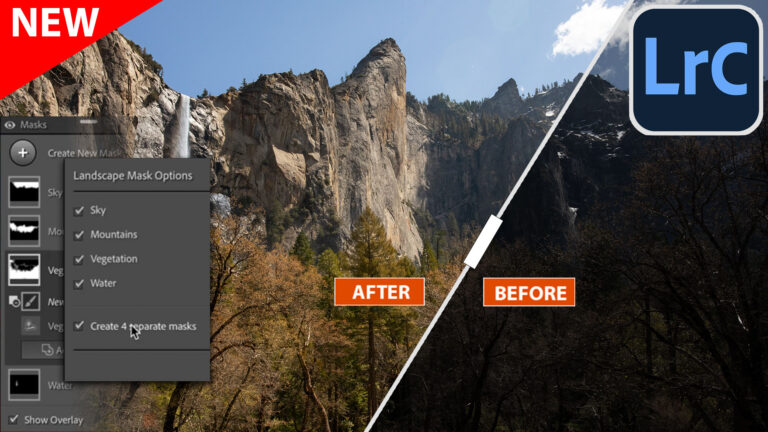













Thanks Colin, another really useful tutorial and I look forward to experimenting with the new slider. Also wanted to let you know that your efforts in making tutorials is very much apreciated. Keep up the good work – Philip from the UK
Colin thanks man. My jaw dropped as you showed how this works haha. No, really, my jaw actually dropped. I’m excited.
This the effect I was always trying to achieve with Clarity but never getting there. Great job Adobe! Thanks Colin for sharing once again.
Thanks again for the new info…I hope Lightroom does not confuse us anymore..your explanation was great🙃Of course, knowing about the new Texture slider is a real bonus, I have not upgraded yet to .3 , I guess I will now. Great info once again for your Cafe Crew members! Thanks
Great tutorial as usual Colin, thank you.
I love the texture slider….my new favourite tool too!
One of the best tool! Thanks Adobe