
Adaptive Profiles in Adobe Camera RAW – perfect starting place for photos
Adaptive Profiles in ACR Adobe Camera RAW Color profiles
New Adaptive Profiles in ACR Adobe Camera Raw make photos better by using ai to analyze each photo, rather than apply a blanket profile to all photos. Because each photo is unique, this will get you way better results than if you don’t use it.
Ill add full written steps here soon!

Recommended for this tutorial
Learn Masks in Lightroom and Camera RAW
Make precise local adjustments in Lightroom and Camera Raw with every type of mask.
$59.99 · one-time purchase · instant download

Free for you
The Photoshop Vault
Get my free Layer Blending Modes ebook along with dozens of exclusive Photoshop goodies: actions, brushes, presets and cheat sheets.
You're on the list, so your free goodies are waiting for you in the Vault.
Get Free Photoshop Goodies Open the Vault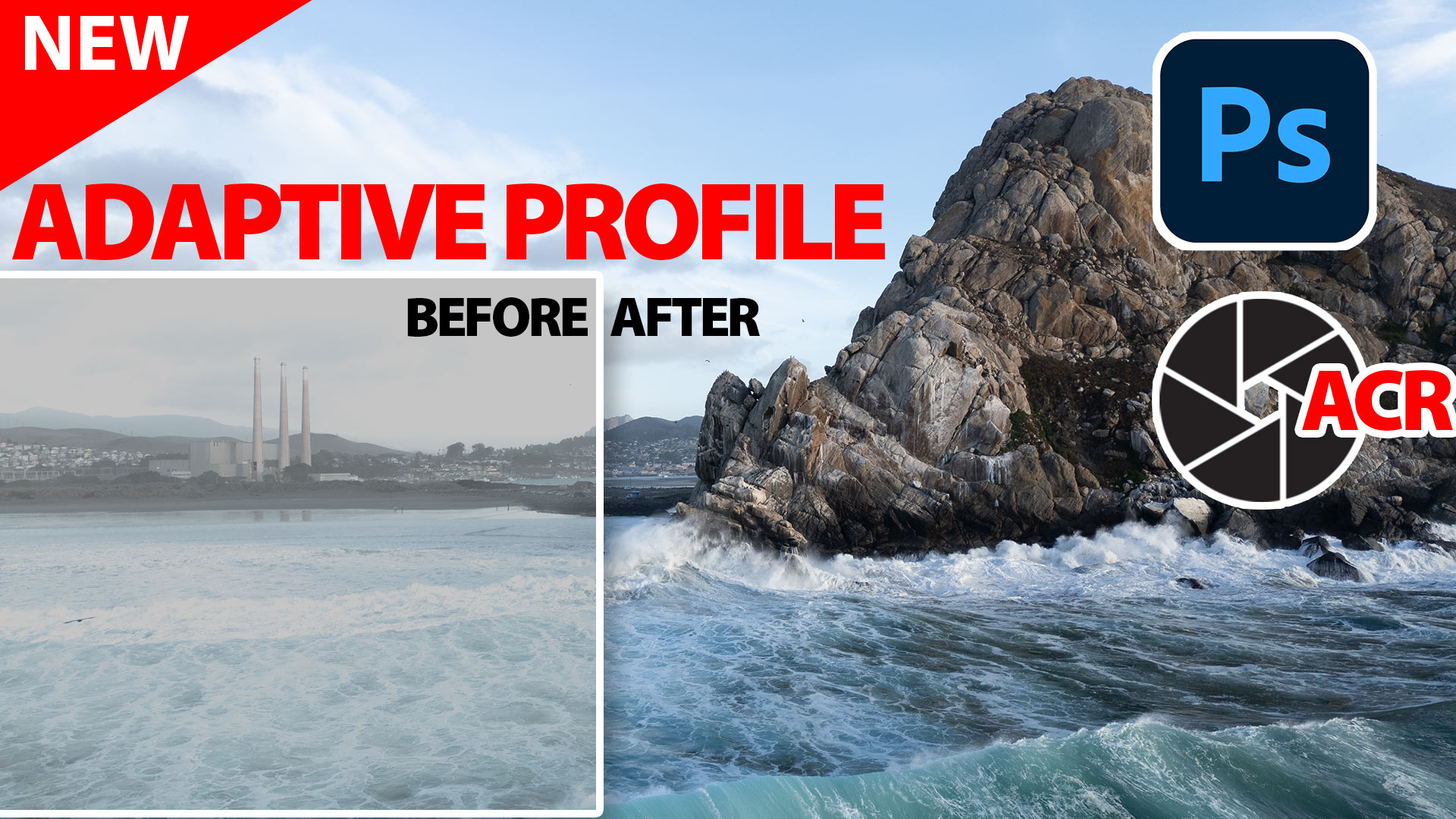
Powerful Landscape Masks, make easy, precise photo editing in Lightroom and ACR in Photoshop
Powerful Landscape Masks, make easy, precise photo editing in Lightroom and ACR in Photoshop Read tutorial
New in Adobe Camera RAW 17.3
New Features in Adobe Camera Raw 17.3 ACR in Photoshop 2025 April update. Landscape Masks and reflection removal updates Read tutorial
Adobe Camera RAW 17 in Photoshop 2025 new Features
New Features in ACR 17 Adobe Camera Raw 17 in Photoshop 2025 Read tutorial
New Features Lightroom Classic 2025. LRC 14
New Features in Lightroom Classic 2025 aka Lightroom Classic 14 Read tutorial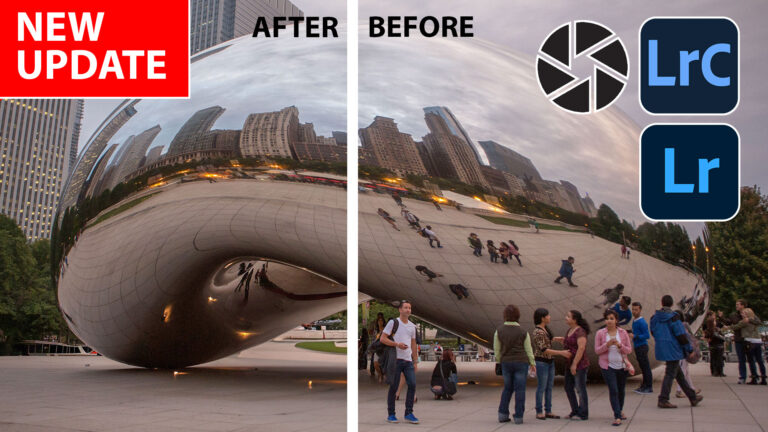
New Features in Lightroom, Lightroom Classic and ACR Feb 2025 update
New Features in Lightroom, Lightroom Classic and Adobe Camera RAW Feb 2025 update. Read tutorial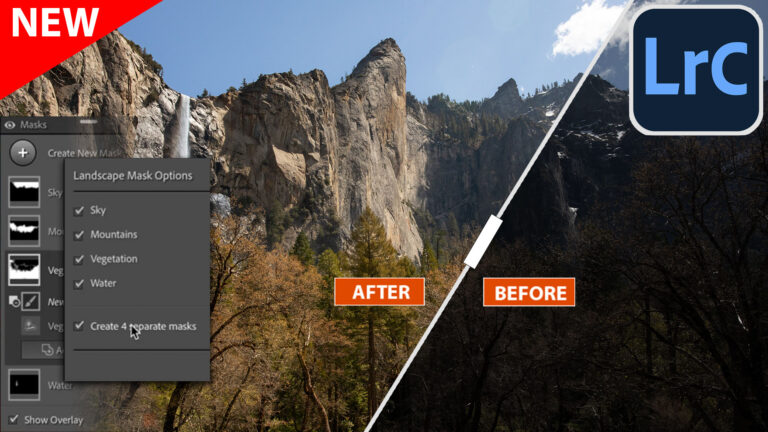










Please forward written steps or when they will be available. Greatly appreciated
Great new feature, thanks sir for the detailed explanation
Love this!!!! Thank you!
Thank you Colin! Great info, and so glad to learn about opening as a smart object…always frustrating to have files converted to psd or tif. Question though…I don’t see the technology preview tab in my LR settings so am not seeing the adaptive presets you presented. LR Classic is up to date. Is there a different way to access beta features?
Thanks for the tips. Need all the help I can get. Please keep them coming!
Thanks Colin. I have learnt a lot, as I am just learning how to use PS & ACR (not currently using LR).
Thank you so much!!
Hi Colin. I don’t have the adaptive color option available in Camera Raw filter. My apps are up to date and I’m using a dng file as my test. Any ideas? Thanks.
Excellent
Thanks for the video. Very clear explanation of how the profiles work on the base photo. However, I prefer to edit in Lightroom Classic rather than ACR and the adaptive profiles aren’t available in LrC yet. Is there any way to open a RAW file in ARC, apply the adaptive profile and then return the RAW or a DNG file to LrC? Going through Photoshop gives you a tiff file and I would like to retain the RAW editing capabilities.