
New Features in Lightroom Classic + ACR Color Profiles | How to Install Profiles
Adobe has just released an upgrade to Lightroom and Camera RAW. With the new color profiles and the ability to work with LUT, working with color and presets have changed forever. Camera RAW an Lightroom finally share presets and so much more. Starting with multiple ways of Lightroom developing your raw files to crazy presets, this is going to blow your socks off. BTW, Lightroom Classic is now a lot faster too.
Watch this video and then download your free Profiles pack and test it out! ► FREE PROFILE PACK (part of the Photoshop Vault)
If you want to make your own profiles, here’s how! Check out my tutorial on how to make your own basic and enhanced Color profiles for Lightroom CC, Classic and ACR Camera Raw.
Thanks for checking it out!
Great to see you here at the CAFE!
Colin
PS. lots more free Lightroom tutorials here
Recommended for this tutorial
Learn Masks in Lightroom and Camera RAW
Make precise local adjustments in Lightroom and Camera Raw with every type of mask.
$59.99 · one-time purchase · instant download

Free for you
The Photoshop Vault
Get my free Layer Blending Modes ebook along with dozens of exclusive Photoshop goodies: actions, brushes, presets and cheat sheets.
You're on the list, so your free goodies are waiting for you in the Vault.
Get Free Photoshop Goodies Open the Vault
New Features Lightroom Classic 2025. LRC 14
New Features in Lightroom Classic 2025 aka Lightroom Classic 14 Read tutorial
Big Lightroom update April 2026 New Features
April 2026 Lightroom updates, including AI-powered search, improved performance, smarter culling, and new creative tools. Read tutorial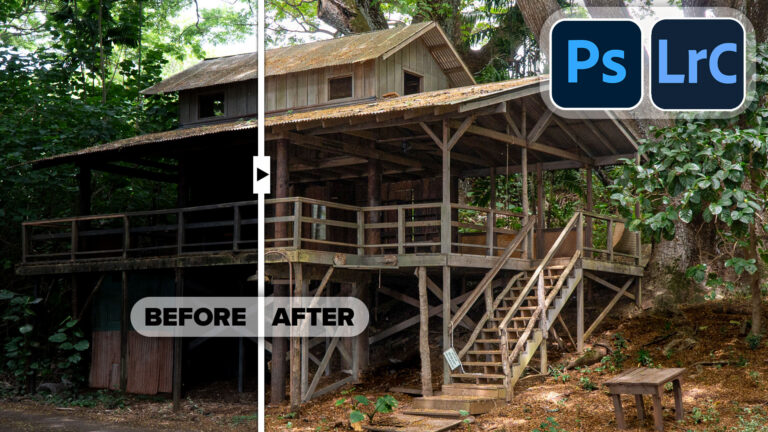
Powerful Landscape Masks, make easy, precise photo editing in Lightroom and ACR in Photoshop
Powerful Landscape Masks, make easy, precise photo editing in Lightroom and ACR in Photoshop Read tutorial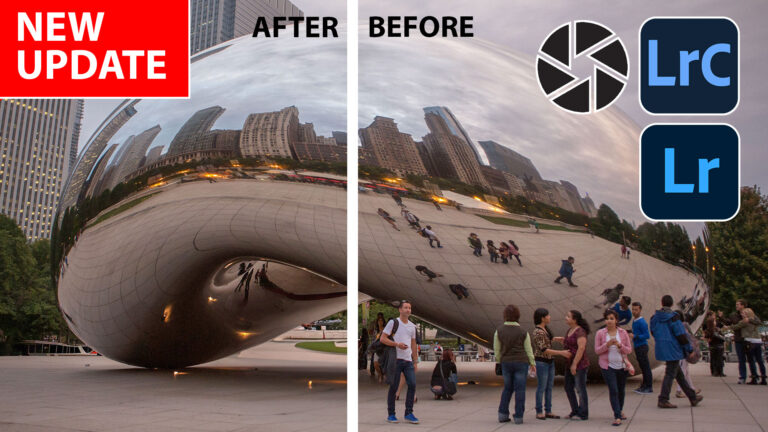
New Features in Lightroom, Lightroom Classic and ACR Feb 2025 update
New Features in Lightroom, Lightroom Classic and Adobe Camera RAW Feb 2025 update. Read tutorial
Big new features in Lightroom Classic 2025 June release 14.4
Adobe Lightroom Classic, June 2025 update. Learn New features, including reflection removal, denoise, remove people. Read tutorial











Thank you so much, Colin. Wonderful explanation of the new features. NOW maybe —just MAYBE I will take the time to learn Lightroom and get out of Photoshop for a minute!
ATTN existing PSC members: You can log into your PSC account and download the presets directly (Click free bonuses) http://photoshopcafe.com/my-account/
Yes, this is fabulous. It’s going to be SUCH a time-saver!
Hey Colin – Thanks for your erstwhile commitment to helping us poor slubs by putting out your fine tutorials. It is a big help navigating post production techniques when shooting by itself occupies so much time. Thank You!
I would be interested in buying your profiles. Your LR and PS knowledge is amazing (BTW this is from someone who has used PS since the 80s and LR since introduction).
Thank you!
THANKS FOR THE INFO AND THE PROFILE SET! MUCH APPRECIATED!!!!
While installing your profiles in Windows 7 I found that (1) I needed to unzip the folder (you imply that it is not necessary, and (2) once installed in the proper directory I needed to close LR Classic and restart. Thanks for the tutorial.
you unzip for Classic, but keep zipped for (new) Lightroom CC
Thanks Colin. I really enjoy your tips and find them very useful. I like being able to create different ‘looks’ for a photo. But I’m not sure I understand how presets and profiles are different. Can’t you get the same look (at least close to the same) from each by using the tools available within each? What am I able to do in profiles that I couldn’t do with presets?
Thanks,
Jim
You can’t apply LUTs with presets. LUTs let you use all the adjustment layers in Photoshop such as gradient maps (did you watch my 2nd video?)
Also profiles don’t move the sliders, which presets do, so for example, your image is too dark, you will have to brighten it again every time you change the preset. With profiles, if you brighten with the sliders, the profiles will be applied to the altered (brightened) image.
I do have a question I was able to install the free profile pack in the /Settings folder but when I did it shows me the 5 or 6 from your pack but also the “”Gintage” profile is for some reason showing in your set of 5 profiles in one area and ALSO all by itself in the User Profile section. How did that happen? and how do I fix that? There is NO folder on the HDD showing such a User Profile folder, just the Adobe Folder and the Cafe folder so….?
Just learning bugs, I Added it wrong when I created the set (my first attempt) You can move it by right clicking, Also the profile missing is under the preset menu as its a preset and not a Profile. Sorry about that.
Thank you, that is very helpful.
I have a problem with slider “amount” in Camara Raw Profile browser: it is not active and I can’t use it. Do you happen to know how to fix it?
Thank you, Marina
It only works on certain profiles. Anyone else seeing this issue?
Blows my socks off…!!! 🙂
Hey Eddie! Nice to see you here 🙂
Hi Colin – please see your Facebook page. A number of us (myself included) are not receiving the verification mail to obtain the Profiles. I have checked my Spam folder, and all other folders – it definitely did not arrive. And I have tried several times – on different days.
Please contact me at the support link on PhotoshopCAFE where I can help you. (Just a quick not, if you are already a subsriber, your won’t get it because you are already signed up and I have already sent it to you in the newsletters)
A more complete course on making a BW profile that would make Vincsent Versace proud would be cool
Hello Colin,
How do you install the Color Profiles on a MAC into Lightroom Classic? I use them for processing my Infrared photographs.
It should show on this tutorial https://photoshopcafe.com/new-features-lightroom-classic-7-3-acr-color-profiles-install-profiles/
I need tutorial for this download 😅