instant weight loss in Photoshop
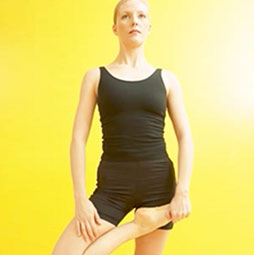
It’s very easy to reshape a body in photoshop. This tutorial by Colin Smith shows you how to use the liquify tool along with the freeze mask, so you only transform the parts you like.
PS Don’t forget to follow us on Social Media for more tips.. (I've been posting some fun Instagram and Facebook Stories lately)
You can get my free Layer Blending modes ebook along with dozens of exclusive Photoshop Goodies here


Complete guide to Color grading in Lightroom and Adobe Camera RAW, all settings explained and applied to different types of...

This tutorial shows you the fastest, easiest way to fix edges on masks in Lightroom or Camera RAW, its easy...

Learn how to create reusable layered templates, discover non-destructive layers and masks. Make time lapse sequences, do sky replacements and...