
Create Panoramas with Lightroom & Boundary Warp
How to create seamless panoramas in Adobe Photoshop Lightroom and fix the edges with Boundary warp, new feature added in Lightroom CC 2015.4
Lightroom has been my weapon of choice for making seamless panoramas lately. You can see why by checking out the video above and also this more in depth tutorial here.
It’s really nice to be able to see a preview before committing to stitching all your photos together. I love that it all goes into one DNG file which maintains the dynamic range of a raw file as well as the added features that make it quick and easy to do. I used to go into Photoshop and do Content Aware fill after stitching a pano to recover the edges of the photo without cropping out important details. This can now be done in Lightroom as well as in Camera Raw.
Lightroom CC 2015.5 test
Adobe updated Lightroom CC yesterday, it’s a free update to CC users.
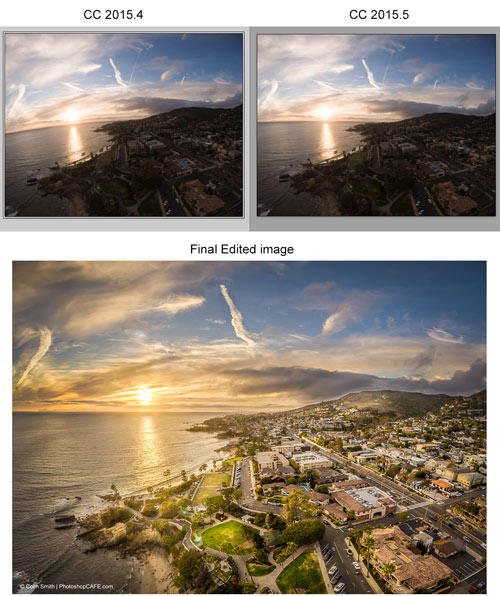
The new update (2015.5) has some improvements on Boundary Warp for Panoramas. Here is an example I tested. I shot 20 image panoramic HDRs. They were 4 5-image HDRs. The photos were a little mis-aligned, so not an easy stitch. I stitched them together in the old Lightroom and the new update. I pushed boundary warp all the way to 100 and you can see the difference in this image. I also included the final edited image, so you can see where I took it.
Recommended for this tutorial
HDR, Panorama and Timelapse in Photoshop
Shoot and process HDR, panoramas and timelapse in Photoshop.
$49.99 · one-time purchase · instant download

Free for you
The Photoshop Vault
Get my free Layer Blending Modes ebook along with dozens of exclusive Photoshop goodies: actions, brushes, presets and cheat sheets.
You're on the list, so your free goodies are waiting for you in the Vault.
Get Free Photoshop Goodies Open the Vault
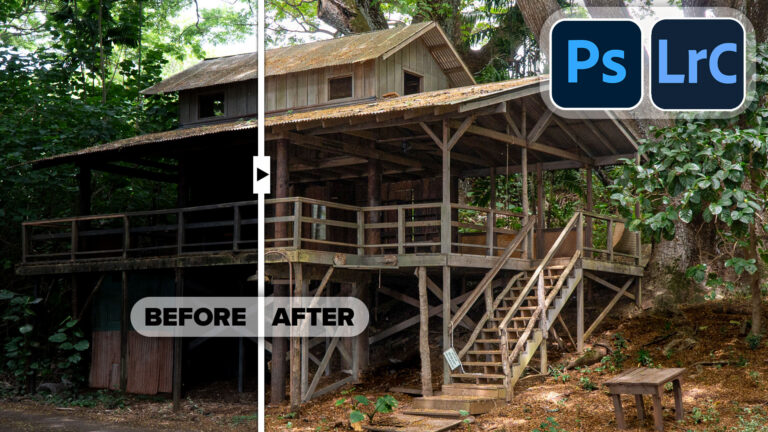
Powerful Landscape Masks, make easy, precise photo editing in Lightroom and ACR in Photoshop
Powerful Landscape Masks, make easy, precise photo editing in Lightroom and ACR in Photoshop Read tutorial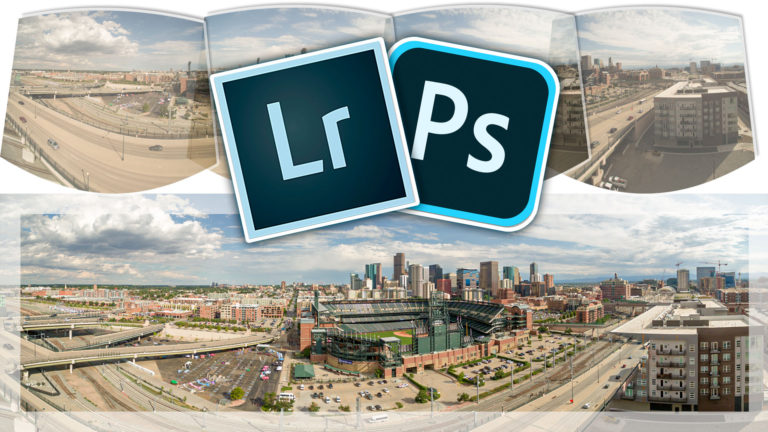
How to Make a Panoramic photo – shoot and edit a Pano in Lightroom or Photoshop
Why Panoramas? Panoramas, or panos are a great way to do a couple of things. First of all, they make it possible... Read tutorial
How to Perfect AI Mask Edges in Camera Raw in Photoshop
How to get perfect edges around trees and more in auto masks in Adobe Camera RAW Read tutorial
Adaptive Profiles in Adobe Camera RAW – perfect starting place for photos
New Adaptive Profiles in ACR Adobe Camera Raw make photos better Read tutorial
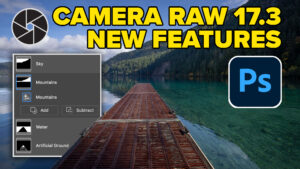
New in Adobe Camera RAW 17.3
New Features in Adobe Camera Raw 17.3 ACR in Photoshop 2025 April update. Landscape Masks and reflection removal updates Read tutorial













Colin,
Do you think the Mavic 2 Pro takes as good a picture as your Inspire?
Honestly, I like it better 🙂