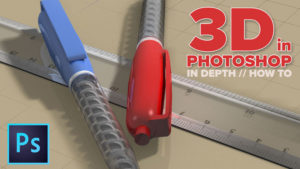
Overview of 3D Tools in Photoshop

Photoshop has been able to do 3D for some time now.
In Photoshop CS6, the tools completely changed and started to becomes a lot more useful, this trend continues in Photoshop CC. Watch this video to get a proper on what is possible with 3D in Photoshop. This is an intro to the 3D possibilities in Photoshop. It’s worth playing around because it quite cool.
In more recent Photoshop CC, 3D has been retired. If you are running older hardware, you can still get 3D working.

Keep growing with Premium Courses
Photoshop 2026 for Digital Photographers
Learn Photoshop properly, from the basics to pro retouching, step by step.
$129.00 · one-time purchase · instant download

Free for you
The Photoshop Vault
Get my free Layer Blending Modes ebook along with dozens of exclusive Photoshop goodies: actions, brushes, presets and cheat sheets.
You're on the list, so your free goodies are waiting for you in the Vault.
Get Free Photoshop Goodies Open the Vault
Photoshop and Lightroom integration
Watch this video to discover how to best work between Photoshop and Lightroom. Find out how to keep your Lightroom adjustments fully... Read tutorial
Get started, how to edit video in Photoshop CC CS6 Tutorial
How to edit video in Photoshop CC / CS6. Learn the basics of editing video in Photoshop. This tutorial shows how to... Read tutorial
How to make the X-Men logo in Photoshop, 3D and 2D versions
Learn how to make the X-Men logo in Photoshop. You will learn both the 3D and 2D way. Convert any logo to... Read tutorial
Lightroom for Photoshop Users
If you are a Photoshop User and have been considering using Lightroom, this tutorial will teach you the basics to get you... Read tutorial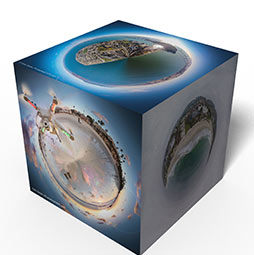
Make 3D Photo Cube in Photoshop (and animate it)
You will learn how to make a 3D Photo cube. Attach your photos to the faces of a cube and rotate it... Read tutorial