How to make the X-Men logo in Photoshop, 3D and 2D versions
I thought I was long overdue for more of a project based tutorial that designers can sink their teeth into. (There is a lot that photographers can use in this too). To my surprise, I couldn’t find any decent Photoshop tutorials on creating the X-Men logo, so here we go!
We begin by using the different shape layers in Photoshop to create the basic logo and an awesome tip for centering things that you will love. We then jump into layer styles and add a shiny bevel to the logo as well as giving it a metallic sheen. Then we will make a brushed metal backdrop.
This is where the tutorial gets interesting. I actually branch it off into 2 options. I will show you how to use the 3D tools in Photoshop to make a 3D version of the logo. I also show you how to do a 2D version of the same thing for those of you who don’t have a version of photoshop that does 3D, or you just want to see a different way of doing it. This first video shows the 3D version, while the second version shows the 2D version. Check out the one that interests you, or watch both! (The first half is the same on both, but the second part is completely different).
Then I will finish off the effect by adding a shadow and some light glints. I really hope you enjoy this tutorial.
How to Make the 3D X-Men Logo in Photoshop + How to convert any logo to 3D
How to Make the X-Men Logo in Photoshop (2D version)
I really hope you enjoyed this tutorial. I had a lot of fun making it.
Check out all the other free tutorials here on PhotoshopCAFE
See you at the CAFE
Colin

Keep growing with Premium Courses
Photoshop 2026 for Digital Photographers
Learn Photoshop properly, from the basics to pro retouching, step by step.
$129.00 · one-time purchase · instant download

Free for you
The Photoshop Vault
Get my free Layer Blending Modes ebook along with dozens of exclusive Photoshop goodies: actions, brushes, presets and cheat sheets.
You're on the list, so your free goodies are waiting for you in the Vault.
Get Free Photoshop Goodies Open the Vault
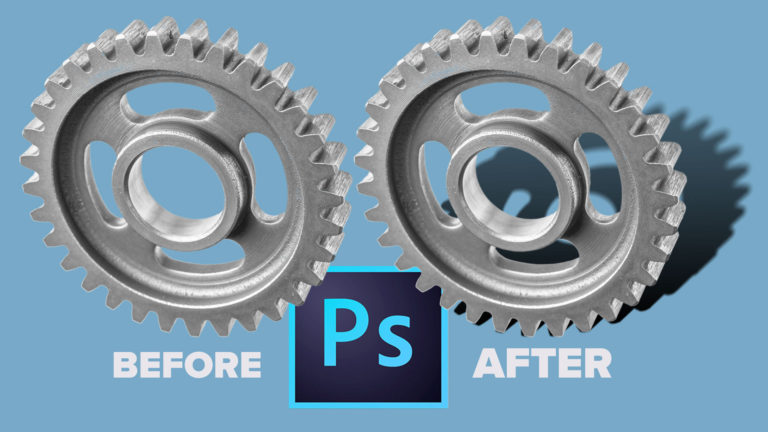
How to Make a realistic cast shadow in Photoshop, new way.
How to make a realistic looking shadow in Photoshop. This photoshop tutorial shows how to cast a shadow, Colin Smith's new way. Read tutorial
Overview of 3D Tools in Photoshop
In this photoshop tutorial you will learn how 3D works in Photoshop. Colin Smith walks you through the new features and opens... Read tutorial
ANIME BEADS Photoshop Tutorial
I received a request from the forum for this effect from one of our Members living in Japan. This is a technique... Read tutorial
Dotted lines in photoshop tutorial
Seems like I have had so many people ask how to do a dotted line in Photoshop, so here is the easiest... Read tutorial
How to outline type in Photoshop tutorial
This Photoshop tutorial shows you how to outline type and make it vector in Photoshop. If you want to preserve the edge... Read tutorial