
How to color grade Video in Photoshop Camera Raw

The best tool for Color Grading in Photoshop is Camera Raw.
“What?” You might say? “I didn’t even know that you could use Camera Raw with video”. Yes, you can, and you can get really great results. It’s as easy as editing a photo in ACR.
This tutorial walks you though all the steps for using Camera Raw for editing the color and tone of your videos. The important thing, is to make a Smart Object first. I show 2 examples. The first, we go through the steps very quickly. The second example, I explain how to get video into Photoshop, how to apply a cinematic Color grade and how to export the video. This tutorial is for Photoshop CC.
I will be adding the written steps soon.
I have 2 premium courses on Photoshop and video if you want to learn more. I also wrote a book with Peachpit Press called Video in Photoshop.
Thanks for watching
Colin
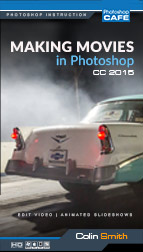
Recommended for this tutorial
Making Movies in Photoshop. Video In Photoshop CC
Edit video in Photoshop: cuts, color, titles and export.
$49.99 · one-time purchase · instant download

Free for you
The Photoshop Vault
Get my free Layer Blending Modes ebook along with dozens of exclusive Photoshop goodies: actions, brushes, presets and cheat sheets.
You're on the list, so your free goodies are waiting for you in the Vault.
Get Free Photoshop Goodies Open the Vault
Animating a slideshow in Photoshop
In this tutorial, Colin Smith shows you how to add different types of motion to a slideshow in Photoshop. Pan, zoom and... Read tutorial
Get started, how to edit video in Photoshop CC CS6 Tutorial
How to edit video in Photoshop CC / CS6. Learn the basics of editing video in Photoshop. This tutorial shows how to... Read tutorial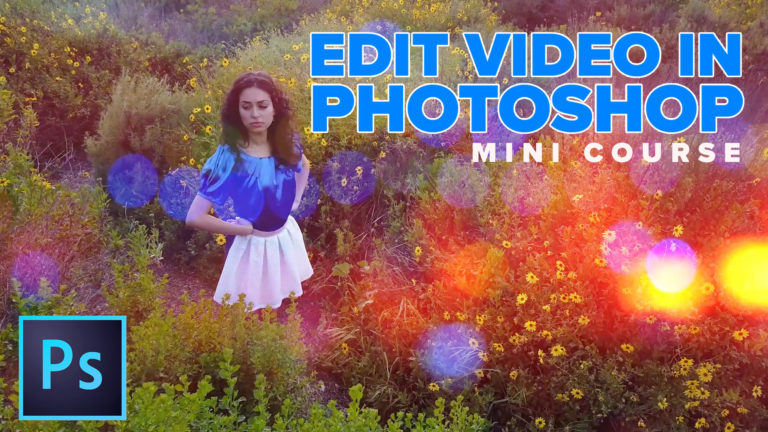
How To Edit Video in Photoshop: Free mini Course
How to edit video in Photoshop. The definitive tutorial for editing video and motion graphics in Photoshop CC and CS6. Read tutorial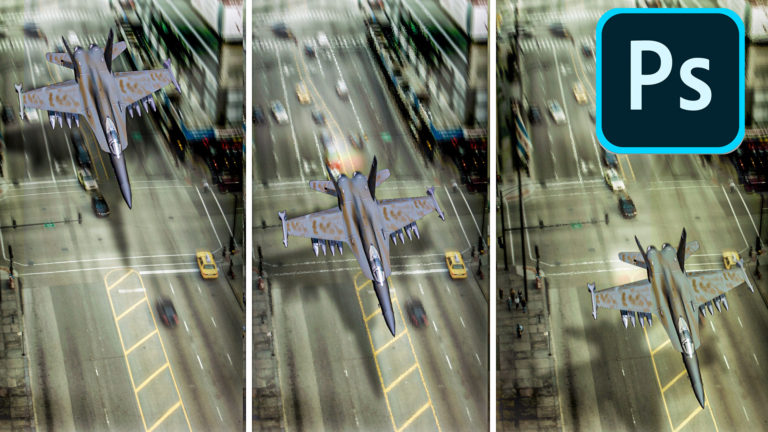
How to Animate in Photoshop, Video animation
How to create animation in Photoshop. Learn how to create movement and animate an object in Photoshop. Read tutorial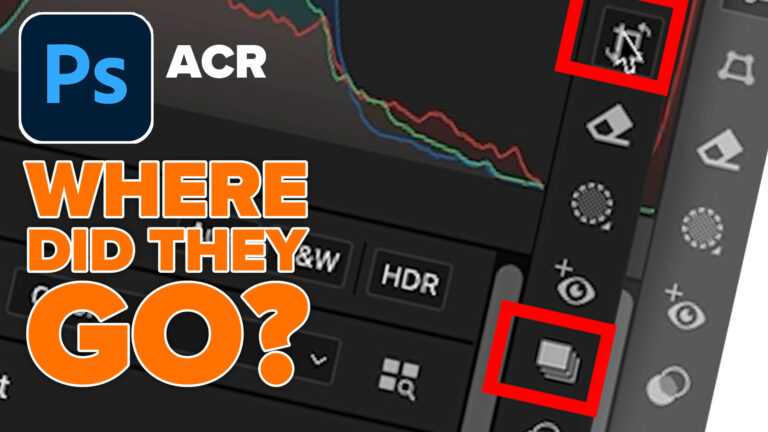
Why are there tools missing in Camera RAW sometimes?
Finding the missing tools in Camera Raw. Why do tools sometimes vanish in ACR? Colin Smith explains ACR as a filter vs... Read tutorial










Great, AWESOME tutorial, Colin you’re really up to the test. Always. I can’t tell you enough how much I have learned from you. Oh by the way, please play something more fun, that would really increase the viewers????? :} LOL!!!
Thanks Colin, great video more I have to learn. You make this learning process much easier.
recently got a dji OSMO Pocket for video
Very useful information you have shared. Thanks for that Colin.
My tool of choice for video is my cell phone with a Rhode mile attached—quick, easy and I always have it with me. May not be studio quality but does well for Face Book and you tube posts.
You make it look so easy!, but I know it’s a LONG road from very basic photoshop, where I am, to where you are. You might sell a lot of videos if provided a map… ??? I think
That was great am going to buy the course Making Movies in Photoshop. Was wondering when you make the video a smart object can you use the clone stamp tool in photoshop to remove spots all at once instead of going frame by frame. Yes I would love to see more up to date videos on this subject editing videos in photoshop. I shoot videos with either a Sony A7RII or a Sony A6400. Would like information on joining the Photoshop Cafe. Thanks for great tutorials have been following you for quite a while. Johnny