Photoshop for Lightroom users
What can Photoshop do that Lightroom can’t? Photoshop for Lightroom users
Why Photoshop? I have Lightroom
There are a number of tasks that can be done in photoshop that Lightroom can’t do. I’m not talking about Panoramas and HDR anymore, because they can now be done in Lightroom CC and Lightroom 6. Pixel and layer level tasks require Photoshop.
Learn how to create reusable layered templates, discover non-destructive layers and masks. Make time lapse sequences, do sky replacements and other compositing tricks. Find out the power of using pressure sensitive brushes and more in Photoshop in Colin’s whirl-wind tour of the creative side of Photoshop.

Recommended for this tutorial
Learn Masks in Lightroom and Camera RAW
Make precise local adjustments in Lightroom and Camera Raw with every type of mask.
$59.99 · one-time purchase · instant download

Free for you
The Photoshop Vault
Get my free Layer Blending Modes ebook along with dozens of exclusive Photoshop goodies: actions, brushes, presets and cheat sheets.
You're on the list, so your free goodies are waiting for you in the Vault.
Get Free Photoshop Goodies Open the Vault

Photoshop and Lightroom integration
Watch this video to discover how to best work between Photoshop and Lightroom. Find out how to keep your Lightroom adjustments fully... Read tutorial
Lightroom for Photoshop Users
If you are a Photoshop User and have been considering using Lightroom, this tutorial will teach you the basics to get you... Read tutorial
How to use Lightroom Presets in Photoshop
Learn how to use Lightroom Presets in Photoshop. This tutorial shows you how to make a cool preset in Lightroom and then... Read tutorial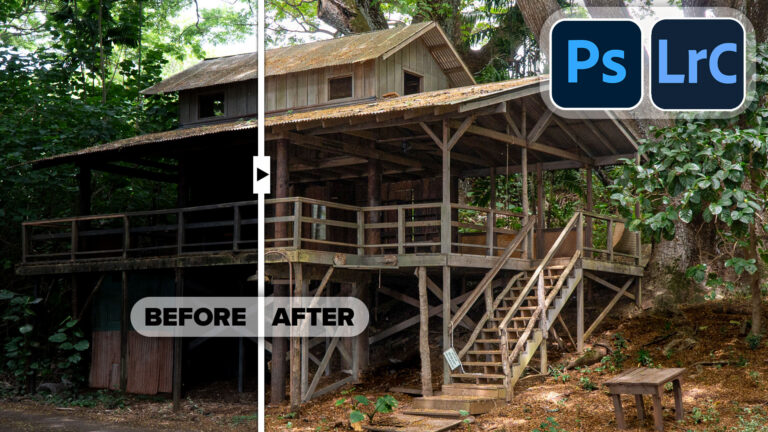
Powerful Landscape Masks, make easy, precise photo editing in Lightroom and ACR in Photoshop
Powerful Landscape Masks, make easy, precise photo editing in Lightroom and ACR in Photoshop Read tutorial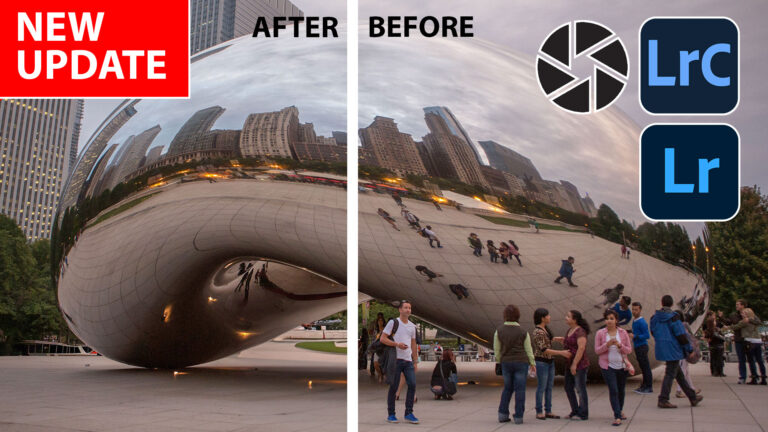
New Features in Lightroom, Lightroom Classic and ACR Feb 2025 update
New Features in Lightroom, Lightroom Classic and Adobe Camera RAW Feb 2025 update. Read tutorial