
Make 3D art with Adobe Dimension and Photoshop
This tutorial shows you how to make 3D art in Photoshop and Adobe Dimension.
Since Adobe introduced the Substance Suite, they have been moving away from 3D support in CC apps. According to Adobe:
Dimension is still available for Creative Cloud All Apps plans. Stager and Dimension are not supported on Apple Silicon M1 devices and will not show up if you are on that type of device. If you’re NOT on M1 device and still don’t see it in Creative Cloud dekstop please
- Click on your profile picture in CCD
- Select “Preferences”
- Go to the “Apps” tab
- Enable “Show older apps” option
If you’re on an enterprise account “show older apps” may be disabled by your enterprise admin.
The tutorial
Adobe Dimension is a part of the Creative Cloud. What Dimension does is make it easy to combine photos and 3D. Drop in your photo as a plate and then add a 3D model (or more than one). You can easily change the scaling, position, camera angle etc. Change the color, texture, reflectivity, lighting, shadows, materials and depth of field. It quickly renders the scene and enables you to bring it directly into Photoshop where you can to the retouching. This is made easy because dimension creates depth and object masks for you to easily make selections.
You can use photos and 3D models from Adobe stock, directly in the Library panel. Many of these 3D objects are free, There are also a variety of lighting models and materials (textures) ready for your use.
Great to see you here at the CAFE!
Colin

Keep growing with Premium Courses
Photoshop 2026 for Digital Photographers
Learn Photoshop properly, from the basics to pro retouching, step by step.
$129.00 · one-time purchase · instant download

Free for you
The Photoshop Vault
Get my free Layer Blending Modes ebook along with dozens of exclusive Photoshop goodies: actions, brushes, presets and cheat sheets.
You're on the list, so your free goodies are waiting for you in the Vault.
Get Free Photoshop Goodies Open the Vault
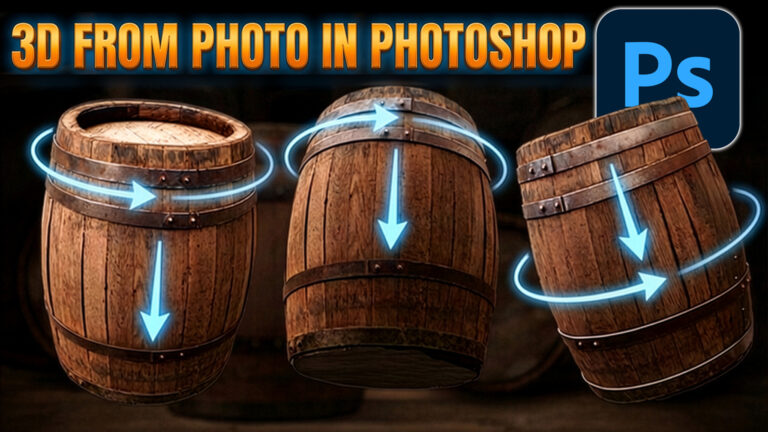
Rotate object converts objects to 3D in Photoshop
Rotate Object in Photoshop turns photos into 3D models, perfect for compositing Read tutorial
How to create a Design Concept with Photoshop and Adobe Stock
In this Photoshop tutorial, learn how to create a cool mirrored effect that looks like something on a record cover, or movie... Read tutorial
Blending photos together Photoshop Layer Masks Tutorial
Collaging - Merging 2 images with a layer mask. This is a very requested technique and will be the first in our... Read tutorial
Create Realistic Lightning in Photoshop Tutorial
Here is a nice little tutorial to show you how to electrify your images with lightning in Photoshop. This spooky graveyard will... Read tutorial
Turning on lights in Photoshop tutorial
In this Photoshop tutorial, I’m going to show you how to turn on the lights in a photo. I made this car composite where... Read tutorial









How are you finding free 3d models in Adobe Stock?
shows right there in the tut, choose 3D from the options
Colin, For 3D models that aren’t designed just to be used in Dimension (so may not have piece part components & might just be one unified model) is there a way to do custom masking so we can add materials to just selected parts of the 3D model? I’m finding that with models from sites other than Adobe Stock (which I can’t afford to subscribe to) the free models are often a single element (for instance, not a bottle, bottlecap, label as discrete pieces that could have materials overlaid on them but rather one unit). If I want to select just one area or custom mask out where a material was overlaid I can’t figure out a way to do it. The Magic Wand tool seems too clunky (unless I’m using it wrong…). Thx!
I don’t think you can break apart the models in dimensions, or apply textures to parts of the models. Substance probably does that though