
How to make a Panorama Photo from gopro video in Lightroom and Photoshop
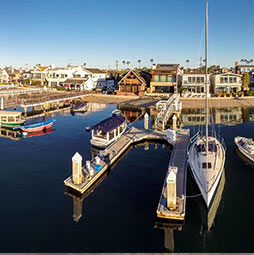
Ever since I posted this photograph on Social Media, I have had a ton of people ask me how I did it. This is a 7 image panoramic Photograph, made from a video shot on a GoPro Hero 3+ Black Edition, mounted on a DJI Phantom 2 Quadcopter Drone. 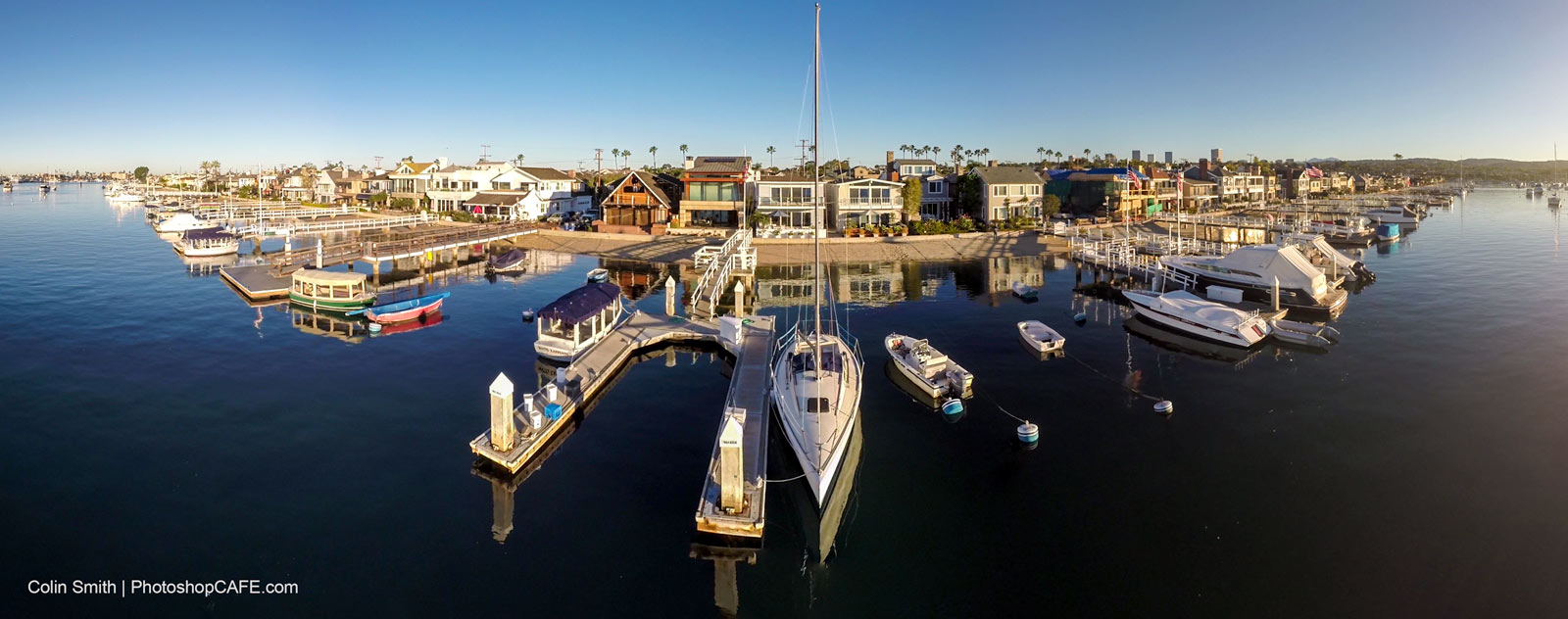
We have plenty of free content here at PhotoshopCAFE that shows you how to fly drones and work with video and photographs. You can see the tutorial here on creating tiny planets from the panoramas too.
PS Don’t forget to follow us on Social Media for more tips.. (I've been posting some fun Instagram and Facebook Stories lately)
You can get my free Layer Blending modes ebook along with dozens of exclusive Photoshop Goodies here

One thought on “How to make a Panorama Photo from gopro video in Lightroom and Photoshop”
Leave a Reply
Use Black and White, to darken and lighten COLORS in Photoshop. How to do color-based luminosity masking in Photoshop

How to resize bulk images in Photoshop. Using scripts to automate photoshop, resize multiple images for instagram and social media.
In this Photoshop Tutorial, learn how to design a magazine layout. Convert a layout into a reusable template in Photoshop...






Thanks, that was cool.