
The Best Photoshop Tutorials of the Year (New + Classic) 2025-2026
Best Photoshop Tutorials of the Year at PhotoshopCAFE
Hey CAFE Crew, firs of all, thanks for joining us for the ride this year! What a ride it’s been! New Website, celebrating 25 years and so much more!
As the year wraps up, it felt like a good moment to look back and share the Photoshop tutorials you found the most useful, practical, and genuinely helpful.
This isn’t just a list of the newest posts. It’s a mix of the most popular new tutorials from this year, along with a few PhotoshopCAFE classics that people love coming back to again and again.
If you’re learning Photoshop, refining your workflow, or just looking for a few “lightbulb” moments, these are well worth your time.
Popular New Tutorials from This Year
These reflect how Photoshop was really used this year — especially with AI tools, smarter selections, and faster workflows.

1. Big Ambitious New Features in Photoshop 2025 (July Update)
This was one of the most-viewed tutorials of the year. It breaks down the biggest Photoshop updates and explains what’s actually worth paying attention to (and what you can safely ignore).
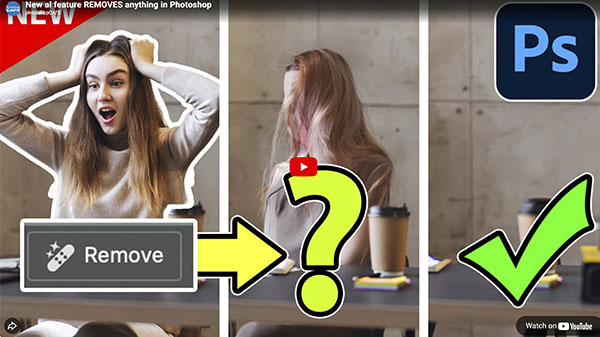
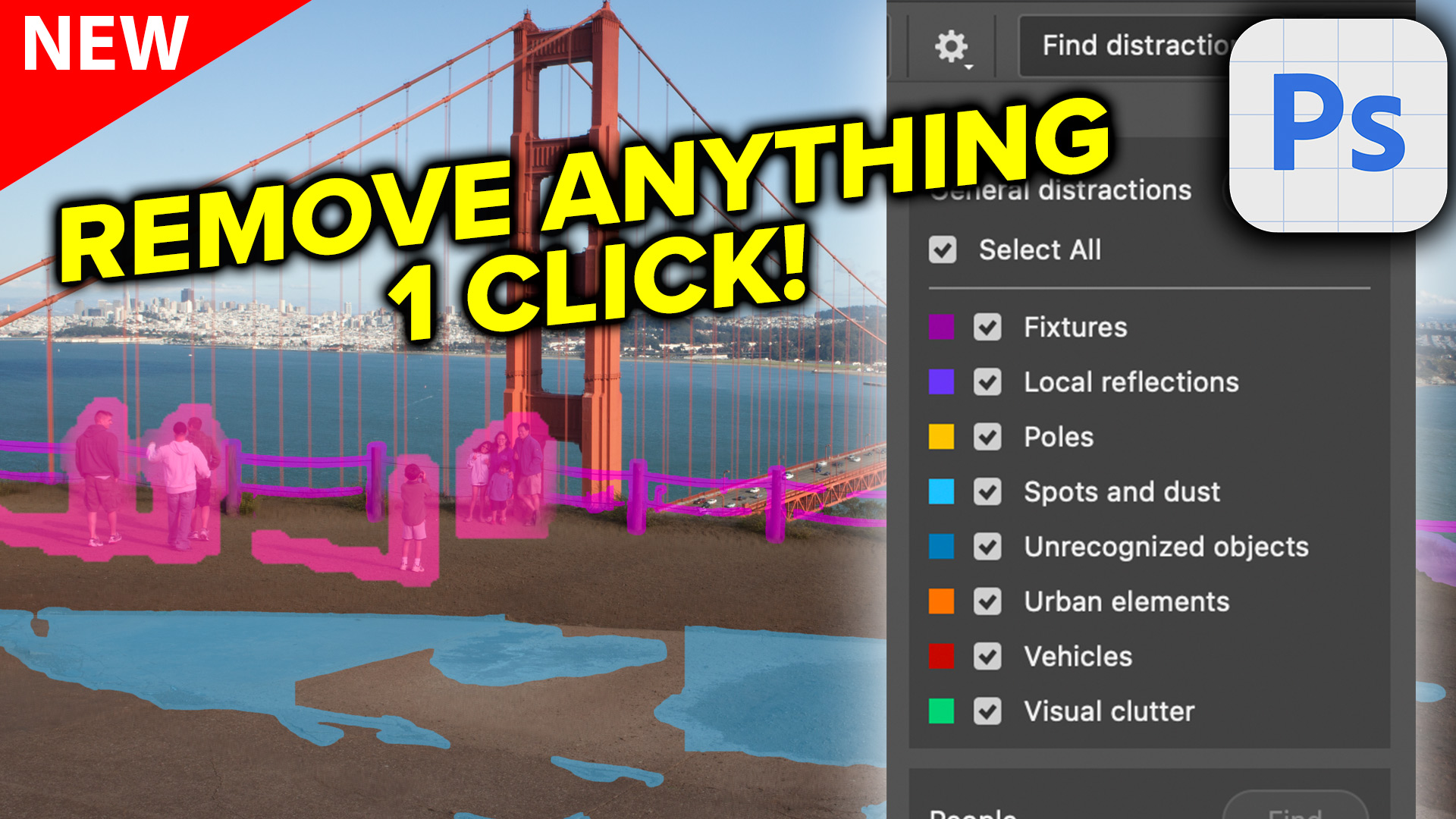
2. Generative Remove in Photoshop – Real World Examples
Removing distractions has never been easier, but getting good results still matters. This tutorial shows how to use Generative Remove in ways that look natural and believable.

3. Adobe Photoshop Has Nano Banana AI Generator Inside
One of the year’s biggest topics was this new AI tool, and this tutorial shows where it actually fits into real creative work.
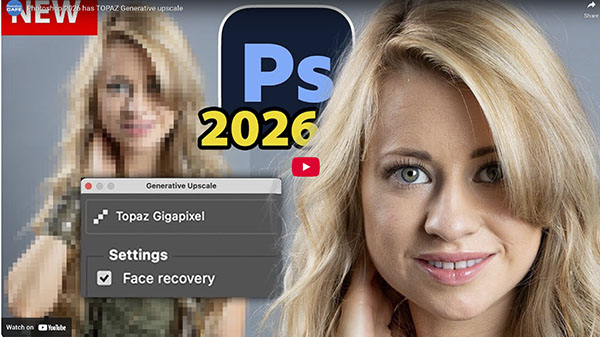
4. Generative Upscale in Photoshop 2026 with Topaz Gigapixel
Upscaling images is a huge deal for photographers and designers. This tutorial breaks down how Photoshop’s Generative Upscale works with partner models.
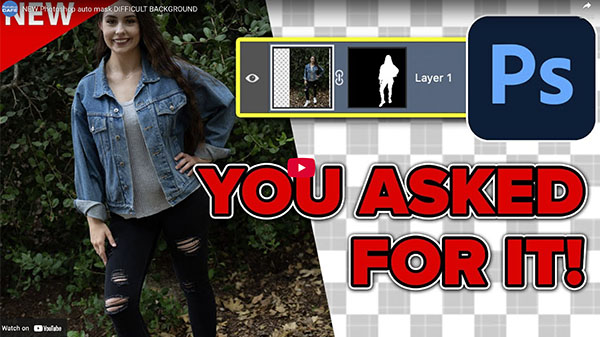
5. Auto Selections in Photoshop with Difficult Backgrounds
Selections are faster than ever, but tricky edges still trip people up. This tutorial became popular because it deals with the tough cases we all run into.

6. AI Dust & Spot Removal in Adobe Camera Raw
Quietly one of the biggest time-savers of the year for photographers. A small feature that made a big difference.
PhotoshopCAFE Classics
These tutorials aren’t new, but they’re still some of the most visited pages on the site — and for good reason.
7. Understanding Image Resolution in Photoshop
This topic never seems to go away, and that’s exactly why this tutorial continues to help so many people.
8. How to Use Layer Masks in Photoshop
Layer masks are one of those skills that change everything once they click. This guide has helped thousands of people get there.
9. How to Cut Out Anything in Photoshop
From hair to complex backgrounds, this tutorial walks through the methods that actually work — without overcomplicating things.
10. Using Curves in Photoshop for Color and Tone
Curves can look intimidating at first, but they’re still one of the most powerful tools in Photoshop. This tutorial makes them feel approachable.
A Quick Year-End Thought
This year really showed how much Photoshop has changed — especially with AI — but it also reminded us that strong fundamentals still matter. The best results come from combining new tools with solid skills, and that’s exactly what this list represents.
If you want to really learn these new and core Photoshop tools, check out my Flagship course that covers all this and much more. Photoshop Secrets: Photoshop 2026 For Digital Photographers. This is the cheat code to mastering Photoshop. You download it and it’s yours forever, no ongoing subscription. Limited time, save 20% with Code: PSC20DPWS

Thanks for learning, sharing, and creating with us here at PhotoshopCAFE this year. It’s been a big year, with the launch of the new site, growth on Youtube, release of the new flagship course and more.
Here’s to many more in the years ahead.
Great to see you here at the CAFE
Colin
PS Don’t forget to follow us on Social Media for more tips..
(I've been posting some fun Instagram and Facebook Stories lately)
You can get my free Layer Blending modes ebook along with dozens of exclusive Photoshop Goodies here

4 thoughts on “The Best Photoshop Tutorials of the Year (New + Classic) 2025-2026”
Leave a Reply
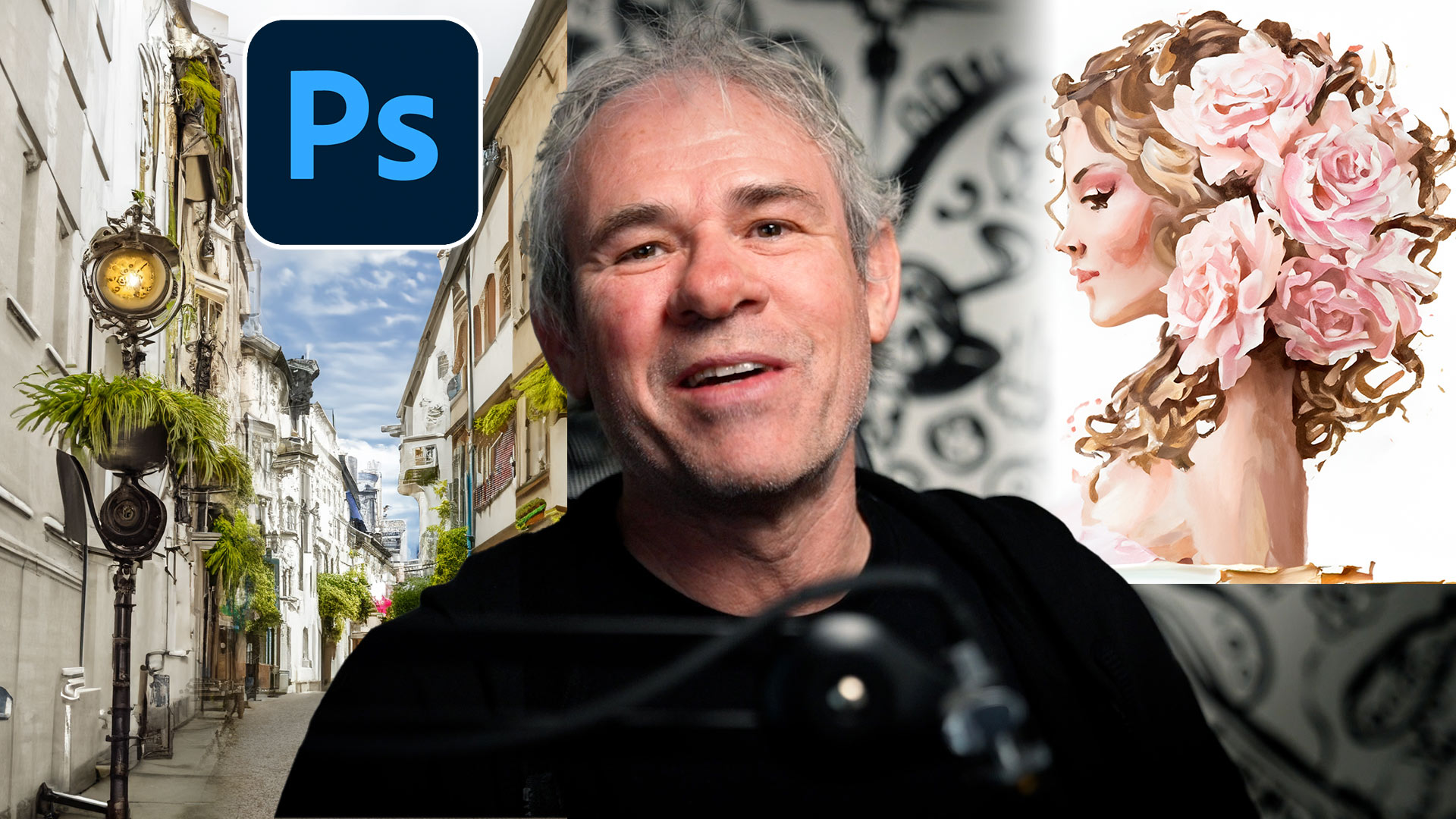
Hidden way to convert your photos into different art styles using Generative ai inside Photoshop. Access Firefly settings inside Photoshop

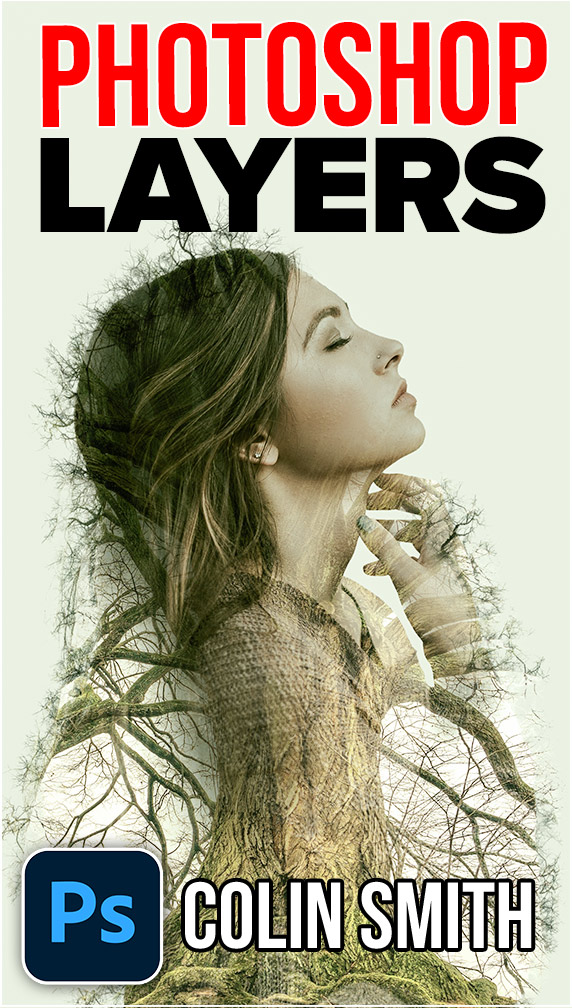
How to brighten the shadows in a photo in Photoshop using an easy Parametric curves trick. Make all your photos...

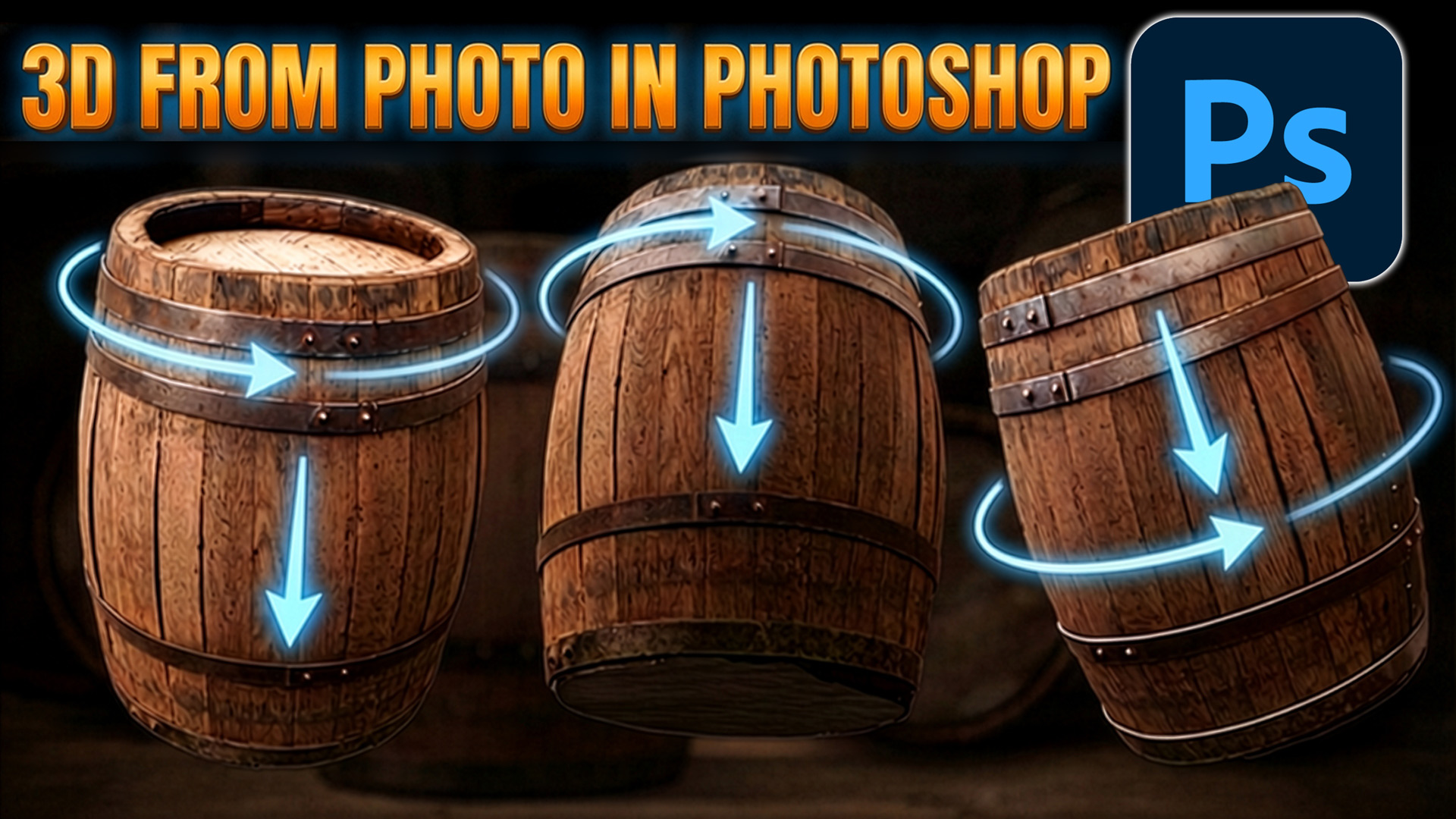
Do you use Quick Actions in Photoshop? How to find quick actions and how to use these quick actions on...







I love your tutrials and have all this years emails saved in my Colin Smith directory. Hopefully one day soon when I have enough time, I will purchase your photoshop course, and really get into photoshop. The trouble I have is when I learn something, in 5 minutes i have forgotten what I learnt, so back and forth to the tutorial have to go and rfind it. That doesnt help when I am 70 years old. people sometimes find it funny that at my age I can actually use photoshop, at lat a little bit. Thanks, Colin for all that you do for us.
Thanks for your support, when you practice doing the tutorials it helps you remember
Hello Irvine, hello California
Hi Colin, how you doing?
thanks to your endeavors doing in Photoshop constructions and thinking
it inspired me to my new project, winter & spring
from one picture to the whole season just with AI and of course HI äh in german
means handwerkliche Intelligenz because Photographer ist there a special Handwerk
so may visit
verdegraphic.ocm
greetings from Franconia, from the other side of the world
rg
wolfgang k rauscher
Thanks for sharing